
Archived topic
Issue with adding Ultimate Addons for Gutenberg
11 replies · Started by Jochen on August 4, 2022
Hi, I want to use the Ultimate Add On Block "table of content" for the content I put in an element. The block is displayed correctly in the backend but is not loading in the frontend.
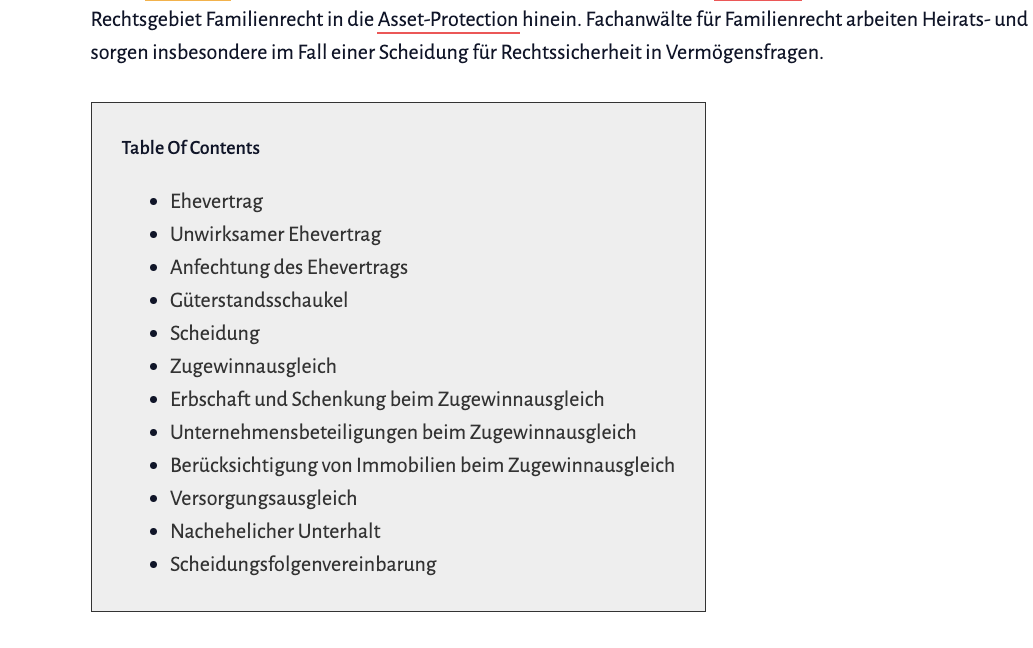
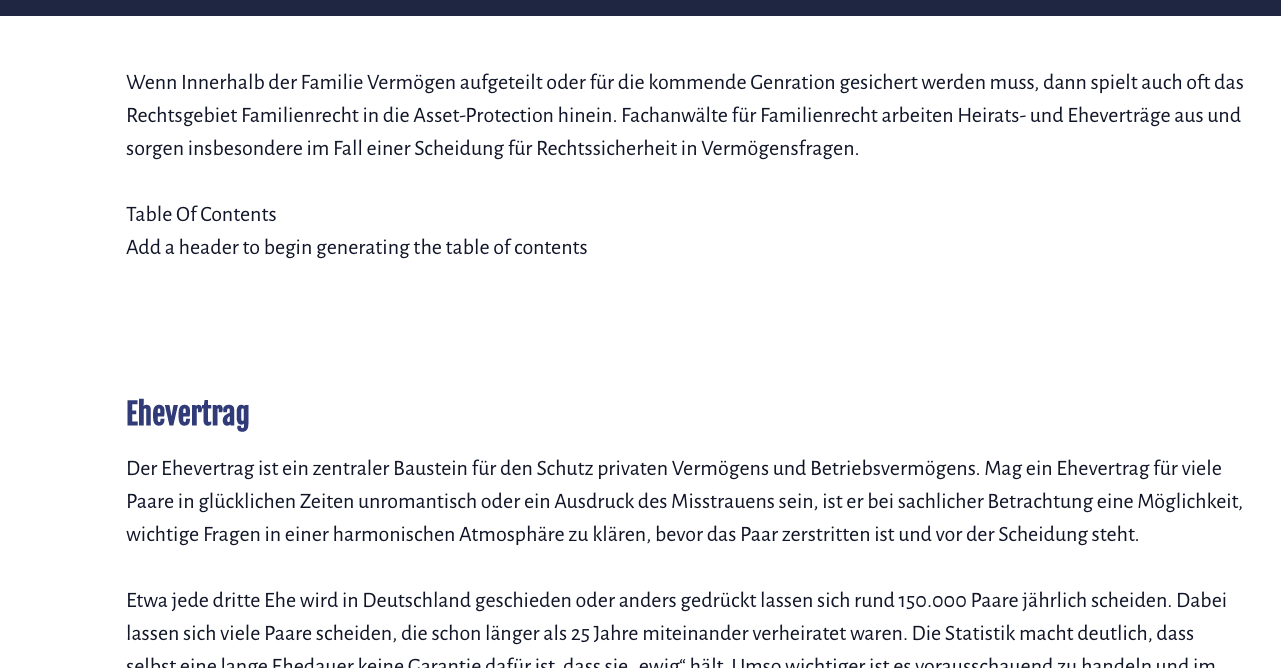
The element is displayed on a archive page. Any suggestions?
Hi there,
1. Could you link us to the archive page where the TOC should appear?
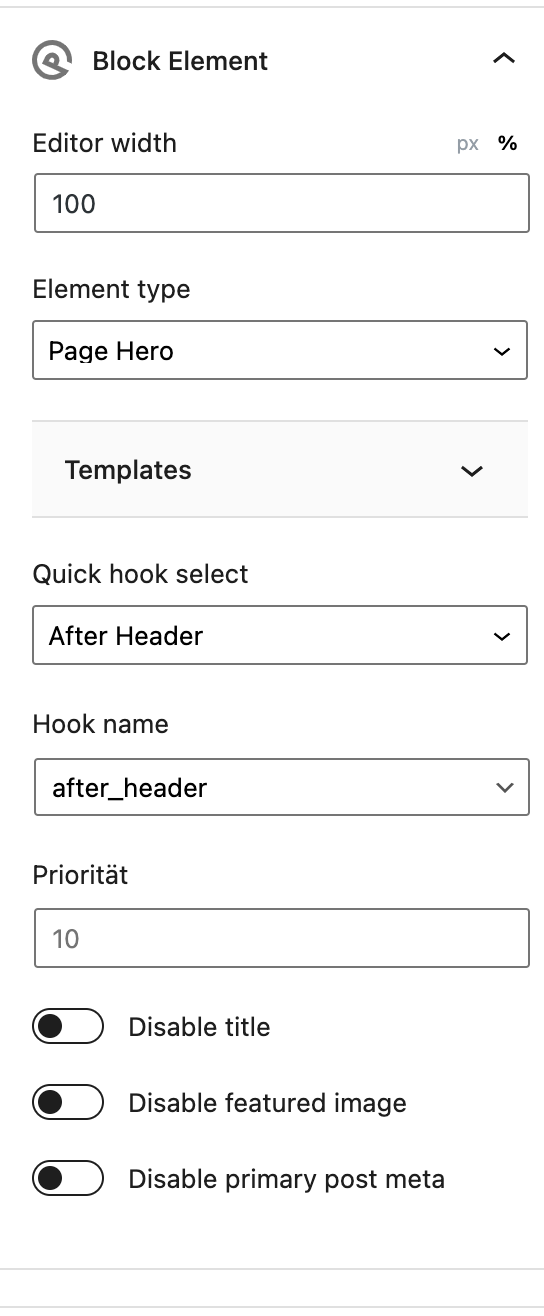
2. What's the element setting for location/hook name?
Let me know!
Hi, the archive page is https://asset-protection.de/kategorie/familienrecht/
Settings:
What's the location set for the block element?
https://docs.generatepress.com/article/block-element-overview/#display-rules
The location set is:
Beitrag Kategorie Archiv | Familienrecht
which is
post category archive | post category
Hi Jochen,
To test if the Block Element is appearing, can you try adding a Static Block Element? For instance, try adding a Heading Block.
Hi Fernando,
Everything on the category page except the posts at the end is in the block element. So it is clearly appearing. It’s just that the table of content is not being generated
Can you try creating a new Block Element just for this TOC and hook it to somewhere different? Try inside_site_container for instance.
Unfortunately this does not work either. Same problem as before. The block is loaded, but it doesn't generate the table of content
If you don’t use an element and add it manually to the post/page itself, does it work?
it works when i put it manually, it also works when i put the block element on a page, but it doesnt work when i put the element on a archive page.
I see. Hooking it should not have any effects with how it functions. Can you confirm if it works for archive pages? It would be best to reach out to Ultimate Add on support regarding this.
