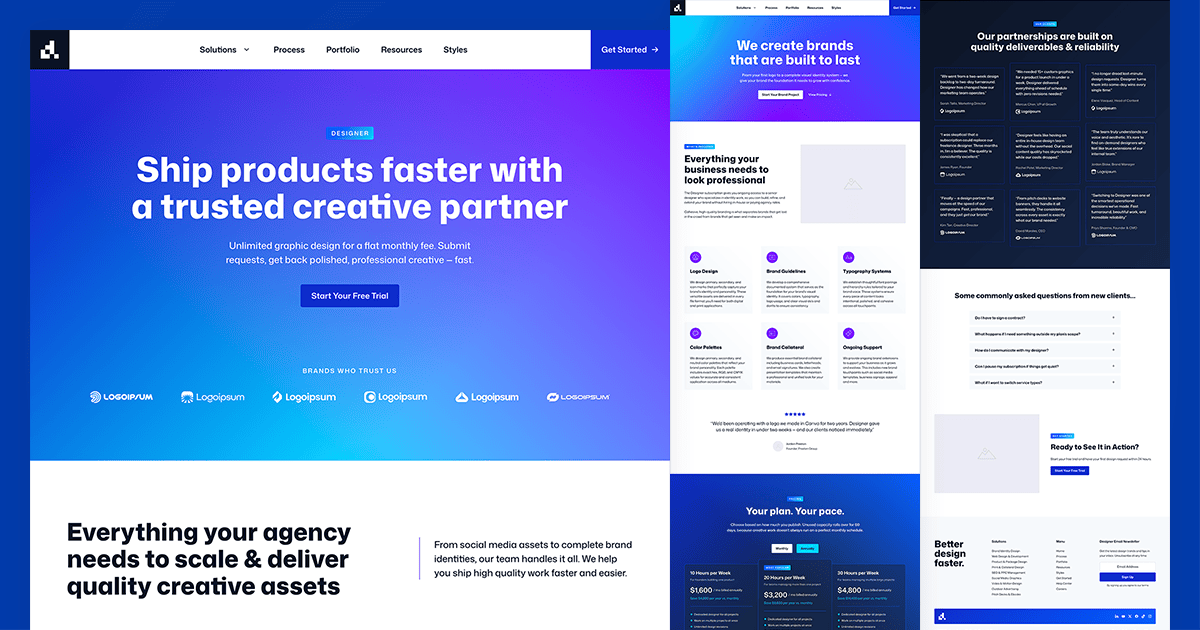
If you’ve ever wanted to build a site for a design agency, a creative studio, or a subscription design service, the new Designer Starter Site gives you a complete, production-ready foundation to start from.
This one covers a lot of ground with a mega menu, a reusable single service page template, a process page, portfolio, blog, and a contact flow. Here’s a look at what’s inside and how it all fits together.
What the Designer Site Is Built For
Subscription design services have become one of the fastest-growing models in the creative industry. Companies like Design Pickle, Superside, and Kimp have proven that clients want great design without the overhead of agencies or the unpredictability of freelancers. The Designer Starter Site gives anyone building in this space a credible, conversion-focused starting point.
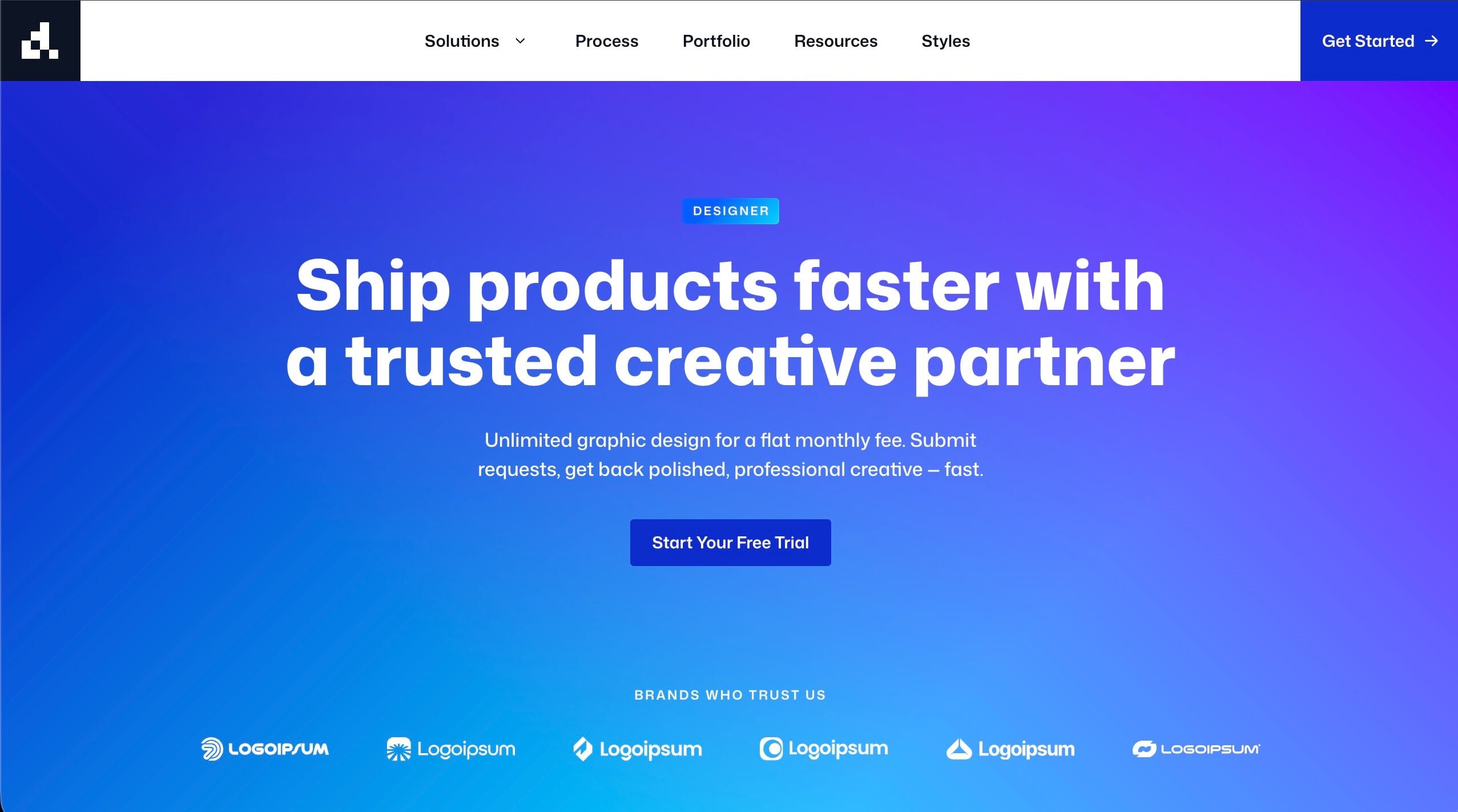
It also works beautifully for traditional design studios, creative agencies, and freelance designers who want a site that looks as good as the work they produce.
Features Included
Home. The homepage opens with a strong hero, moves through a logo bar, a services grid, statistics, testimonials carousel, and a latest posts section before closing with a full-width CTA. Every section is purposeful and the flow is built to convert.
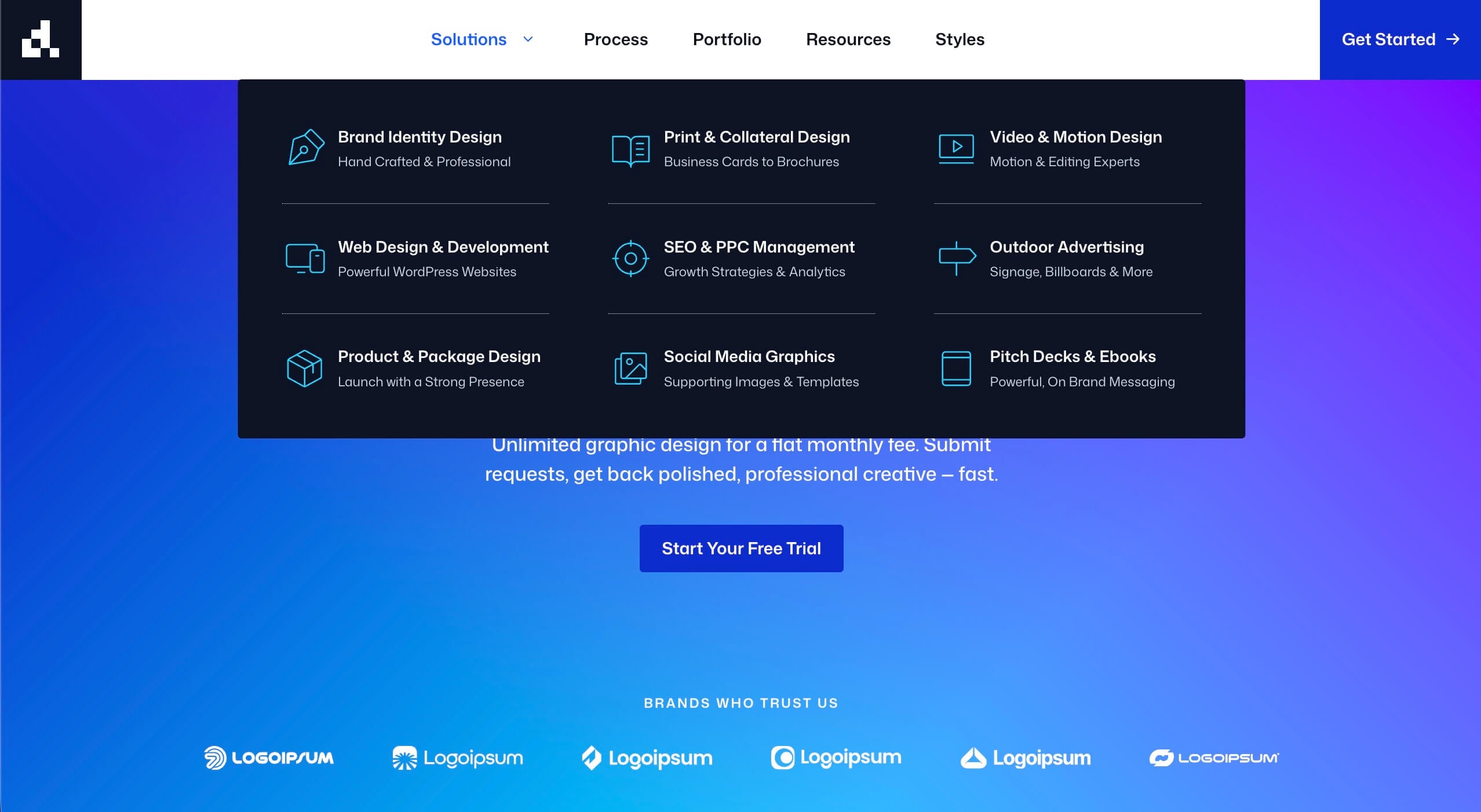
Solutions Mega Menu + Single Service Template. The navigation includes a mega menu with nine service categories, from Brand Identity Design and Web Development to Video & Motion and Pitch Decks. Every menu item points to a single reusable service page template, making it simple to build out as many service pages as needed without rebuilding the layout each time.
Process. The Process page walks visitors through the three-step workflow, Submit, Design, Refine, and backs it up with six benefit callouts covering turnaround times, dedicated designers, unlimited revisions, brand consistency, file delivery standards, and the risk-free guarantee. A FAQ section and testimonials carousel round it out.
Portfolio. A clean portfolio page ready for image galleries and case study content.
Resources. A blog index page with category filtering
Newsletter Signup. Enable the new GenerateBlocks Form Block to capture leads for newsletters, ready to connect to your CRM of choice.
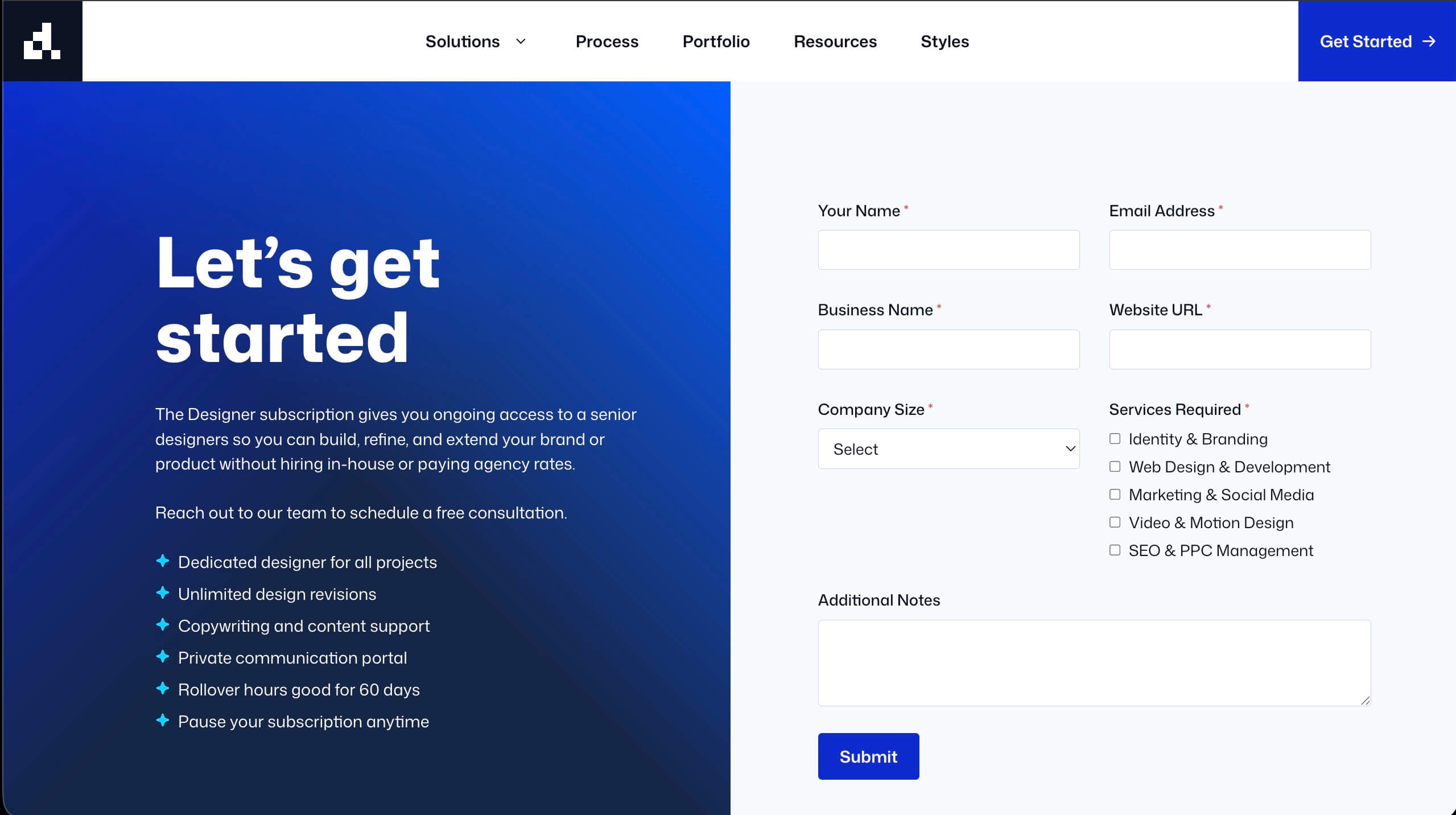
Get Started. A focused contact page with a lead capture form using GenerateBlocks new Form Block, trust signals, and a supporting testimonial. We provide an example screenshot. Use your form plugin of choice, or enable the GenerateBlocks Form Block (under GenerateBlocks > Settings) for a simplified, clean form you can customize to your needs.
Design Decisions Worth Noting
The mega menu. Nine service categories displayed in a clean three-column grid, each with a title and short descriptor. It’s a pattern that works well for services businesses with multiple offerings and gives the site an established, agency-level feel right out of the box.
The single service template. Rather than building nine separate page layouts, the Designer site uses one reusable template for all service pages. The structure contains a hero, overview, work samples, mini process, testimonial, related services, CTA, flexible enough to work for any creative service. Swap the copy and images and you have a new page.
Testimonials carousel. Nine client testimonials rotate through on both the home page and the process page, giving the site social proof density without overwhelming the layout.
Statistics row. Four key numbers presented in a clean highlight row. Easy to customize for any business with real data.
How to Make It Your Own
The Designer site is built to be customized quickly. A few high-impact changes will make it feel like a completely different brand:
- Swap the placeholder images in the services grid and portfolio with real work samples
- Update the logo bar with actual client logos
- Replace the statistics with numbers that reflect the real business
- Populate the blog with three to five real posts to bring the Resources page to life
The mega menu service categories are easy to trim or expand. Nine is a full set, but the layout works just as well with five or six if the service offering is more focused.
Get Started with Designer
With GeneratePress One, you can import the Designer Starter Site with just a few clicks and start customizing it. Here’s how:
- Ensure You Have GeneratePress One. The Starter Site is available exclusively to GeneratePress One users and includes Global Styles and GenerateBlocks Pro features.
- Start with a New WordPress Site. The import process will replace existing content, so it’s best to begin on a fresh WordPress installation. You can always migrate your existing pages and posts afterward.
- Access the Site Library. From your WordPress dashboard, go to Appearance > GeneratePress > Site Library. Make sure the Site Library is activated.
- Import the Designer Starter Site. Click on the Designer Starter Site, agree to the changes by clicking “I understand,” and then click “Begin Import.” In just a few moments, your new site will be ready.
- Customize with Ease. Use the WordPress Customizer and GenerateBlocks to add your own branding, photos, program details, and content.
Preview the Designer Site
The full demo is available as a preview. Browse the mega menu, click through to the single service template, and walk the process page to get a feel for how the sections flow together.
Leave a comment