GeneratePress AI
Build your site
by talking to it.
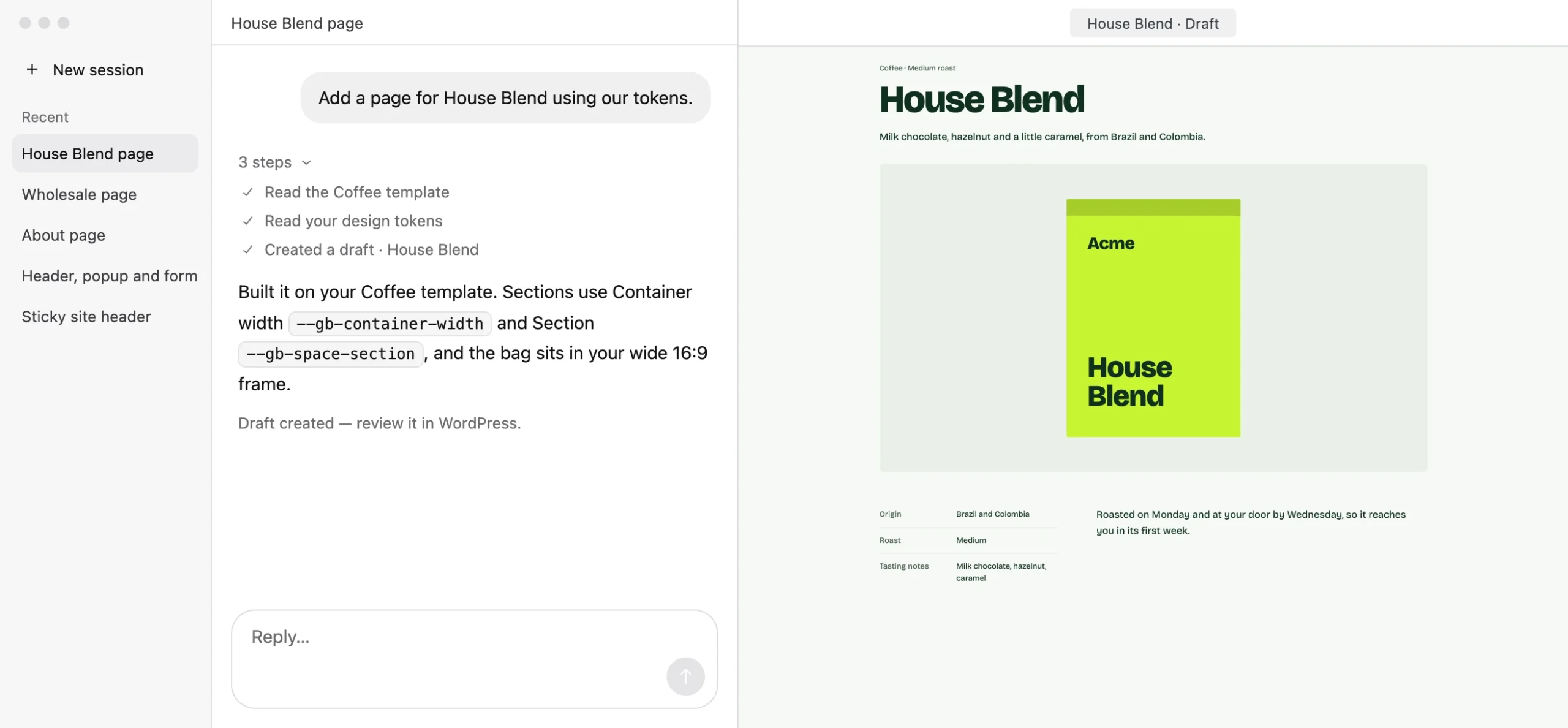
Connect the AI you already use and ask for the page you need. It builds with your site’s own styles, and every page arrives as a draft for you to review.
Works with Claude Code, Codex and any other AI app that supports MCP.
Your own support agent.
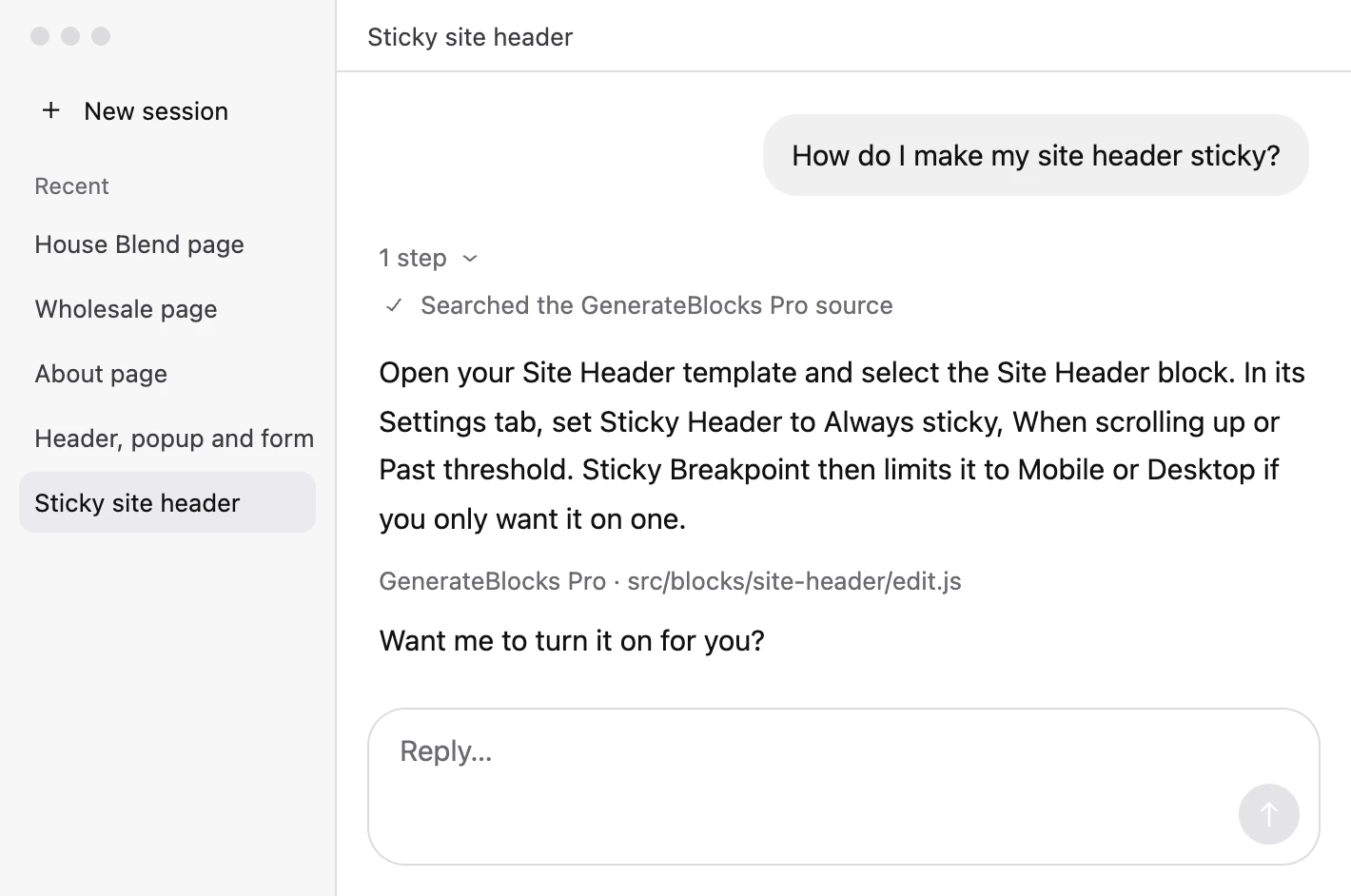
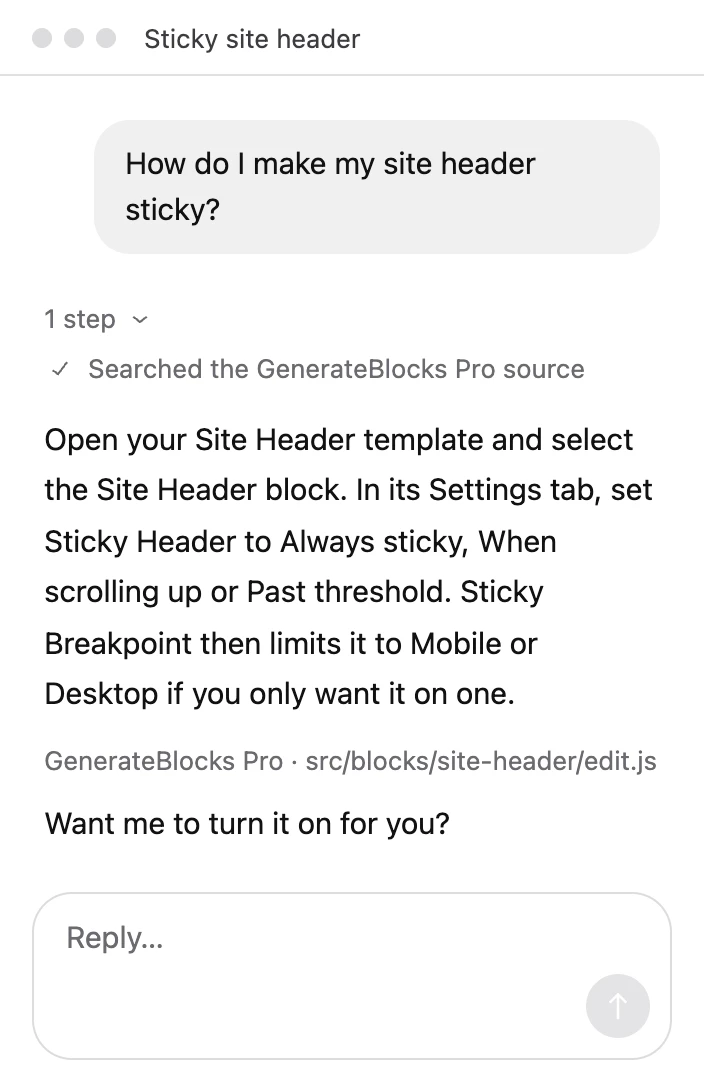
Ask why something on your site behaves the way it does. The AI reads the actual code for GeneratePress, GP Premium, GenerateBlocks, GenerateBlocks Pro and WordPress, at the versions you have installed, and answers with the file it found the answer in.
Describe a page. Review a draft.
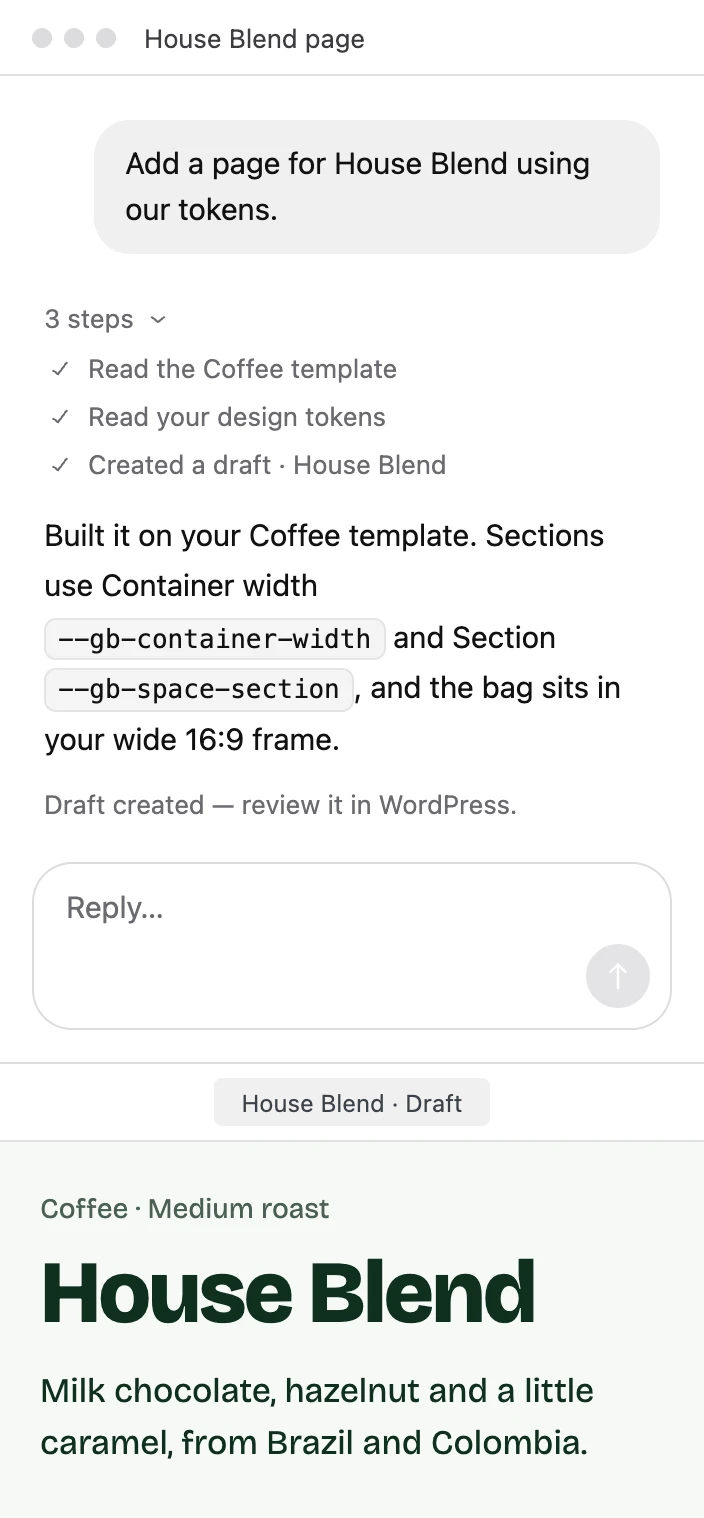
Ask for a page and it appears in WordPress as a draft, built from your own patterns and styles. Publish it when you’re happy with it.
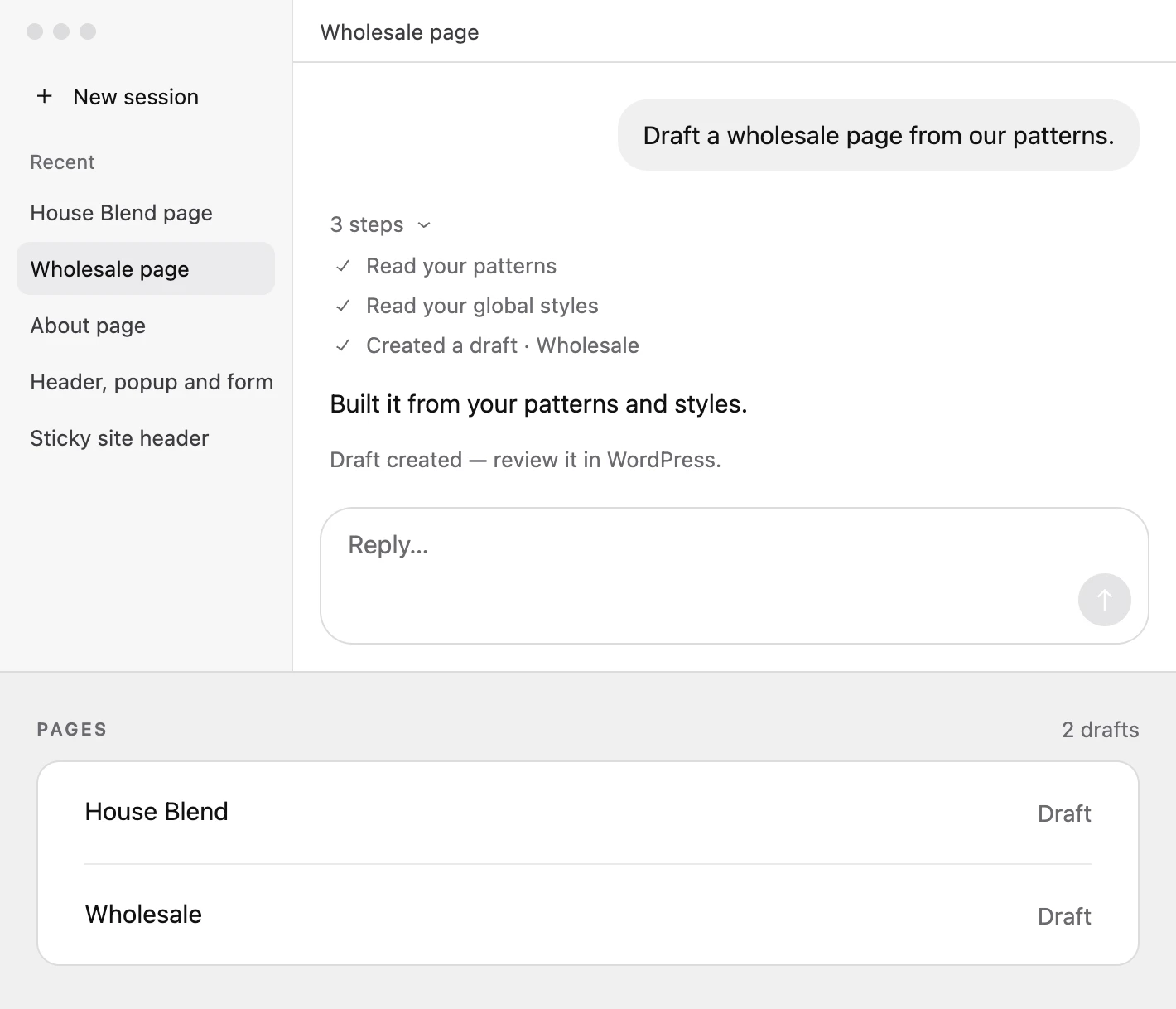
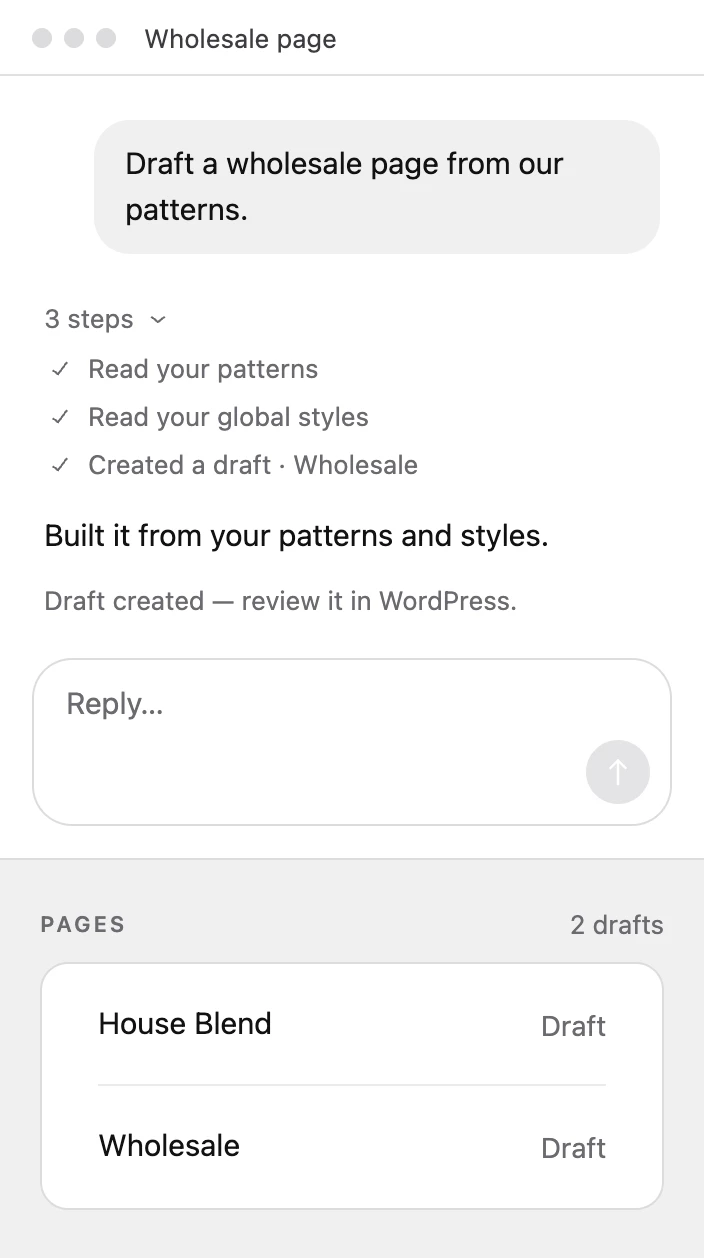
It builds with your design system.
Before it builds anything, it reads your colours, spacing, styles and patterns, then uses them by name. Every page it makes looks like the rest of your site.
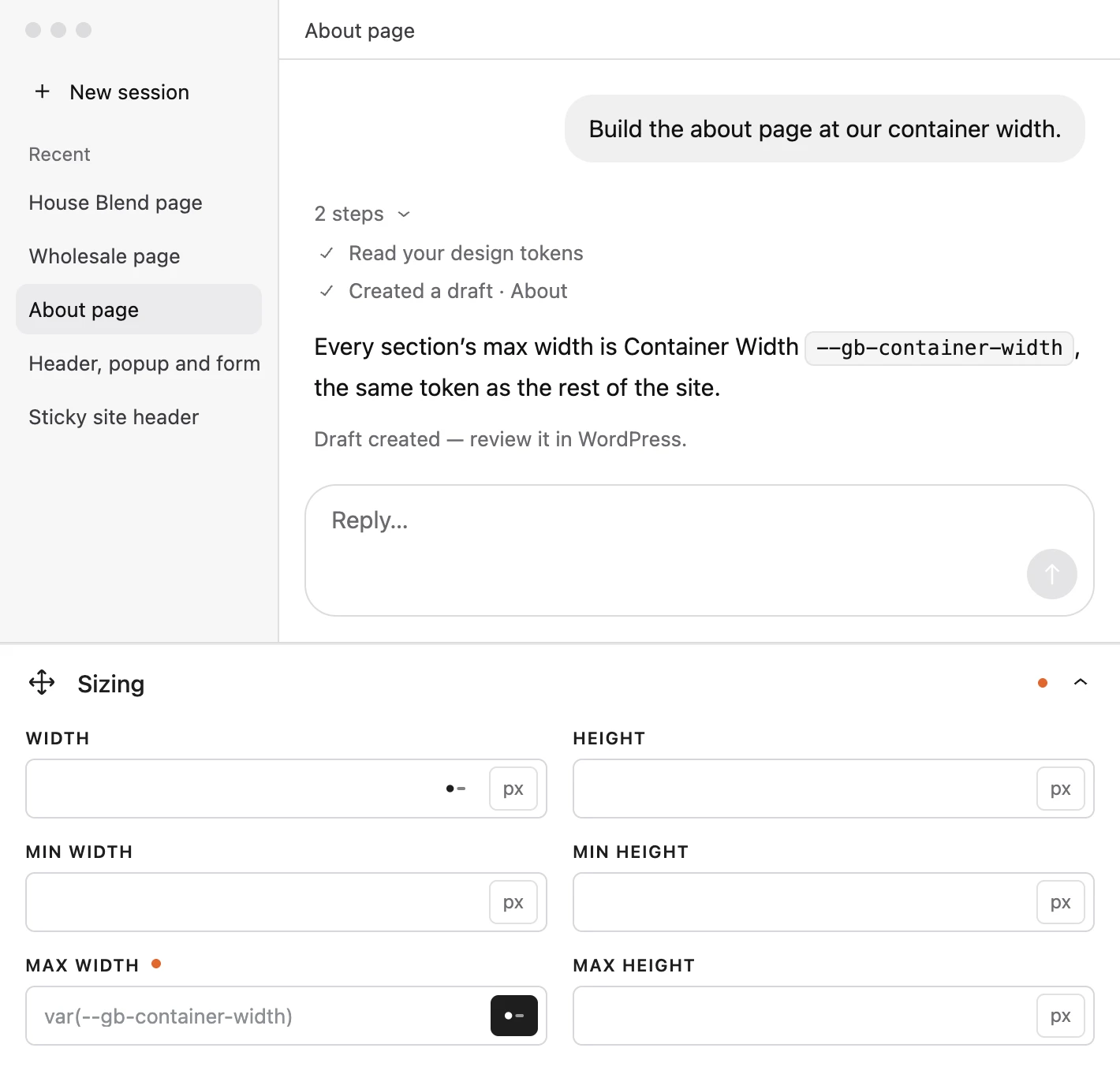
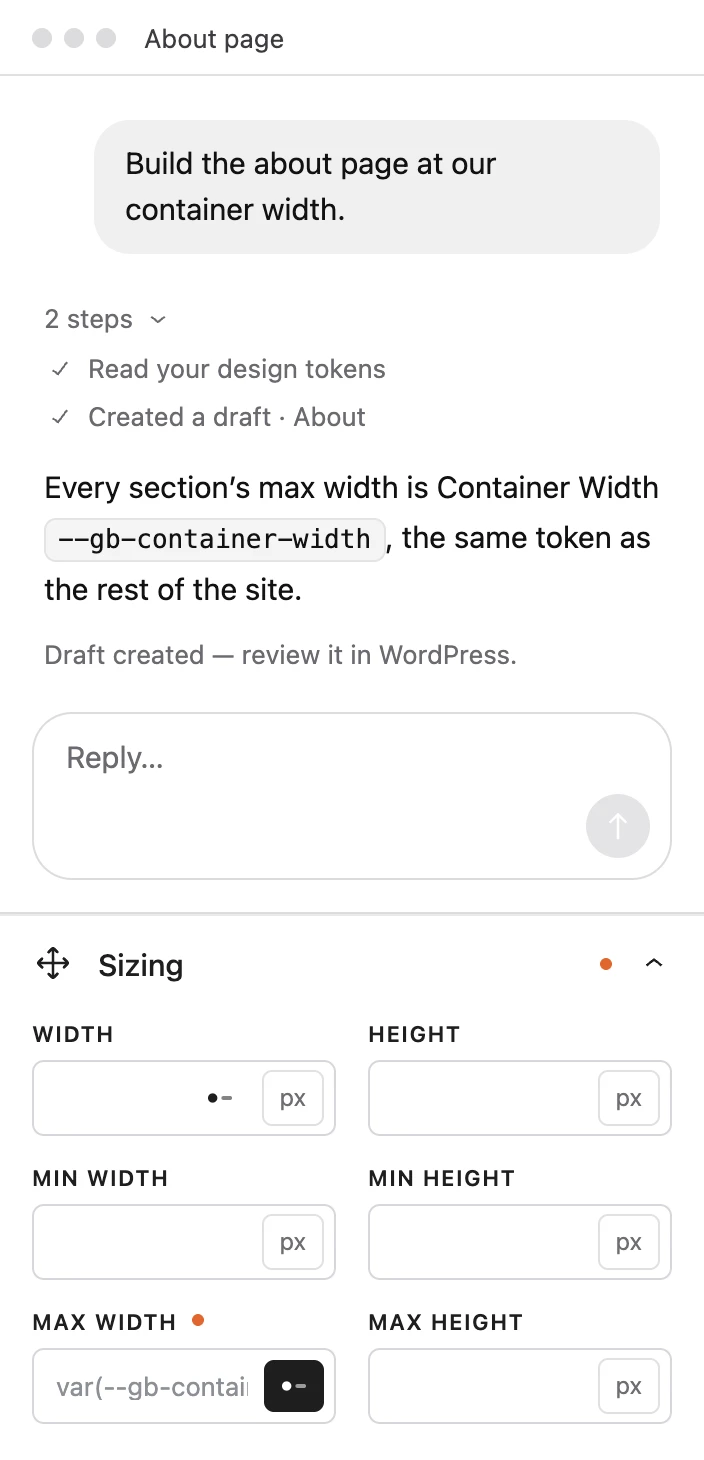
See every edit before it lands.
When you ask for a change to a live page, you get a preview first. The page only changes once you approve it.
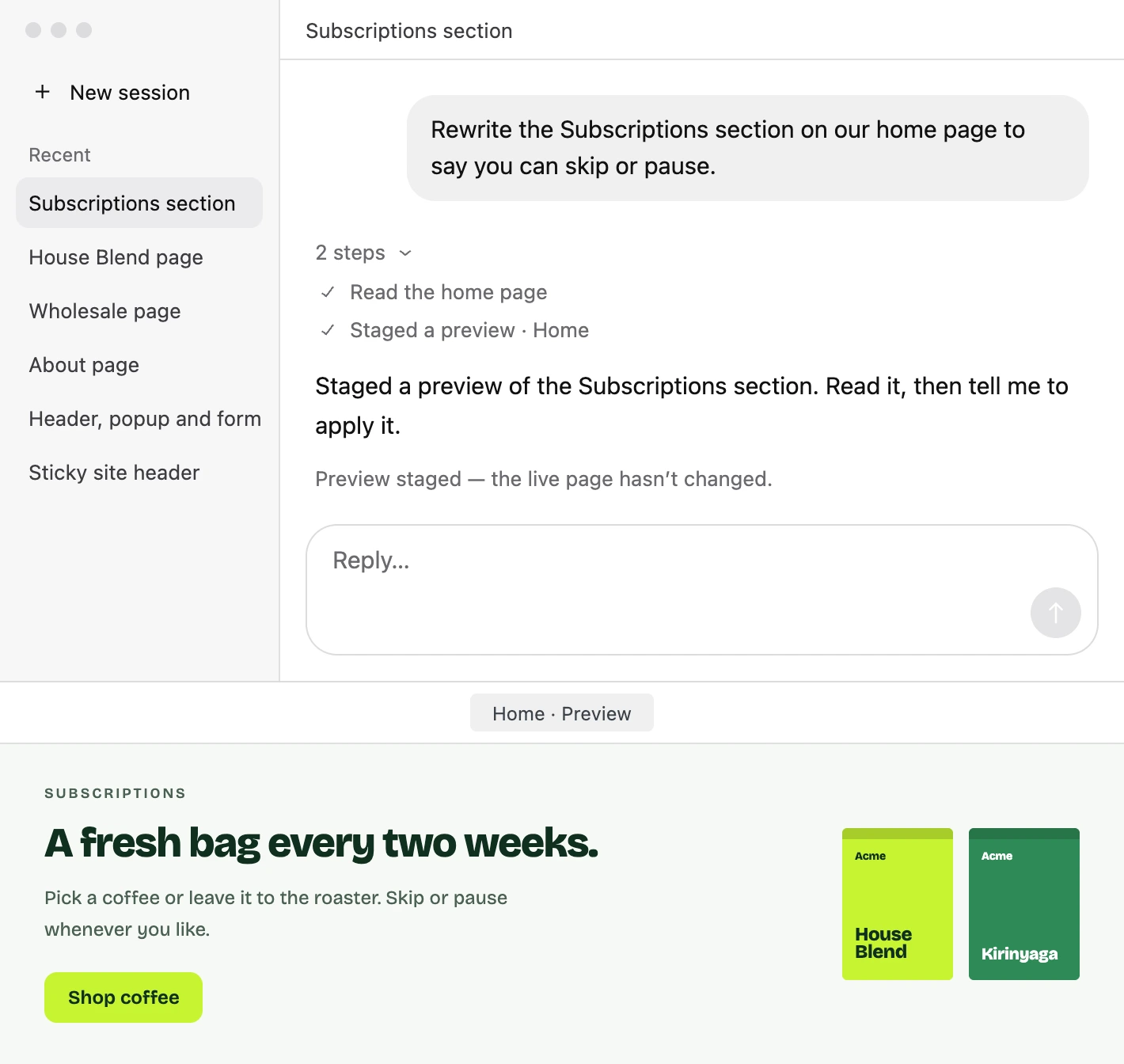
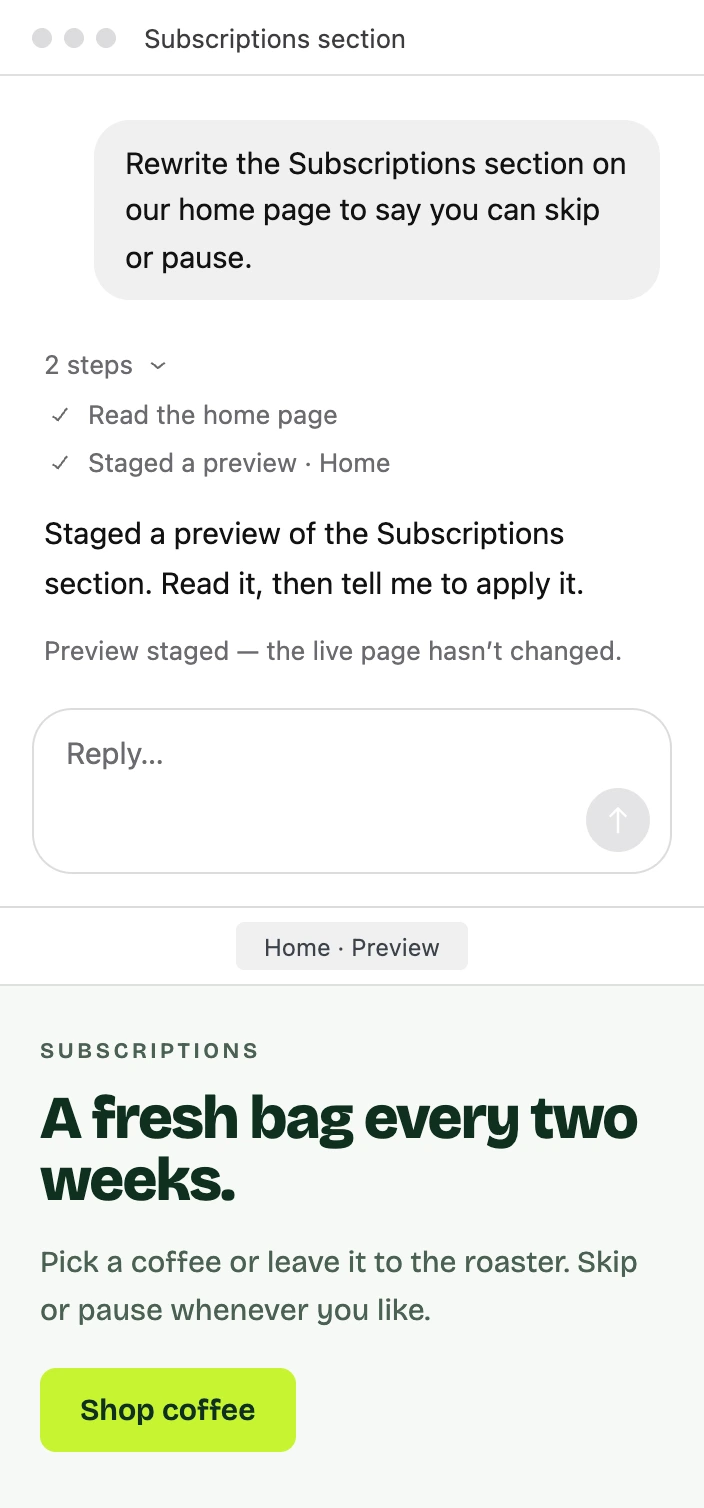
Forms, headers and templates too.
It drafts forms, headers, footers and templates as well, each one named and waiting for your review.
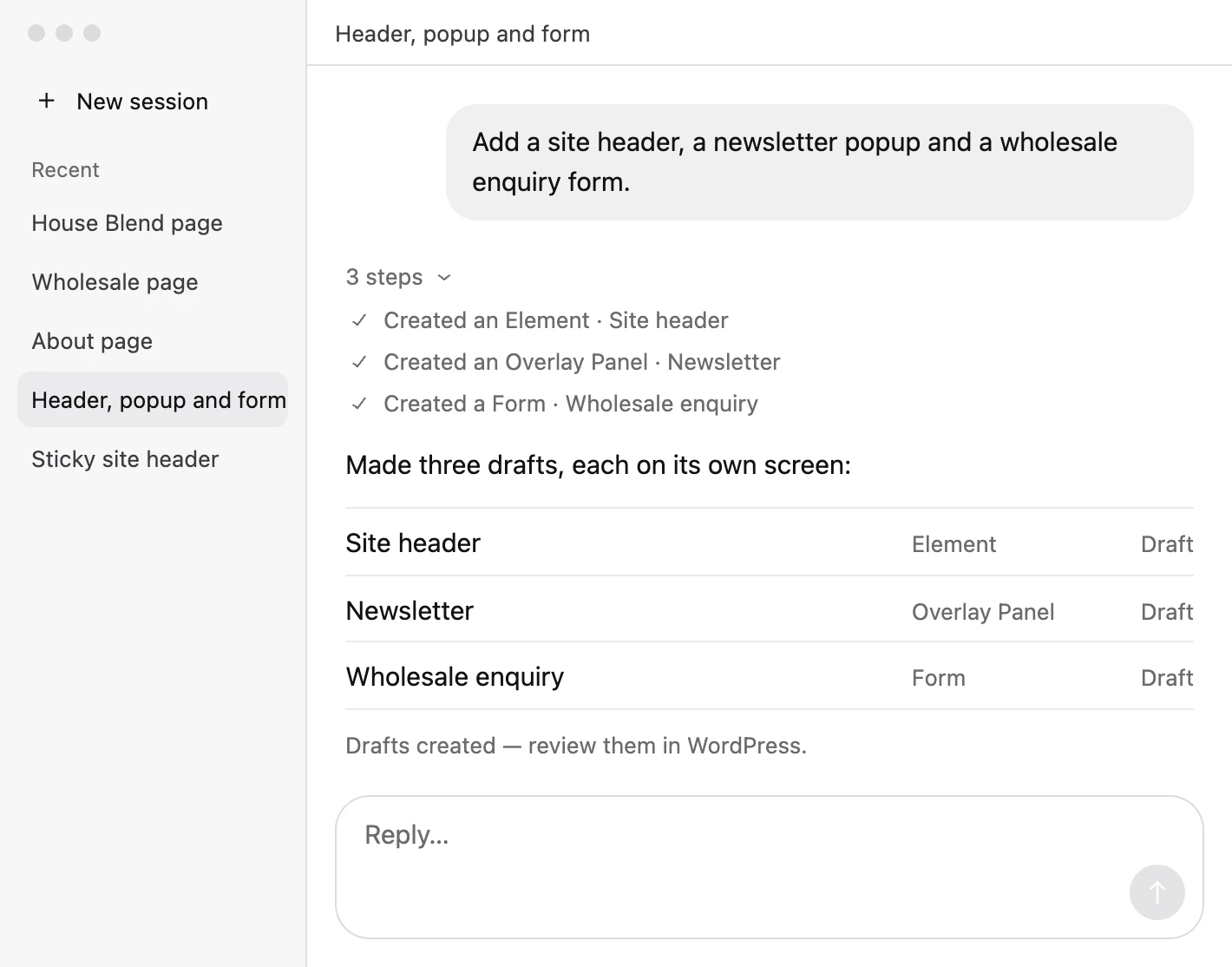
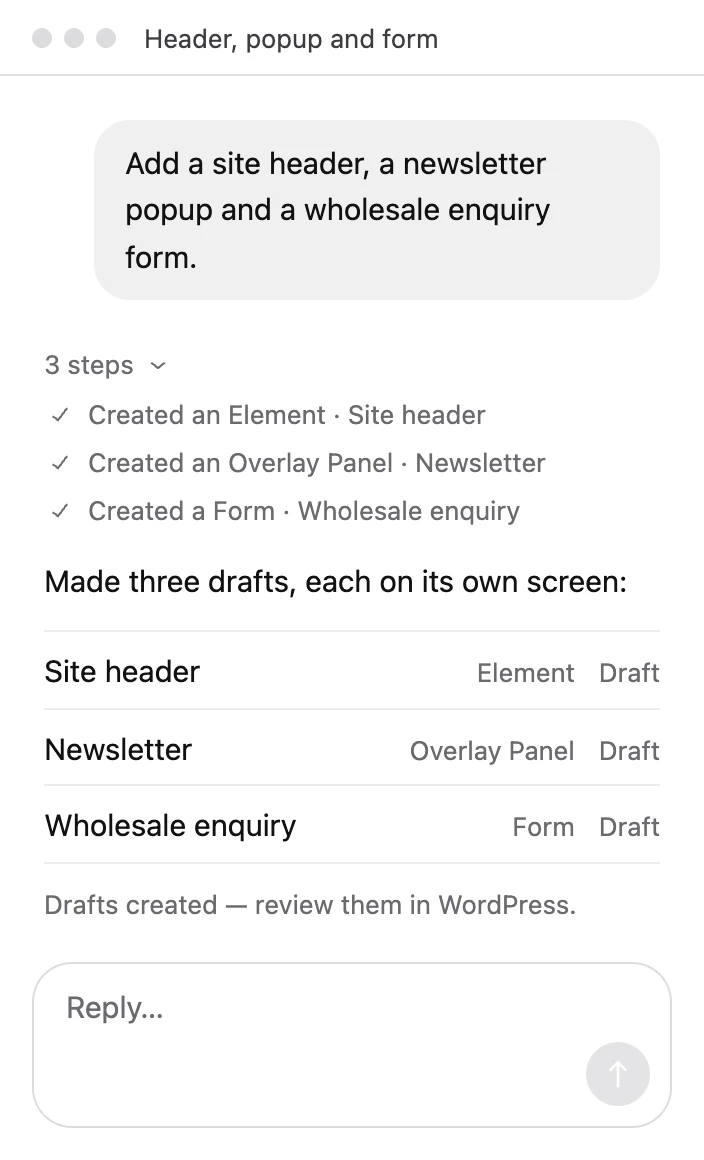
Your pages go live when you say so. Every page it builds arrives as a draft, and every edit to a live page waits for your approval.
Connect your AI in three steps.
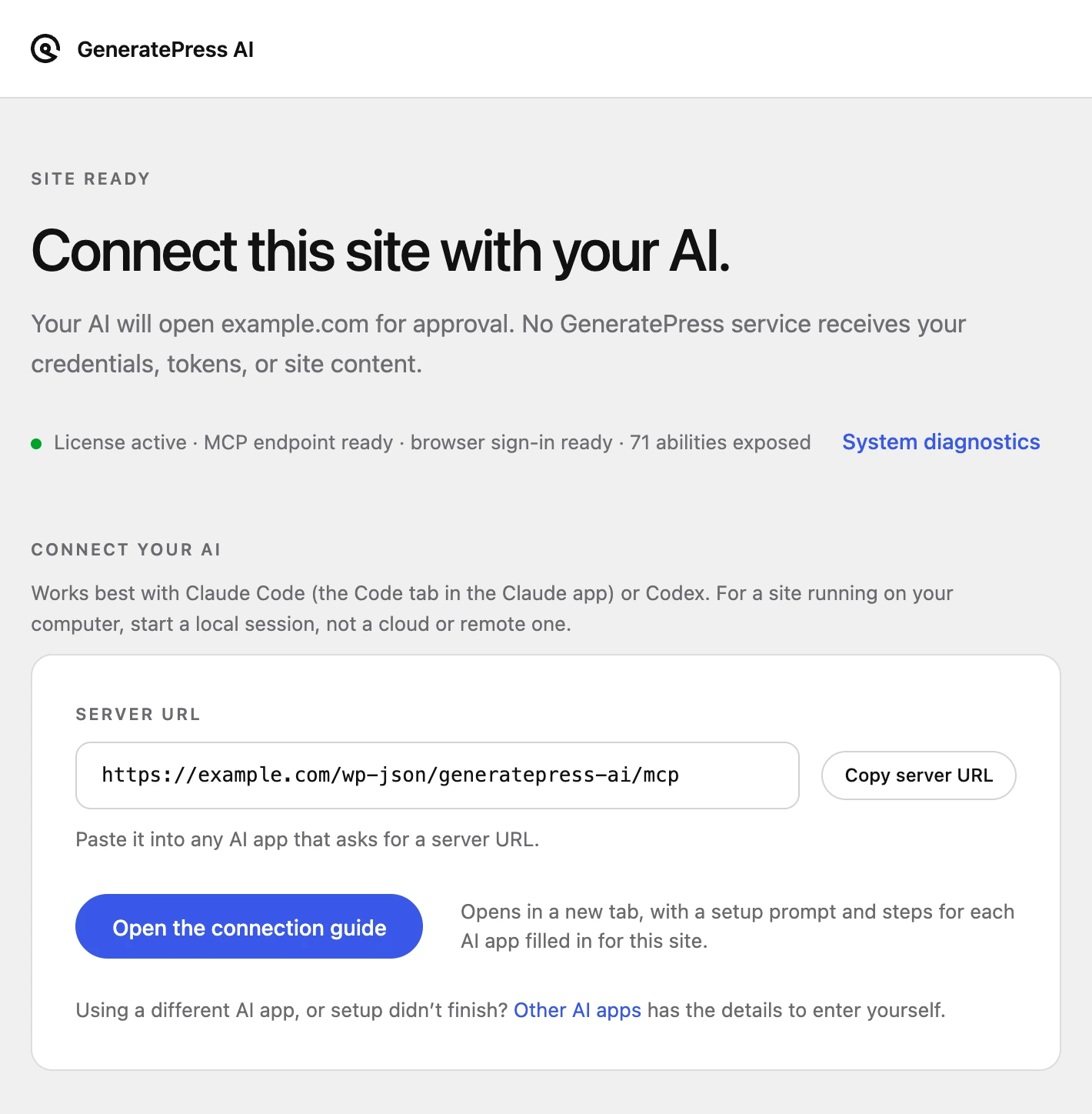
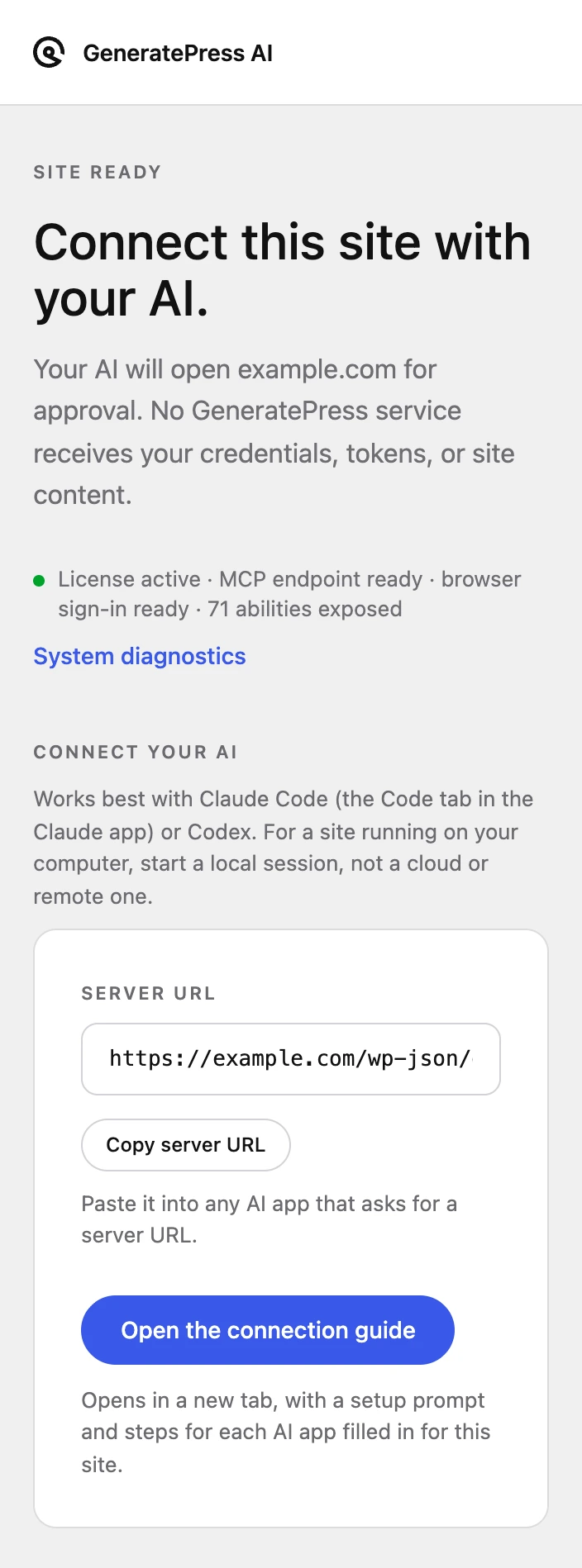
- Install GeneratePress AI and open its connection guide.
- Copy the setup prompt into a new chat in the AI app you use.
- Approve the connection in WordPress.
Talk to your site with GeneratePress One.
Describe the page you need and get a draft that already matches your site. GeneratePress AI is included, along with the theme and blocks it builds with.
Get GeneratePress One