GeneratePress

Build the whole site
in the editor.

Start from a finished site, build headers, footers and templates with blocks, and give clients only the controls they need.
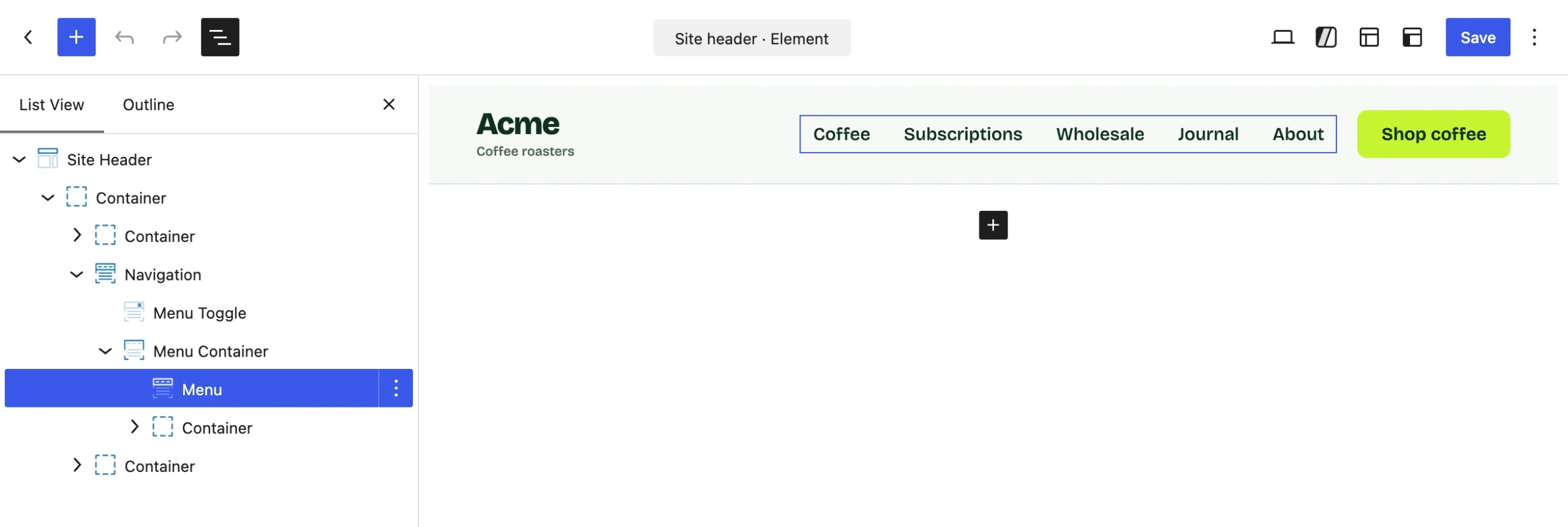
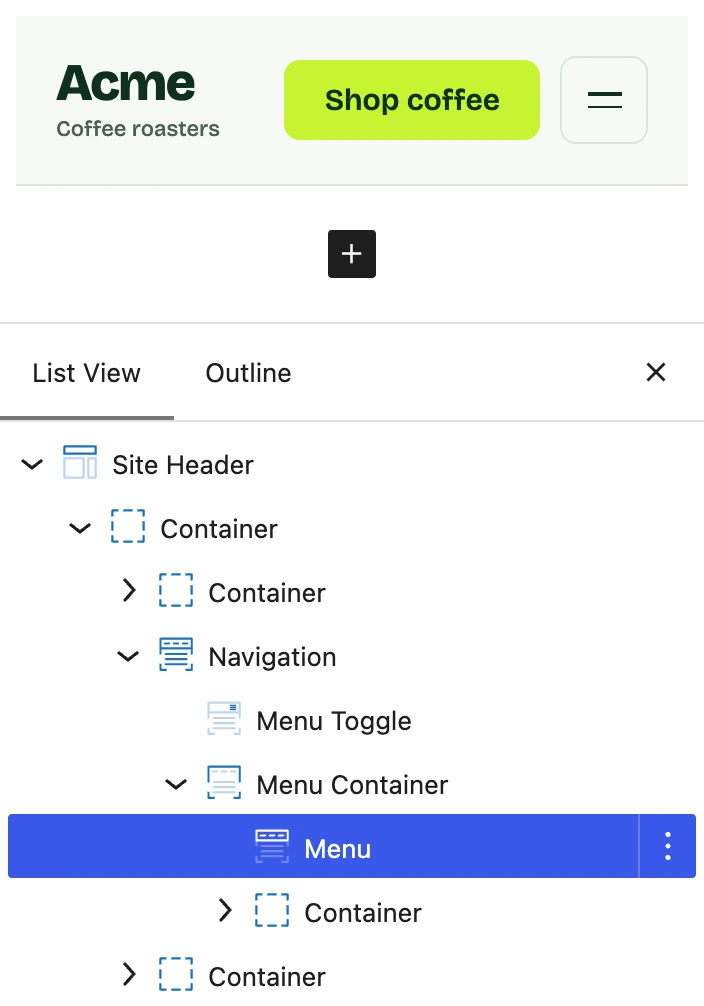
The Site Header Element in the block editor: List View on the left with the Menu block selected, Acme’s header on the canvas
Acme’s site header on the editor canvas, with List View open and the Menu block selected

Start from a finished site.

Import one of 80+ starter sites with its content, styles and templates in place, then change anything you like.
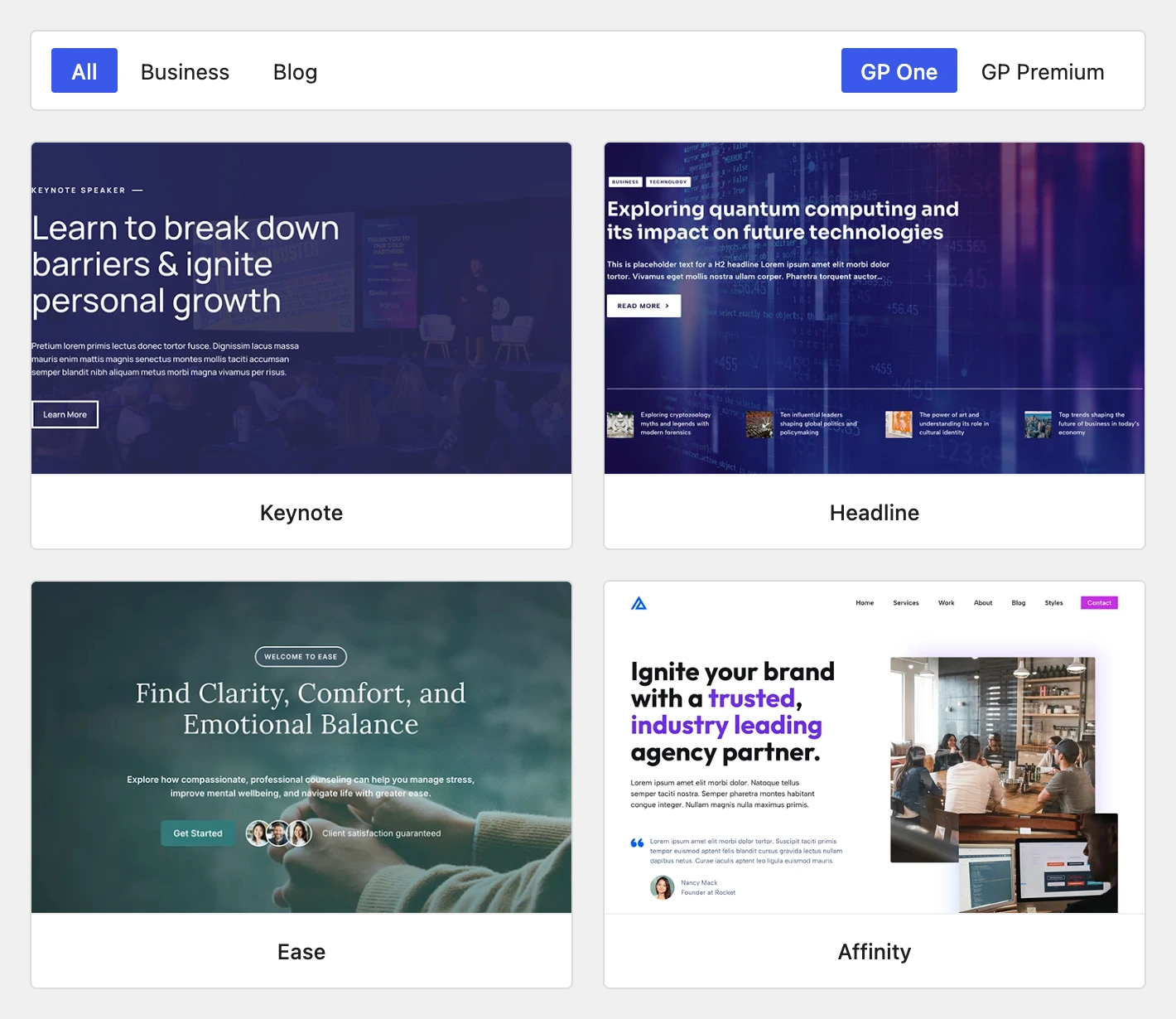
The Site Library: its filter row, the GP One · GP Premium switch and four starter sites
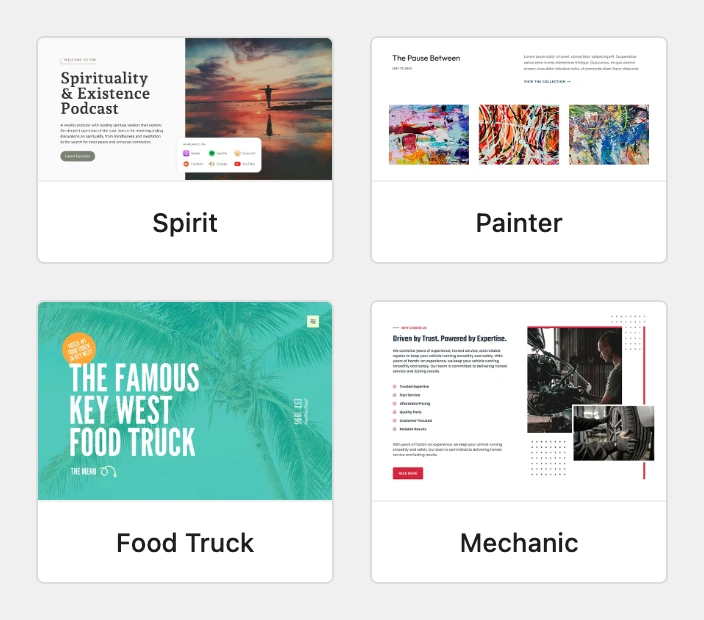
Four starter sites from the Site Library: Spirit, Painter, Food Truck and Mechanic

Build headers, footers and templates with blocks.

Design your header, footer, and post and archive templates with the same blocks you use for pages, then choose where on your site each one applies.
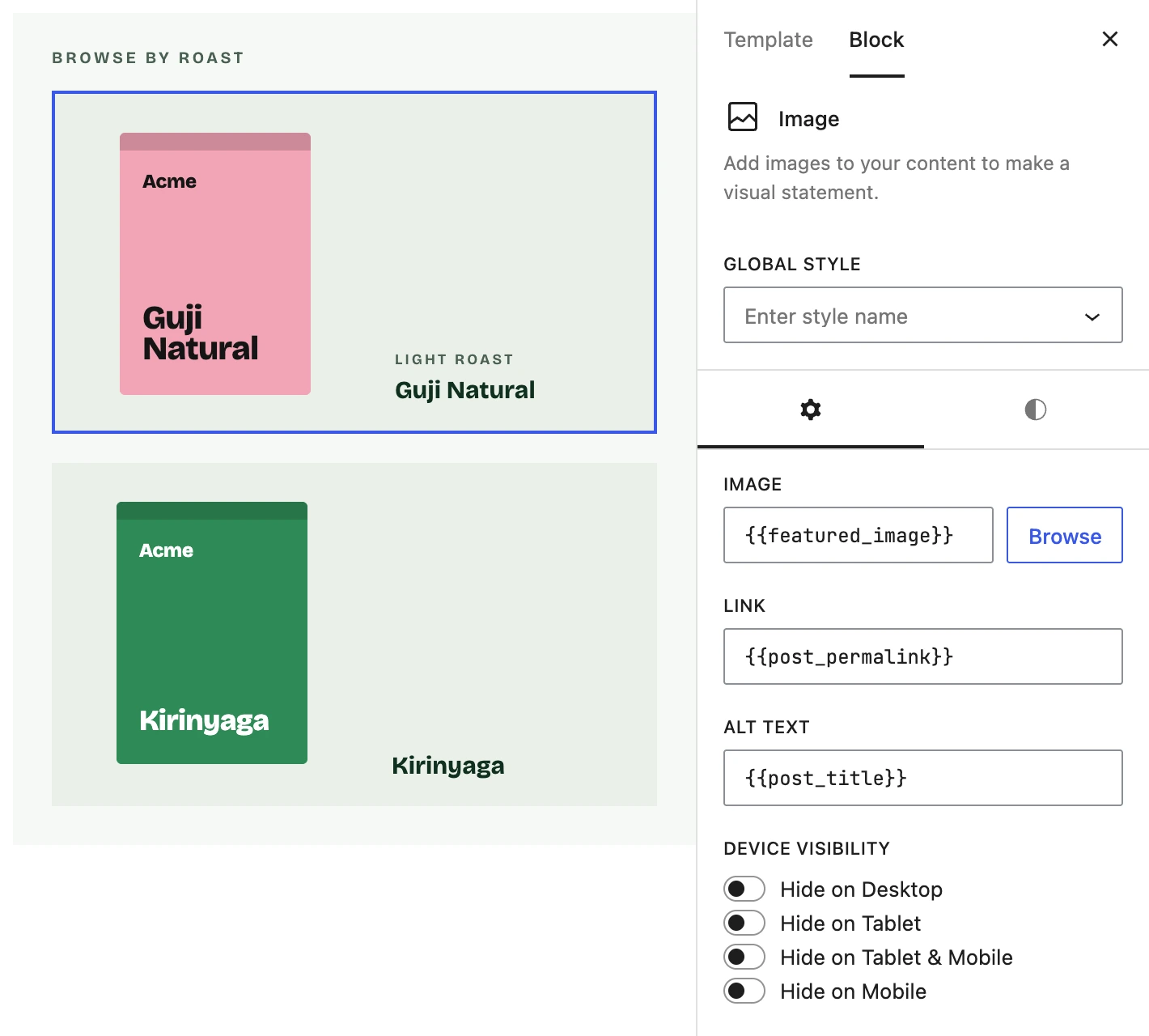
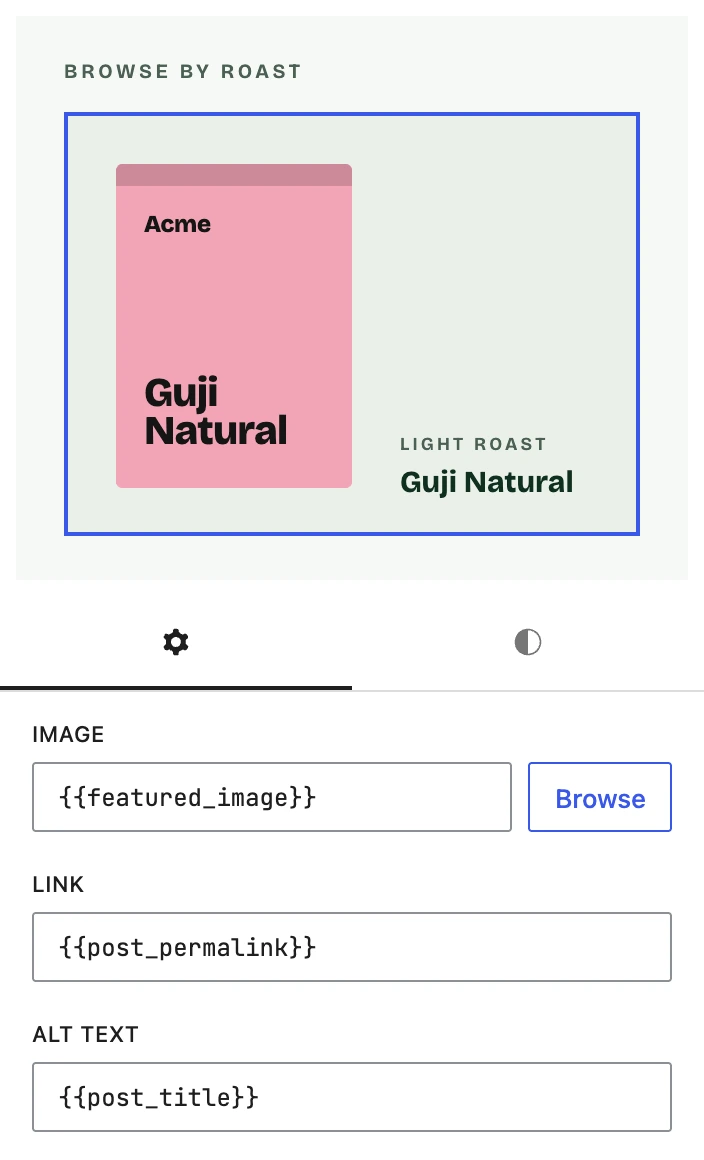
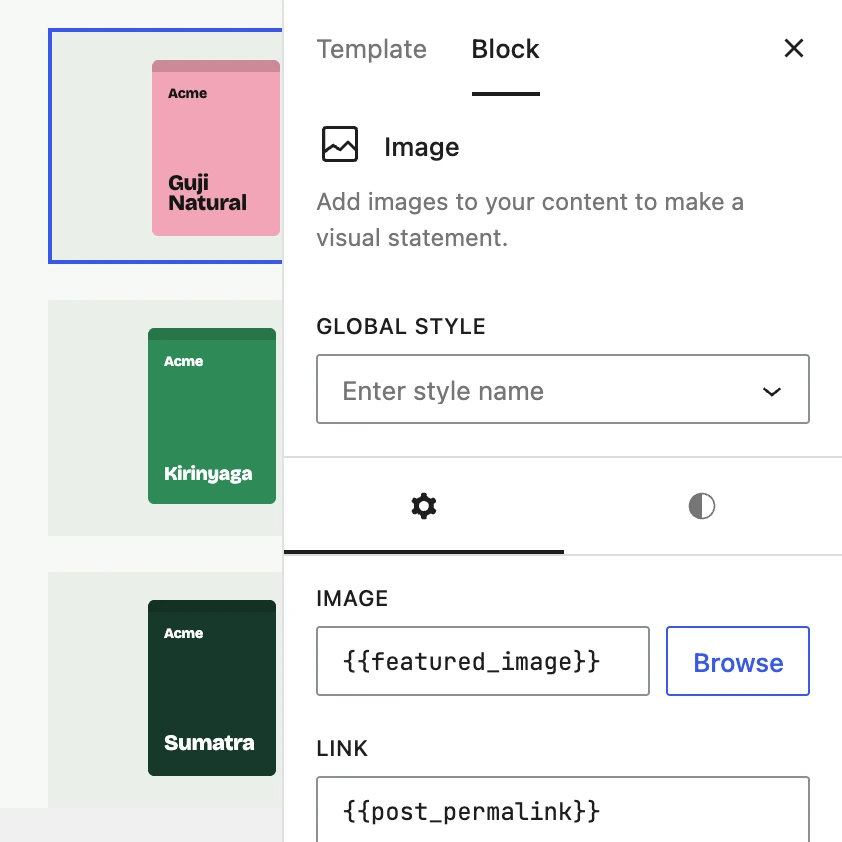
The Coffees archive Element: the first loop card selected, its Image block bound to the featured image, a second card below
The first Coffees loop card selected, its Image block bound to the featured image

A header that sticks and adapts on its own.

The Site Header block stays in view as visitors scroll, from the point you choose, and its menu switches to a mobile layout at your breakpoint.
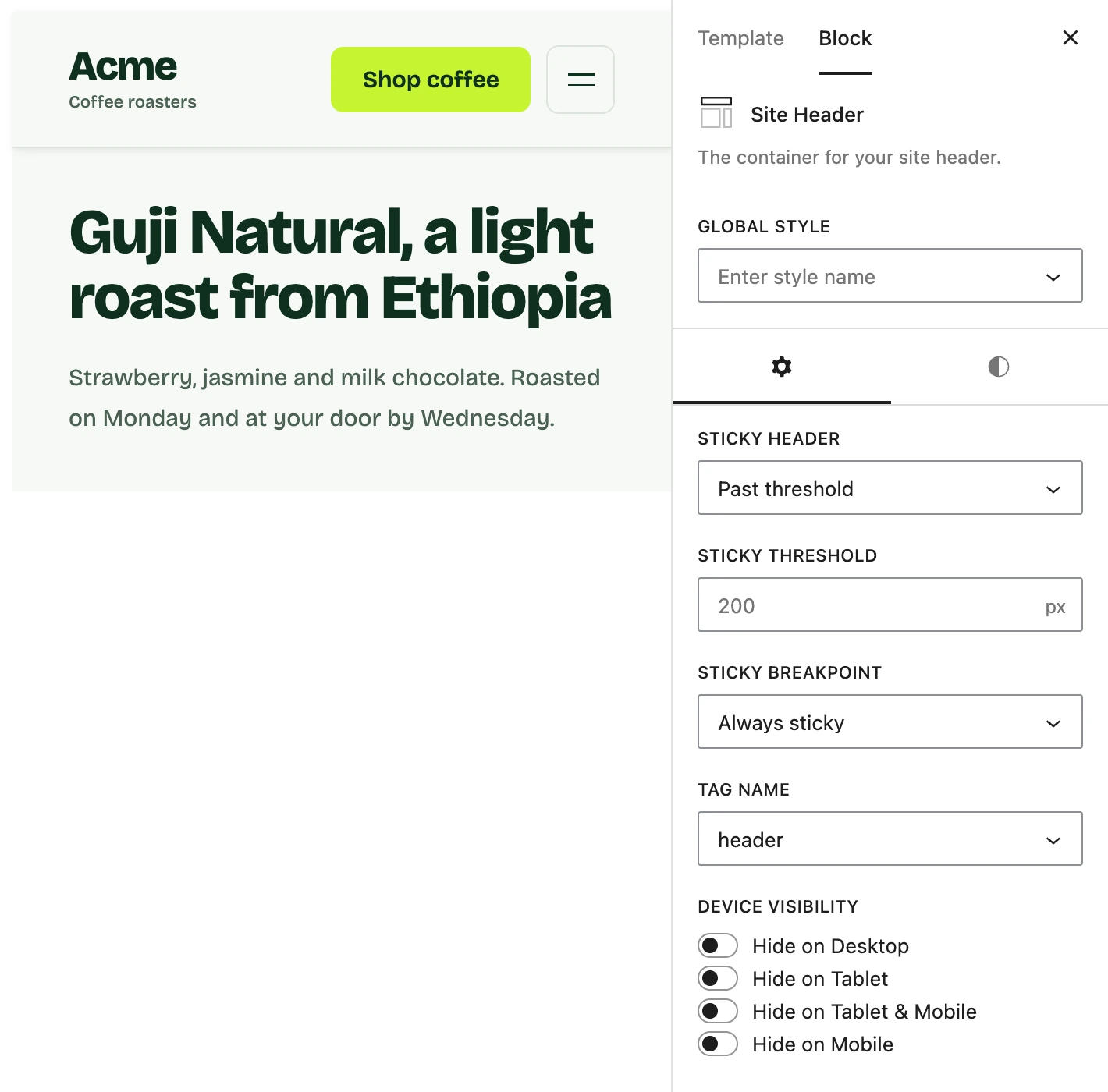
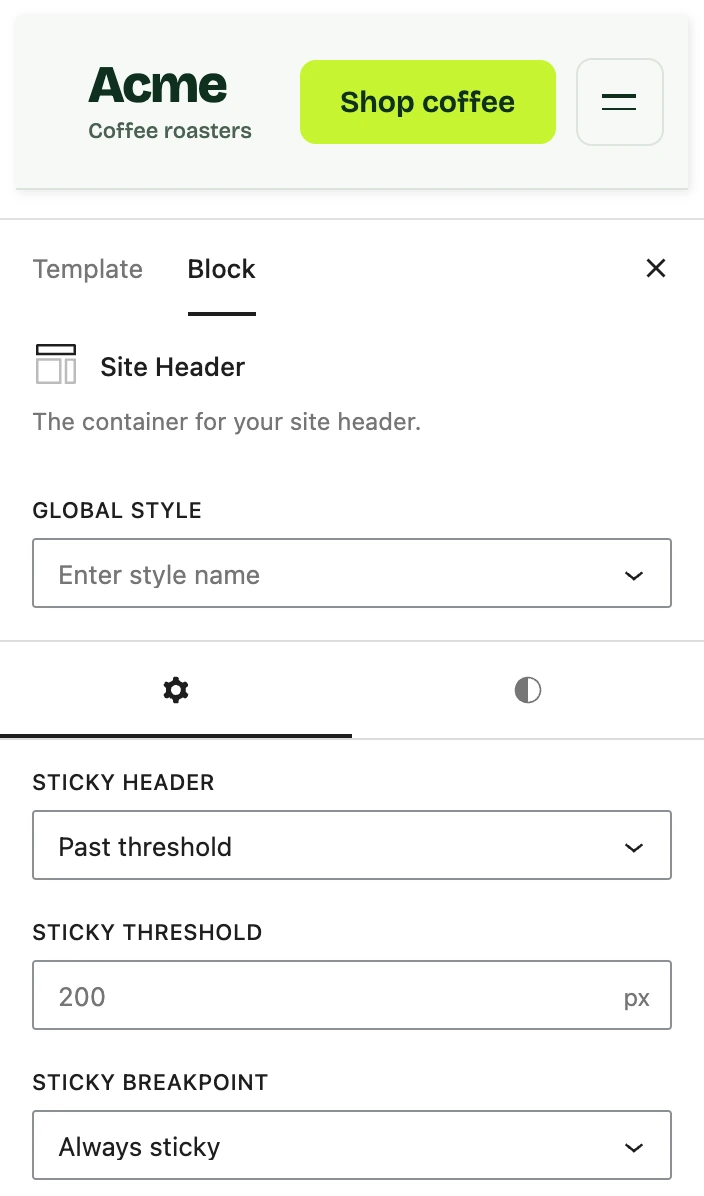
The Site Header block’s sticky controls: Past threshold, 200px, Always sticky
Acme’s docked header above the Site Header block’s sticky settings: Past threshold, 200px, Always sticky

Mega menus built from blocks.

Attach a panel to any menu item and fill it with whatever blocks you like. It opens on hover or click.
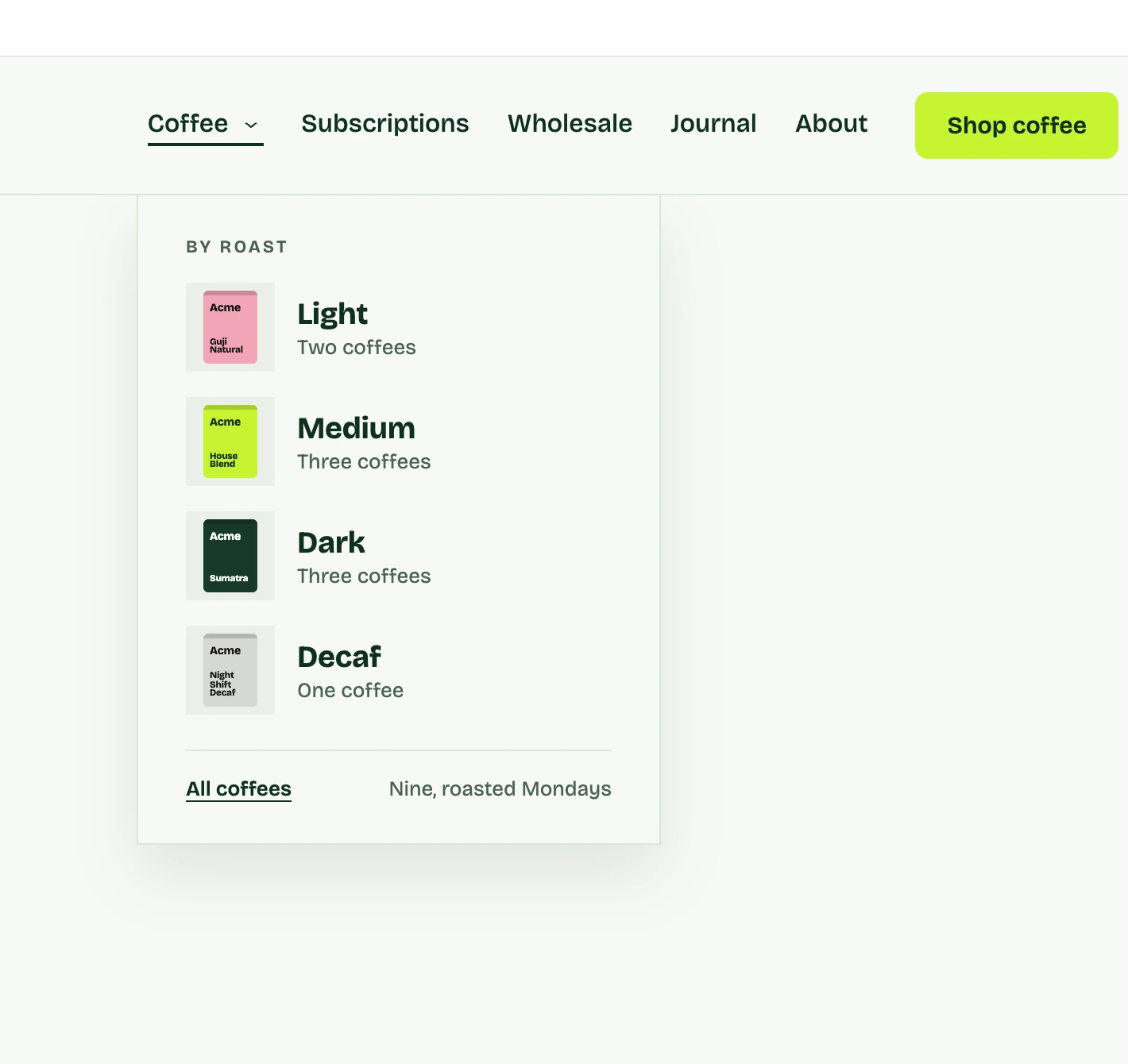
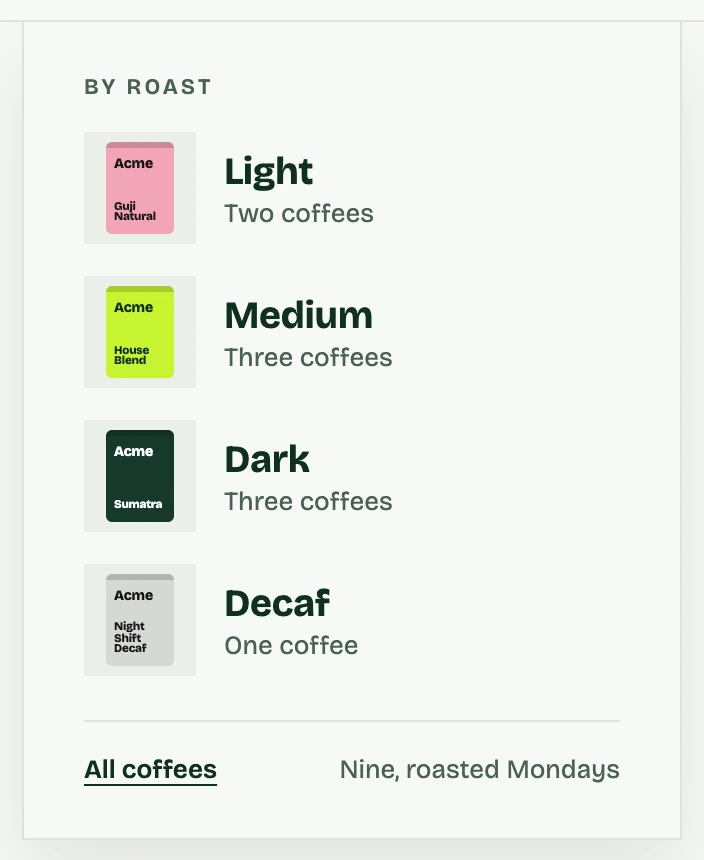
An Overlay Panel open under Acme’s Coffee menu item: Light, Medium, Dark and Decaf
Acme’s Coffee menu open: an Overlay Panel listing Light, Medium, Dark and Decaf

Accordions, tabs and carousels included.

Add an accordion, a set of tabs or a carousel as a block, and style it the same way as everything else on the page.
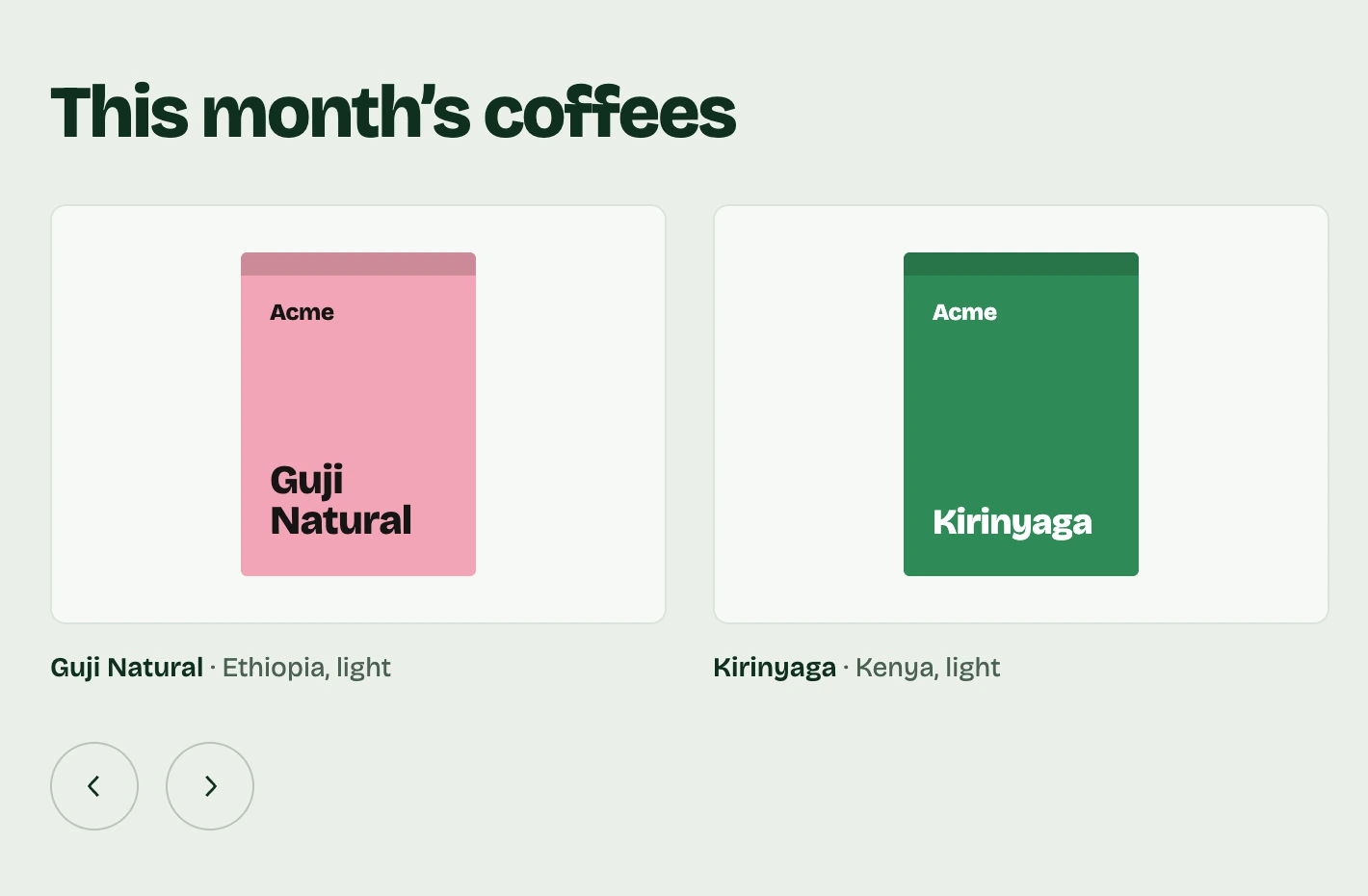
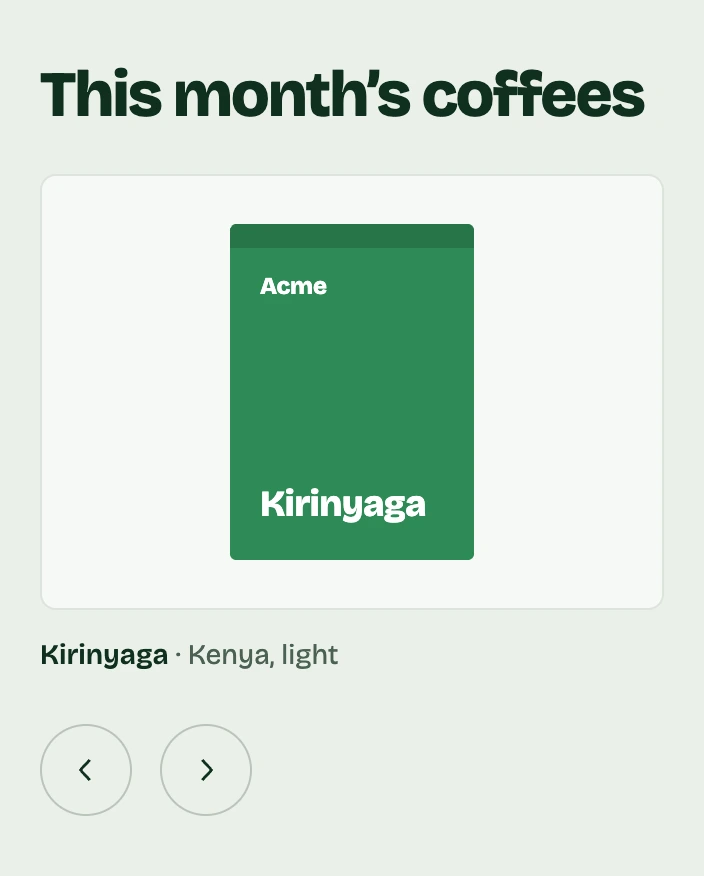
A Carousel block of Acme’s coffees on the page, the next slide running off the frame
Acme’s coffee carousel: the Kirinyaga slide with the previous and next arrows

Give clients only the controls they need.

Decide for each user role which blocks they can add, which settings they can change and what they can only view.
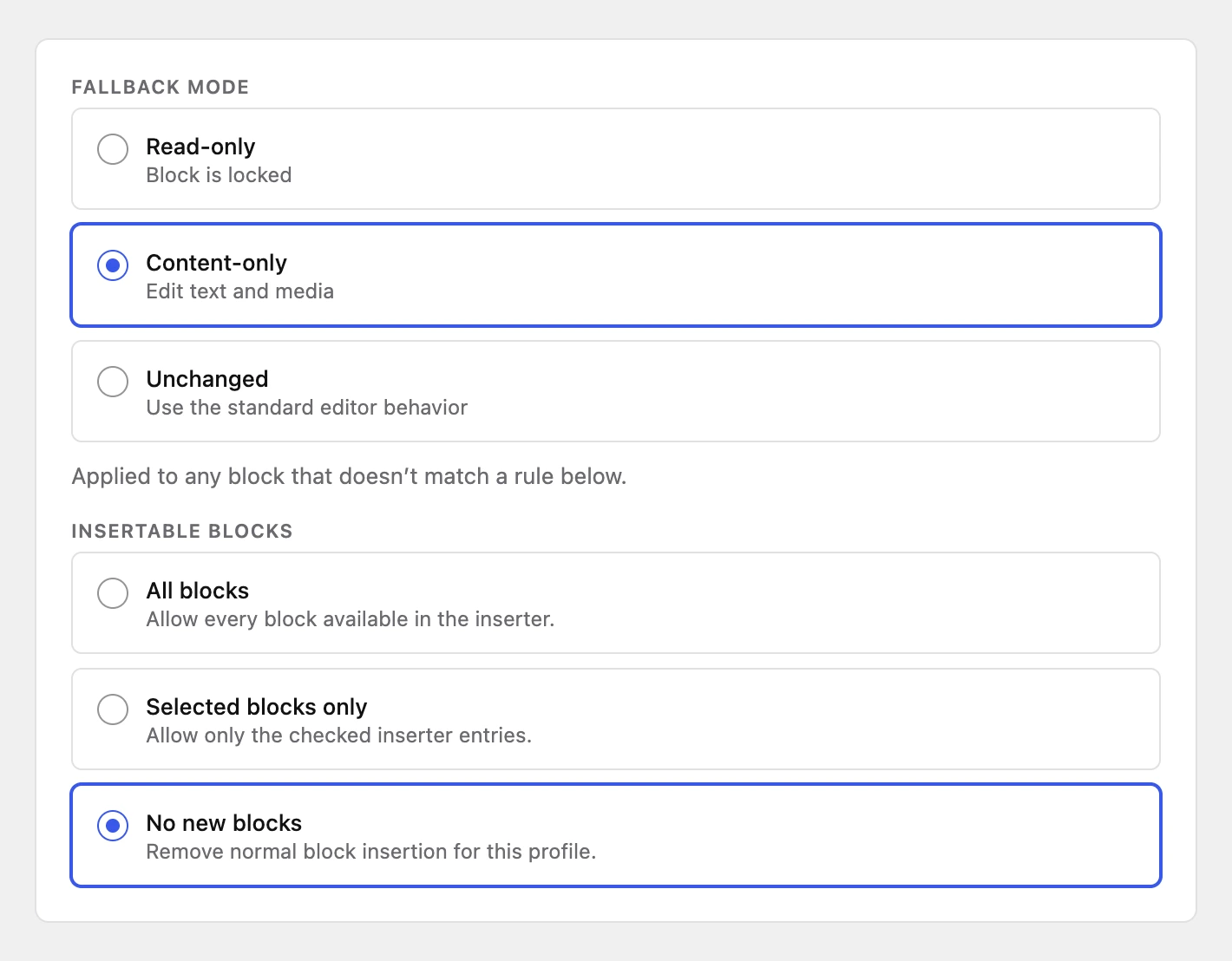
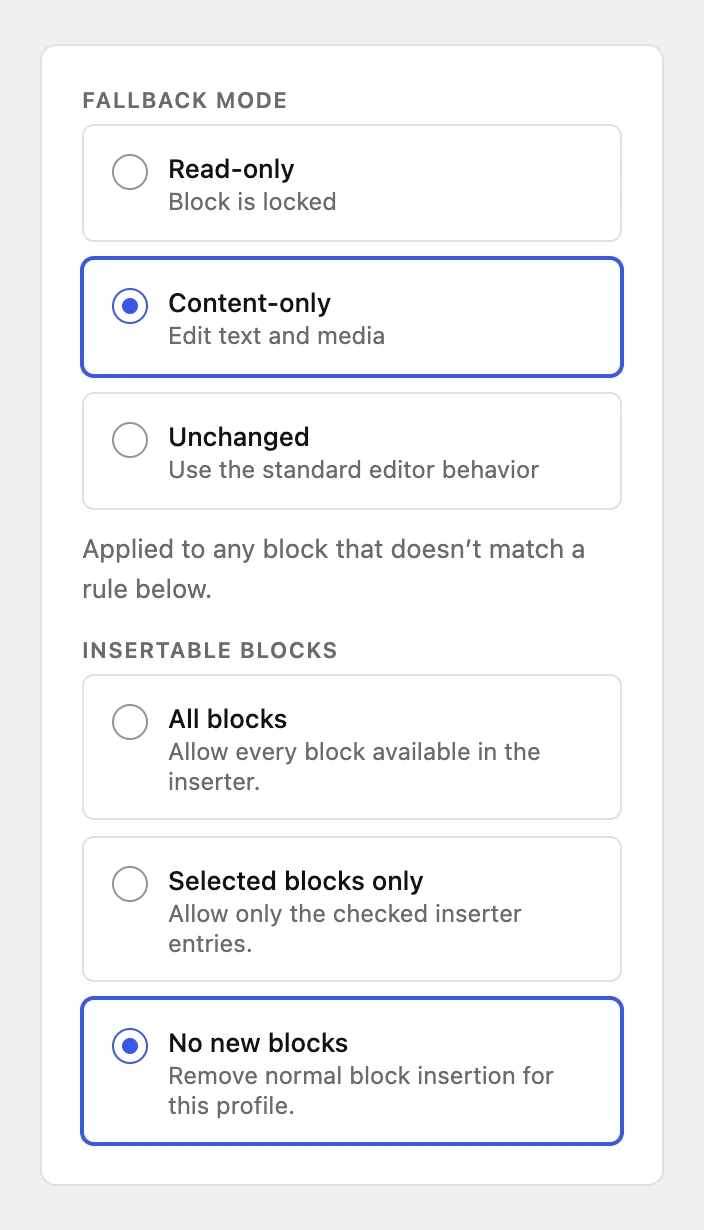
An access profile: Content-only fallback, no new blocks
An access profile set to the Content-only fallback, with No new blocks selected

The whole site, built from blocks.

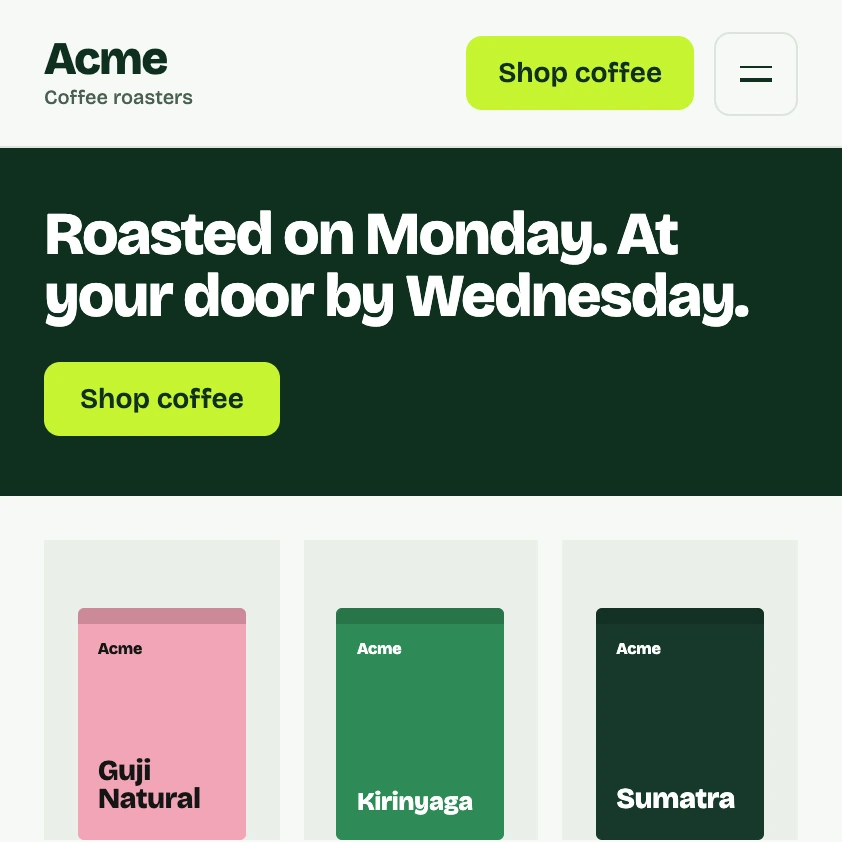
Acme’s header as the theme renders it: wordmark, Shop coffee, menu button, hero

A header built from blocks.

Three Coffees loop cards down the canvas, each a different coffee, the first selected with its Image bound to the featured image

A template that applies itself.

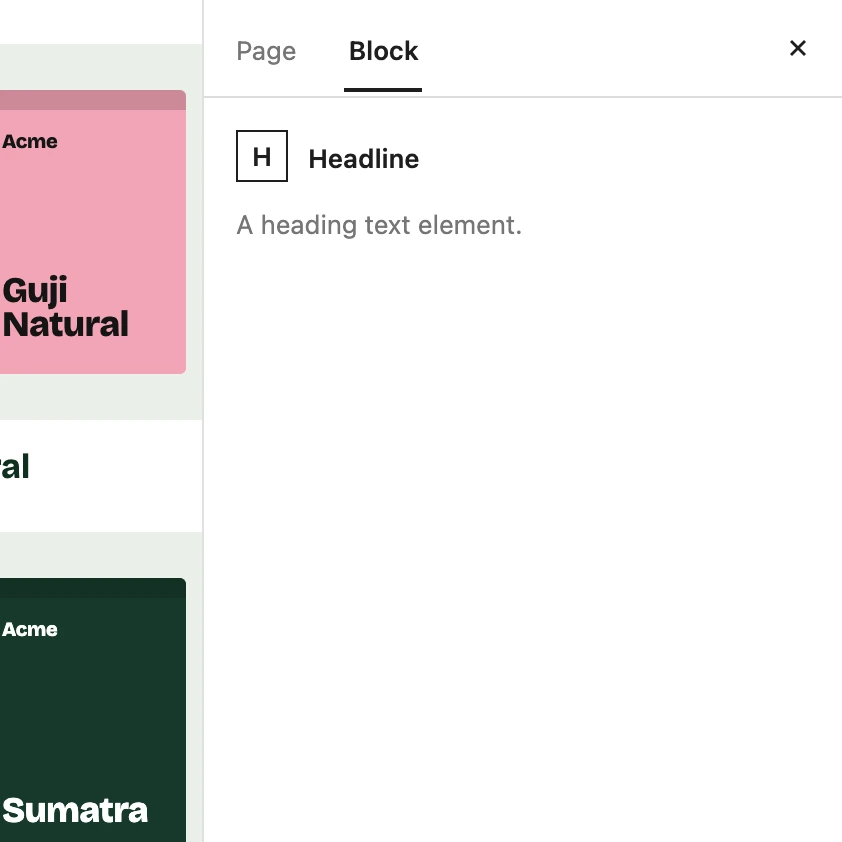
A content-only editor on Acme’s home page: the Block tab shows the block’s name and nothing to set

A client’s editor, trimmed to what they need.

Build every part of the site with GeneratePress One.

The starter sites, the theme builder and the extra blocks are all part of GeneratePress One, so one plan covers the whole build.

Get GeneratePress One

30-day refund