Design it once.
Your content fills it in.
List any type of content, fill your layouts from each post’s own details, and show blocks only when your rules say so.
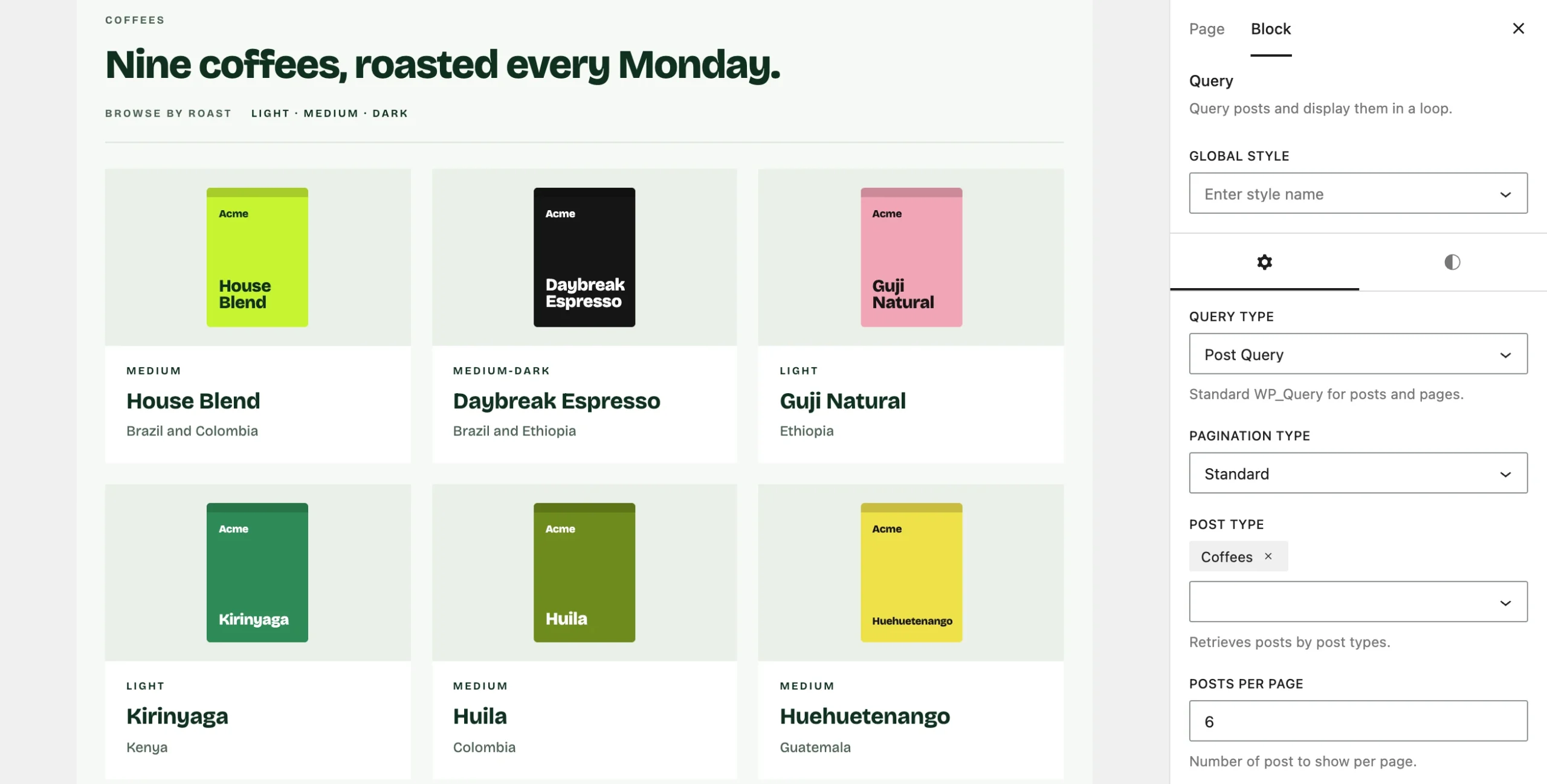
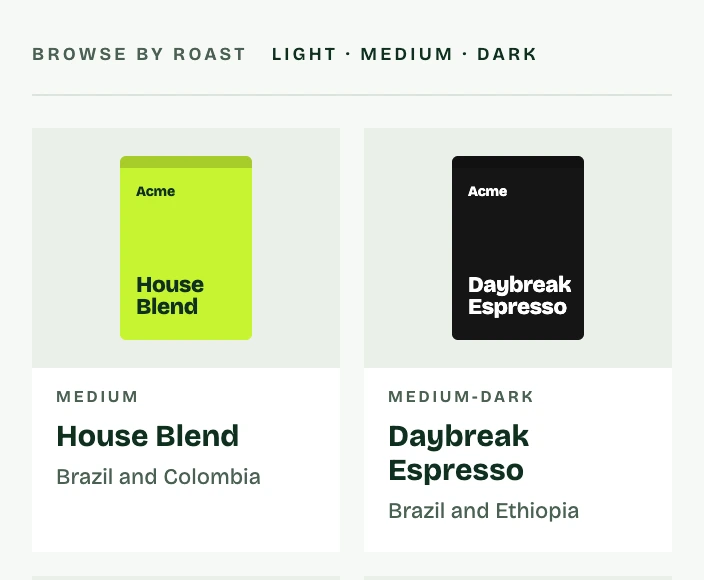
List any content, designed your way.
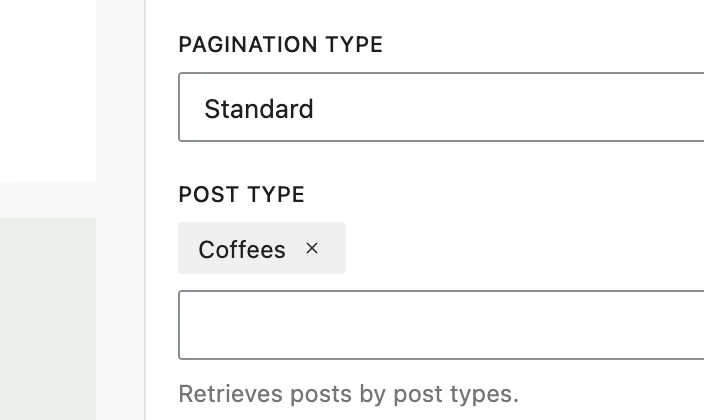
Choose which posts to show with the Query block, design one item with ordinary blocks, and every result uses that layout.
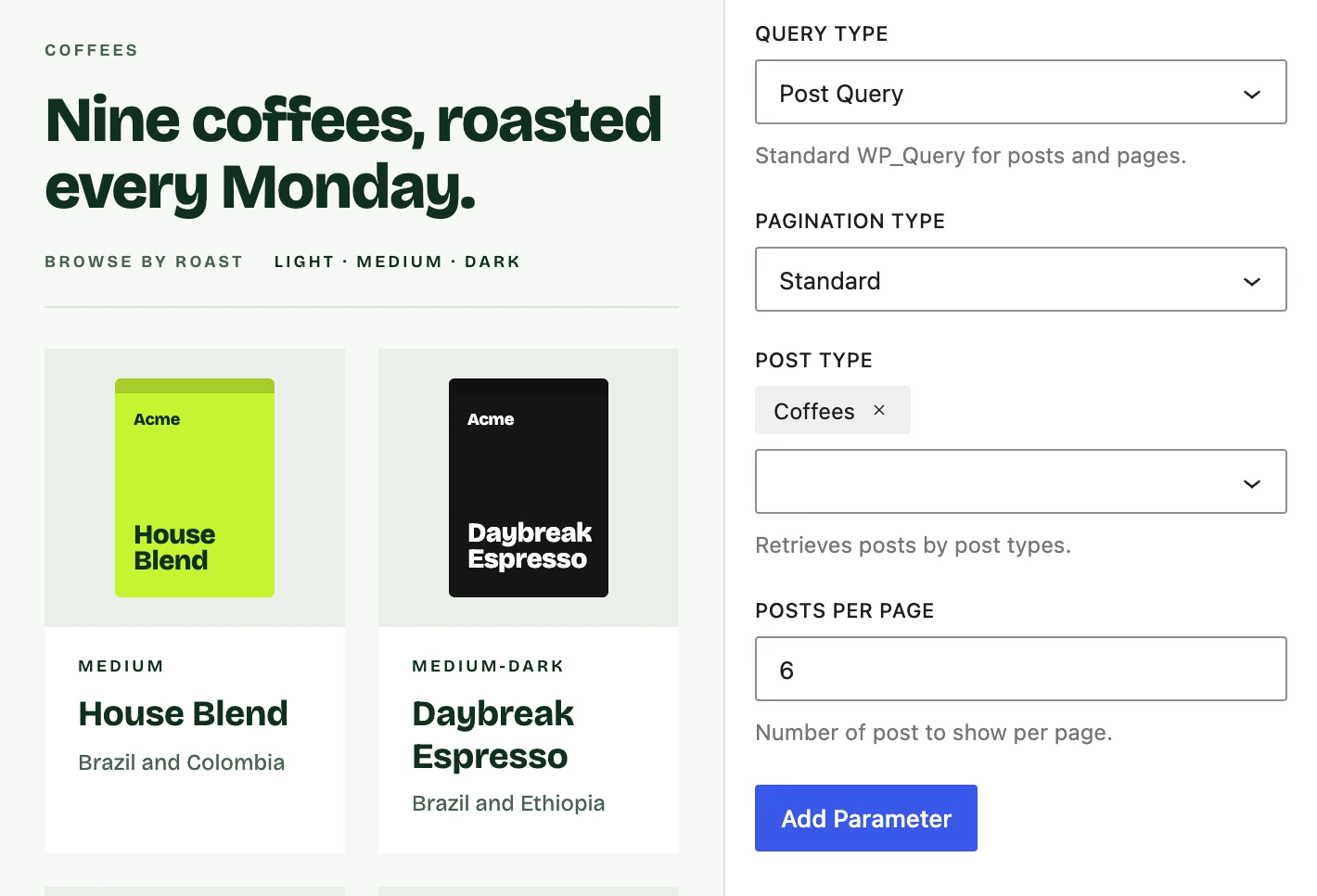
Titles, images and dates, pulled in for you.
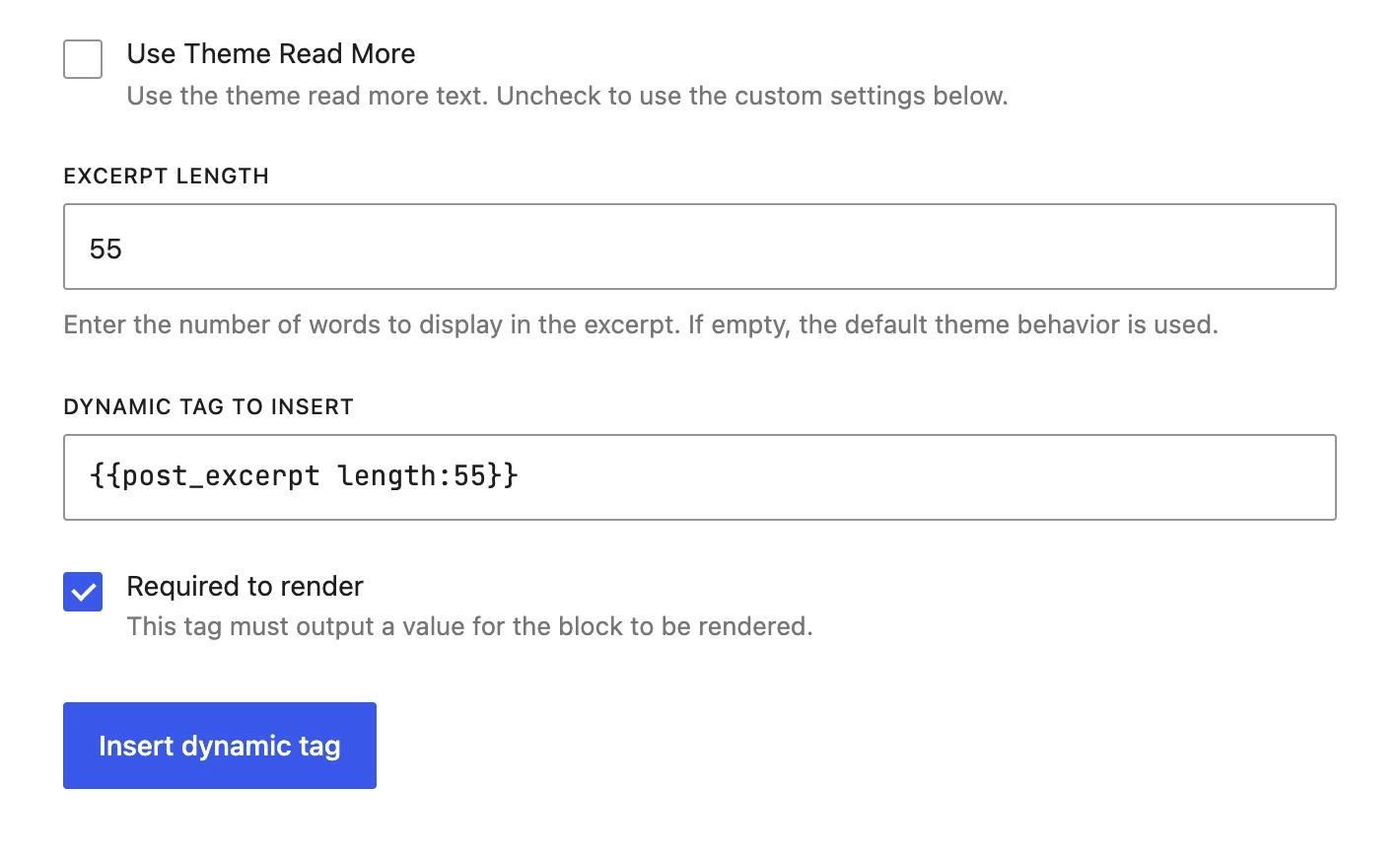
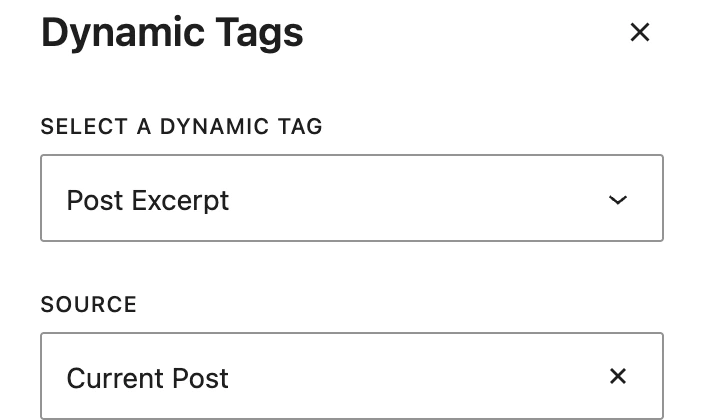
Add a dynamic tag to any text, image or link and it shows that post’s title, date, excerpt, featured image, author or terms.
Show blocks only when they apply.
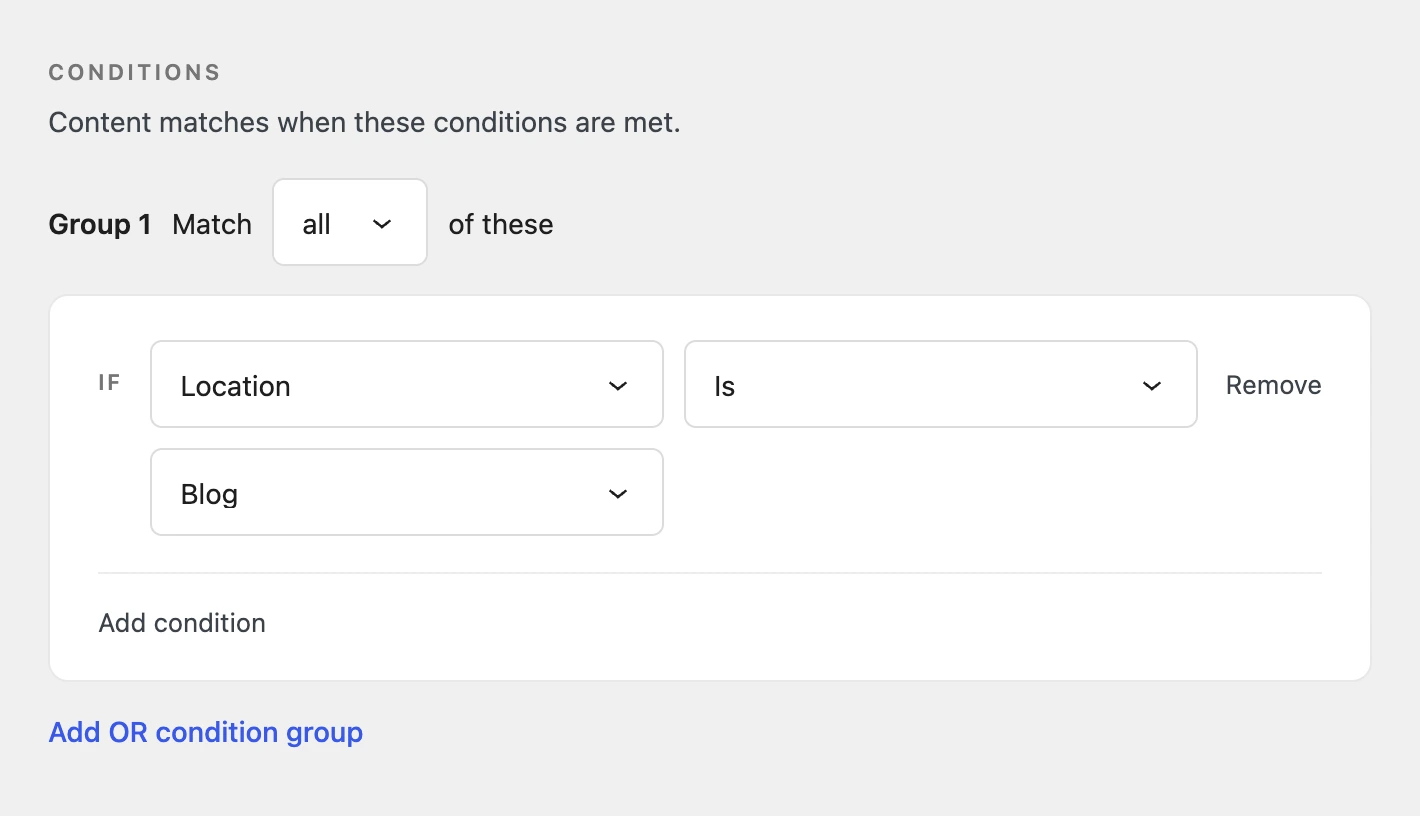
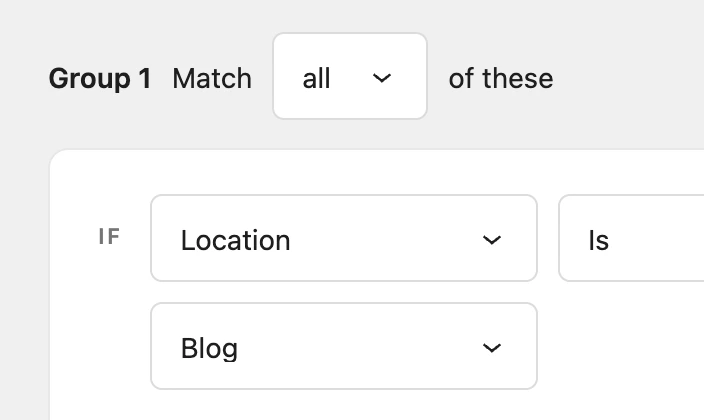
Set a display condition on any block, menu item or popup, such as who’s logged in or which page they’re on, and it appears only when the condition is met.
Full control of the markup.
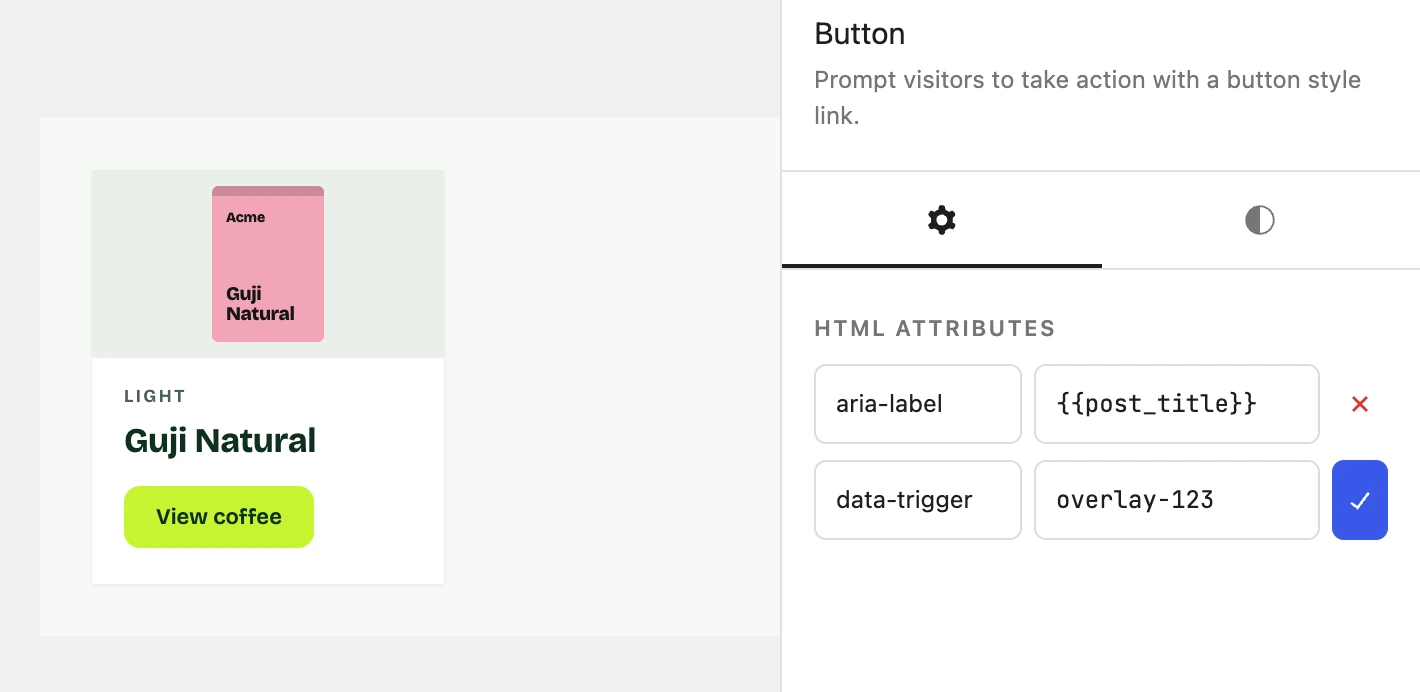
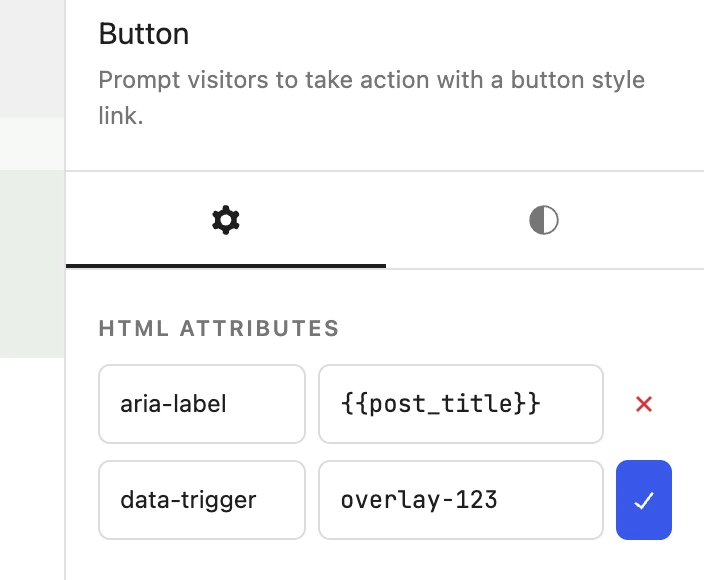
Add any HTML attribute to any block, from an aria-label for screen readers to a data attribute for your own scripts.
Lay out your content with GeneratePress One.
The Query block and the post tags come free with GenerateBlocks. GeneratePress One adds more tags, ACF fields and display conditions.
Get GeneratePress One