GP Premium 1.7 is a big update with various fixes, tweaks and new additions!
Introducing Elements
The biggest change in 1.7 is the addition of Elements, our newest module.
This new module replaces the Page Header and GP Hooks modules. Of course, those modules will still exist and function as they do now if you’re using them. When and if you’re ready, you’ll be able to manually migrate your old Page Headers and Hooks to Elements. For more information on migrating, check out this video.
Once you’re done migrating, you can deactivate the old modules, and they will disappear from the list.
New installations will no longer be able to activate Page Header or GP Hooks.
Header Element
Check out the Header Element documentation here.
The Header element replaces our old Page Header module. This element has most of the same options as the old Page Headers.
When you create a new Header element, you have a couple choices.
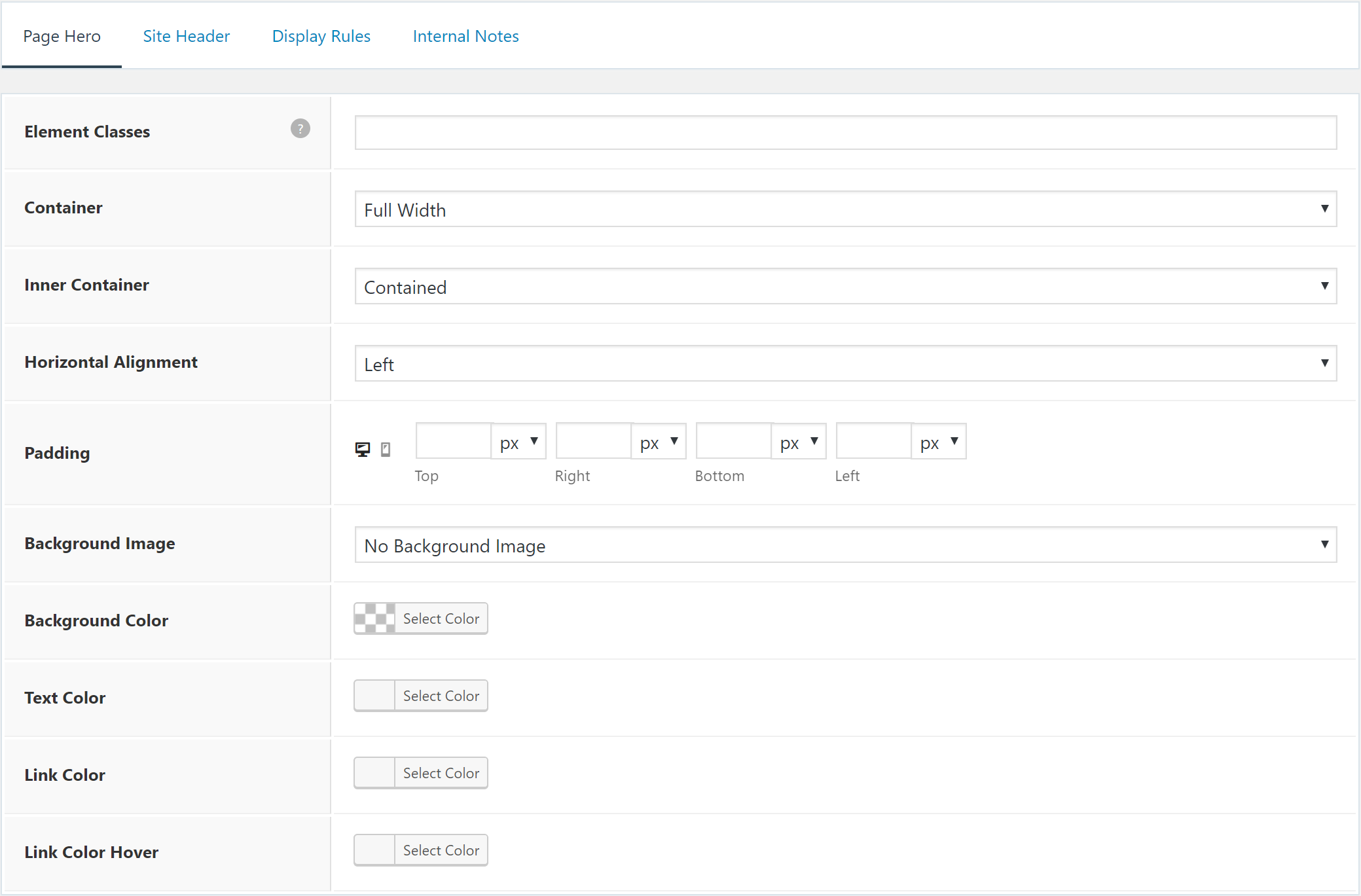
Page Hero
The Page Hero section allows you to build a hero section which will sit below your site header. This is what was previously known as a “Page Header”.
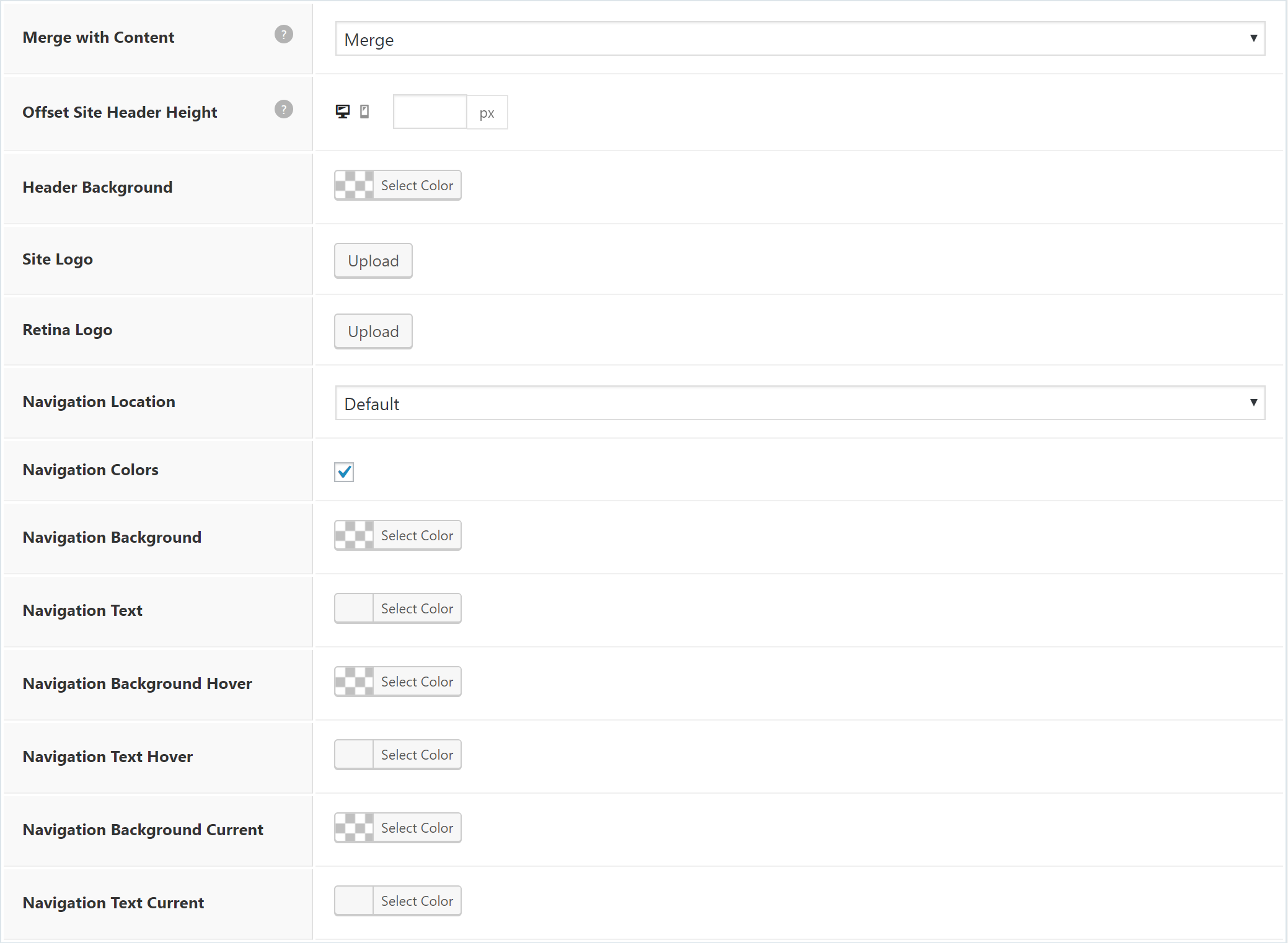
Site Header
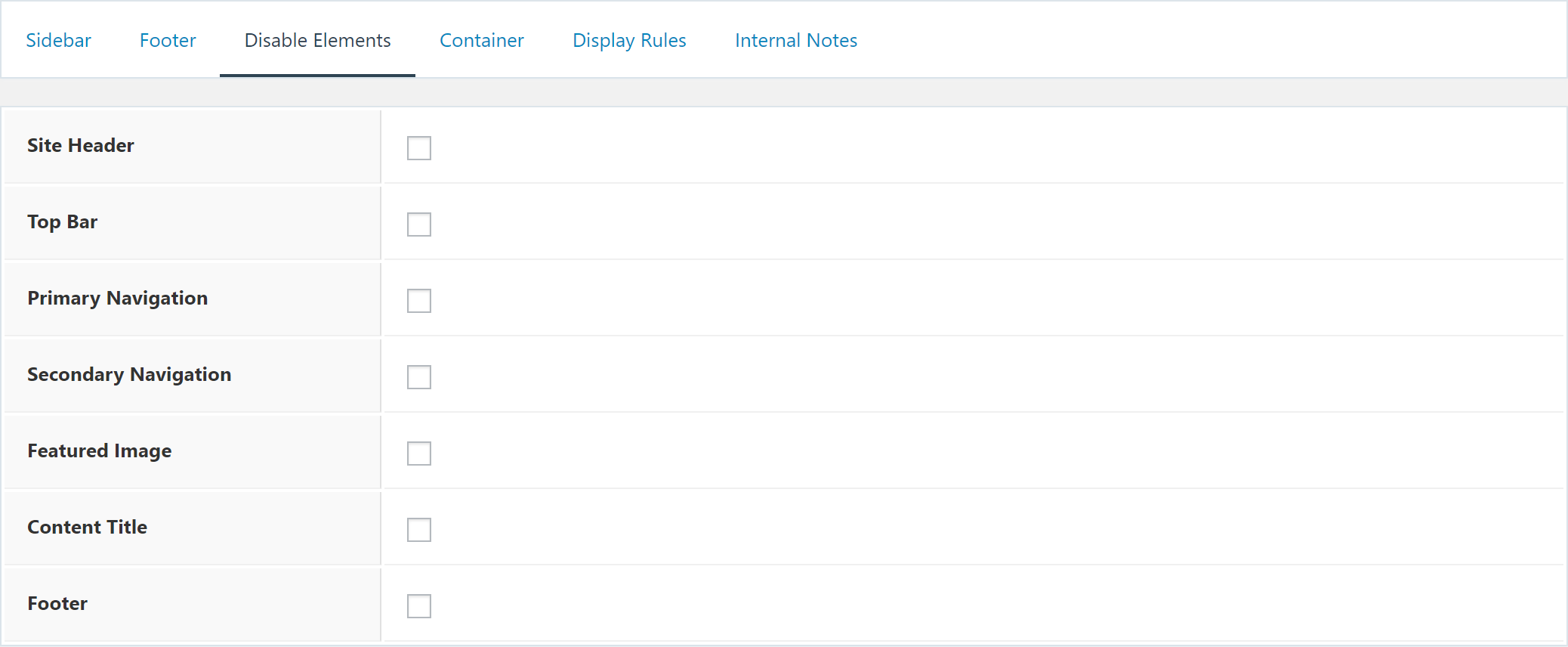
The Site Header section allows you to make changes to your site header. This includes things like changing the site logo, merging the site header with the content below it, and even changing the navigation location.
Hook Element
Check out the Hook Element documentation here.
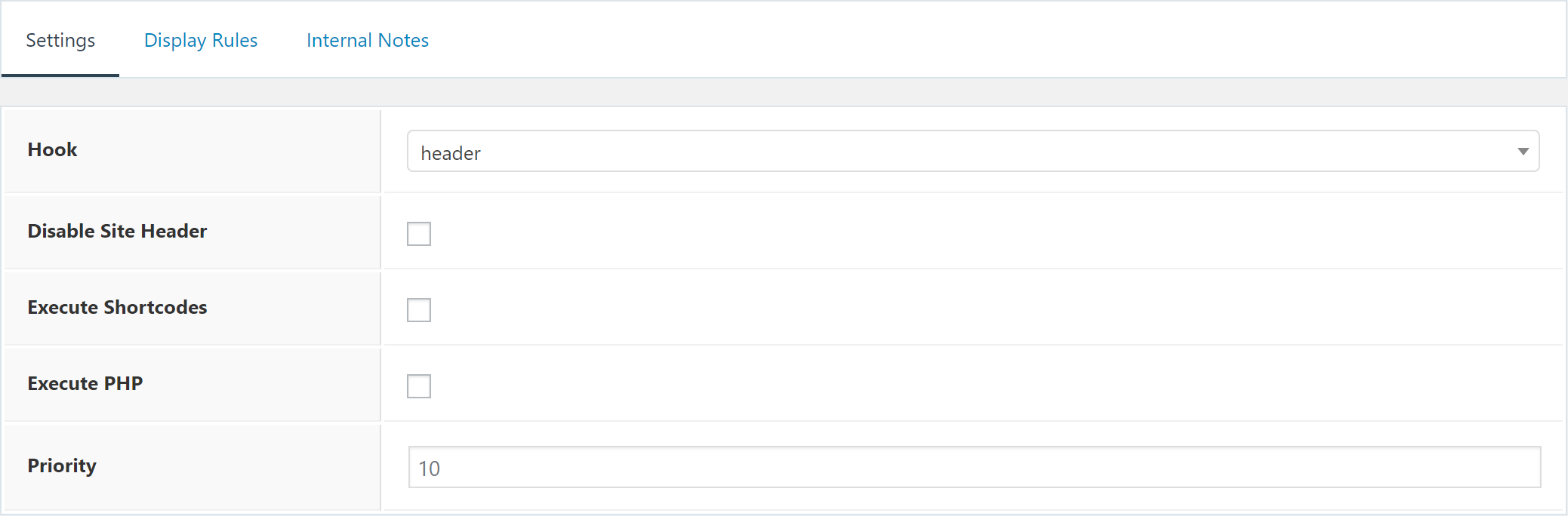
The Hook element replaces the GP Hooks module.
This element allows you to insert content into any available hook on your website. There’s a list of available GP and GP Premium hooks, and there’s a custom hook option that allows you to define your own hook name if it doesn’t exist in the dropdown.
Layout Element
Check out the Layout Element documentation here.
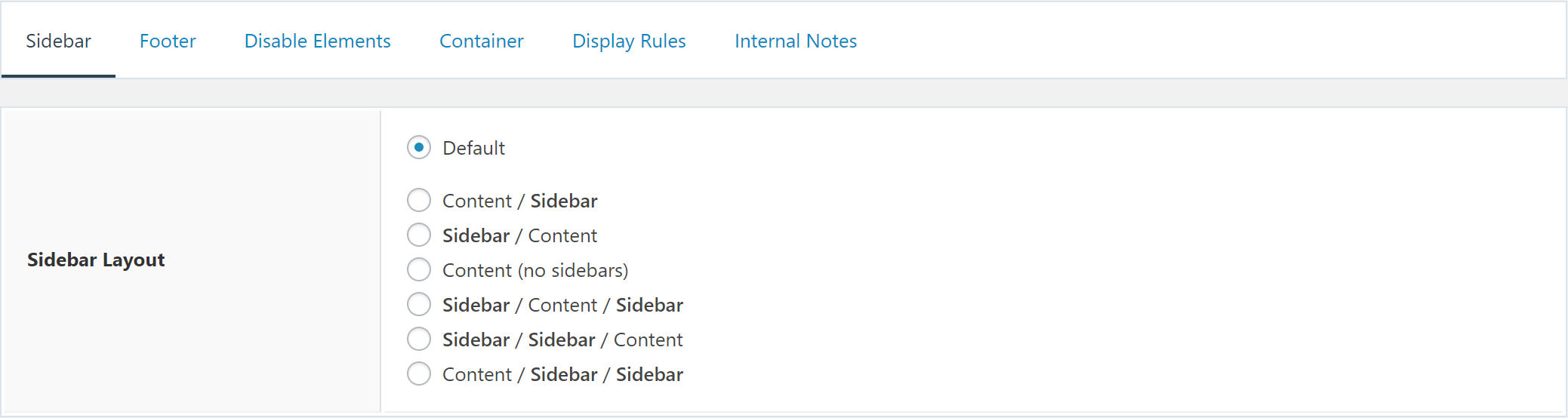
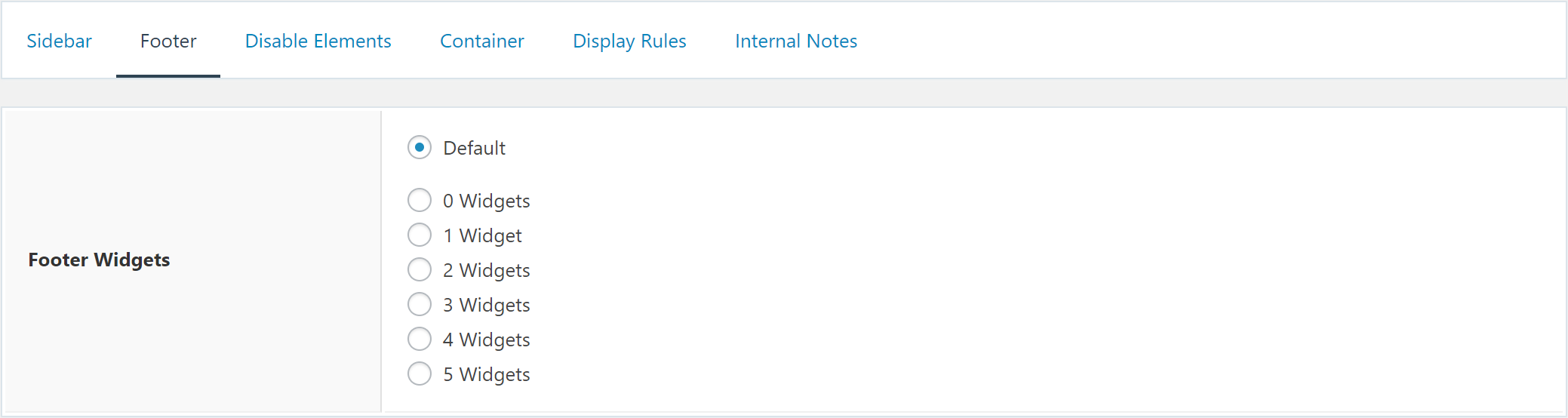
The Layout element allows you to set the same options you’re used to in the Layout metabox, but on a site-wide scale.
This means you can change the sidebar layout on specific categories for example, or set the content layout to full width on your entire site if you’re using a page builder everywhere.
This element is a massive time saver.

Display Rules
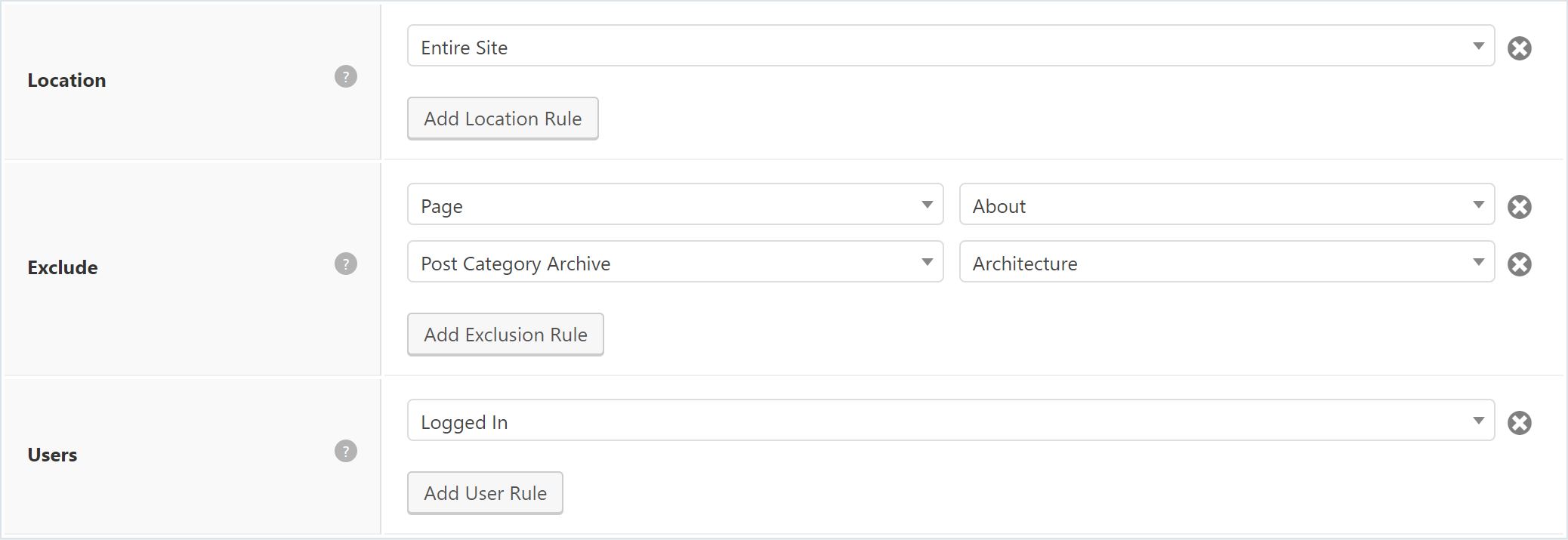
Each element has a Display Rules tab. This tab is the true power behind this new module.
In order for your element to display anywhere on your website, you must set certain conditions within the Display Rules tab.
These settings allow you to display your element throughout your site. You can choose specific pages, posts, categories etc.. You can even tell the element to display across your entire site.
You can also exclude the element using the same conditions. For example, you can tell your element to display throughout your entire site, excluding the About page.
Full Changelog
- Blog: Prevent masonry container jump on load
- Blog: Change “Full” label to “Full Content”
- New: Elements module
- Elements: Header element (replaces the Page Header module)
- Elements: Hook element (replaces the Hooks module)
- Elements: Layout element
- Hooks: Replaced by Elements module
- Hooks: Move link to legacy hooks inside Elements area
- Import/Export: Re-write code
- Import/Export: Import activated modules
- Menu Plus: Fix slideout close button alignment/color issues
- Menu Plus: Fix slideout issue with relative main navigation CSS
- Menu Plus: Fix ul display inside slideout navigation widget
- Menu Plus: Change Slideout Navigation theme location label to Slideout Menu
- Menu Plus: Close slideout navigation when a link within it is clicked
- Menu Plus: Show slideout navigation theme location option after Primary
- Menu Plus: Improve a11y of slideout navigation
- Menu Plus: Add
.site-wrapperclass compatibility to sticky nav - Menu Plus: Prepare offside.js for future button dropdown menu toggle
- Menu Plus: Add
.slideout-exitclass to close slideout - Page Header: Replaced by Elements module
- Page Header: Move link to legacy Page Headers inside Elements area
- Page Header: Fix hentry Google Search Console errors
- Page Header: Fix clearing element issue
- Page Header: WPML fix in global locations
- Page Header: Prevent PHP notices within Elementor Library area
- Page Header: Fix retina logo issue (in new Elements module only)
- Page Header: Show original logo in sticky navigation (in new Elements module only)
- Page Header: Add mobile header logo option (in new Elements module only)
- Secondary Nav: Show theme location option after Primary
- Sections: Allow Sections when Gutenberg is activated
- Sections: Hide Gutenberg editor when Sections enabled
- Sections: Fix text domain issues
- Sections: Use regular checkbox for use sections
- Spacing: Add future support for sub-menu width option
- Sites: Fix .complete class conflicts
- Sites: Add GENERATE_DISABLE_SITE_LIBRARY constant
- Sites: Remove verified provider debug notice
- WooCommerce: Add shopping bag and shopping basket icon options to cart menu item
- WooCommerce: Fix WC error with non-product post types
- WooCommerce: Fix too many WC star issue
- WooCommerce: Add CSS for cart menu item in secondary nav
- WooCommerce: Add WC menu item location filter to mobile cart
- WooCommerce: Fix issue with disabling sale badge when set to overlay
- WooCommerce: Add option to disable/enable sale badge on single product pages
- WooCommerce: Fix my account icon on mobile
- General: Fix smooth scroll issues on mobile
- General: Improve overall smooth scroll functionality
- General: Add generate_smooth_scroll_elements filter
- General: Move GPP icons from Font Awesome to custom icons
- A11y: Add context to all “Contained” strings
8/15/2018 – 1.7.1
- Elements: Fix PHP error in PHP 5.3
- Elements: Fix Choose Element not showing due to some third party plugins
Leave a comment