- This topic has 7 replies, 2 voices, and was last updated 10 years, 6 months ago by
Tom.
-
AuthorPosts
-
January 16, 2016 at 7:37 am #166046
Tom
I’ve been working on some slight design tweaks with my website lately, and I fell short when I tried to separate the title of the page from the actual content on that same page.
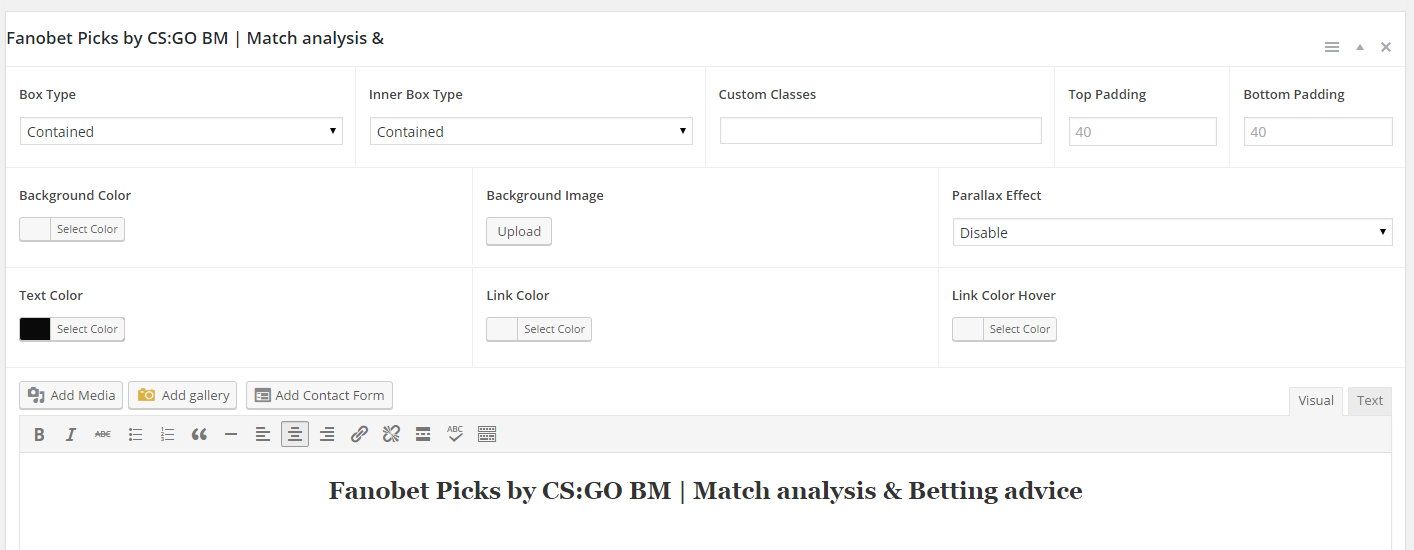
I tried using sections, but when I do, I can not change the title color so you can not see it because of the background colors. ( color in options – https://i.gyazo.com/80f643a7a450f432a050be73316b17fb.png ), and this is how it actually looks like on the page – https://i.gyazo.com/024a1e09a8ddc34eee08f780cffb37b2.png
It also bothers me that I no longer have the small area of empty space between the content and the footer / copyright bar like I do on the other pages which I did not yet edit using sections. ( Sections page – https://i.gyazo.com/23f00076c309f87e81685261e6899836.png | regular page – https://i.gyazo.com/d7d645f05cb684831ce13d840ee597e4.png )
I was wondering if you can help me out with these since I can not get it to work.
January 16, 2016 at 7:39 am #166047Oops, I failed with the links.
Color in options – 1st link
Title on the actual page – 2nd linkJanuary 16, 2016 at 10:32 am #166067Tom
Lead DeveloperLead DeveloperHi Tom,
1. Can you link me to this page so I can see which CSS is making the title look like that?
2. Try this CSS:
.generate-sections-enabled .site-footer {
    margin-top: 40px;
}
January 16, 2016 at 11:13 am #166074January 16, 2016 at 11:44 am #166077While I’m here, is it possible to make my footer see-through ? So that instead of the white background behind the advertising banner, I just have nothing and the website background continues.
January 16, 2016 at 12:17 pm #166088Lead DeveloperLead Developer1. Nice find! This is happening because you have a color set for H2s in the Customizer. I’ll get that fixed in the next version.
For now, open the “Text” tab and add the color directly to the H2:
<h2 style="color:#FFFFFF;">Your title</h2>For the footer background, you can use the Colors add-on. Go to “Customize > Color > Footer Widget Colors” and remove the color value from the background option.
January 16, 2016 at 4:21 pm #166123Thank you so much ! One more thing though, any idea why can I not make the footer banner as wide as the content container ? I want to make it 1100px wide, but when I put it in as a widget, it is automatically compressed as you can see right now on the website.
January 16, 2016 at 10:34 pm #166176Lead DeveloperLead DeveloperGive this CSS a try:
.inside-footer-widgets .inner-padding { padding: 0; } -
AuthorPosts
- You must be logged in to reply to this topic.