Archived topic
Unable to float menu to the right per your instructions and tutorials
9 replies · Started by Kasia on January 8, 2020
Not sure why I am unable to float the menu to the right despite following instructions in this video:
https://docs.generatepress.com/article/header-element-overview/
Also searched and found this article, but I don't see the same options to try? Perhaps everything has been updated since this issue. So this was not helpful, but am trying to do same thing:
https://generatepress.com/forums/topic/creating-top-bar-and-transparent-header-navigation/
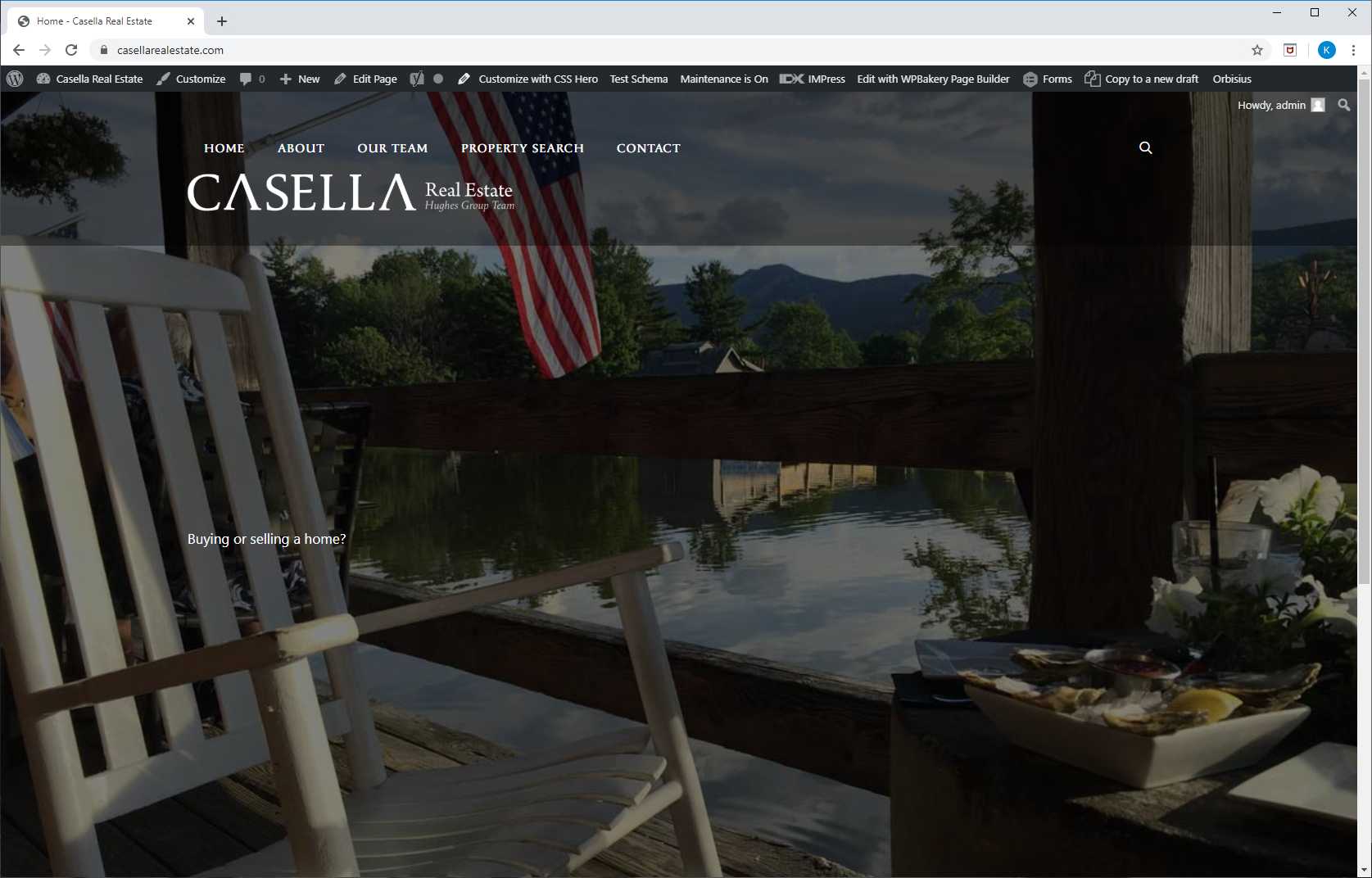
This site is not ready for client or the public. So it is in maintenance mode. Happy to give you access. Am under the gun to get this to look correct asap. Here is what is happening at the moment. No matter what I try. contained, full (menu), smaller logo the darn thing just won't float to the rightside.
https://snipboard.io/iADmZg.jpg
Here is the Chrome Inspector and it just won't float.
Hi there,
Have you tried this option?
https://docs.generatepress.com/article/navigation-as-a-header/
Let me know :)
This is not optimal for many reasons. Can you please help me figure out how to just float the navigation to the right with the logo on the left. Thank you.
Hi there,
can you provide access to the site so we can take a look?
Yes what is the best email address to give you?
Or I should have said, best email address to provide access to. Thank you.
You can use support@generatepress.com
All set.
Awesome!