
Archived topic
Scrollbar on full window view (and resized view)
7 replies · Started by cpbee on April 16, 2022
Dear Support team,
I have again a very specific problem - and I am sure it is solved by a very tiny change in settings - I just can not find the correct "place" to change it.
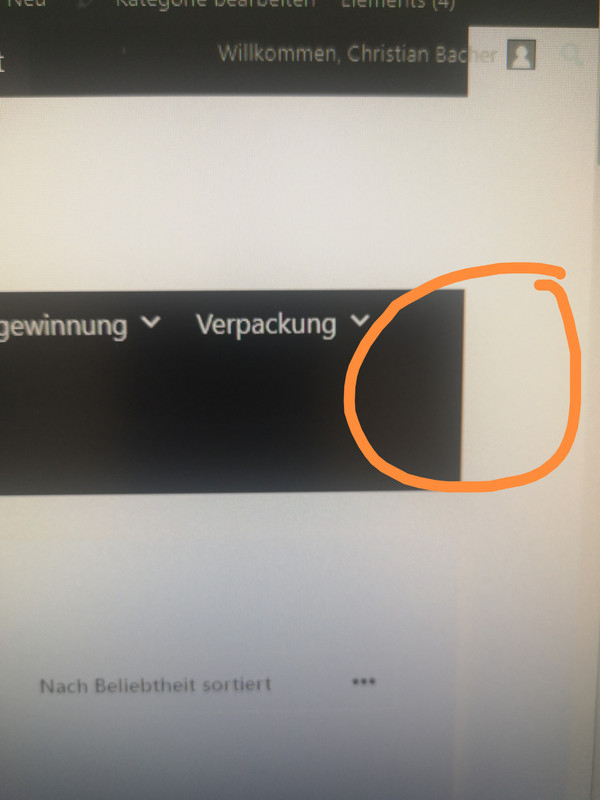
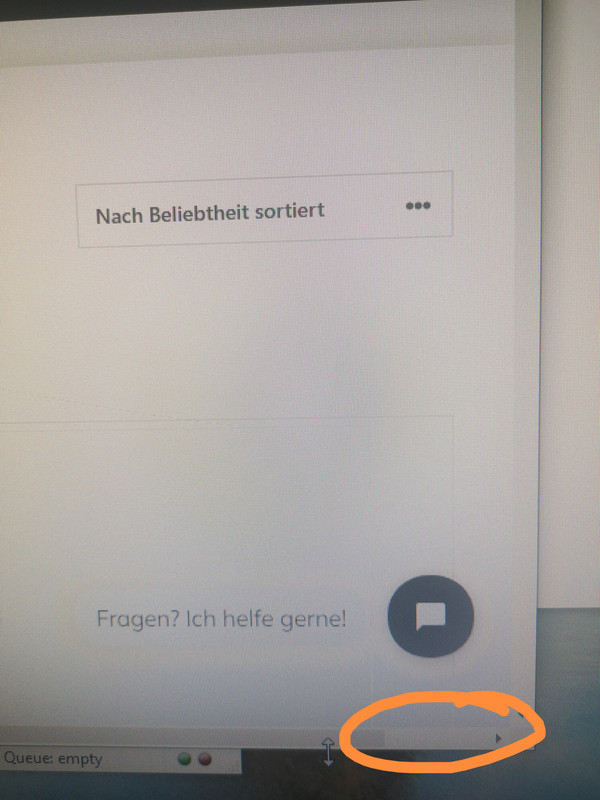
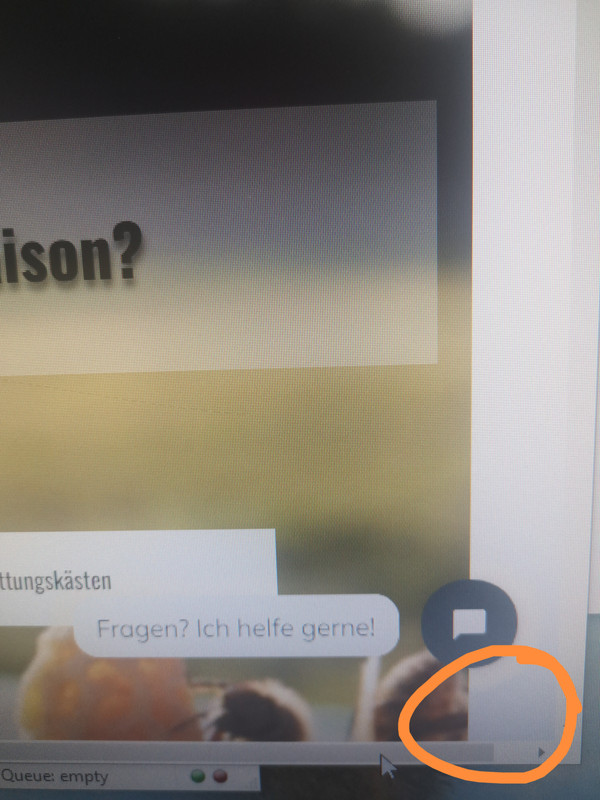
Following problem. On "full" view of my page and on partially resized view (imkereiausruester.ch) a horizontal scroll bar in the browser window is shown. If you scroll to the left a white vertical bar on the right hand side of the page is visible. The white area gets larger the smaller the browser window is set?
I think it has something to do with the container size or the widgets? But I can not change the behavior.
Do you have any suggestions?
Many thanks,
Chris.
Hi there,
can you share a link to a page where we can see the issue ?
Its the Mega Menu - see here:
https://www.screencast.com/t/NcNLtroU7DSM
The sub menu of that last menu item. whether its visible or not, is hanging outside the container.
Maybe the mega menu has a setting to align that specific sub-menu to the right ?
Dear David,
I am not sure if that is really the problem of the Mega Menu. I tried to disable the menu and the problem persists. Furthermore, if you browse from the mainpage to the shop page the horizontal scrollbar disapears.
from the main Page https://www.imkereiausruester.ch/ -> you click on "Begattungskästen" and you will be directed to the shop page and the scrollbar is gone, even though nothing has changed in the Mega Menu?
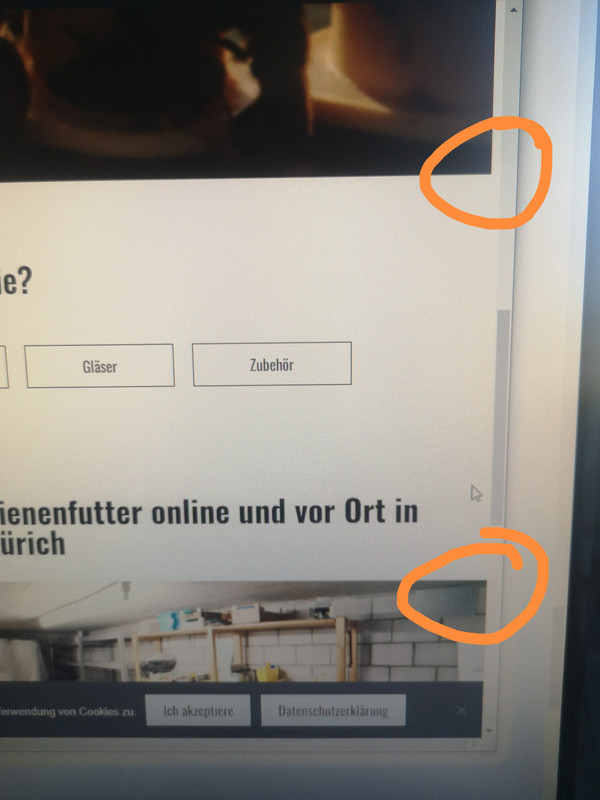
I have the feeling it has something to do with the containers on the front page. If you could take a look at the two pictures on the front page. With the horizontal scroll bar to the right and slightly minimized window you see that the containers have different widths (even though they have the same settings)?
Thanks for you help,
Best regards,
Christian.
Hi Christian,
It does seem to be caused by the sub-menus of the Mega menu.
See this screen recording where I tried deleting the sub menu manually: https://share.getcloudapp.com/nOuR7o1o
As shown, deleting the sub-menus removes the whitespace.
Can you try disabling it again, and we’ll take a look from our end?
Kindly let us know. :)
Dear Fernando,
thanks for your quick help. But even in your Video the horizontal bar is not gone AFTER you deleted the sub menu? The "overlay" Datenschutzerklärung is without border, but the underlying page still has a white border on the right hand site.
And how can you explain that the Mega Menu works perfectly fine on the shop page? But only has "problems" on the front page?
Best regards,
Chrsitian.
I see. That space is coming from the WordPress image Block. To take the padding into account, try adding this CSS in Appearance > Customize > Additional CSS:
.home figure.wp-block-image.alignfull.size-full {
    margin-left:-40px;
    margin-right:-40px;
}
Moreover, if you’re referring to this space as well: https://share.getcloudapp.com/bLuKbA7E
the issue also persists on the “Begattungskästen” page too on my end: https://share.getcloudapp.com/bLuKbA7E
Also see: https://share.getcloudapp.com/YEurwRLZ
This space is from the sub-menu which is what’s more evident from our end.
Hope this clarifies. :)