
Archived topic
Post Images are not displayed
5 replies · Started by Silvio on March 6, 2018
Hello Tom and Leo,
After disable the generatepress Child Theme and activate generatepress default Theme - the Images of all Posts on start page are not displayed.
Looks at page
:-/
Hi there,
So they are set to display here? https://docs.generatepress.com/article/adjusting-the-featured-images/
Hi Leo,
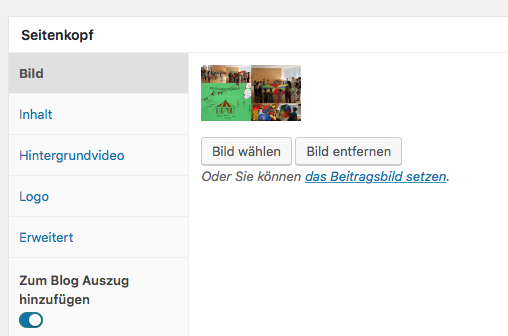
In all posts, the image state is crazy. See the example screenshot. I must reset the image in all posts.
I'm not sure what you mean? That looks like the page header metabox not the featured image metabox: https://docs.generatepress.com/article/adding-featured-images/
Looks like everything is working now? http://www.screencast.com/t/zlW1mxRG
Hi Leo,
Before I carried out an update on the current GeneratePress Theme, the display of the post image was different.
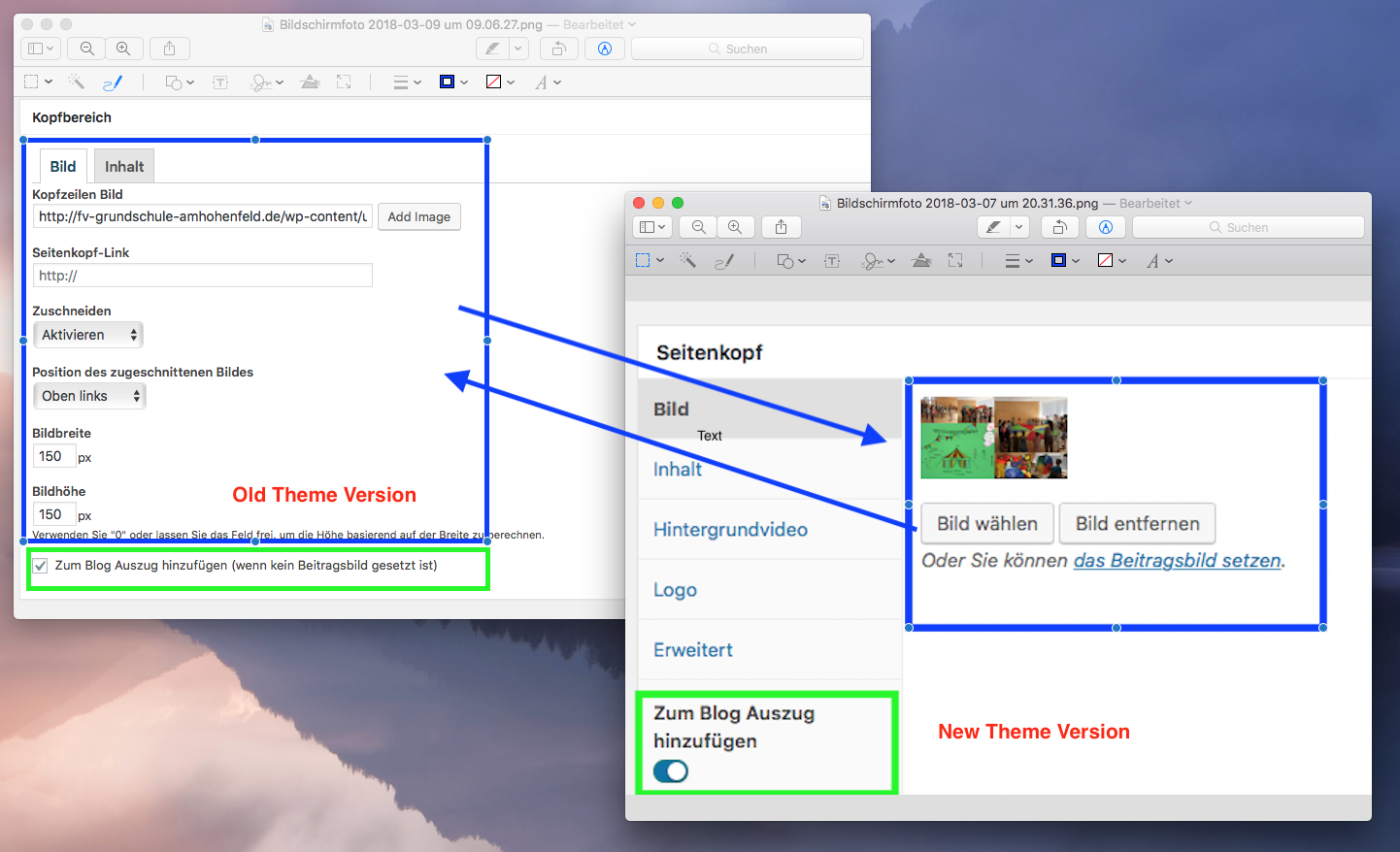
(see ScreenShot) After the update, the settings have disappeared and the images are no longer displayed on the start page. In the function "Add to the blog extract (if no post picture is set)" is "... (if no post picture is set)" now missing. I must reassign the post picture in all articles.
We're moving towards separating "Page Headers" and "Featured Images" completely.
All of your featured images should be set using the "Featured Image" metabox.
This plugin is really helpful for bulk setting post featured images: https://en-ca.wordpress.org/plugins/quick-featured-images/
Let me know if you need more info :)
