
Archived topic
Keep Site Branding to Center of Navigation Bar and Not Showing Some Icons
3 replies · Started by Shahas on December 26, 2019
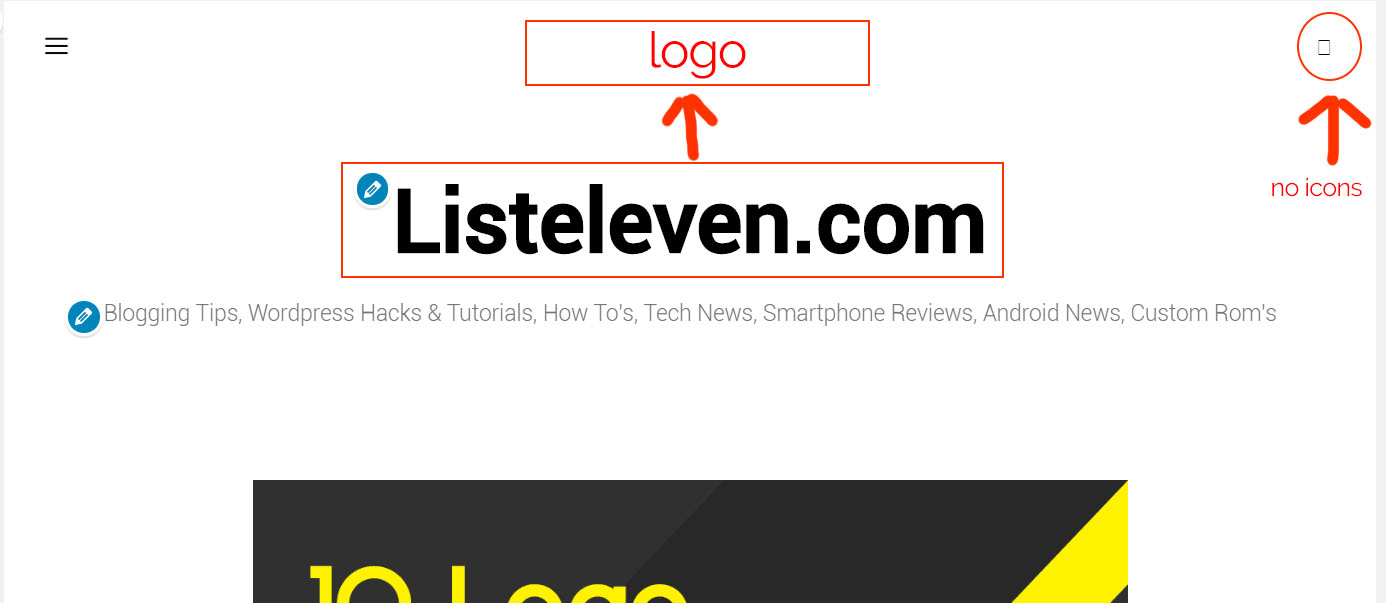
Hi, i just installed generate press theme to my website and applied Spacious theme from Site Library. But unlike Spacious header, i would like to place logo within the navigation and it should be centred. How can i achieve that?. Another problem i'm facing is no icons showing in search.
Thank you
Hi there,
Any chance you can enable the Navigation as Header option?: https://docs.generatepress.com/article/navigation-as-a-header/
Then we should be able to help with the CSS to center it.
As for the icon, this is happening because the font is being served via CDN. Browsers will typically block icons from displaying if they're being served from a different URL than the one being visited. You can see the console errors if you right-click + Inspect the page (in the Console tab).
It may be worth using the SVG option (Customize > General).
Hi,
I have enabled navigation as the header but, how to place the logo in the center and icons between the logo, thanks for the help.
Hi there,
try this CSS:
.navigation-branding {
    position: absolute;
    top: 0;
    left: 50%;
    transform: translateX(-50%);
}

.main-navigation:not(.slideout-navigation) .main-nav {
    flex: 1;
}

.main-navigation ul {
    display: flex;
    justify-content: space-between;
}

@media(max-width: 768px) {
    .main-navigation .mobile-bar-items {
        -webkit-box-ordinal-group: 5 !important;
        -webkit-order: 4 !important;
           -moz-box-ordinal-group: 5 !important;
            -ms-flex-order: 4 !important;
                order: 4 !important;
        margin-left: auto;
    }
}