
Archived topic
KC - How to remove the thin line between containers with shape-devider?
5 replies · Started by Sascha on April 11, 2022
Hi
on this site I have applied a shape devider to the upper container and now there's an ugly thin line, as you can see on this screenshot (testet on firefox, chrome & safari).
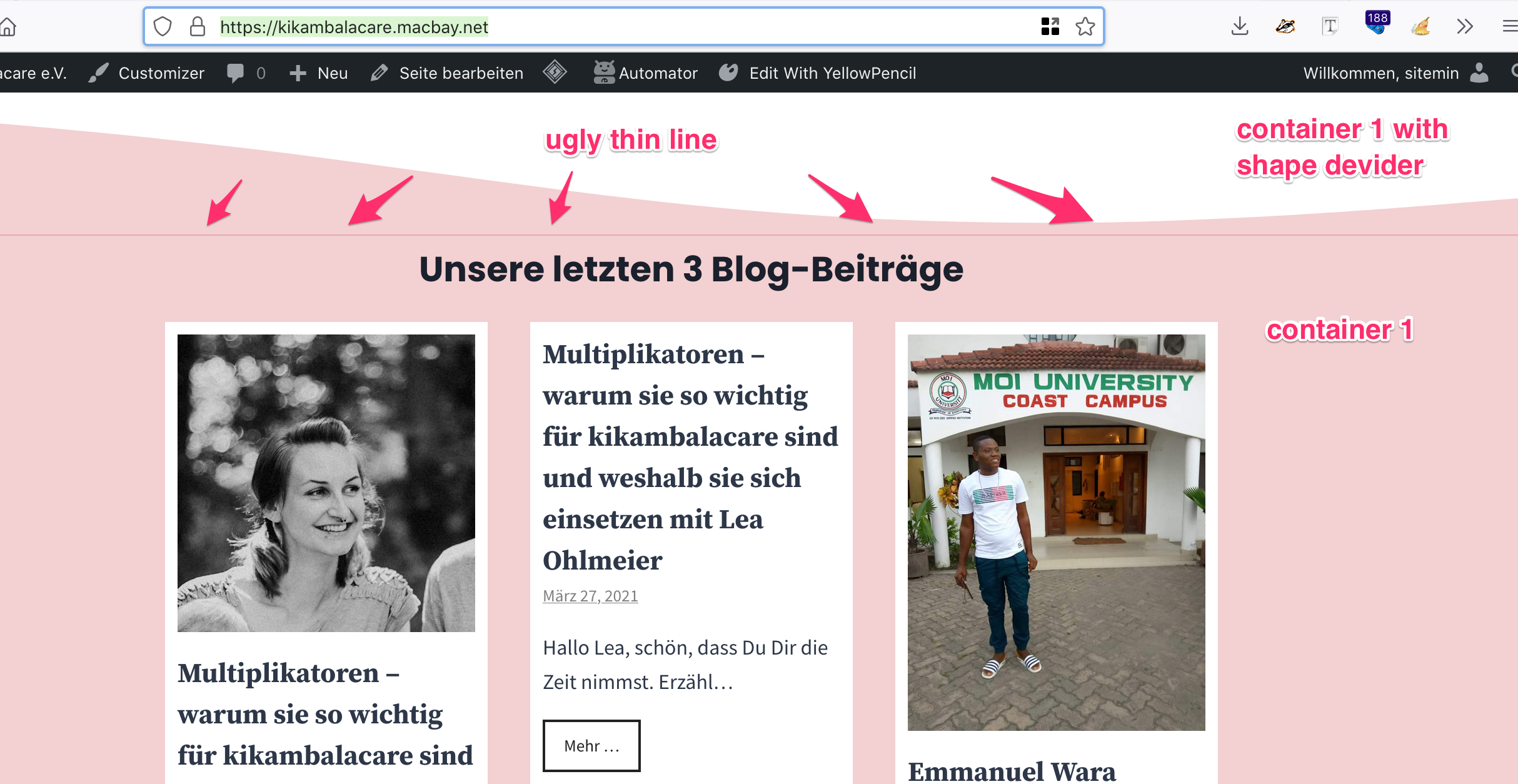
Looks like a bug to me. Can you please help me to remove this line? No borders are set in container settings.
Kind regards,
Sascha
Hi there,
select the Container Block that the shape is applied to and in Advanced > Additional CSS Class(es) add: has-bottom-shape
Then add this CSS to your site:
.has-bottom-shape .gb-shapes .gb-shape {
    bottom: 0;
}Thanks, David, that's working well 🙏
So is this something that will be "fixed" in a future version of GB?
My next question is about overlaying shape-deviders. The container below the one mentioned in my initial message has a green BG color and I want to apply the light-red bg-color to the top-shape. Now the problem is that the color will be mixed with the green. How to apply the shape, so that the red & green containers won't overlap their colours but also have no white space between them? I hope you can understand what I mean, otherwise I will provide credentials below and a screenshot here.
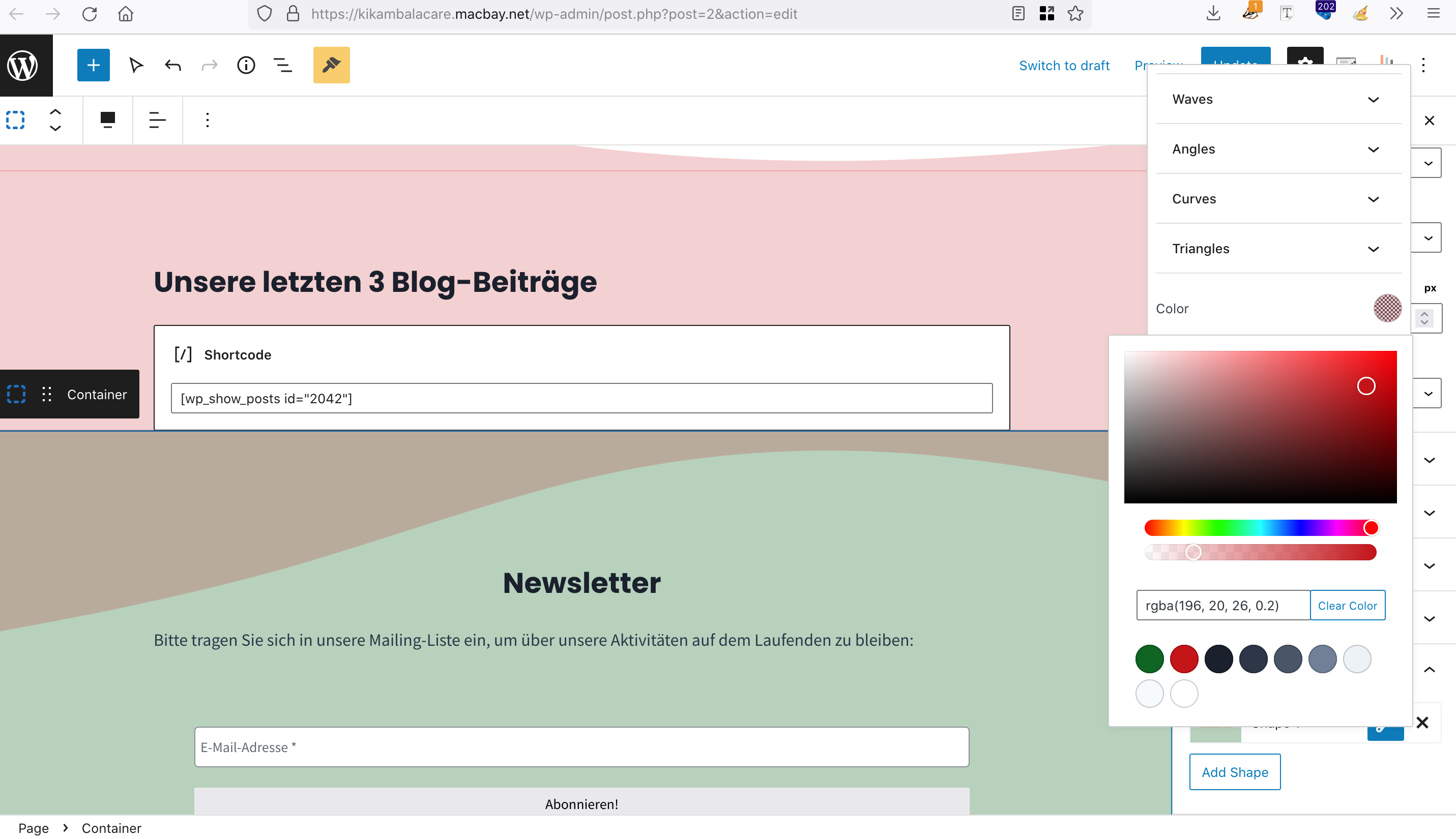
Thank you in advance and kind regards,
Sascha
Question - why use Transparent Colors for your shapes and background ? If you used a solid color then you won't see the gap or the overlap.
Try changing the color to a solid hex color - eg. this color: #f5d4d3
Ah, that makes sense 😄 Thanks a lot
You're welcome