Archived topic
Issue with "About Me" photo alignment on mobile
5 replies · Started by Miles on March 2, 2023
Dear Author,
I hope this message finds you well. I am writing to seek your assistance with an issue I am encountering while using your theme for WordPress editing. Specifically, I am having trouble with the "About Me" section on the bottom of my homepage where my photo appears smaller than expected on mobile devices, and I am unable to adjust it to fit the screen.
I was wondering if you could offer any guidance or suggestions on how to address this problem. I would greatly appreciate any help you could provide.
Thank you for your time and attention.
Best regards,
Miles
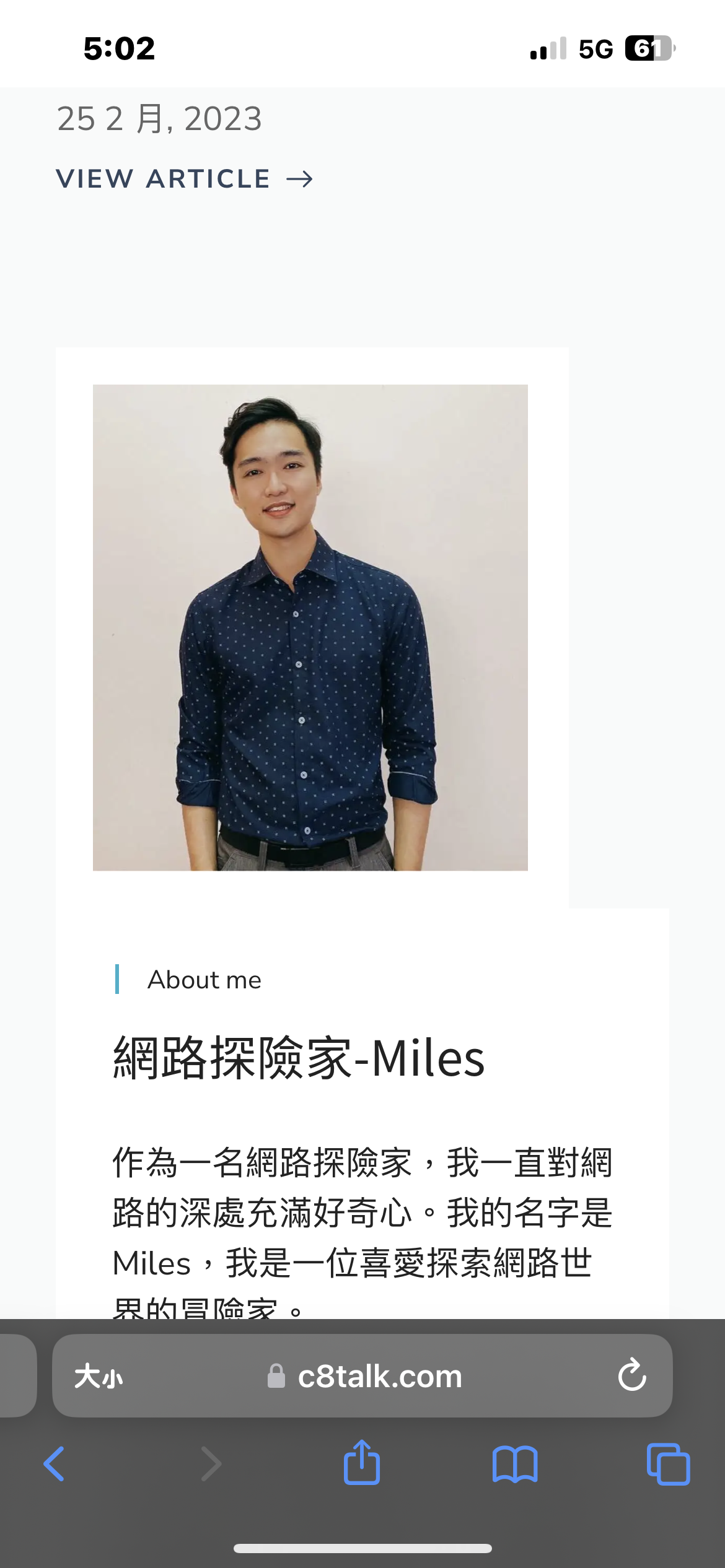
Hi Miles,
Your image has 20px border around it, if you remove the border on mobile, the image should extend to the full width of the container :)
Hello,
I am reaching out for assistance regarding the issue with my "About Me" image not being centered on my homepage. This problem is occurring at the bottom of my homepage, and not on the "About Me" page.
The "About Me" section on my homepage does not have any border set up yet, so I am unable to solve the issue at this time.
Thank you for your help.
Best regards,
Miles
Hello,
I am writing to follow up on my previous email regarding the issue I am having with my WordPress theme. Specifically, I am having trouble with the alignment of the image in the "About Me" section at the bottom of my homepage. I wanted to clarify that this issue is not happening on the "About Me" page itself.
As of now, I have not been able to solve the problem since there is no border setting for the "About Me" section on my homepage. I was hoping you could confirm whether or not my issue has been received and if there is any progress towards resolving it.
I am looking forward to hearing from you soon and would appreciate any assistance you can provide.
Thank you for your attention to this matter.
Sincerely,
Miles
Hi there,
apologies for the delay.
If you edit the homepage, and open the List View, you will see the page is split into Container Blocks.
Select the Container Block that has the About Me content.
Then in the blocks sidebar settings, select the Mobile tab, and in the Spacing > Padding, set the left and right values to 0
Then select the Image Block inside and make sure its settings > Width is large enough to fill the column. Only adjust this if it does not currently fit.