Archived topic
I can't customize gp premium - editor is full empty
24 replies · Started by Bela on March 26, 2021
Hi!
I have a generatepress premium, which theme I use in wordpress. However I can not customize it, editor is full empty.
I need help, thank you
Hi there,
can you check the PHP Memory limit on your server ?
https://docs.generatepress.com/article/increasing-php-memory-limit/
Hi David,
I added "define('WP_MEMORY_LIMIT', '128M');" to wp-config.php, but the problem did not solved.
Have you any idea?
Thanks
Can you show a screenshot of what you are seeing?
https://docs.generatepress.com/article/using-the-premium-support-forum/#uploading-screenshots
Have you tried disable all plugins except GP premium to eliminate any conflicts?
Does the same issue occur in a Twenty series WP theme?
Let me know :)
Here is the postimage link:
https://i.postimg.cc/nc8Hg57d/customize-generatepress.png
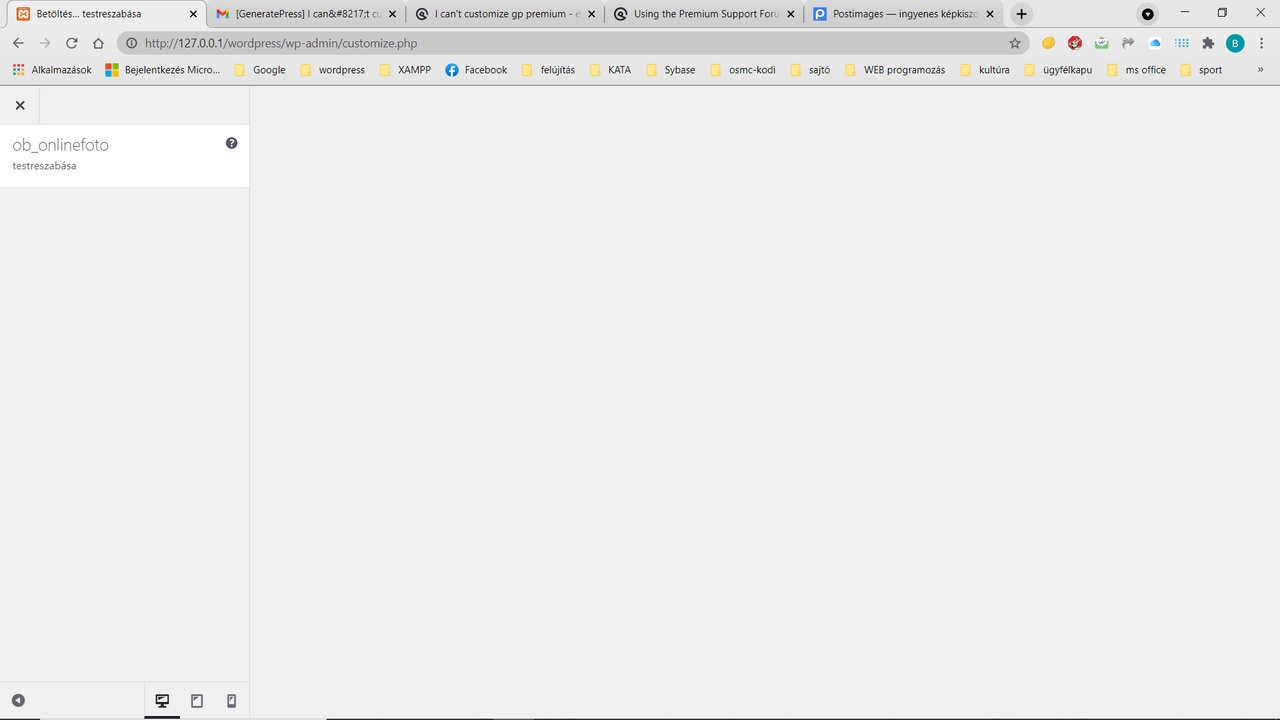
yes, I tried disable all plugins except GP premium, the problem exists
What about with a Twenty series WP theme?
Now, I have tried to activate plugins, after deactivate as your tip, this is screenshot:
https://i.postimg.cc/jdjG8438/After-reactivate-all-plugins.png
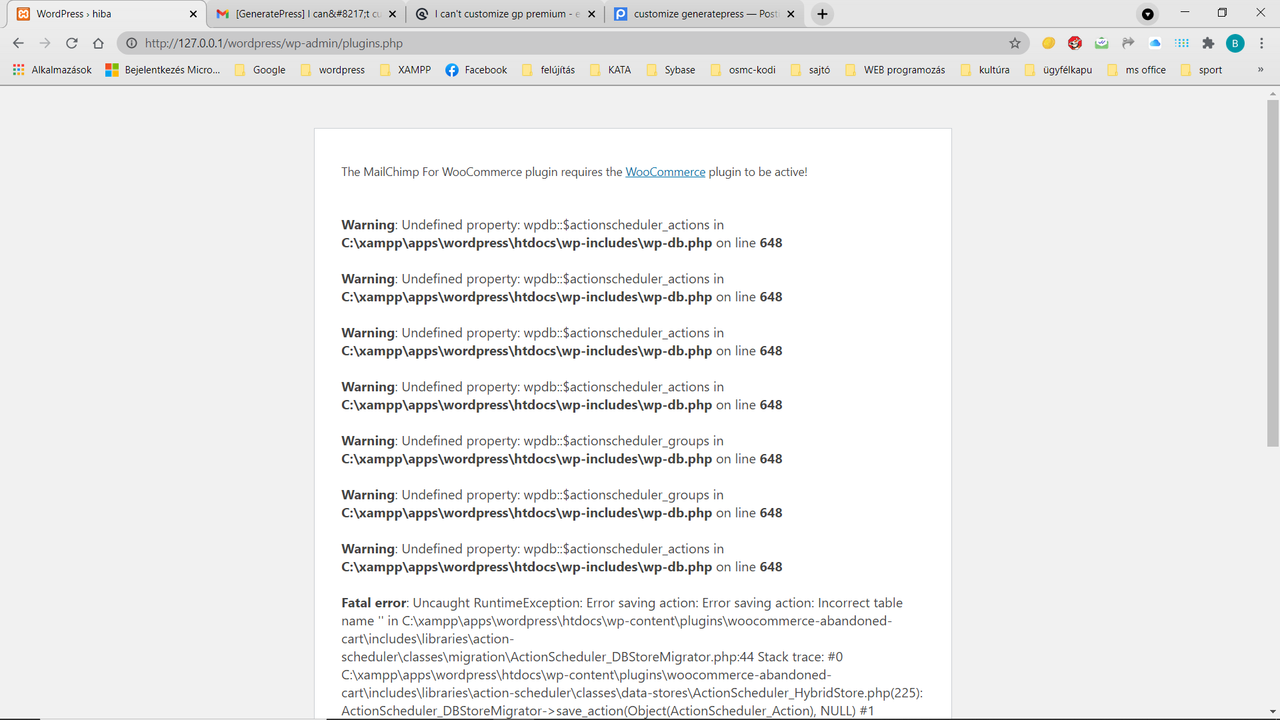
After deactivate and reactivate all plugins, I can not customize active plugins, and activate disable plugins.
After deactivate and reactivate all plugins, I can not customize active plugins, and activate disable plugins.
Not sure if I fully understand.
Looking at the errors in your screenshot, non of them is pointing to GeneratePress theme and GP Premium plugin - the same error should occur when you activate a Twenty series WP theme.
Looks like you might have some sort of WP database error?
Are you able to restore and backup? You can check with your hosting support for that.
Unfortunately no, I can't restore neither my site nor its mysql db.I don't reach wp admin.
So, I think I haveto go to wordpress support...
I connacted wordpress support, they suggested to ask for help theme's support
Can you go to Dashboard > Tools > Site Health.
First check if there are any warnings/issues on the first page.
Then go to the Info tab > Server. Take a screenshot of that and provide us a link to the screenshot so we can see if theres an issue there.
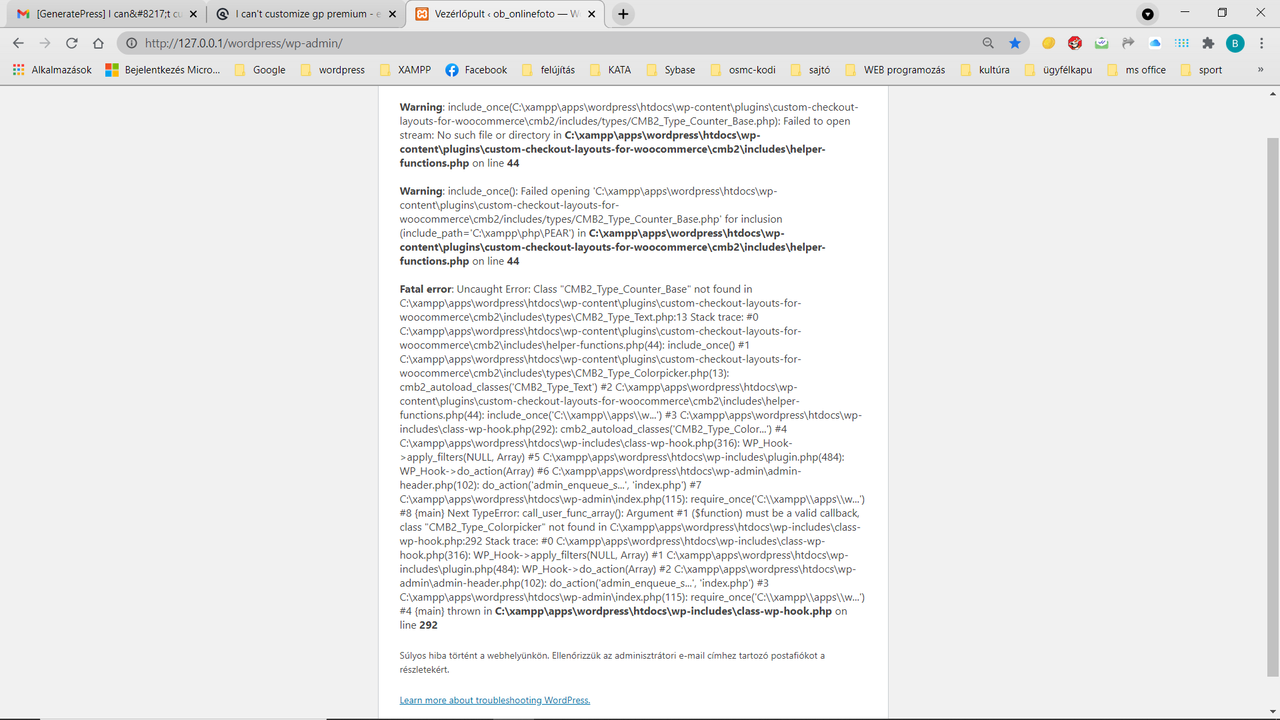
I can't go to dashboard, this is the screenshot:
https://i.postimg.cc/66jG2bt0/Try-To-Go-To-Dashboard.png