
Archived topic
How to replace the content on CPT archive page (created with Meta Box)?
7 replies · Started by Sascha on May 21, 2022
Hi
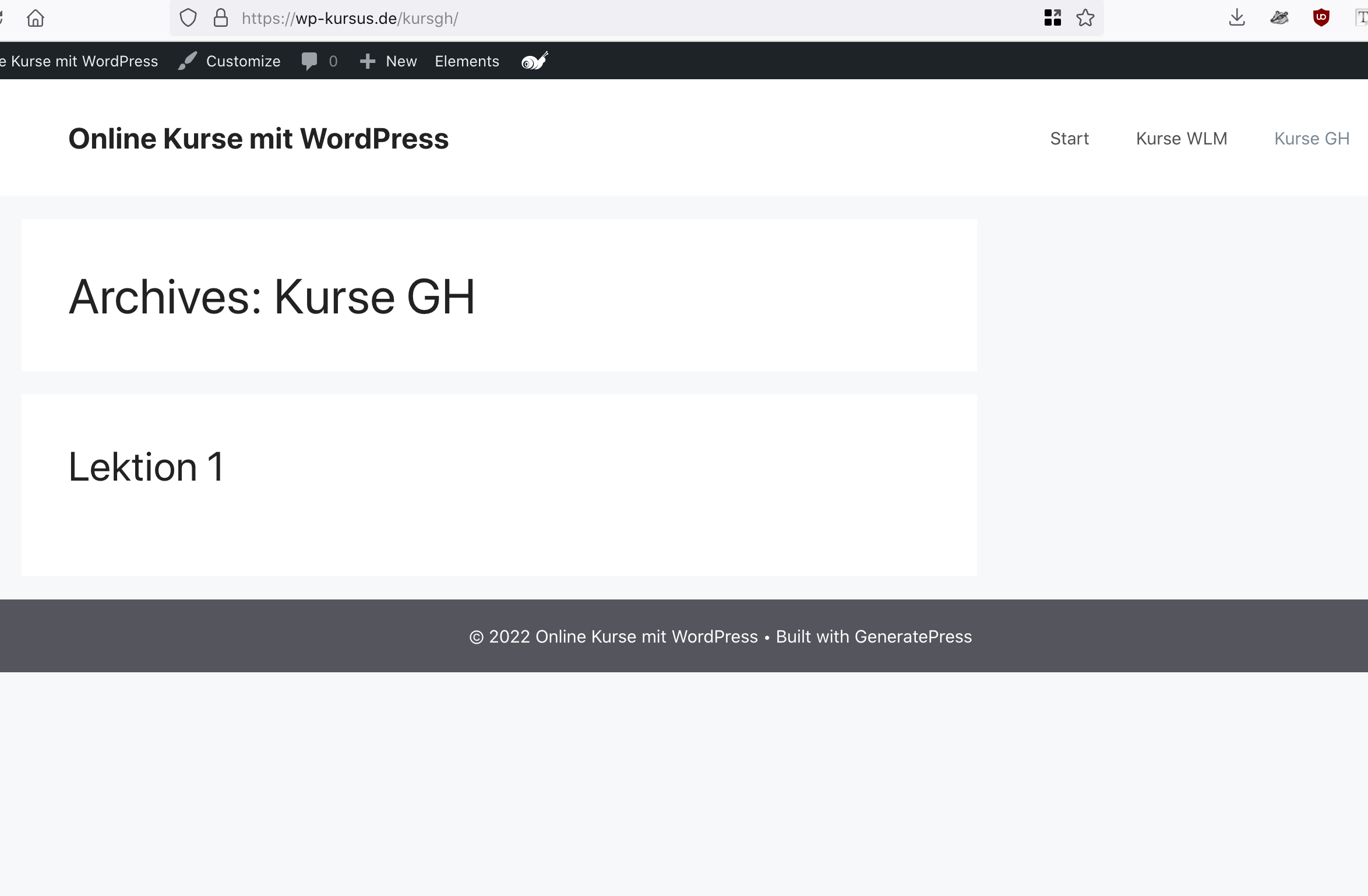
I have created a Custom Post Type "Kurse GH" with Meta Box and enabled "Has archive" for this CPT, and also created the post "Lektion 1". Now this archive page has the title "Archive: Kurse GH" and the first post being displayed, as seen on this screenshot.
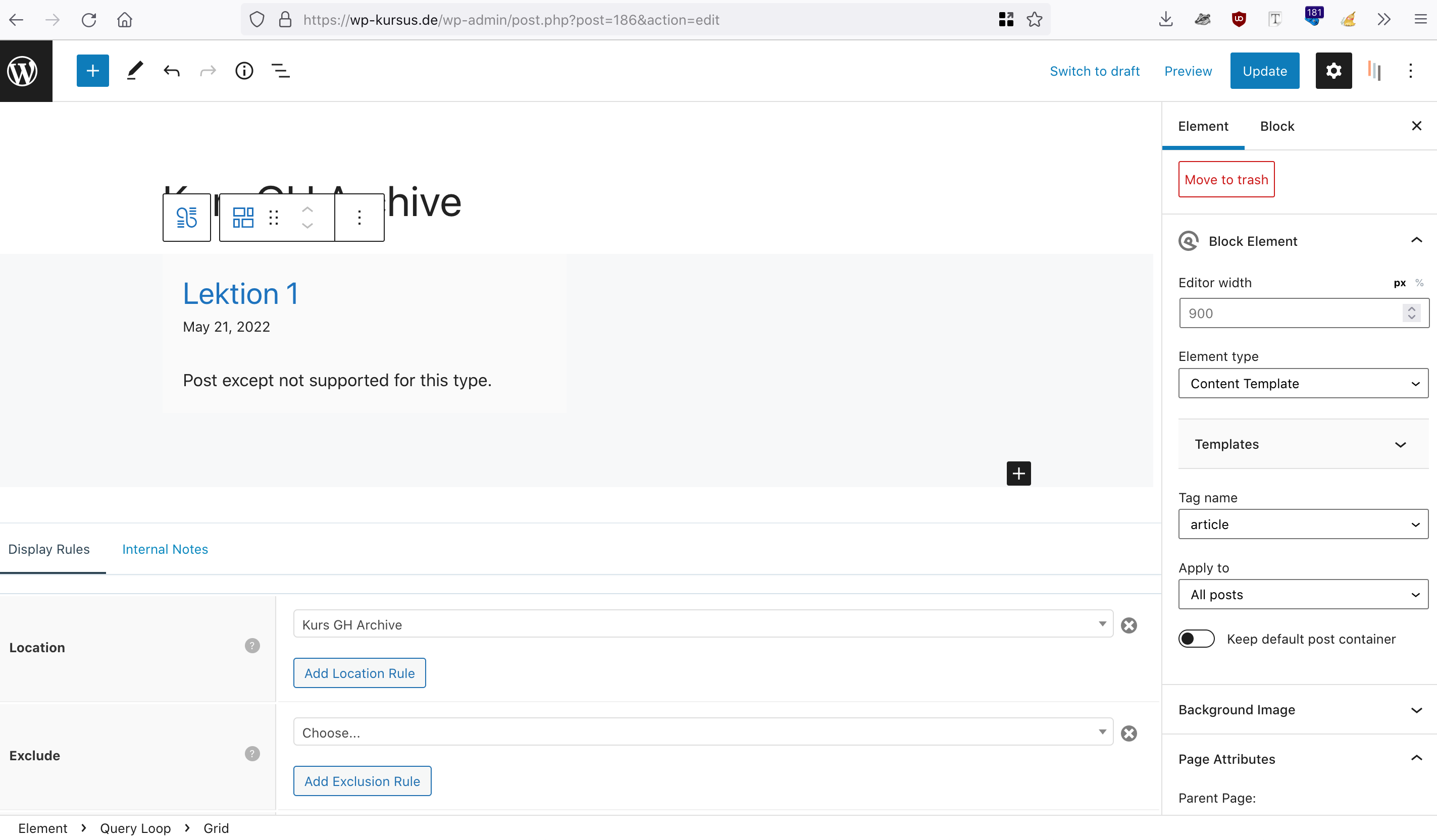
To customize this archive page, I have created a Block Element with a Query Loop (using the GB 1.5 beta1), set the location to "Kurs GH Archive" and chose the Element Type "Content Template", as seen on this screenshot.
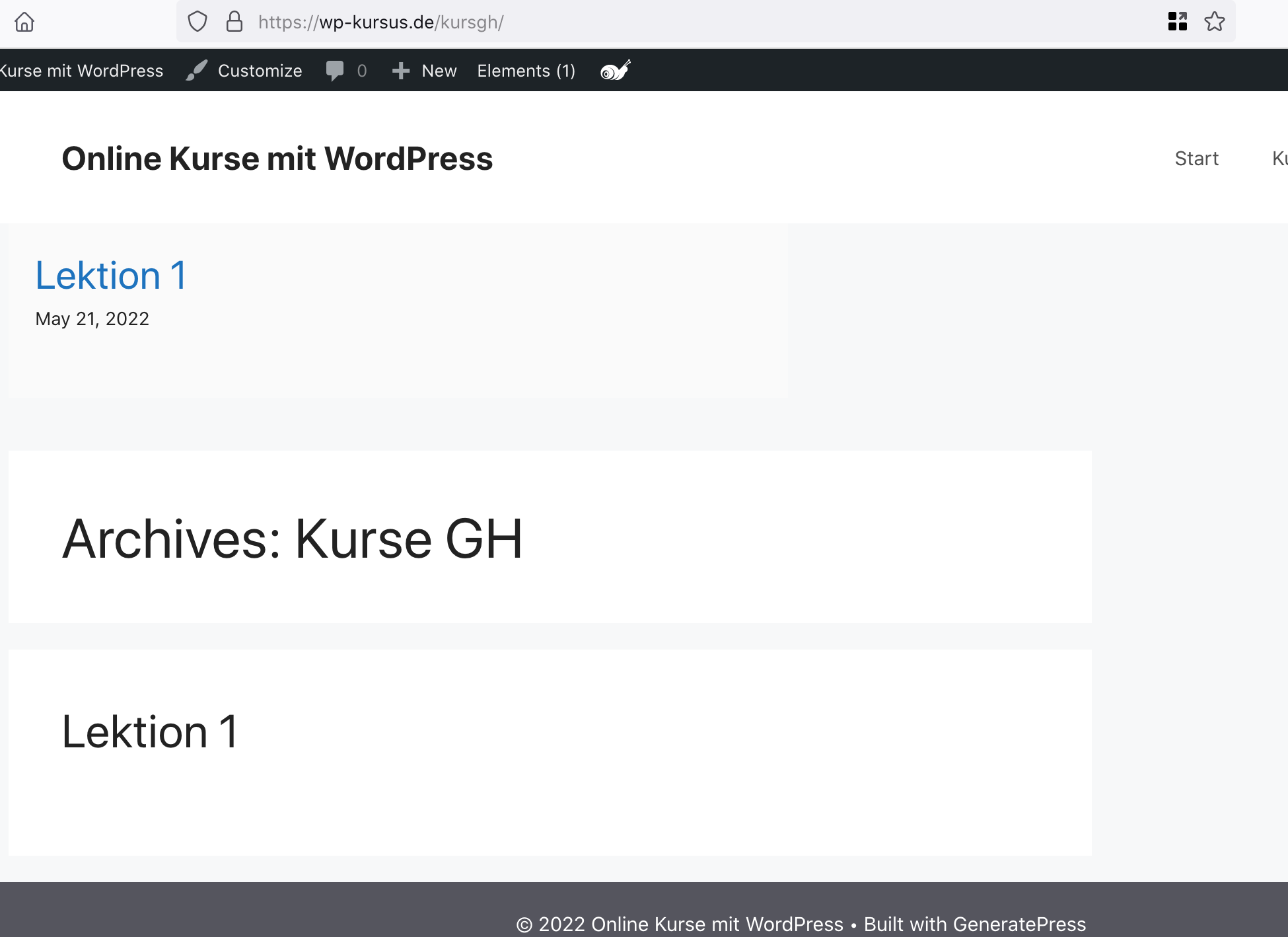
After publishing this Block Element, I was expecting the title and content of the archive page being replaced with the content of the Block Element, but the content of the Query Loop is now positioned above these items, as seen here. I have also changed the Element Type from "Content Template" to Hook and tried several hook-names like "inside_container", "inside_site_container" and a few others.
So my question is: How can I replace the content AND the title of this archive page with the content of the GB-Query-Loop?
I hope my support-request is understandable for you :)
Thank you in advance and kind regards,
Sascha
Hi Sascha,
Query loop block is for adding loops to static pages, it's not for creating content template.
Can you check this documentation and video? It should help to understand the concept of block element - content template :)
https://docs.generatepress.com/article/block-element-content-template/
Let me know if you need further assistance :)
Thanks, Ying, that makes sense.
Can you advise me about how to create the custom archive page for this CPT alternatively?
The only method I'm aware of is to disable the “Has archive” checkbox in the settings of this CPT and create a custom page instead, where I will display the posts using the Query Loop Block. However, if you know of a better method, please let me know :)
Thank you in advance and kind regards,
Sascha
Have you watched the video and read the documentation? :)
If you follow the video, you should be able to create CPT archive using block element -content template.
Just do NOT use query loop block in a block element - content template, that's all.
Thanks, now I've watched the video, really helpful!
I have now created the Block Element as Content Template and assigned to the location "Kurs GH Archive".
The block is visible, but also is the title "Archives: Kurse GH", so how to replace this title?
Check https://wp-kursus.de/kursgh/
Thank you in advance and kind regards,
Sascha
You can use a block element - page hero to create your own archive title:
https://docs.generatepress.com/article/block-element-page-hero/
Please do watch the video in the link :)
How to re-format the display of the date shown via "Block - Content Template" and the "Block - Page Hero"?
Check this screenshot.
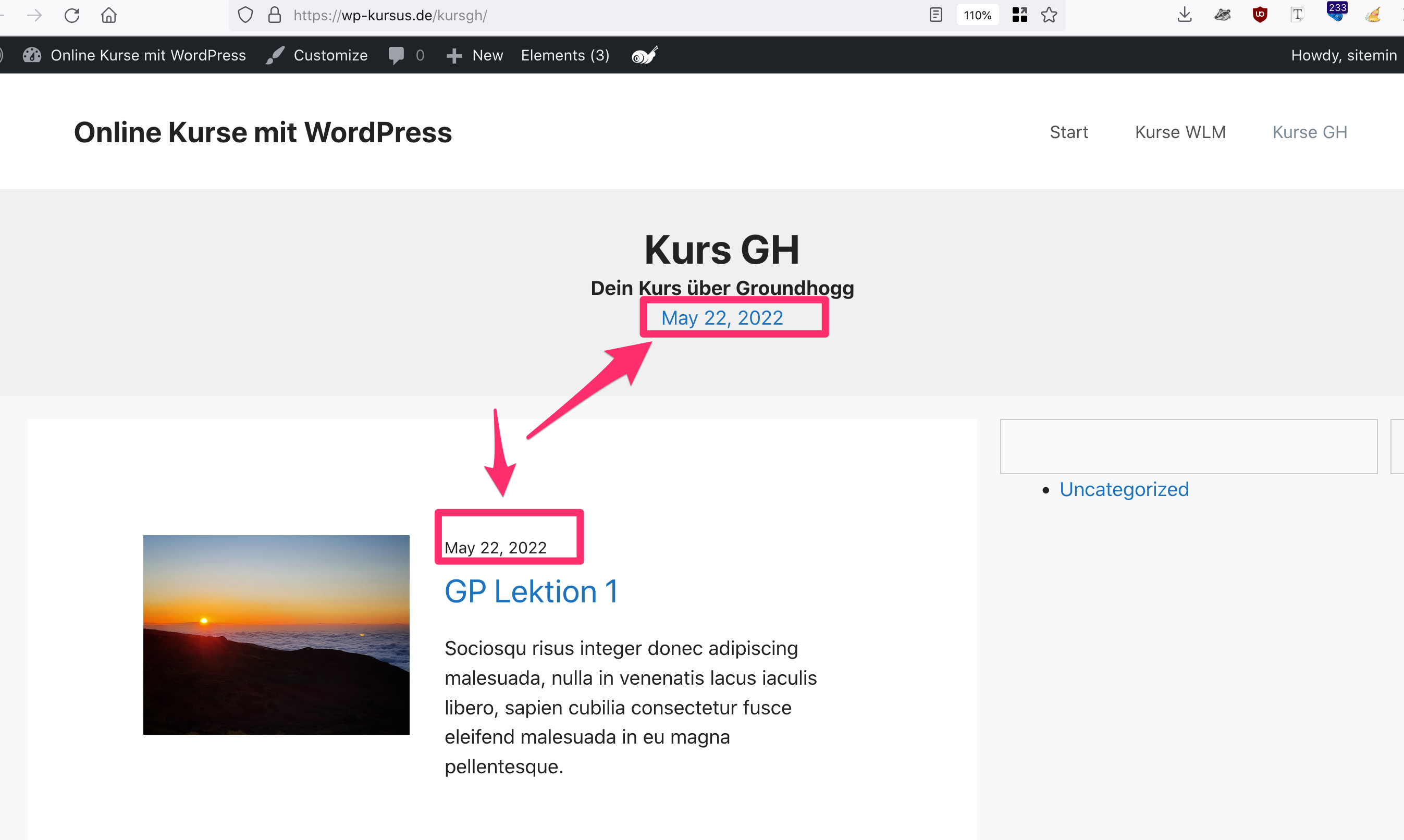
Currently, it's "May 22, 2022".
I'd like to change to "May 2022", how can I do this?
Thank you in advance and kind regards,
Sascha
The date format is controlled by WP, you can change it at dashboard > settings > general.