Archived topic
How to display a very high resolution image
1 reply · Started by David on December 16, 2020
I have a high resolution infographic I want to display (4000px x 3750px). My preference for how the image is displayed (in order of preference):
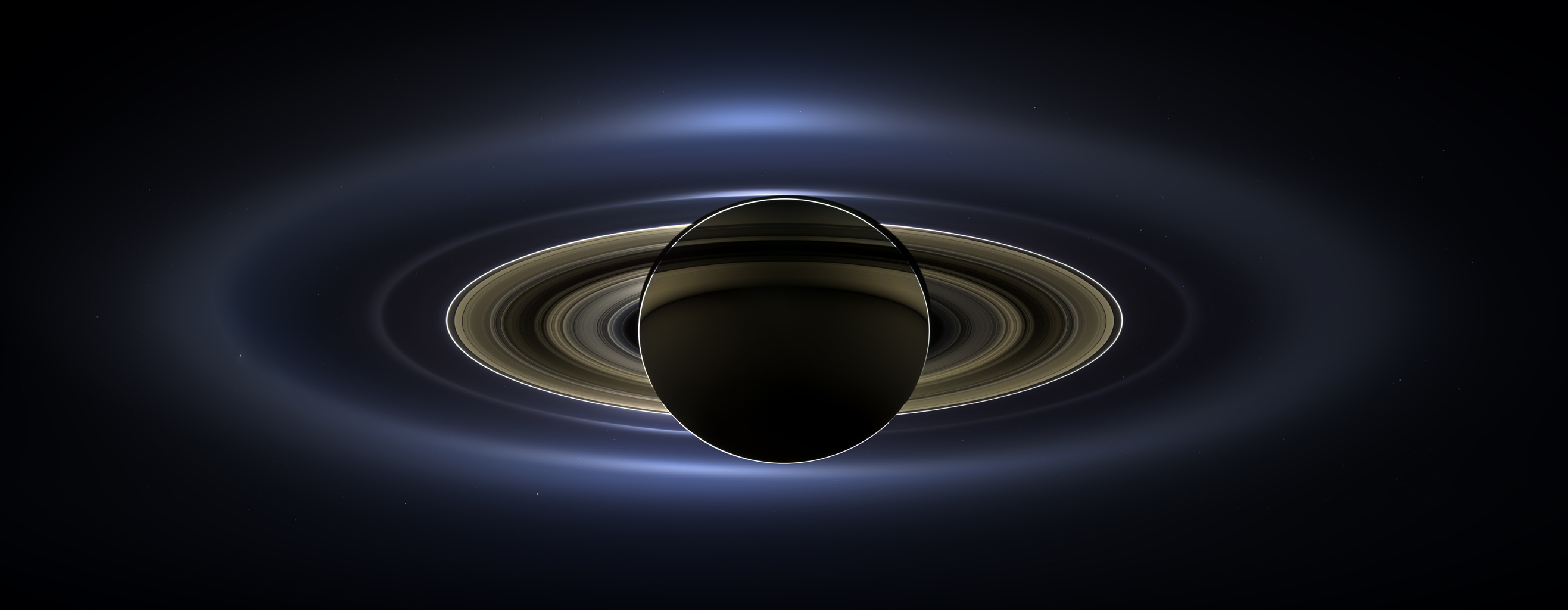
1. Load the image to fit the browser width with a zoom option that resizes the image to its full resolution with scroll bars (just like this image: https://www.jpl.nasa.gov/spaceimages/images/largesize/PIA17172_hires.jpg)
2. If I can't do #1, then simply display the image in its full resolution with scroll bars.
How can I achieve this?
Thanks.
Hi,
1.) You'll need a plugin with zoom functionality.
2.) You'll have to change the max upload size if the images you're uploading is larger than your site's upload limit. You can do this with a plugin or by editing your site's php.ini file or by adding snippet like this on your functions.php.
@ini_set( 'upload_max_size' , '64M' );
@ini_set( 'post_max_size', '64M');
@ini_set( 'max_execution_time', '300' );
Note: Loading of large images isn't recommended if you're concerned with the page's performance.