
Archived topic
how to add cart icon on menu
5 replies · Started by Steven on March 29, 2021
Viewing posts 1–6 of 6
Hi guys
I am wondering how can I add a cart icon to the right of my menu?
thank you in advance
Hi there,
first make sure you have the Woocommerce module enabled in Appearance > GeneratePress.
Then you can access the woo settings in Customizer > Layout > Woocommerce:
https://docs.generatepress.com/article/woocommerce-overview/
Enable the Cart in Menu option, and Mini Cart Sub-menu ( if required ).
Thank you!
You're welcome
I want to make the cart icon look like this:
http://media.macbay.net/_support/cart-icon-gp_27EE2F33.png
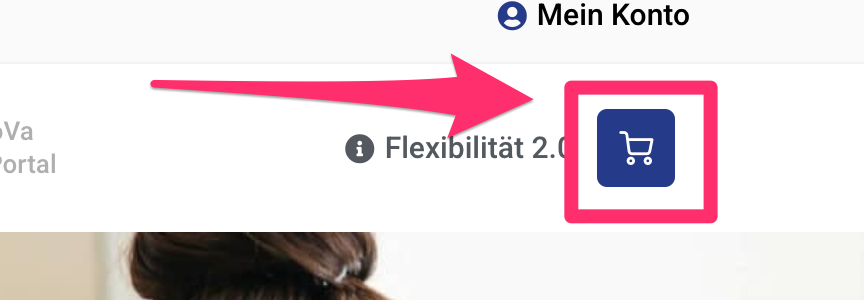
How to achieve this?
Hi Sascha,
Can you open a new topic with your site link?
Thanks!
This archived topic is closed to new replies.