Archived topic
Gravatar help / block element help
12 replies · Started by Patricia on November 8, 2022
hey guys hope all is well!
I am following this tutorial here
https://docs.generatepress.com/article/block-element-post-meta-template/
and it worked fine apart that the gravatar doesn't show up,how can I have it displayed? I already have a WordPress gravatar.
Also, taking a look at this link, can you guys help me achieve the following:
- inline social media icons with the post meta?
- remove the border below the breadcrumbs?
- show the avatar that is blank at the moment?
thank you!
Hi there,
can you share a screen shot of the Block Element you added the post meta with ?
Do these images work?
https://i.postimg.cc/VNVmsfct/Screenshot-2022-11-08-at-09-48-29.png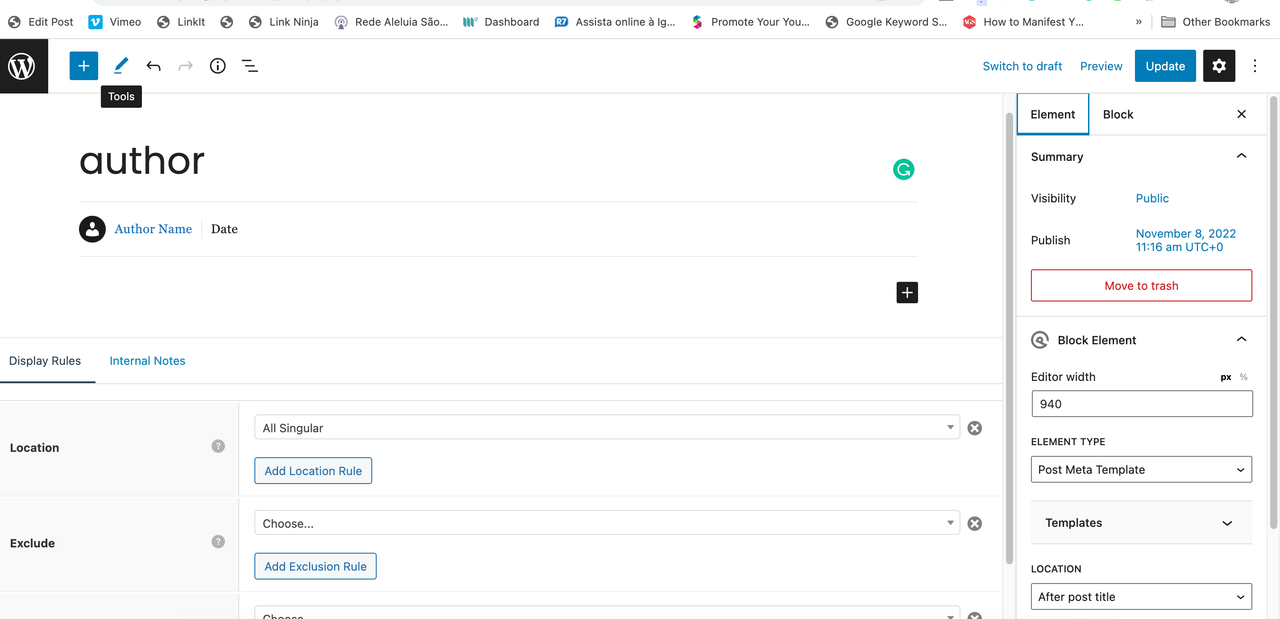
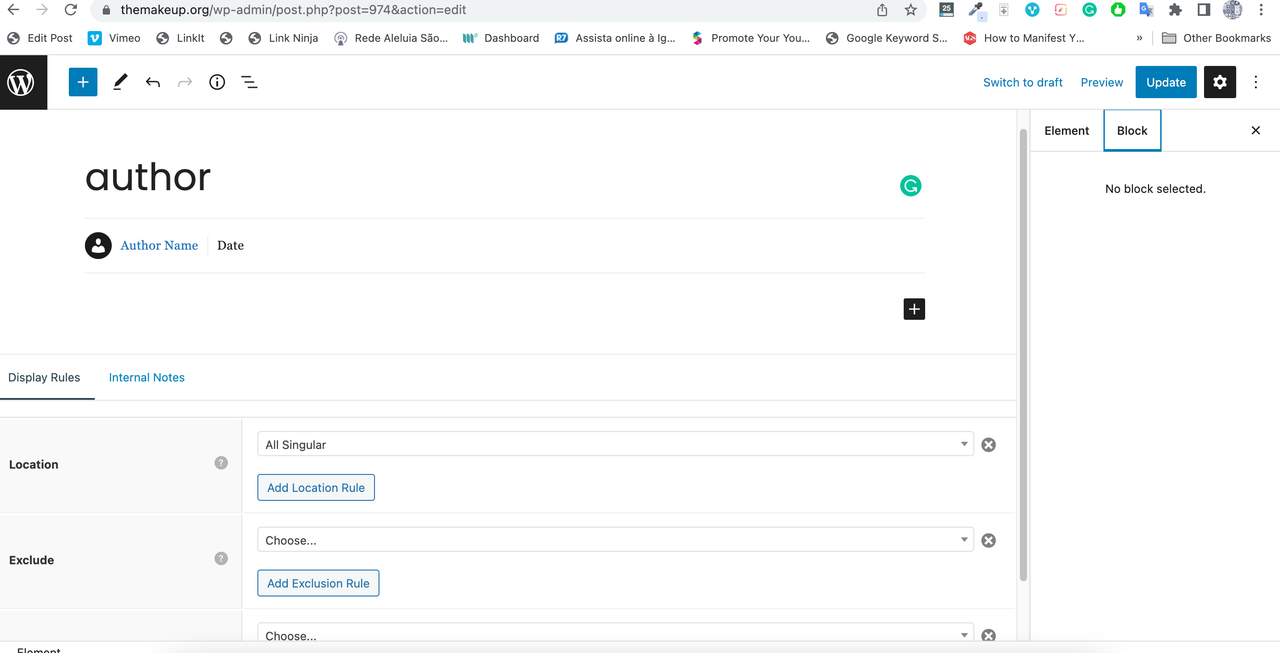
thank you!
Hmmm... looking at the icon in the editor that would mean is set to display the avatar.
Are you using the same email address for your User Profile as you have set for your Gravatar ?
Yes. I think gravatar may not be enabled?? thanks


Odd, so GP will automatically remove any HTML for the image if it cannot find one. And that is happening here, so for some reason it cannot find it.....
Question - are you the only author on the Site ?
yes I am the only author
May i suggest NOT using a Gravatar, as they are not particularly great for performance.
If you
1. select and delete that GP Image Block
2. replace it with a GenerateBlocks Image block
2.1 and set that to display an image from your Media Library.
2.2 set the Attachment size to Thumbnail, set the Width and Height to what your require.
2.3 set the Spacing > Border Radius to 100% on all sides.
I will do it and let you know! thank you!
hello! it works fine but I cannot have it round on the article :)
Actually is working now! many thankss
Glad to hear that!!