
Archived topic
Editor not full width issue
3 replies · Started by Kevin on November 2, 2022
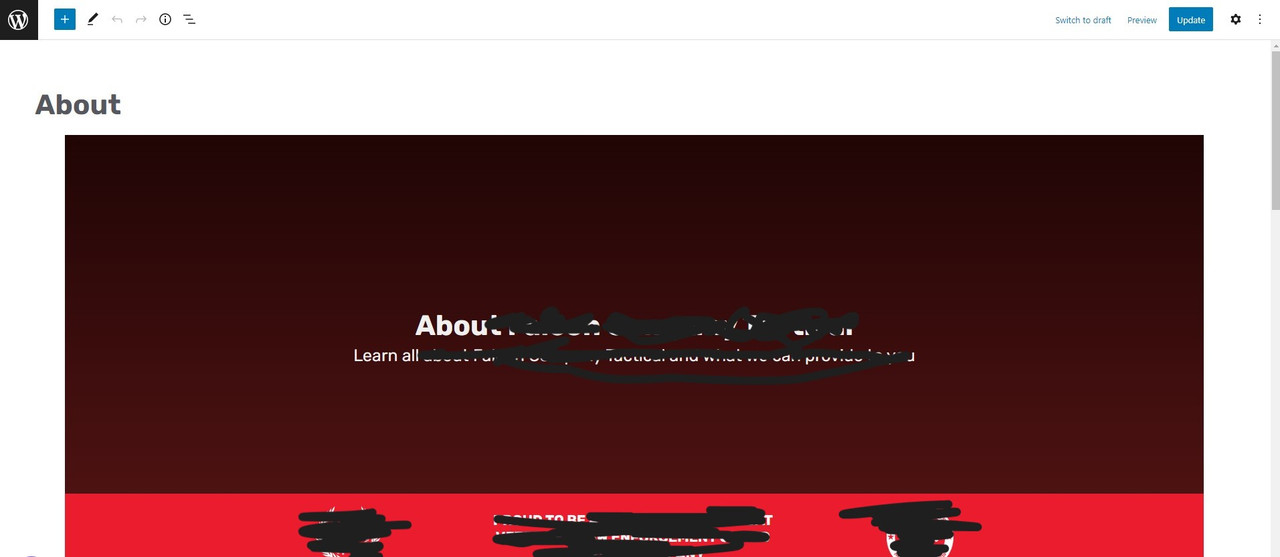
So when editing a page, even though the blocks are set to full width, in the editor, they do not stretch anymore to the sides, so it scrunched things up. The front end looks fine as expected. This started once I brought the site into a staging environment to make some updates. Cloudways vultr HF. Never had this issue before, its weird. Wordpress version 6.0.3. The latest version of generate press premium and block pro. Any ideas?
screenshot here
Solved. The cause was JetEngine. There was a tic that I had switched on in JetEngine settings called full width block editor that was causing the issue. Turning it off fixed the problem.
Glad to hear you found the issue!
Thanks, David!
