
Archived topic
date formatting for custom field
8 replies · Started by Jack on March 9, 2023
I'm using: GeneratePress 3.2.4, GP Premium 2.2.2, GenerateBlocks 1.7.3, ACF 6.0.7, Custom Post Type UI 1.13.4
- Created a field group in ACF that includes date_start. Display Format and Return Format are set to "March 9, 2023" (F j, Y)
- Created an element (Block - Content Template) for Custom post Exhibition and added a heading with Dynamic Data → Current Post → Post Meta and date_start.
- Created an exhibition and entered a date_start of July 1, 2022
- When I display the exhibition post, the date shows 20220701
How do I get the selected date format applied to the start_date field so the post shows "July 1, 2022" in the field?
Hi Jack,
GB's dynamic data doesn't alter the data, it should show whatever the custom field returns.
I just tested it on my site, it returns the format I set in ACF.
Can you try clearing the cache?
If this doesn't work, can you disable all other plugins (except GP Premium/GB/ACF/CPT UI) and custom functions to eliminate conflicts?
Let me know!
I am experiencing this same issue and it is quite frustrating. When using an ACF short code, the display format that is set in ACF renders properly on screen. When I try to use any GP dynamic options that custom field DOES NOT display the correct format. It is exactly as the original poster states, the filed is rended as numbers only.
Here are the ACF settings
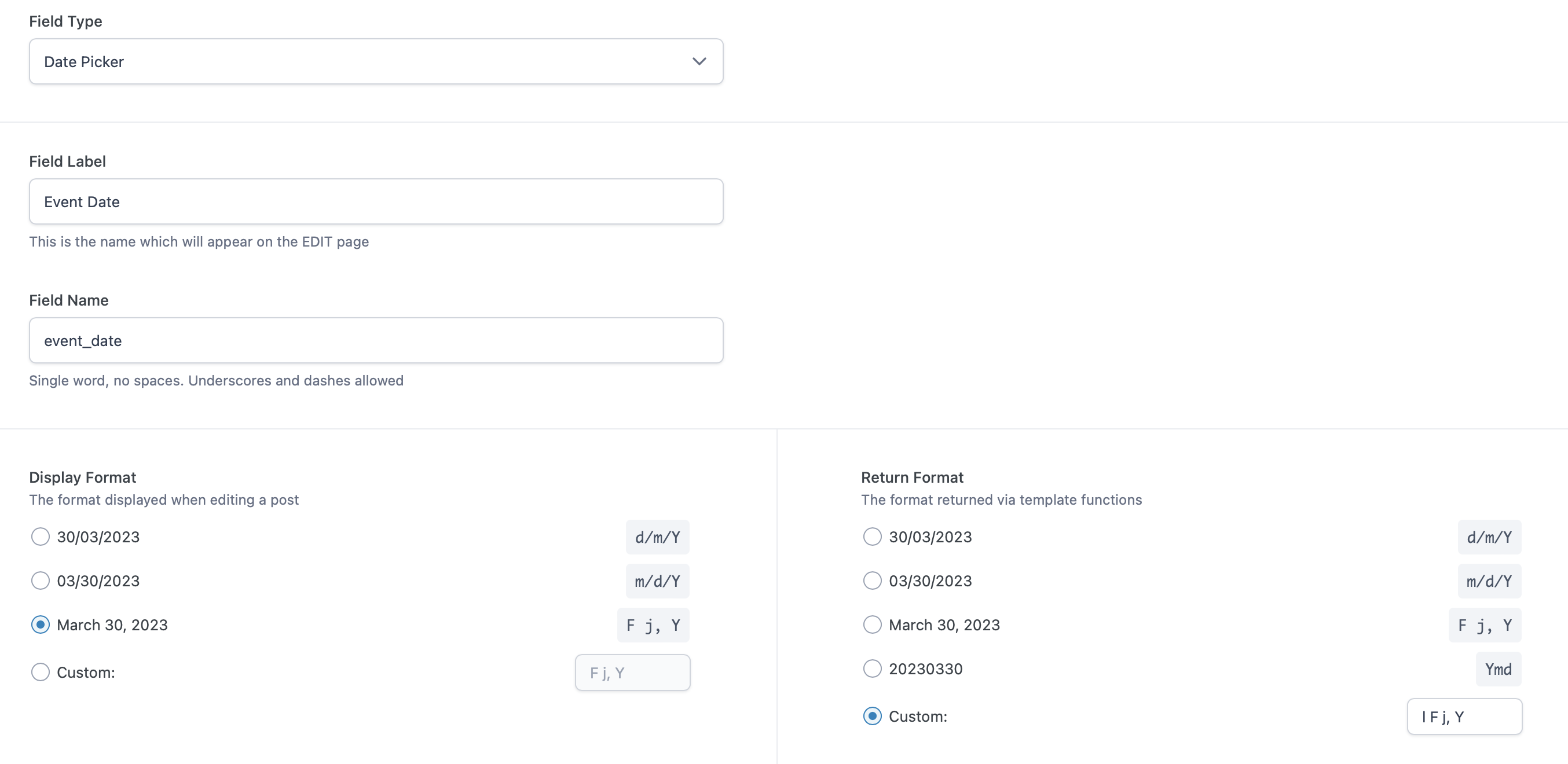
Here are the GP dynamic options settings (using sidebar dynamic options returns same results)
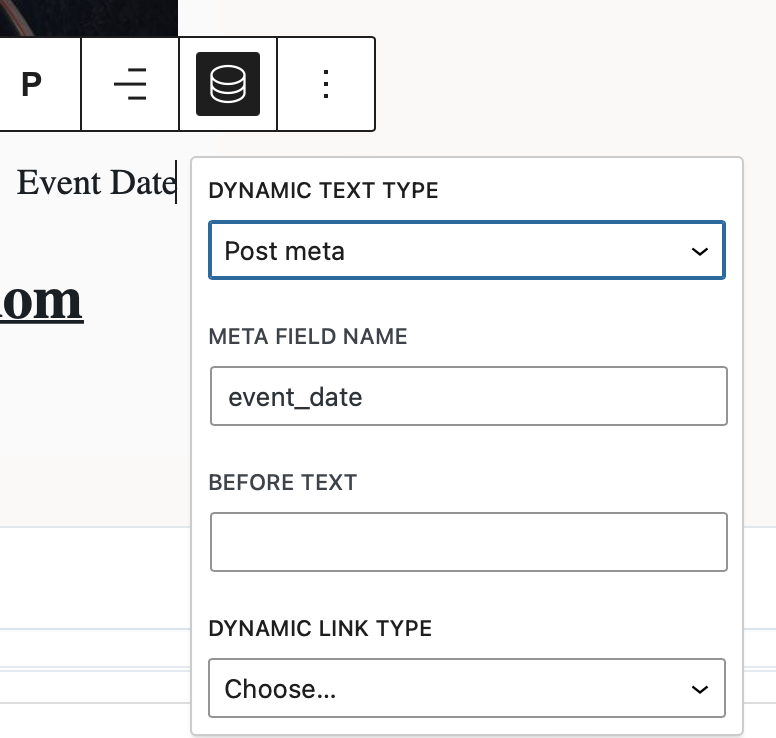
Here is the rendered output using GP dynamic options

Here is the rendered out put using an ACF shortcode
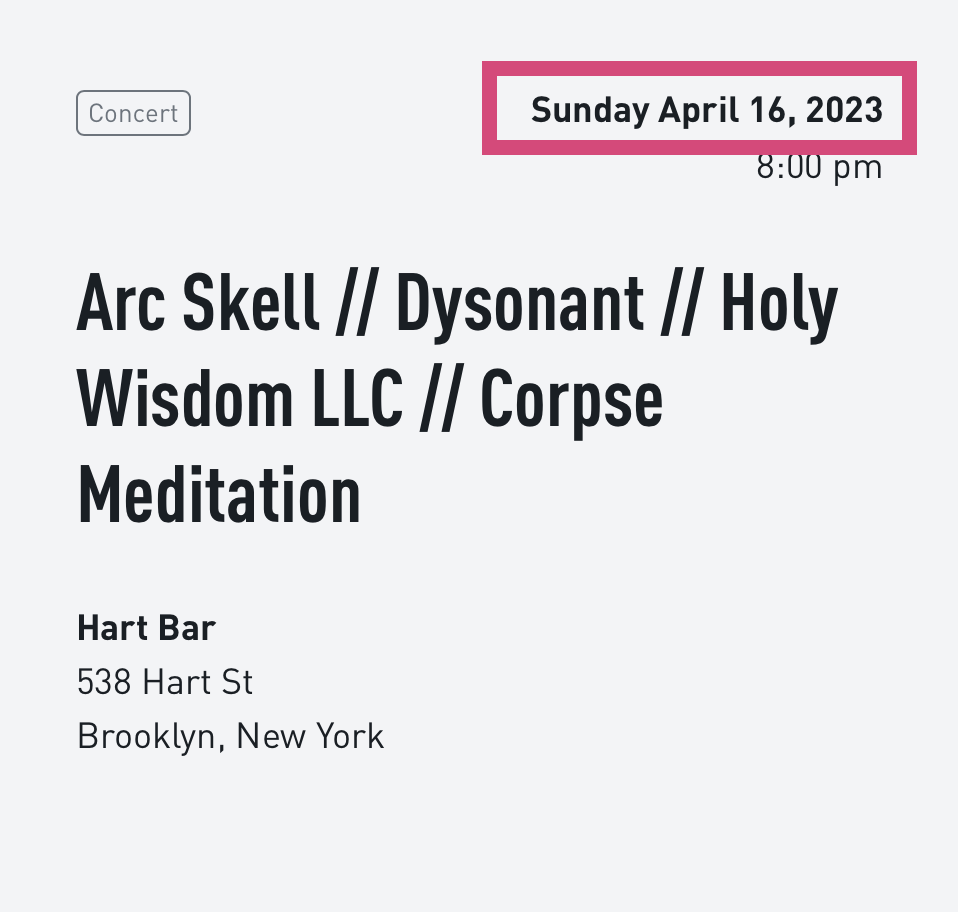
I would just use the ACF shortcode, but unfortunately that shortcode does not work in query loops on other post type pages.
I would really appreciate some help with this issue.
Finally, before someone asks, this is a fresh install of wordpress never before used and my plugin usage is extremely minimal at this point.
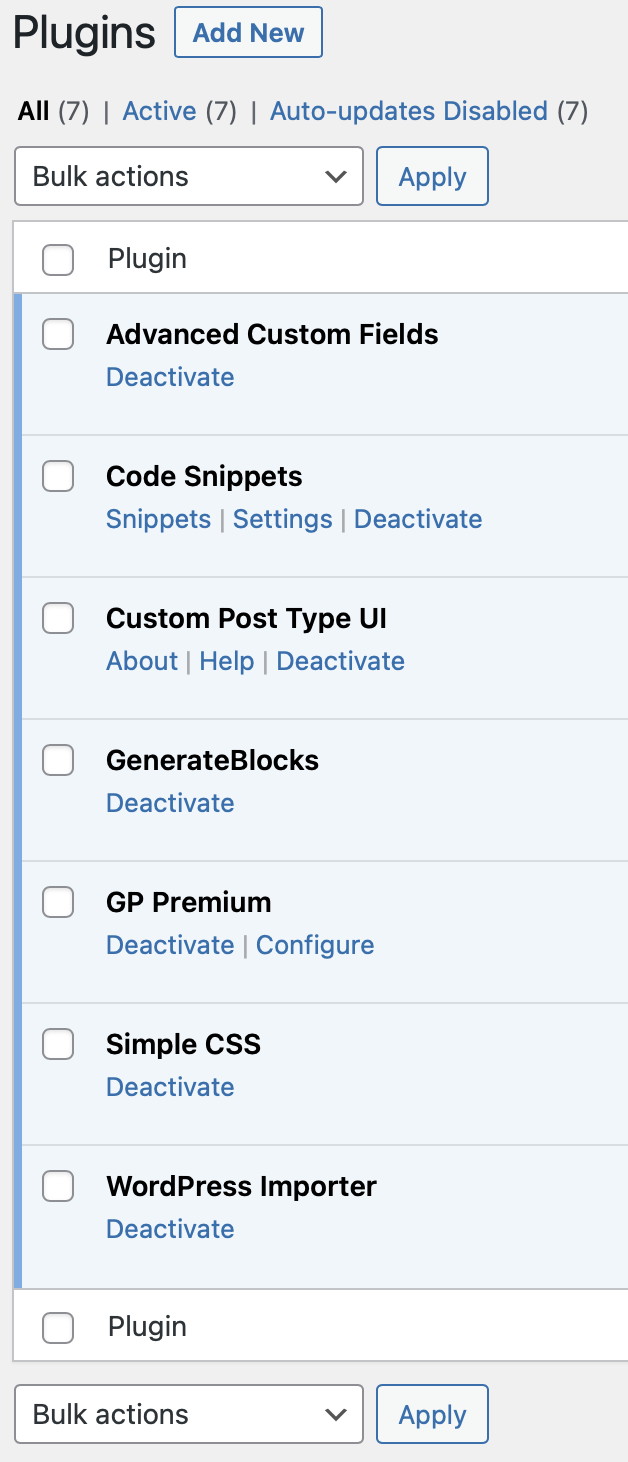
Sorry for the confusion, to return the selected formate, it requires the GB Pro plugin.
GB free just simply returns the value.
That is a fairly significant detail to omit. Is there a side by side comparison of features for GB vs GB Pro?
I went and licensed the GB Pro, and the issue still remains. Would you please test exactly what I have detailed above.
It 1/2 works. You know how there are two way to apply dynamic data? One is available in the contextual menu as showwn above in my screen grabs., The second is available in the sidebar. The one in the sidebar works.
Can I ask, why do you have 2 ways to do the same thing? I actually prefer the contextual menu one because then I at least get to name the field instead of having a generic term like "Meta Value" displayed on the element block editor.
The sidebar one is from GB, and the floating toolbar one is from GP Premium.
GP premium's dynamic data option doesn't have the same level of compatibility with ACF as GB Pro.
why do you have 2 ways to do the same thing?
Not all GB users are GP Premium users.
Not all GP premium users are GB users.
As you have both installed, you can use options from both plugins.
OHHHHHH! I see, that makes total sense, sort of feel like they should work the same though. Thanks for your response.
you are welcome, as they are 2 different products, so they are coded in different ways, but we are trying to make all GP options available for GB, GB is the future :)