Archived topic
Customize the search form in the navigation bar
3 replies · Started by Stefan on March 18, 2021
Hi Generate Press,
I was looking at the other threads and would like to customize the search form in the top navigation menu. The picture here is my inspiration.
https://uicookies.com/wp-content/uploads/2019/03/EXPANDABLE-SEARCH-BAR-ANIMATION-html-search-box.jpg
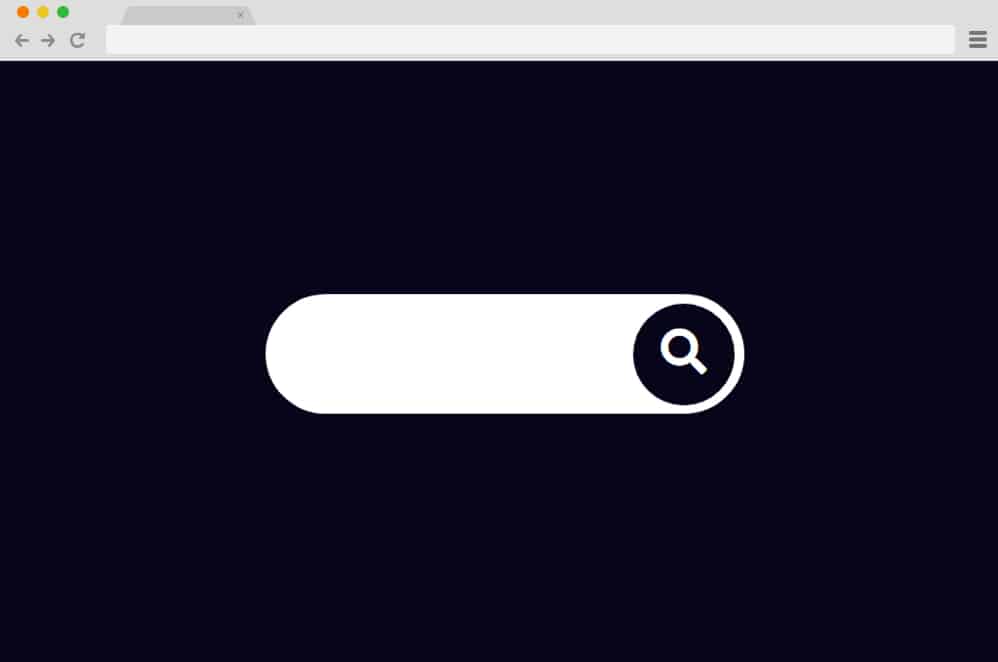
Would you be able to assist me with:
1) Moving and make more visible (e.g. add a black border) the “X” square that is designed to close the search form in desktop?
2) Adding a text prompt (e.g. Search….) that disappears when the user starts typing the search terms?
– Please see the screenshot for visual illustration of the request: https://i.imgur.com/p8hatPs.png

Looking forward to your response.
Stefan
Hi there,
1) Something like this should help you to get started:
@media (min-width: 769px) {
    li.search-item.active.close-search {
        position: absolute;
        right: 0;
        top: 0;
    }
}
2) This should help:
https://docs.generatepress.com/article/generate_navigation_search_output/#add-a-placeholder
Adding PHP: https://docs.generatepress.com/article/adding-php/
Great! Thanks!
No problem :)