
Archived topic
Customize background
9 replies · Started by Enrico on December 30, 2020
Hello there.
Please, I would like to change the background image (both Body and Container) in some pages/posts.
I have already set up a background image in Appearance > Customize > Background Images > Body (and Content).
How can I do to set up different background image in some specific pages?
Thank you.
Hi there,
if you're adding various colors to various pages then the simplest solution is to install the Simple CSS plugin:
https://en-gb.wordpress.org/plugins/simple-css/
This will provide a Simple CSS meta box in your post/page editor where you can add CSS just for that page. The CSS for each, would be:
body {
    background-image: url('full-link-to-your-image-here');
}Thank you David.
I already tried in that way, but the background container doesn't change.
I would like (but maybe isn't possible) a transparent background container.
Please have a look here.
Maybe I'm asking something stupid, but I'm a beginner...
Thanks
Its working - but unless you view it on a really large screen its being hidden by the article container... do you want the image behind the content area?
I would like to hide the background of inside-article container.
I know my is not a technical language, I'm sorry.
Please see what I would like to have
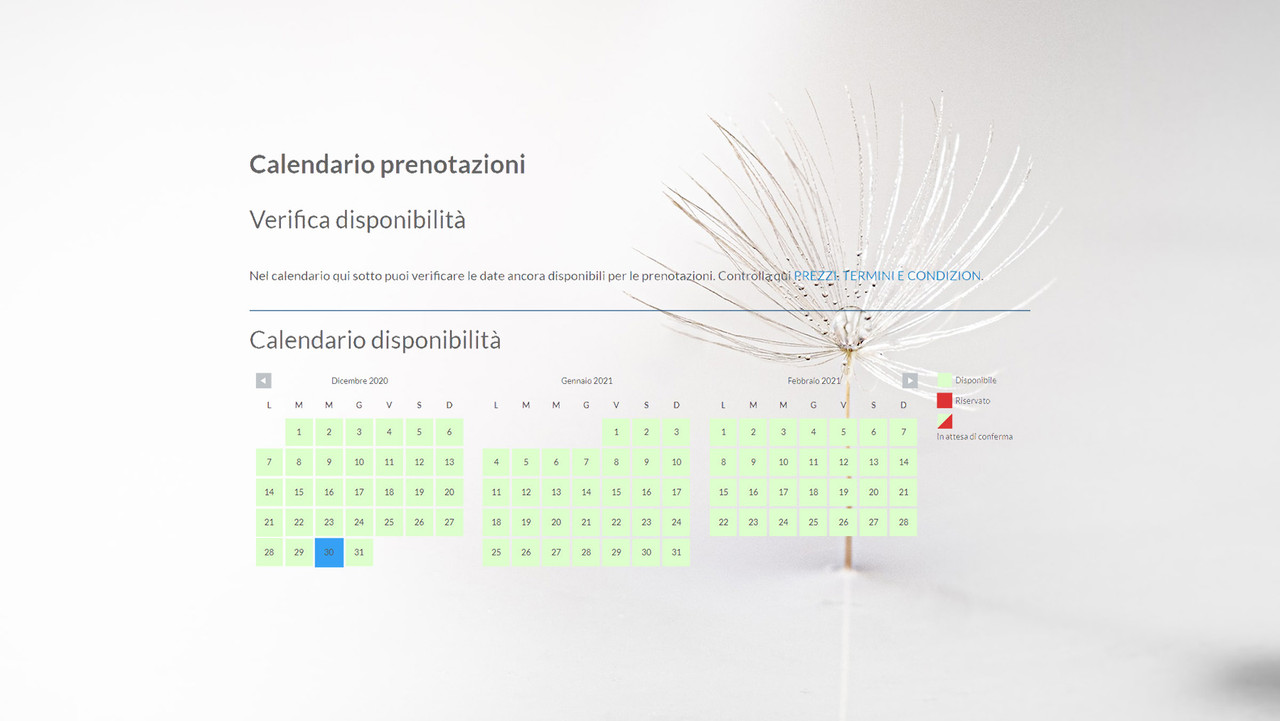
Ok so change the CSS to this:
/* add body background */
body {
    background-image: url('full-link-to-your-image-here');
    background-size: cover;
}
/* Remove background from article content */
.separate-containers #main .inside-article {
    background-image: none;
    background-color: transparent;
}How can I offer you a beer? :-)
It's working perfectly!
Grazie!
We'll we do accept coffee donations :)
https://generatepress.com/ongoing-development/
Glad to be of help!
I did :-)
Ciao
Thats really kind of you and much appreciated !
Best wishes for the New Year!
