
Archived topic
content column "wobbles" when scrolling - view on mobile and tablet
5 replies · Started by Stephanie on June 19, 2022
Hello everyone,
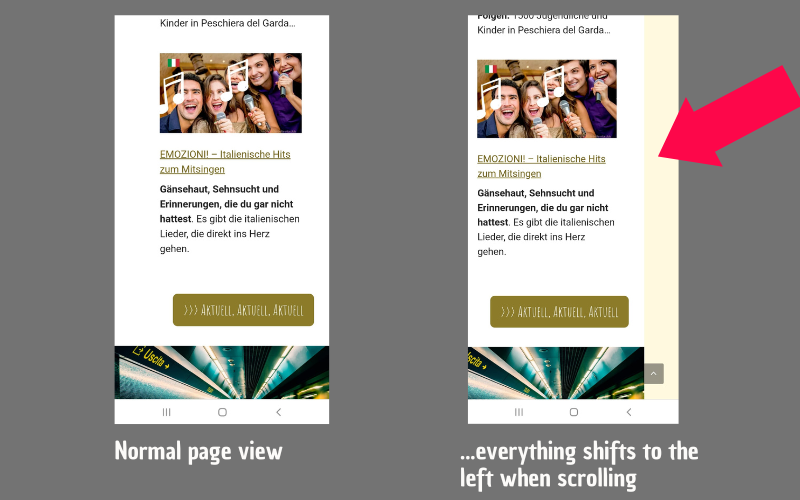
in the view on mobile and tablet, my content column shifts to the left when scrolling, so that there is a gap on the right – with Android and Iphone, with different browsers (see photo)
How can I fix the content column so that nothing wobbles or shifts when scrolling? Since I haven't found anything online about this "problem", I assume that I have simply set something wrong somewhere?
Thank you very much for your help.
Sunny Greetings
Stephanie
Hi there,
Any chance you can link us to the page in question?
You can use the private information field:
https://docs.generatepress.com/article/using-the-premium-support-forum/#private-information
Let me know :)
Hi Leo,
thanks a lot for you immediate response. Sorry - of course. I thought you might see the website in my profile.
Hi there,
see this widget in the sidebar:
https://www.screencast.com/t/PlGnFI2Urhn7
Its too big for the sidebar and is causing overflow which causes the wobble. Can you fix that widget?
I thought it must be a stupid mistake on my part - because no one else has this problem. I will dispose of the widget directly! Thank you very much!!!!!! You made my day!!!
Glad to be of help!