Archived topic
Adding a category section to top of home page
3 replies · Started by Audrey on September 27, 2022
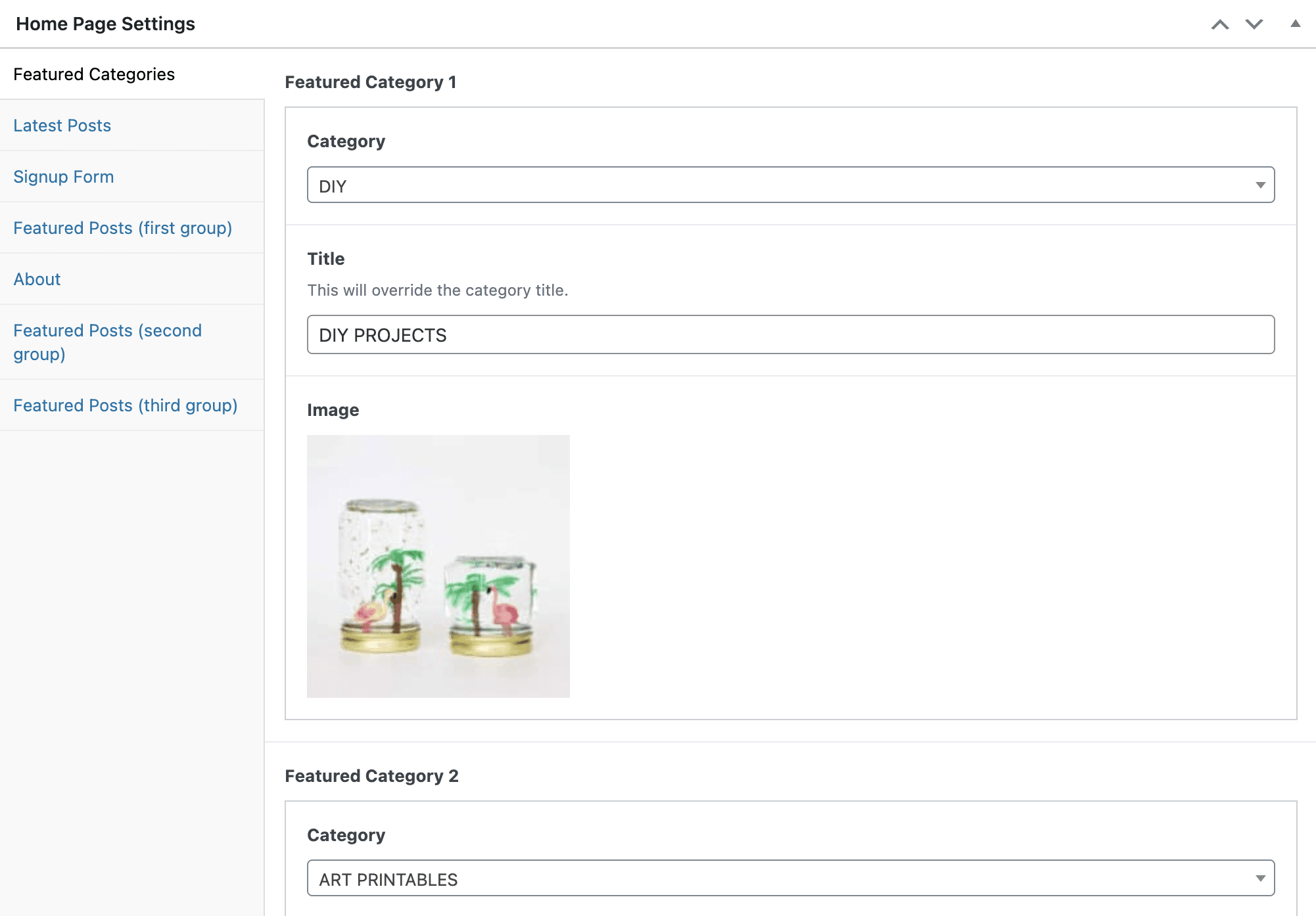
Hi. I hired a developer to customize my GP premium theme a couple years ago, and I know it is probably an easy fix, but I can't figure out how to add a new image box/category section to the top of my blog just under the top navigation (ie: featured category). It currently has 4 categories, and I want to add a a fifth, but can't seem to figure out where in the theme settings to do this. Any advice would be greatly appreciated. Thanks so much! :)
https://www.ohsolovelyblog.com/wp-content/uploads/2022/09/Screen-Shot-2022-09-27-at-7.07.53-PM.png
https://www.ohsolovelyblog.com/wp-content/uploads/2022/09/Screen-Shot-2022-09-27-at-7.02.27-PM.png
blog url is https://www.ohsolovelyblog.com
Hi Audrey,
It seems to be added through a different plugin. You would need to reach out to the plugin developer for support with regards to that as that would be out of our expertise and support.
You can also try to recreate those with GenerateBlocks. Here's a sample video on how use GenerateBlocks: https://www.youtube.com/watch?v=R7fwJECtgSg
With the Grid Block, you can set a 5 column Grid. Reference: https://docs.generateblocks.com/article/grid-overview/
Thank you for the quick response, Fernando! I'll look into this. :)
You're welcome Audrey!