
Archived topic
6 sites using Premium, 4 have the "Typography Module", 2 dont?
12 replies · Started by albabes on July 13, 2022
The plugin and theme ver are up to date on all six sites, I deactivated "LiteSpeed Cache" on all six sites, I uninstalled, logged out, logged into the two affected sites, then and reinstalled "premium" on those two sites. Still no "Typography Module"?
Thanks
AL
I just RESET to Plugin on both affected sites, still no joy.
I just activated/deactivated "Twenty Twenty Two" theme on both sites, still no joy.
Hi Albabes,
Can you try going to Customize > General and check if there’s a Use dynamic typography system option? Enable it if there is.
Kindly let us know.
Please see https://snipboard.io/HRMXxb.jpg
and
https://snipboard.io/DB13Wi.jpg

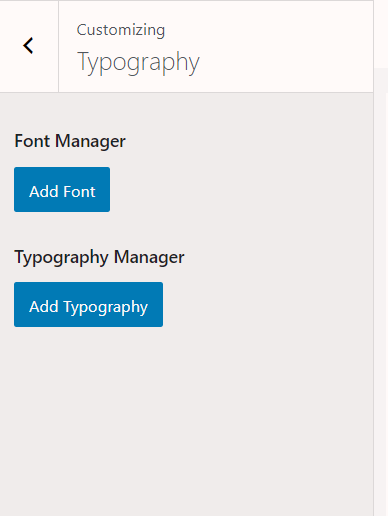
Take a look at this article:
https://docs.generatepress.com/article/switching-to-dynamic-typography/
I dont see that exact screen?
Slightly diff?
https://snipboard.io/FZSt45.jpg
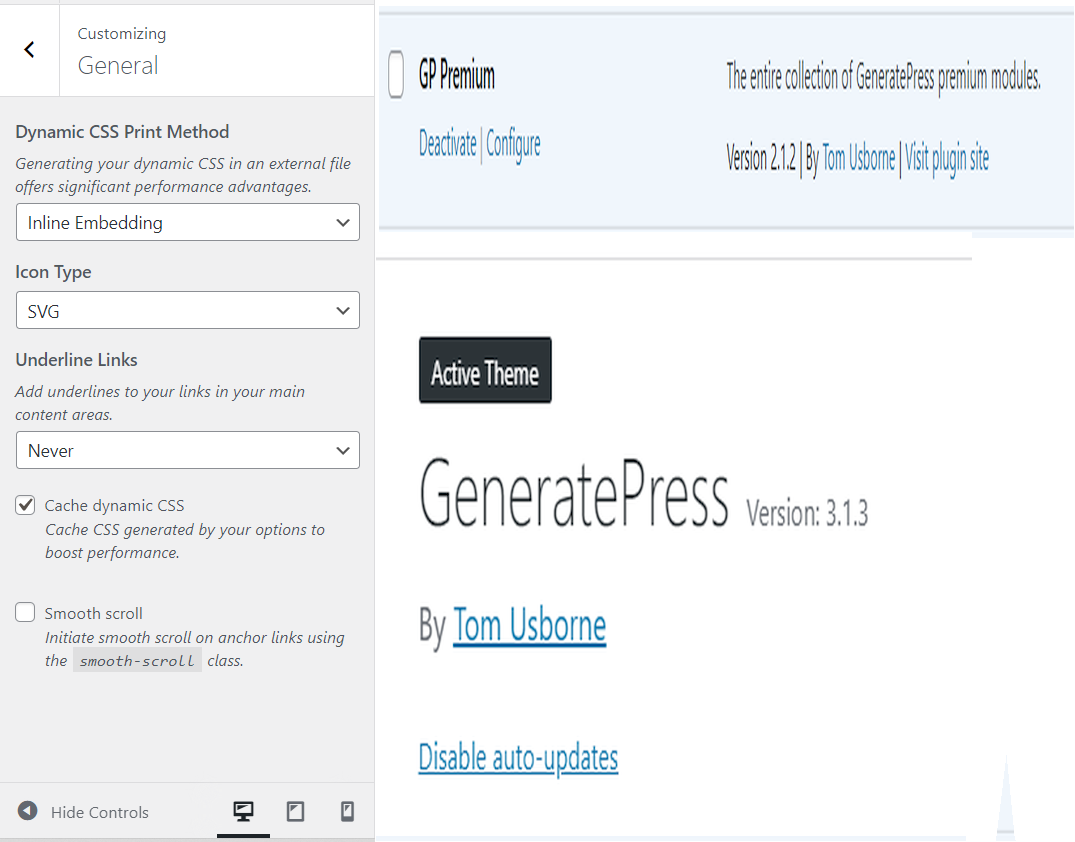
I deactivated ALL plugs, removed pre, removed the theme, logged out.
Came back in, installed the plug and theme, same prob. Im not seeing whats on your page.
https://snipboard.io/bqBWgU.jpg
https://snipboard.io/QhWXvl.jpg

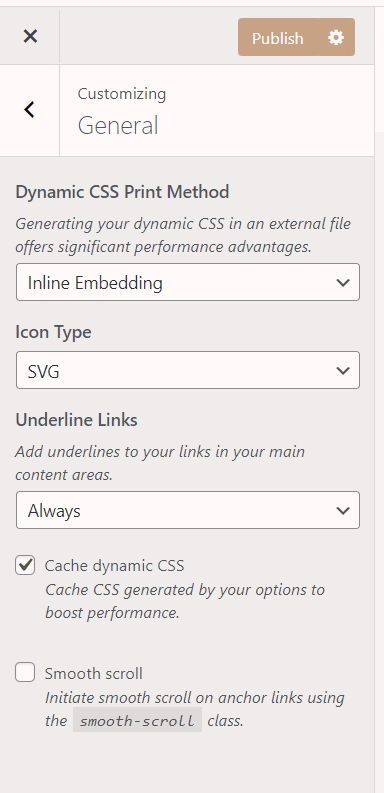
Plus theres this?
https://snipboardesio/CW4ygF.jpg

Plus still no Typo in:

Hi Albabes,
This image you shared is the typography system: https://snipboard.io/DB13Wi.jpg
It’s in Appearance > Customize > Typography.
It’s not a module that can be activated/deactivated in Appearance > GeneratePress. It’s activated by default.
Moreover, in Appearance > GeneratePress, under the “Start Customizing” section, there should be a Typography Systems item with button "open options". You can access the Typography system from there as well.
Hope this clarifies!
Im gunna open a new ticket, because this is becoming more problematic than I thought. Please close this ticket
I see. Alright!