GenerateCloud

Your patterns, on every site you build.

Save your patterns on one site and use them on every other site you build. Each site connects with its own key.
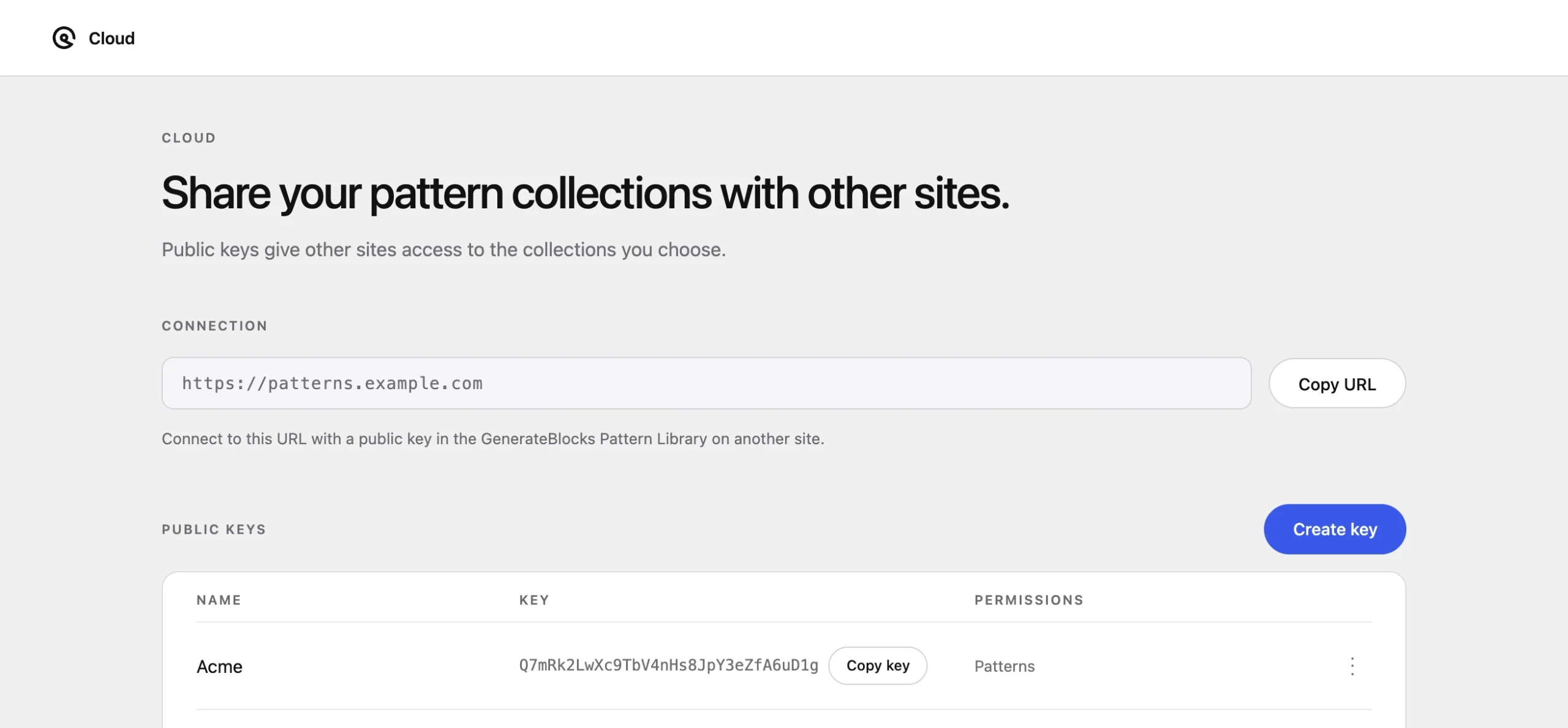
The library site’s Cloud screen: its connection URL, and public keys for Acme and other client sites, each with access to patterns
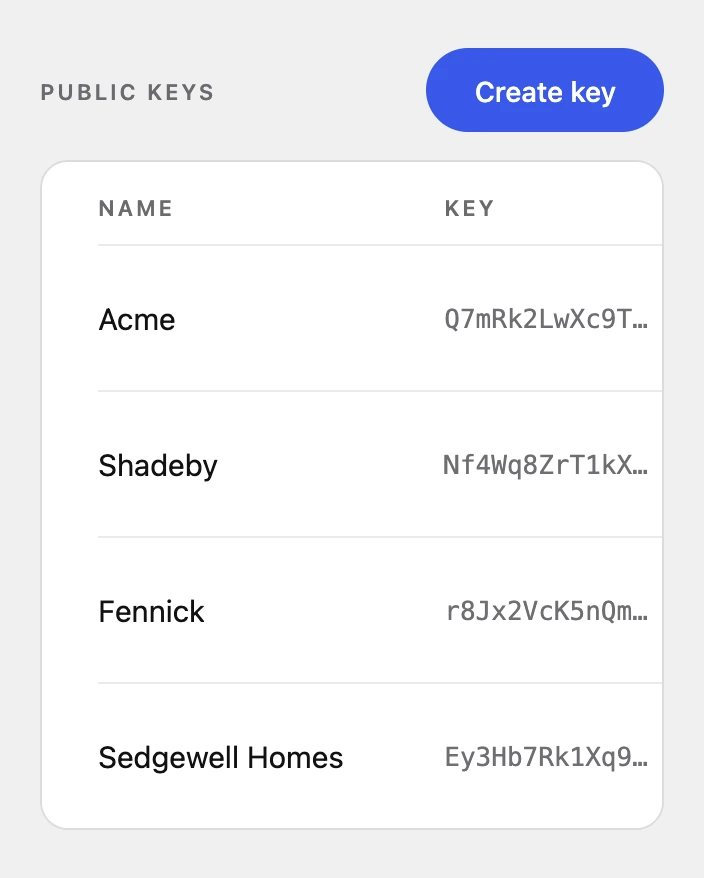
The library site’s public keys, one per client site: Acme, Shadeby, Fennick and Sedgewell Homes

Build your library.

Install GenerateCloud on a site you control and save your patterns there.
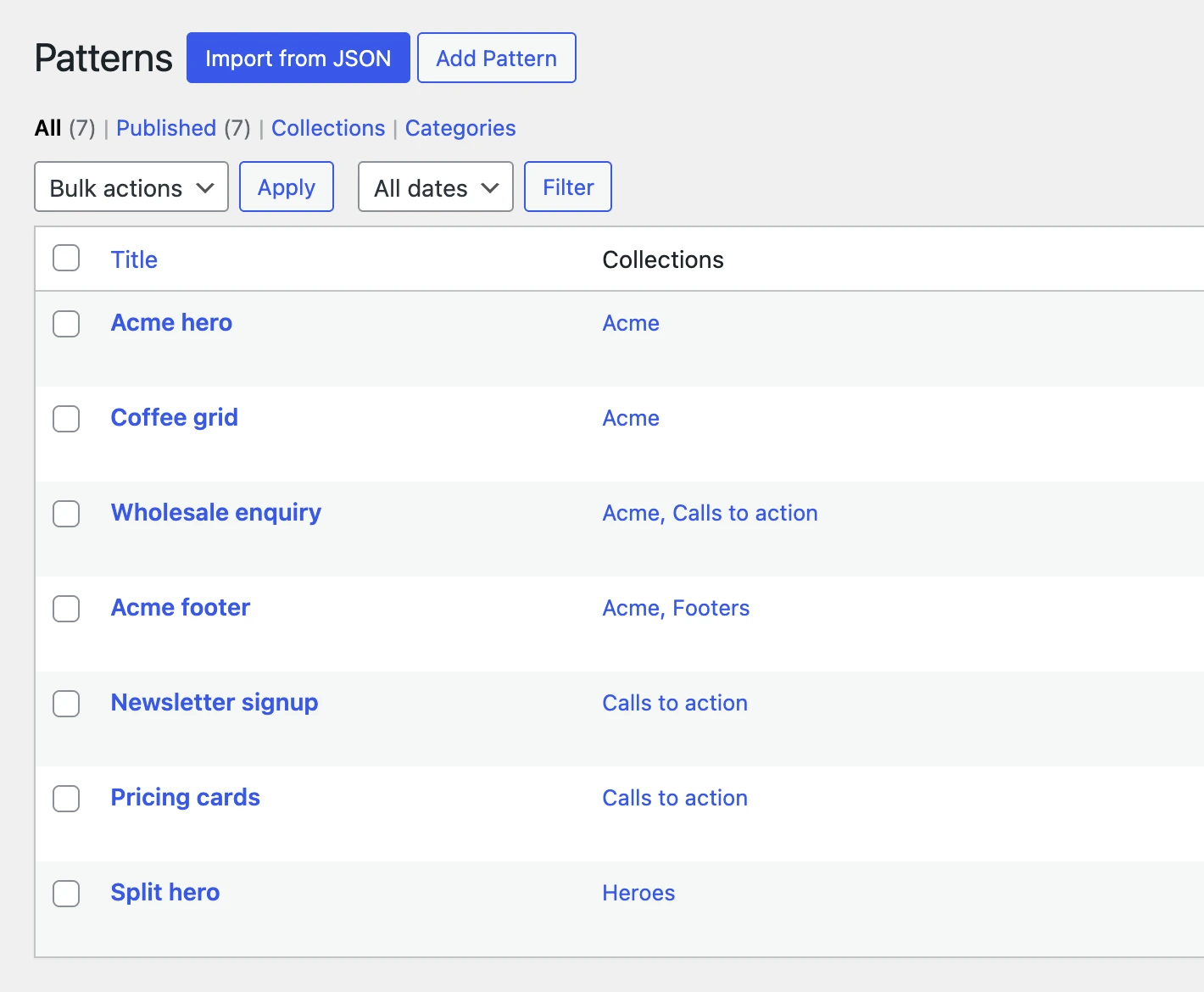
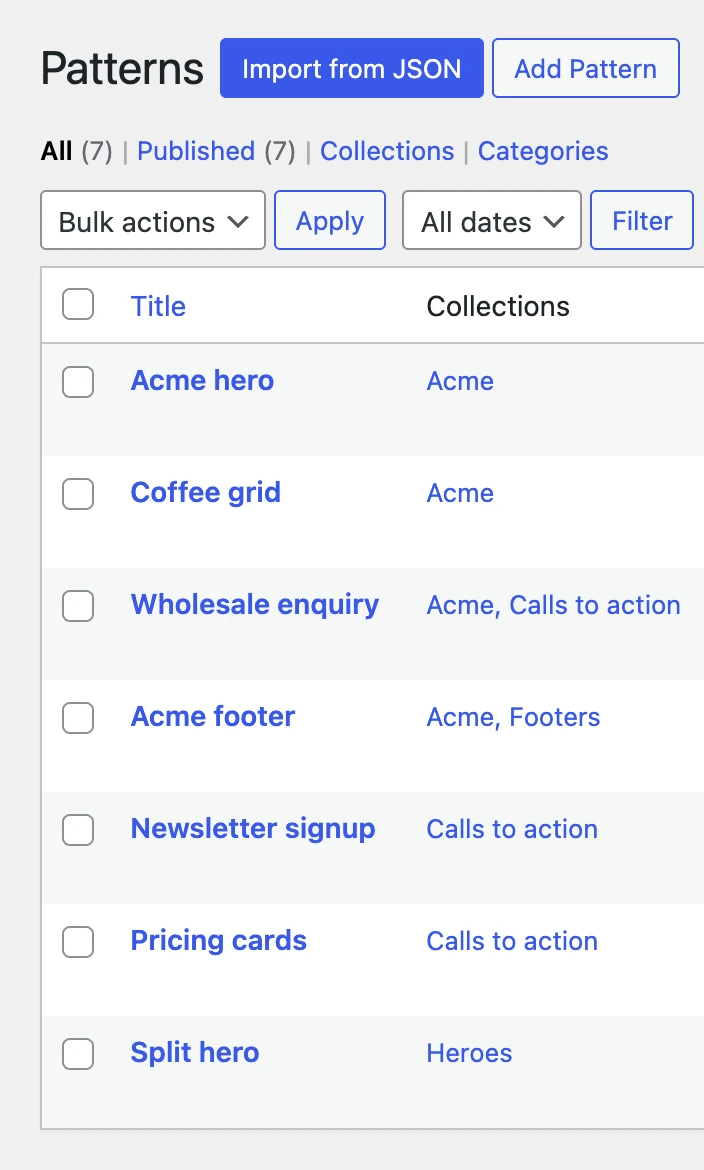
Patterns saved on the library site, each listed with its collections, Acme’s four together under Acme
The library site’s patterns and the collections each one belongs to

Connect your sites.

Give each site its own key and choose which collections it can use, so a client’s site sees only the patterns you allow.
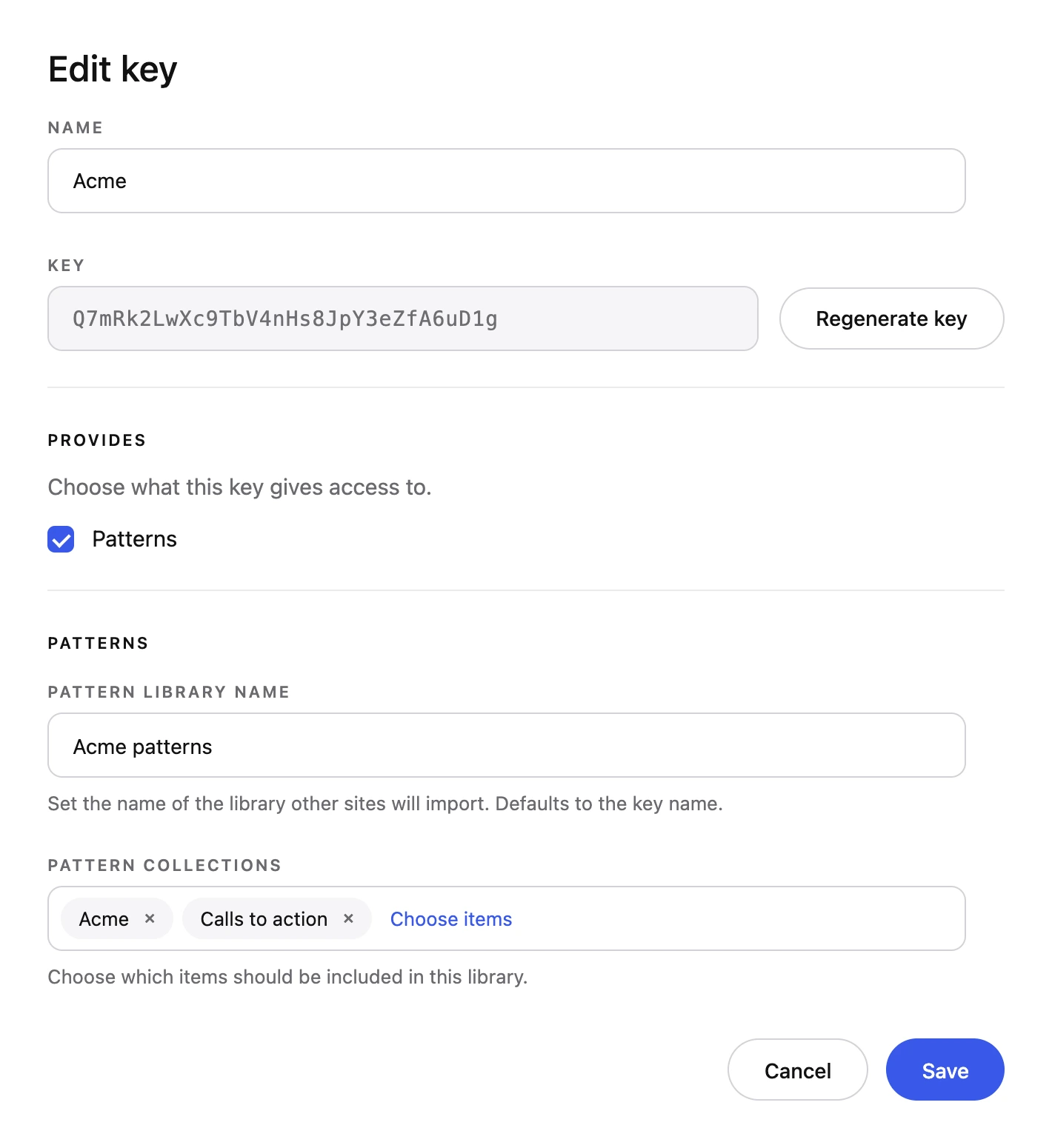
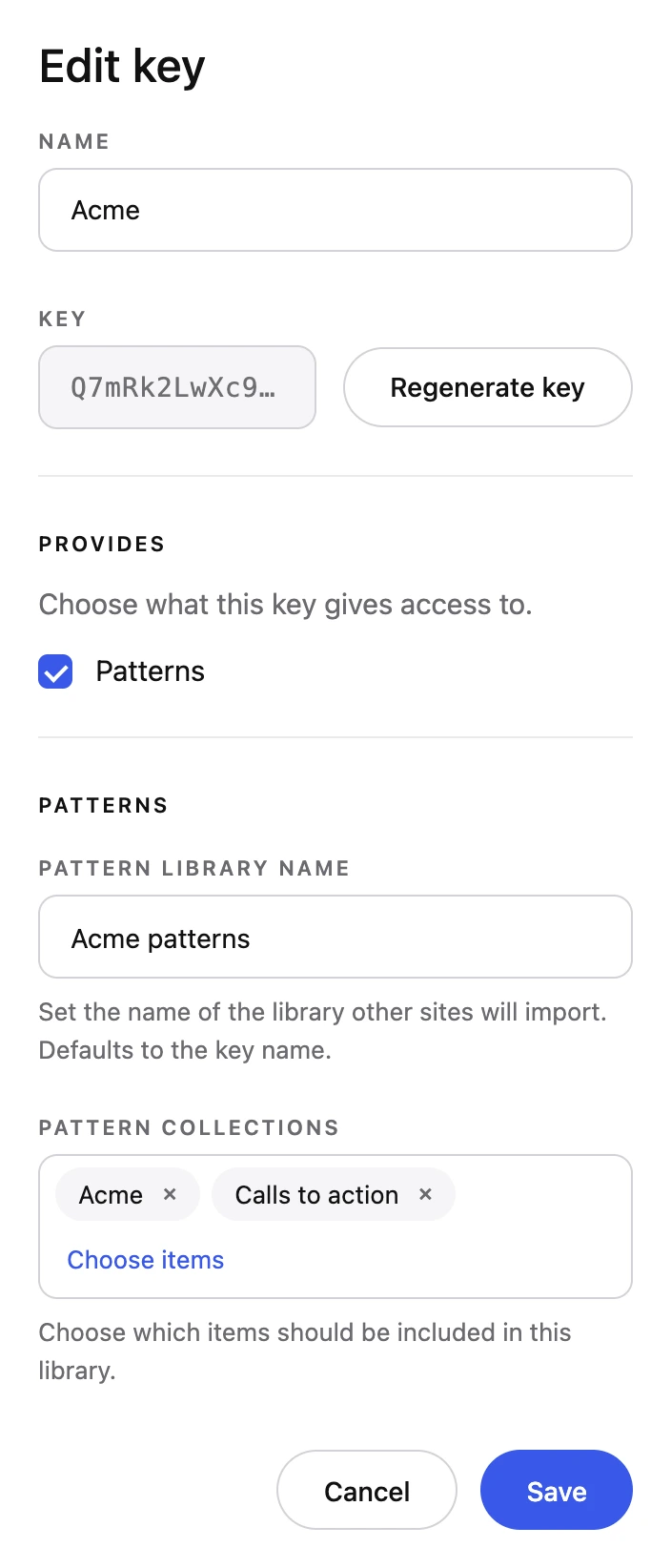
Acme’s key on the library site, giving Acme’s site only two collections: Acme and Calls to action
Acme’s key, limited to the Acme and Calls to action collections

Use your patterns.

Open the Pattern Library in the editor on any connected site and your patterns are there, ready to insert.
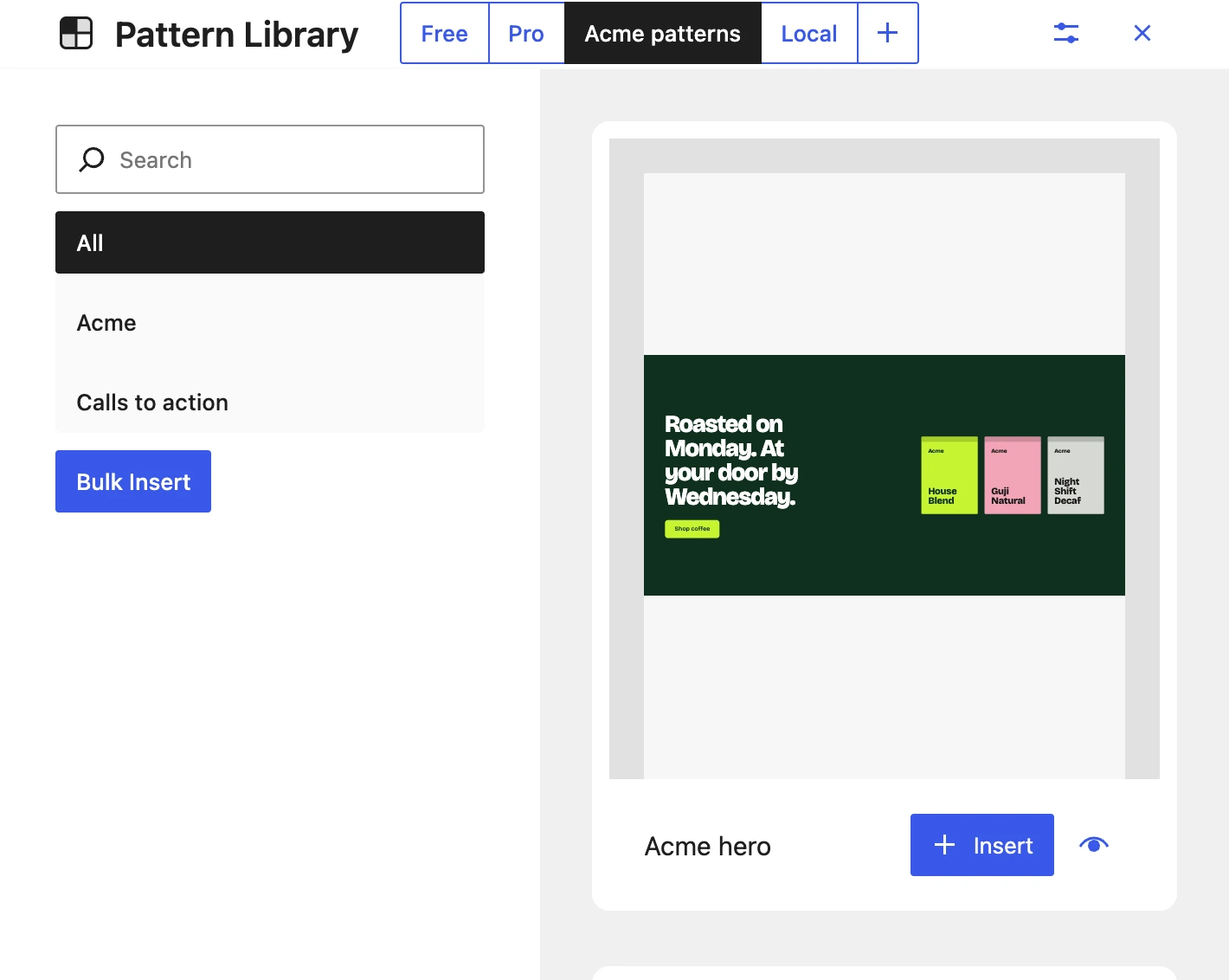
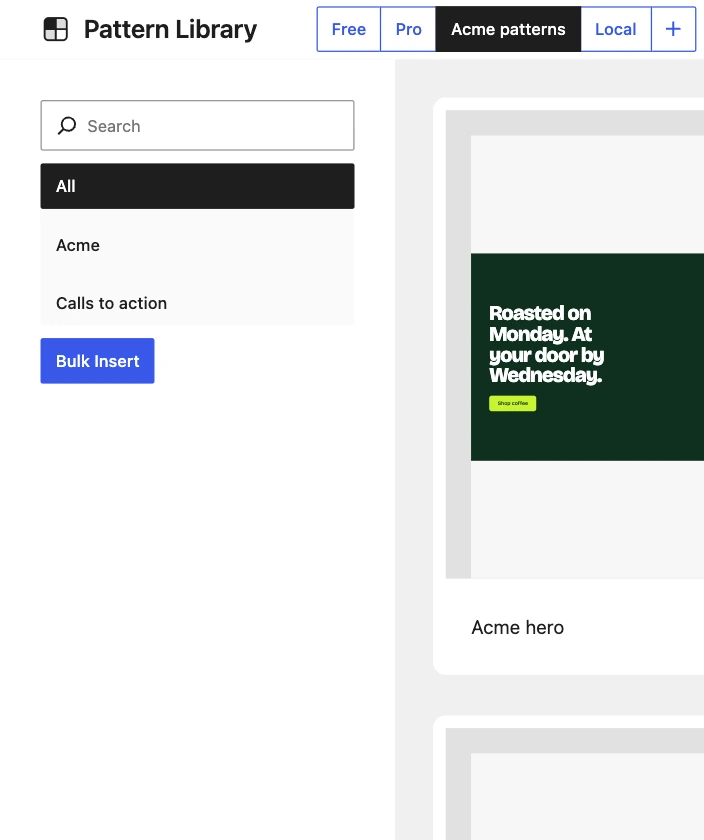
The Pattern Library in the editor on Acme’s site, open on Acme patterns, showing Acme’s hero ready to insert
Acme patterns open in the editor’s Pattern Library, with Acme’s hero at the top

Take your patterns everywhere with GeneratePress One.

GenerateCloud is part of GeneratePress One, so the patterns you’ve already built are ready on your next site.

Get GeneratePress One

30-day refund