A New Navigation Search

GeneratePress 3.3.0 (currently in alpha testing) has a new and improved Navigation Search feature. While our old Navigation Search feature has served us well over the years, it was time for a new design with more modern accessibility features. To use the new Navigation Search, you first need to deactivate the old one in the

March 1, 2023

GeneratePress 3.3.0 (currently in alpha testing) has a new and improved Navigation Search feature.

While our old Navigation Search feature has served us well over the years, it was time for a new design with more modern accessibility features.

To use the new Navigation Search, you first need to deactivate the old one in the Customizer (Customize > Layout > Primary Navigation). This will reveal the new “Enable navigation search modal” option.

Our new Navigation Search adds the same icon to your navigation, but it opens as a fully-accessible modal, instead of opening on top of your menu items.
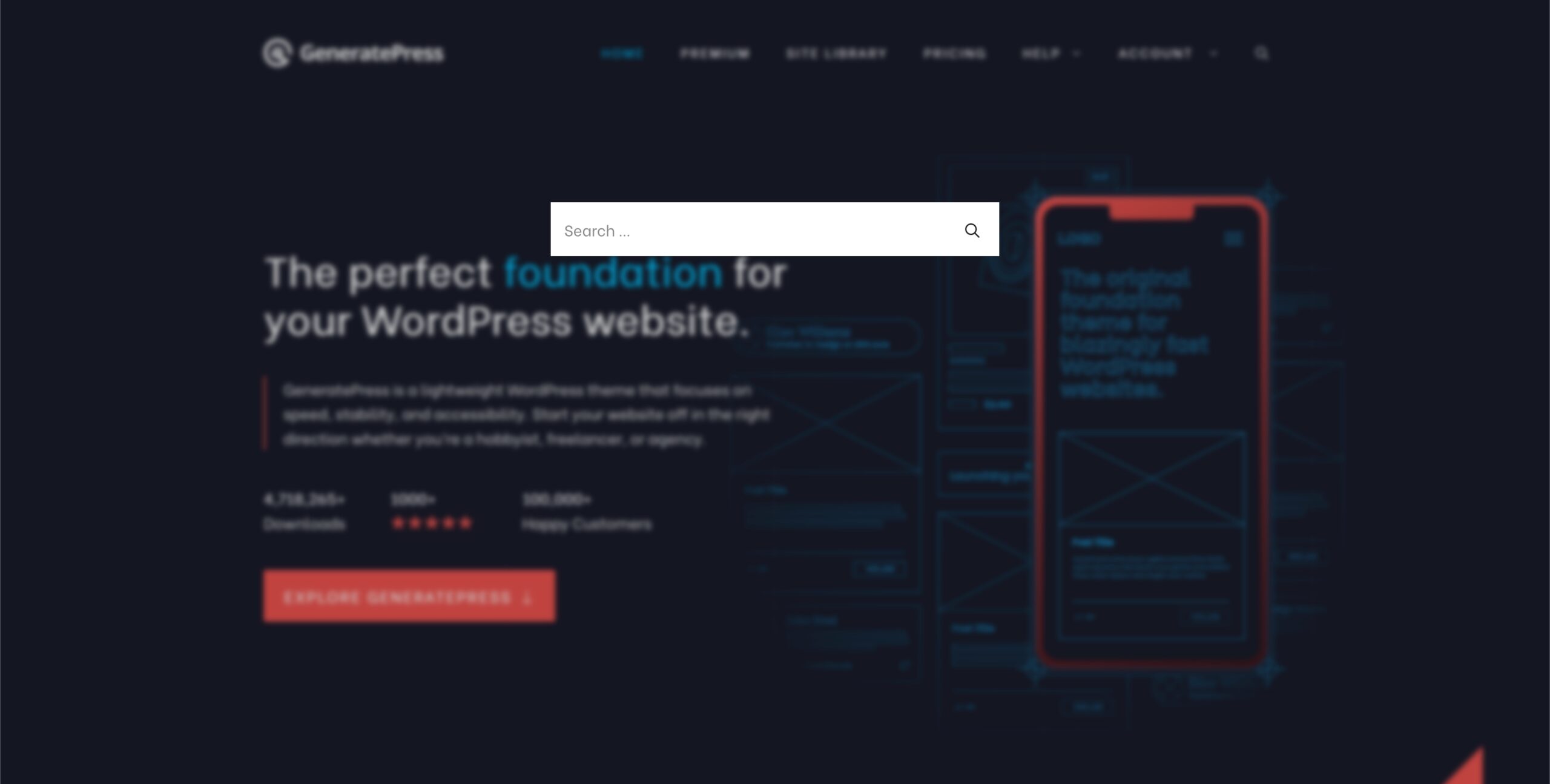
The new Navigation Search Modal

This new modal is completely accessible and can be triggered easily with a data attribute: data-gpmodal-trigger="gp-search"

You can also replace the search functionality inside the modal directly in GP Premium 2.3.0 using the new “Search Modal” Block Element. Simply create the new Element, add your own Search block (or custom HTML), and you’re good to go! You can even use a block plugin like GenerateBlocks to define the width and design of the modal.

We hope you enjoy the new feature! Let us know what you think in the comments 🙂

21 responses

  1. Elías Gómez

    Hi! I don’t understand the accesibility part. Can you explain deeper? Or is there any help doc that explains it? Thanks

    1. Tom

      Hi there,

      The new search modal can be navigated using only your keyboard – no mouse needed. It also has all of the necessary labels for screen readers 🙂

  2. Domenico

    Hi, I don’t understand how to activate the new search field. I am using GP Premium. Can you give me some more guidance? Thank you

    1. Tom

      It can be activated in Customize > Layout > Primary Navigation.

      If you have the current Navigation Search option enabled, you need to disable it first so the new option appears.

  3. Michele

    Ehi Tom, I recently tested this new functionality and it’s great!
    I was wondering if there’s a way to add a close button to the modal. Is there any particular class we can use to call a JS function?

    1. Guilherme

      Hey,
      If you trying click on close button with javascript,
      Try click on this:

      “#gp-search .gp-modal__overlay”

  4. wordpressuser13

    Hi Tom, how can I revert to the old navigation style? I tried it on my website and it has bugs sadly

  5. John

    Thanks but I really don’t get it.
    I enabled this option on a site that didn’t previously have the search icon (it was disabled in customizer). I now updated the site and enabled this option in both the free and premium versions but nothing shows up…
    Am I missing a step?

    1. Tom
  6. Peer Wandiger

    When I activate “Enable navigation search modal” no Search-Button apears in the main navigation. Why?

    1. Tom

      This new feature requires:

      1. The use of “flexbox” – you have to switch to “flexbox” from “floats” using the “Structure” option in “Customize > General”. If you don’t see this option it means you’re already using flexbox.
      2. The use of svg icons – you have to switch to “svg” from “font” using the “Icons” option in “Customize > General”.

      We’ll be updating the theme to only show the new feature under these conditions next week.

      1. acela

        Hi Tom,

        Is there an update coming? I’ve been holding off on upgrading GP and GP Premium with these latest changes until it comes out. Thanks!

  7. Andrew

    Tom, do you have any way to get this working with WPML? The search popup is translated but the results are always sent to the primary language. Is there a way to add url parameters (e.g. lang=fr) to the search results when the search is clicked to allow for multilingual sites that use URL parameters?

    Thanks!

  8. Suvho

    The truth is Every client of mine wants to enable dark mode on their sites. Also they want to keep their site lite weight so I have to use gneretapress theme. But the sad thing is that there is no option to enable dark mode in such a great theme. Please give option to enable dark mode in this theme…

    Thank you

  9. HTMLPanda

    Why does the Search button not appear in the main navigation when I activate the “Enable navigation search modal” feature? Is it possible to include URL parameters (such as lang=fr) in the search results?

  10. Dipak Singh

    Actually, this is looking pretty cool, but it maybe it can more beautiful if you make this with full screen background color. something like Blocksy theme (only suggestion).

  11. Digital Creators

    Hi there,
    How can you change the placeholder text?

    1. Tom

      Hi there,

      Any chance you can open a support topic?: https://generatepress.com/contact/

      Thanks!

  12. Benjamin

    Hola Tom,

    Esta nueva funcionalidad no me sirvió, desapareció el icono de buscar y ahora no puedo volver a como estaba antes, probé eso de flexbox pero tampoco me funciono, tengo todo actualizado a las ultimas versiones.

    Saludos

    1. Tom

      Hi there,

      Any chance you can open a support topic?: https://generatepress.com/contact/

      We’ll be happy to help figure things out with you 🙂

      Thanks!

  13. Pintu Biswas

    I love the new navigation search modal. I have both the premium version of GeneratePress and GenerateBlocks. Also, the support is top-notch – No regret.

Leave a comment

Your email won’t be published. Fields marked * are required.