Site logo

[Resolved] background not showing

Home Forums Support [Resolved] background not showing

Home Forums Support background not showing

Viewing 9 posts - 1 through 9 (of 9 total)
  • Author
    Posts
  • #2528270
    tita

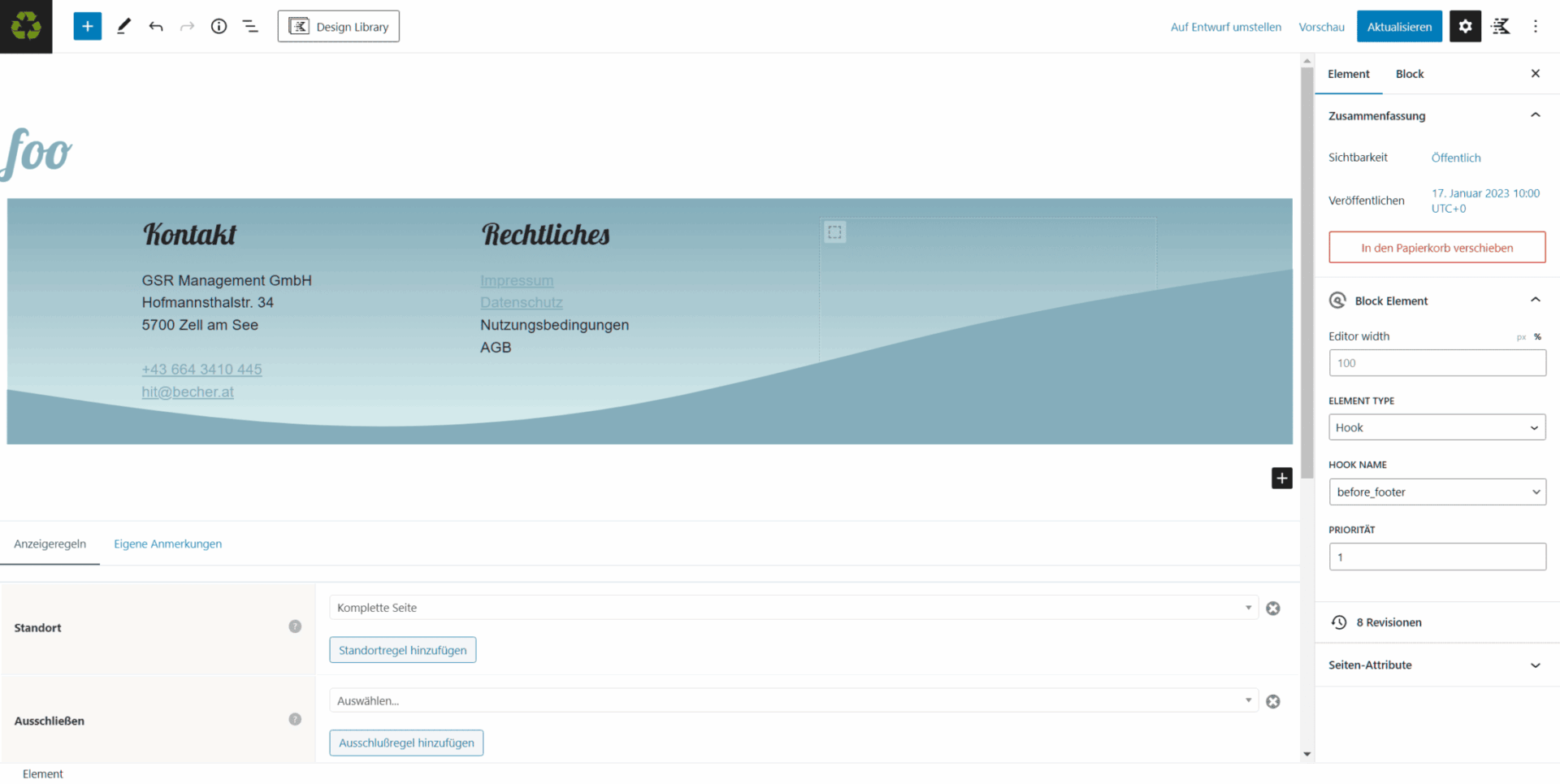
    Hi, we created an element – hook before footer.
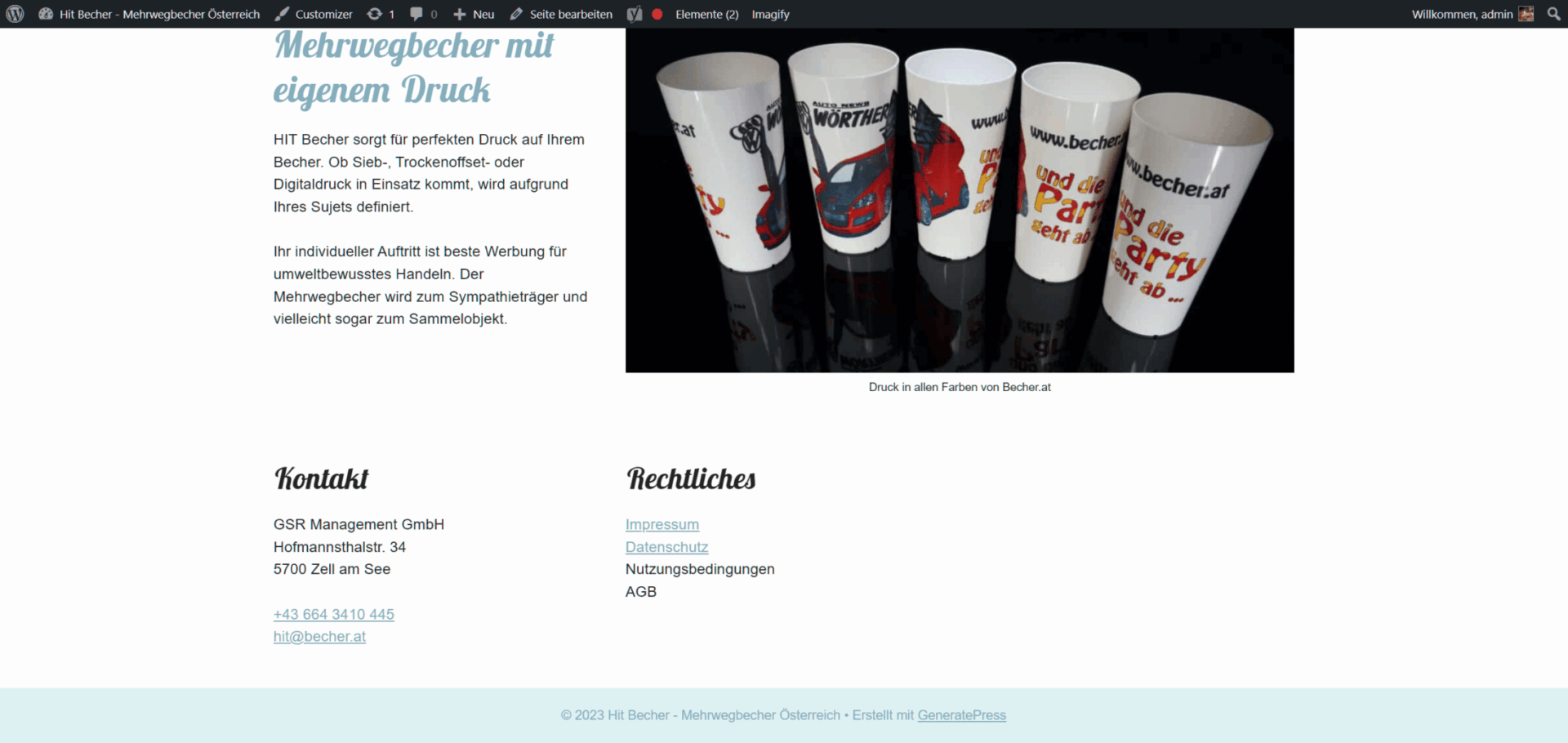
    Background ist not applied to the frontend, and not showing up in the developer-console.
    Refresh, cache, nothing helped.
    Can you help me out to get a background on our element?
    thank you
    footer created with elementsfooter as it shows up in the frontend

    #2528309
    David
    Staff
    Customer Support

    Hi there,

    can you go to Dashboard > GenerateBlocks > Settings, and click the Regenerate CSS button, and then clear any caches on thes site.

    #2528317
    tita

    no, didnt work.
    now installed rocket cache and emptied and refilled the cache – also no.
    regenerate css again – no.
    any further tips i can try?

    #2528319
    tita

    data

    #2528695
    David
    Staff
    Customer Support

    What happens if you change the CSS print method to inline in the GenerateBlocks settings ?

    #2531031
    tita

    Tried to change it to inline – no result.

    #2531070
    Fernando
    Customer Support

    Hi Tita,

    To test, can you try creating a new version of the Block Element from scratch? Just place anything. The important thing is the image in the Container Block. Let’s test if that will show.

    #2531090
    tita

    Hi Fernand, ok – that worked.
    thank you.

    #2531124
    Fernando
    Customer Support

    You’re welcome, Tita!

Viewing 9 posts - 1 through 9 (of 9 total)
  • You must be logged in to reply to this topic.