
Archived topic
Simplify Selector Size & Position
1 reply · Started by Sascha on December 19, 2021
Hey there,
sometimes I need to edit the bg-image of a container and each time it takes me some time to research & test values for the "Size" & "Position" parameter provided inside the GB-Container-Block BG-Selector.
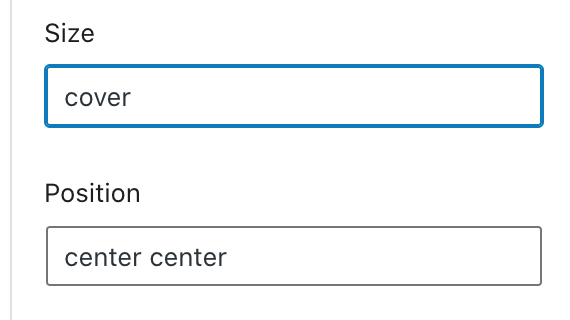
I also have difficulties finding help on your docs, at least not on the "Container" article.
It would help a lot, if you can provide a tutorial for these metrics. Or even better:
Provide the parameter for these fields as dropdown-values ;-)
I still haven't found easy to understand article about these metrics. It's painful & redundant to search again (will bookmark best result next time).
I hope you can help me with this.
Thank you in advance and kind regards,
Sascha
Hi Sascha,
The size and position of the gb-containers are basically UI equivalent of background-size and background-position.
And these background-size and background-position are general CSS properties you can check on CSS documentation/tutorial sites.
Background size -
https://www.w3schools.com/cssref/css3_pr_background-size.asp
https://developer.mozilla.org/en-US/docs/Web/CSS/background-size
Background position -
https://www.w3schools.com/cssref/pr_background-position.asp
https://developer.mozilla.org/en-US/docs/Web/CSS/background-position
Were you asking for an explanation/documentation for how CSS properties work? (i.e. background-size, background-position)
As for having it for GB documentation:
We have this - https://docs.generateblocks.com/article/advanced-backgrounds/
But as for CSS properties in general, you can search through the links I've shared. :D