
Archived topic
Reply Button on the Top Right of the Comment
3 replies · Started by Narender on March 3, 2022
Hey Guys,
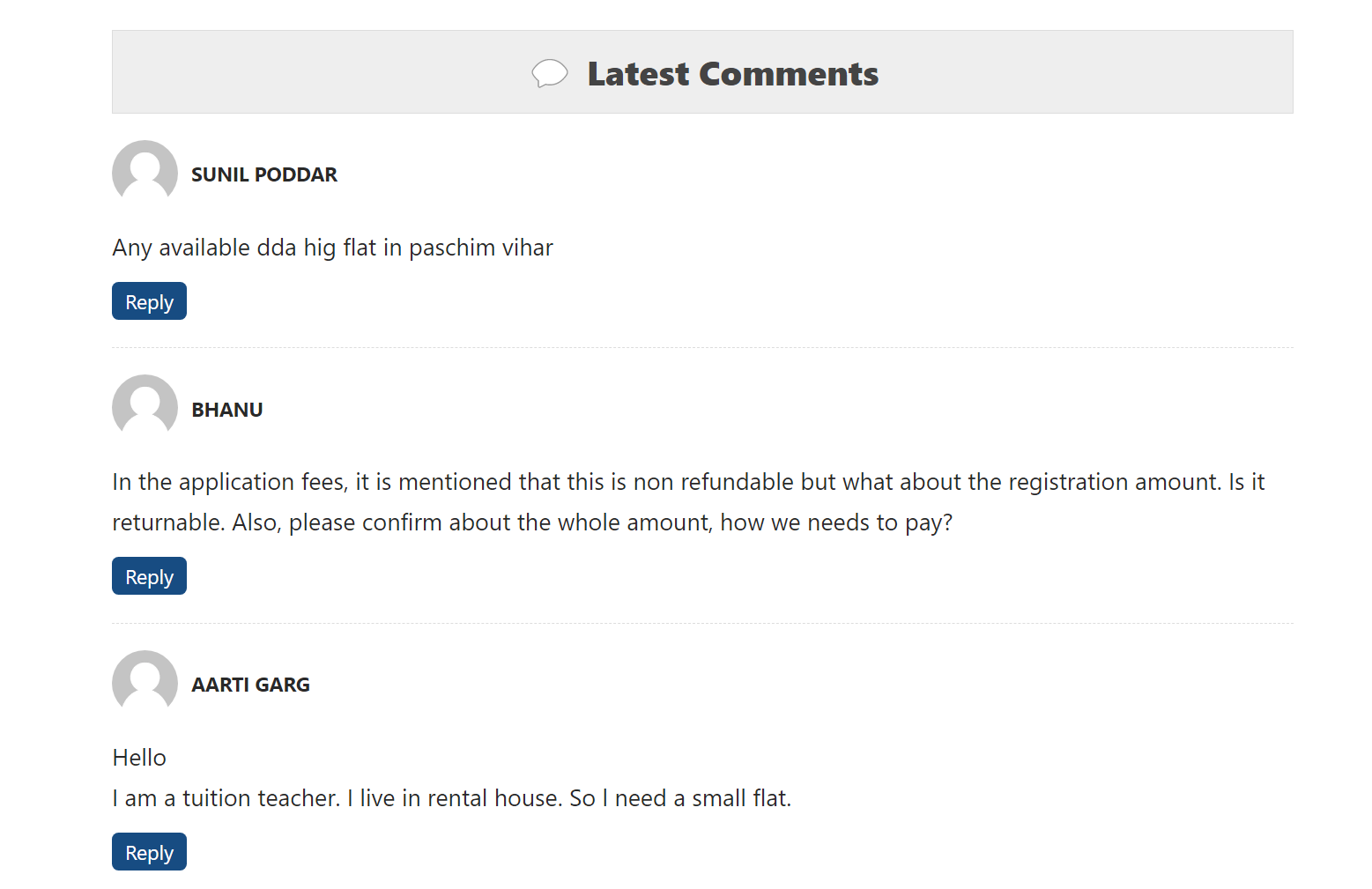
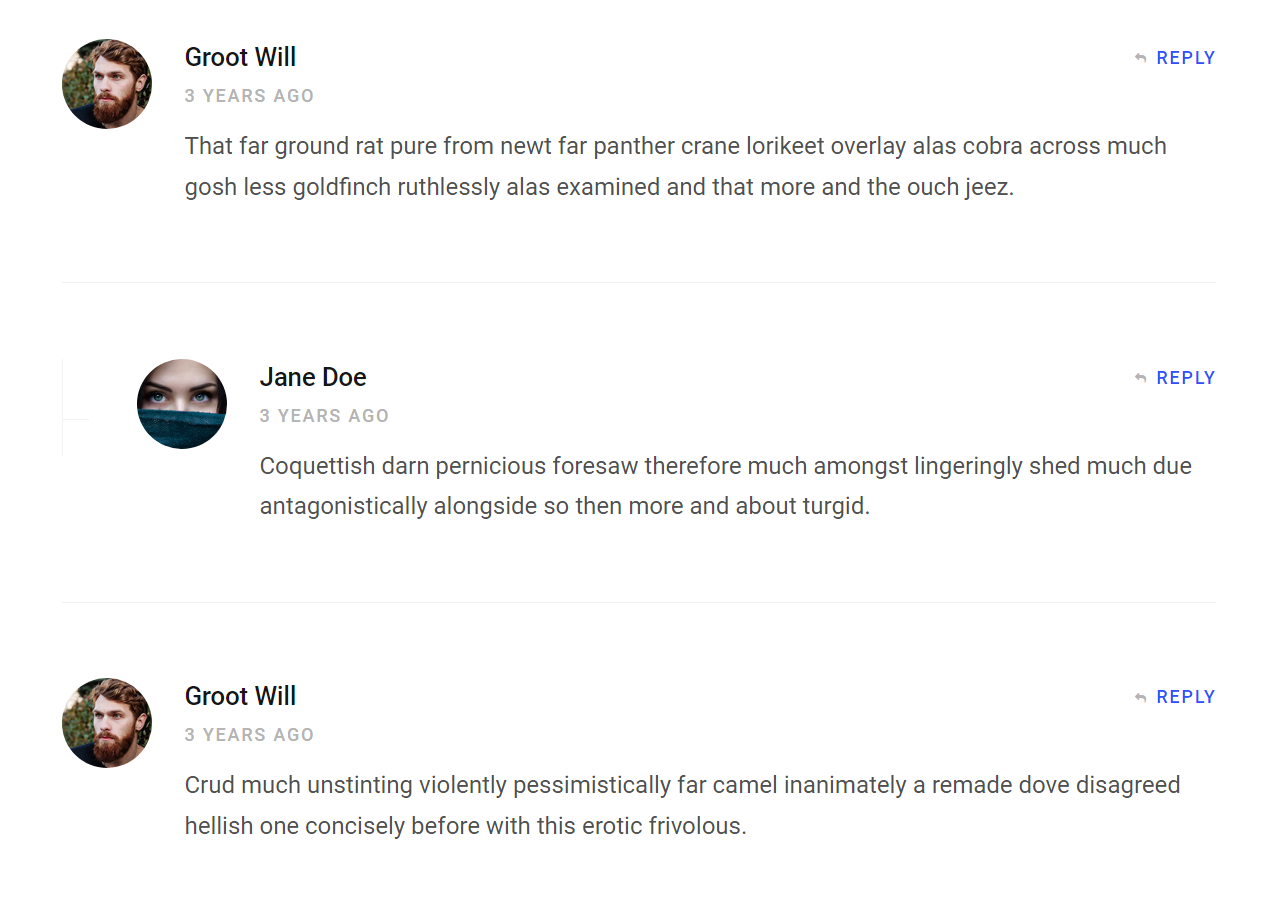
Currently, the Comment Reply Button is shown after the comment text and there is a lot of space at the right top section. So, I want to have the Reply button on the right side of the comment author's name.
This is how it currently looks:
I want to have it like the following image:
Hi Narender,
The Comments section is coming from WordPress itself. To customize it, you would need custom CSS or a third party plugin.
Here is a CSS you may try:
span.reply {
    position: absolute;
    top: 20px;
    right: 0;
}

article.comment-body {
    position: relative;
}
Adding CSS: https://docs.generatepress.com/article/adding-css/#additional-css
Adding it through Additional CSS should work.
Hope this helps! :)
Thank you very much, Fernando. That's exactly what I needed.
You’re welcome Narender! Glad to be of assistance! Feel free to reach out anytime if you’ll need assistance with anything else. :)
