
Archived topic
Menu colors change in mobile view
5 replies · Started by Katharina on April 7, 2022
Hi,
I have no idea why my menu is not visible in mobile view. Is it about the colors or do I have to change something else?
Two screenshots:
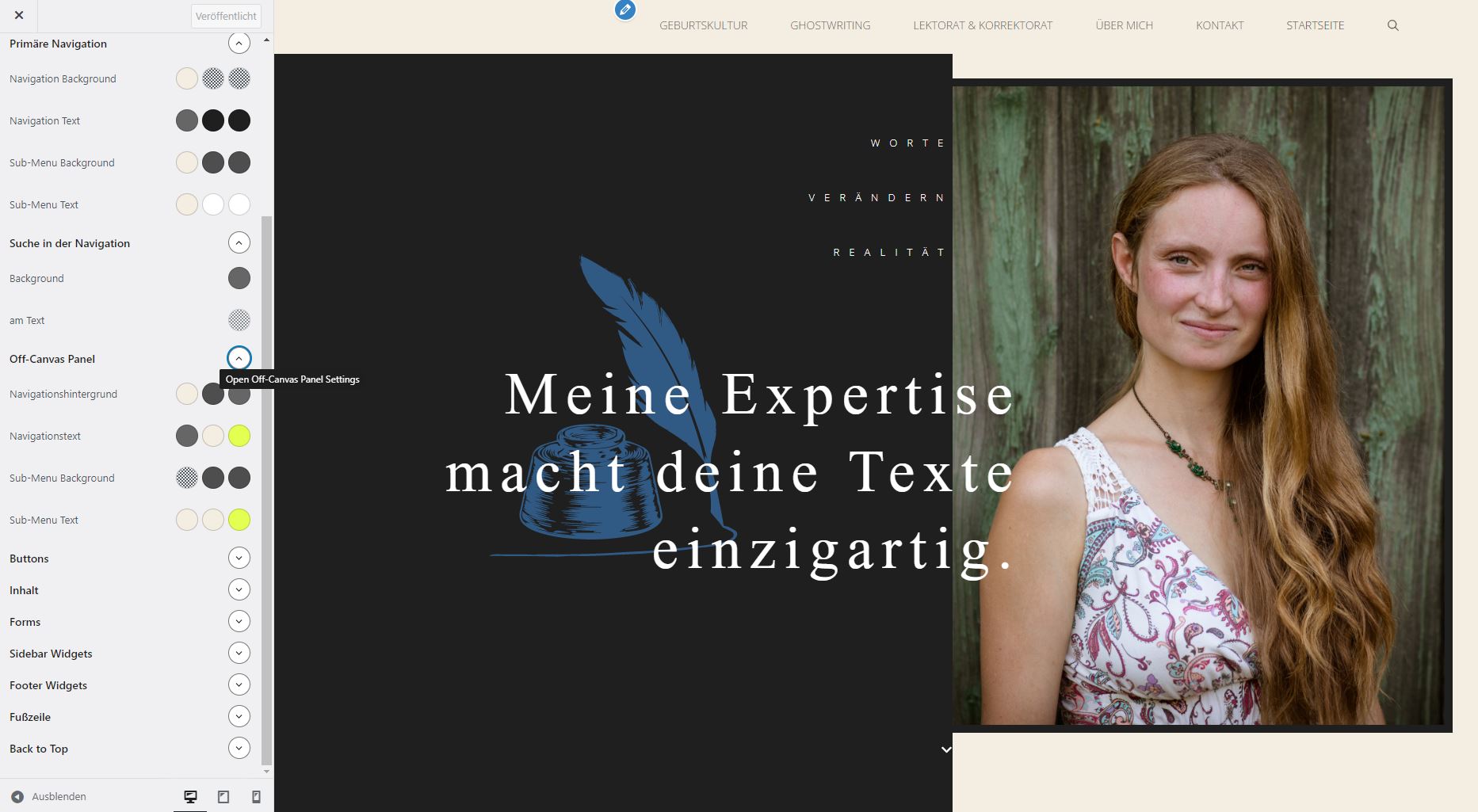
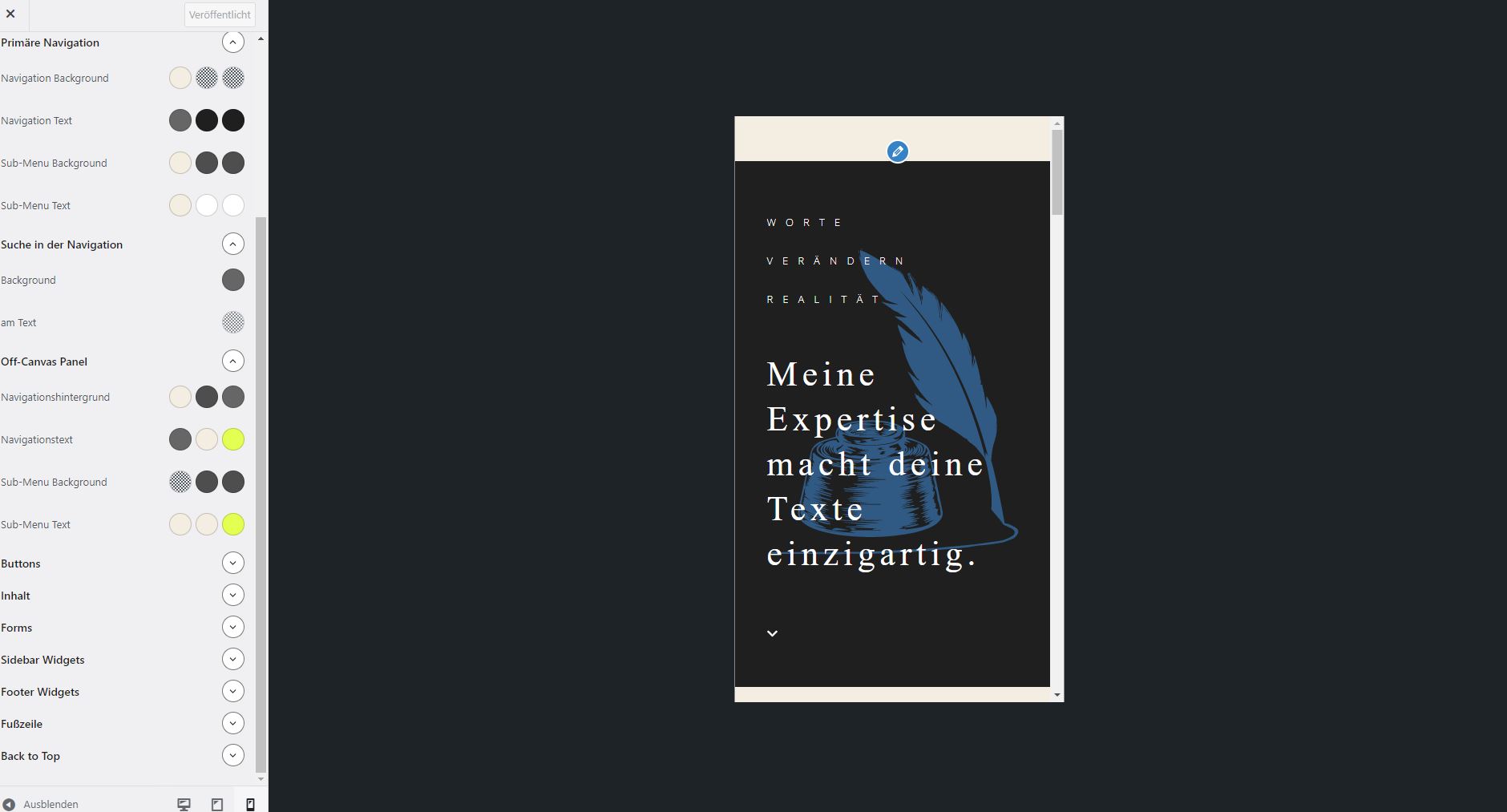
Thank you!
Hi Katharina,
I'm not exactly sure I see what you mean.
I've checked the site and here's how it looks on my screen -
https://share.getcloudapp.com/E0uggLwm
In this recording, you can see that the mobile's menu is perfectly visible.
Perhaps I'm missing something but before that, can you try clearing your browser's cache and check the site again?
Let us know it goes.
Hi Elvin,
yes, when I changed the menu color, it worked. However I would like the menu background bright and the letters dark -- as shown in the first screenshot of the desktop.
If I leave everything like shown in the desktop view and then click on mobile view, the menu bar disappears.
I now changed it to bright letters on dark background so that people can actually use it, but I'd be prefearbale the other way around.
Sorry for the confusion.
Katharina
Hi Katharina,
I see. This template is set the have a merged Header by default which is why the color of the nav button and other stuff are light on mobile.
With that said, if you’ve set the Header not to merger, you can return the color to light once more: https://share.getcloudapp.com/QwuLLBpZ
Then, edit this in Appearance > Customize > Additional CSS: https://share.getcloudapp.com/4guKKRdz
To this: https://share.getcloudapp.com/E0uggmxb
Specifically, replace base to contrast in that specific code.
Hope this clarifies. Kindly let us know how it goes. :)
Woooohoooo! It worked perfectly :-)
Thank you so much for your help, Fernando! You made my day (and it is only 9:30 am...)
Katharina
You’re welcome Katharina! Glad to be of assistance! Feel free to reach out anytime you’ll need assistance with anything else. :)