
Archived topic
Media-Category Pages wont show
15 replies · Started by John on July 29, 2018
Hi
If I go to media/Categories I can see all my media category descriptions but if I click on "view category" it doesnt show the page.
It says:-
"Nothing Found
It seems we can’t find what you’re looking for. Perhaps searching can help."
I use the media-category pages as landing pages for some important keywords. I have had no problem with other wordpress themes, but they are nowhere near as quick as generatepress.
Thanks
Best regards
John
Hi John,
Are you using a plugin to add Categories to Media attachments? As this isn't a standard WP or GP thing.
Hi David
Thank you for the quick response.
I'm probably not explaining it right. Its not adding categories to media its the standard WP media-category.
On the wp dashboard hover over media on the menu on the left hand side then from the subtitles choose categories.
I have all my media-categories set up so normally I would select one by clicking on the title then click on "view category" on the top wp menu.
Normally this would show my media category page but generatepress says:-
“Nothing Found
It seems we can’t find what you’re looking for. Perhaps searching can help.”
I have some of these pages listing on page 1 for important keywords but now the pages are not available to visitors.
Best regards
John
Hi David
Please see screenshot showing one of the media-category pages on search results.
http://easycaptures.com/fs/uploaded/1211/5628675682.jpg
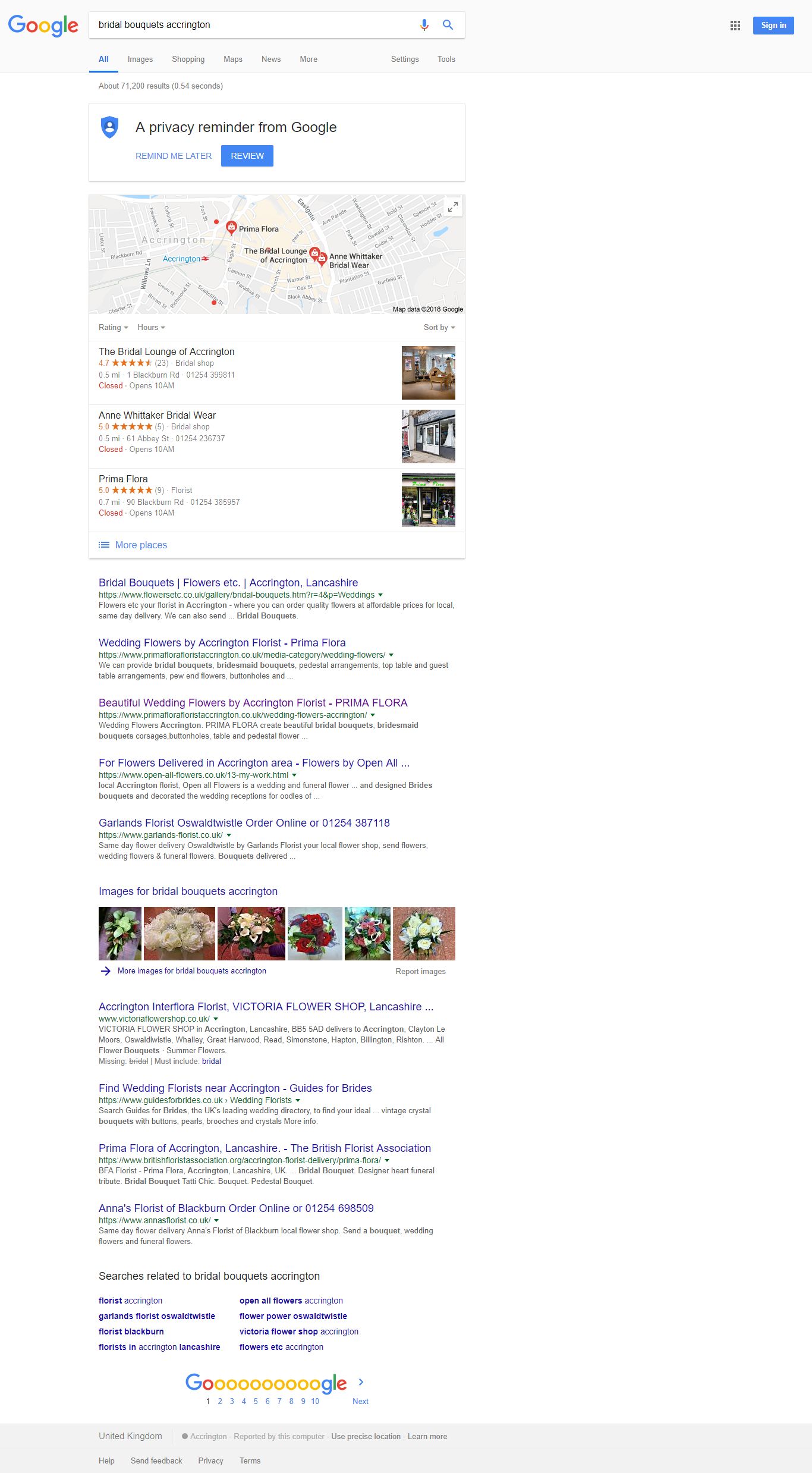
second place on organic results.
Best regards
John
Hi John, are you using Foo Gallery / Foo Box plugin?
Hi David
Yes I use foogallery and foobox so that I can get images on the media-category page to all be the same size and look more professional.
I tried just using the wp gallery but it doesnt look very good.
Is there a problem using foogallery with the theme?
Best regards
John
Hi David
I had to add the following line to my functions .php of my child theme to allow foogallery to work with media-categories.
Will this still work ok with generatepress?
Best regards
John
Hi David
I deactivated foogallery and foobox and cleared my cache and cloudflare cache and media-category pages still wont open.
Best regards
John
Hi John,
i am still a little confused as WP and GP doesn't have media-category as a standard option. So there must be a plugin or custom function that is creating these. Any ideas?
Hi David
WP does have media-category as a standard feature.
Categories, which are used for posts etc cannot be used for media without a separate plugin though but media-categories are standard on every theme I have ever tried apart from generatepress.
I can only assume because generatepress is such a lightweight theme the developers have removed this standard feature in order to create a faster theme thinking that no one needs it.
I just need to know whether it can be reactivated in your theme and if so how please.
Best regards
John
Hey John,
WordPress actually doesn't have categories for the Media Library by default. GeneratePress definitely isn't removing core WordPress functionality.
That's what plugins like this are for: https://wordpress.org/plugins/wp-media-library-categories/
Let me know :)
Hi Tom
Thanks for your reply.
I get that images can't use "categories" that are used for most wordpress sections such as posts etc without a plugin.
But "media-categories" are not the same as "categories" and they are both definitely a part of a standard wordpress installation.
Please see my screenshots below:-
http://easycaptures.com/fs/uploaded/1212/7005317847.png
You can see the media menu on the left hand side provides a category section. This is not facilitated by a plugin its part of wordpress.
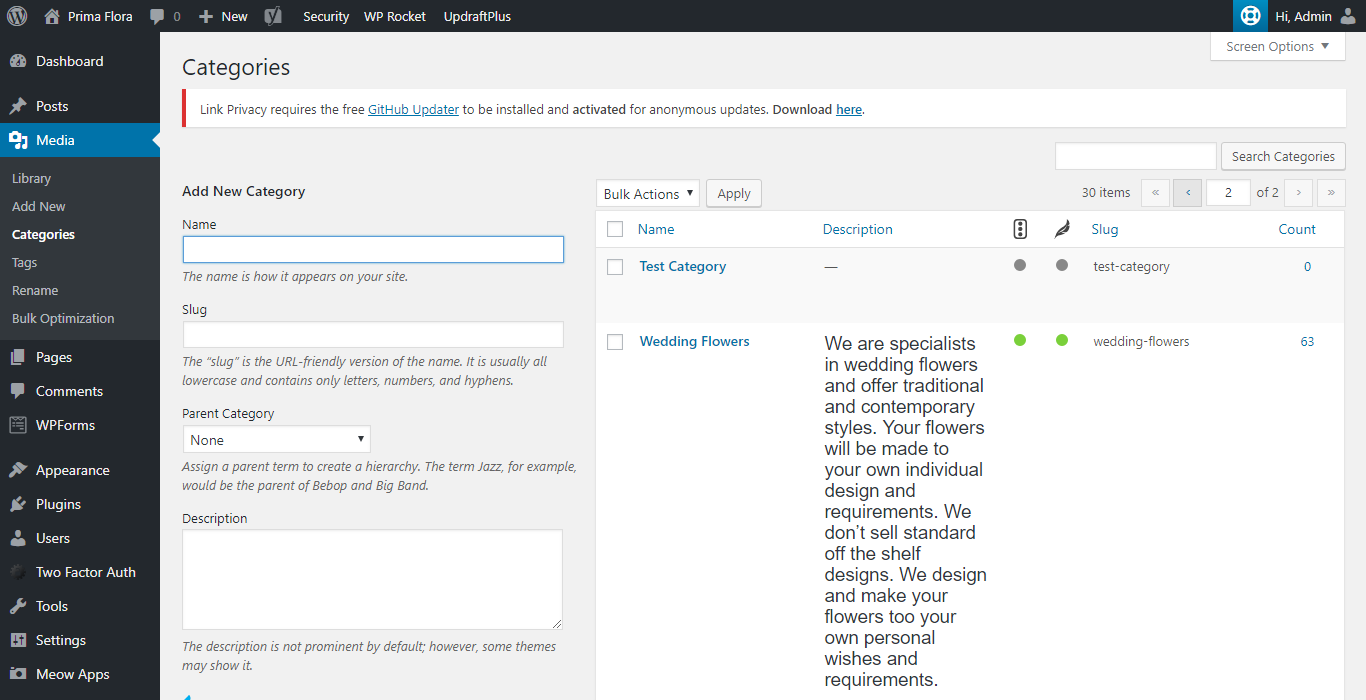
http://easycaptures.com/fs/uploaded/1212/6776454980.png
I can create a media-category and if when I save and open it wordpress gives me the option to view the category via the menu at the top of the screen.
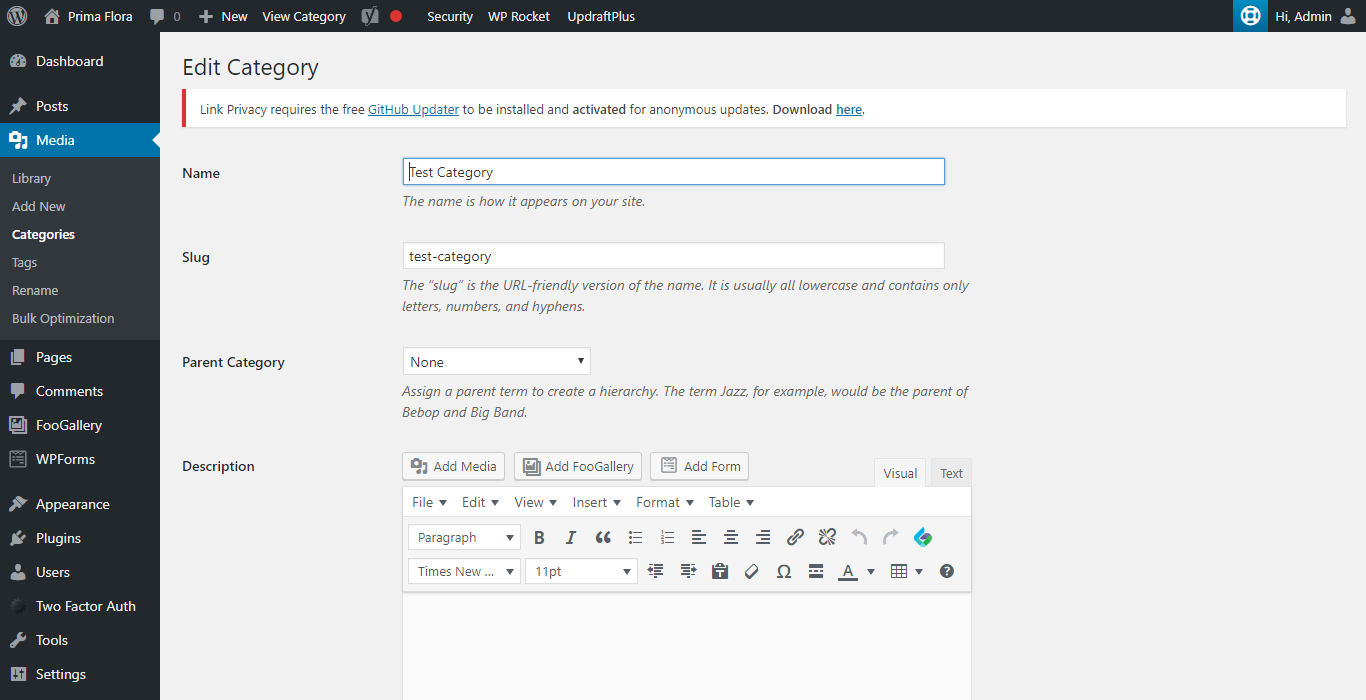
Media-categories are very limited they can only be used for media. They are not related to categories used on posts etc. There is a plugin that synchronises "media-categories" and "categories" but that's way too complicated for me.
Please don't get hung up on images. Even if I create a category on generatepress and then just put some text in it and try to view it your theme wont allow you to view it.
Worpress allows images as well as text in its media-categories and every theme I have ever tried works no problem apart from yours.
That's really frustrating because I really like your theme especially the speed.
Best regards
John
Alright, let's focus on the categories :)
What do you have set for permalinks in "Settings > Permalinks"?
Post Name
Can you link me to your site? The URL you provided in your original post isn't using GP.