
Archived topic
Location of description
6 replies · Started by Angelo on October 17, 2018
I am building a new site and still in the planning process.
I want the main description to the right of the image for a product.
I can add everything to the Short Description, but this causes a lot of text to appear when a category is viewed.
There is nothing in Woocommerce setting or layout settings to configure the location of Description. I can easily have them shown or now but not the location.
How can this be done.
current example of category:
https://www.giftbasketsdirect.ca/product-category/coffee-gifts/
anyone?
Hi there,
I can't quite picture what you are going for.
Do you have an example or mock up you can provide?
I will also mention that this might be something you need to check with WooCommerce support. We can help if it can done with some simple CSS solution.
Let me know :)
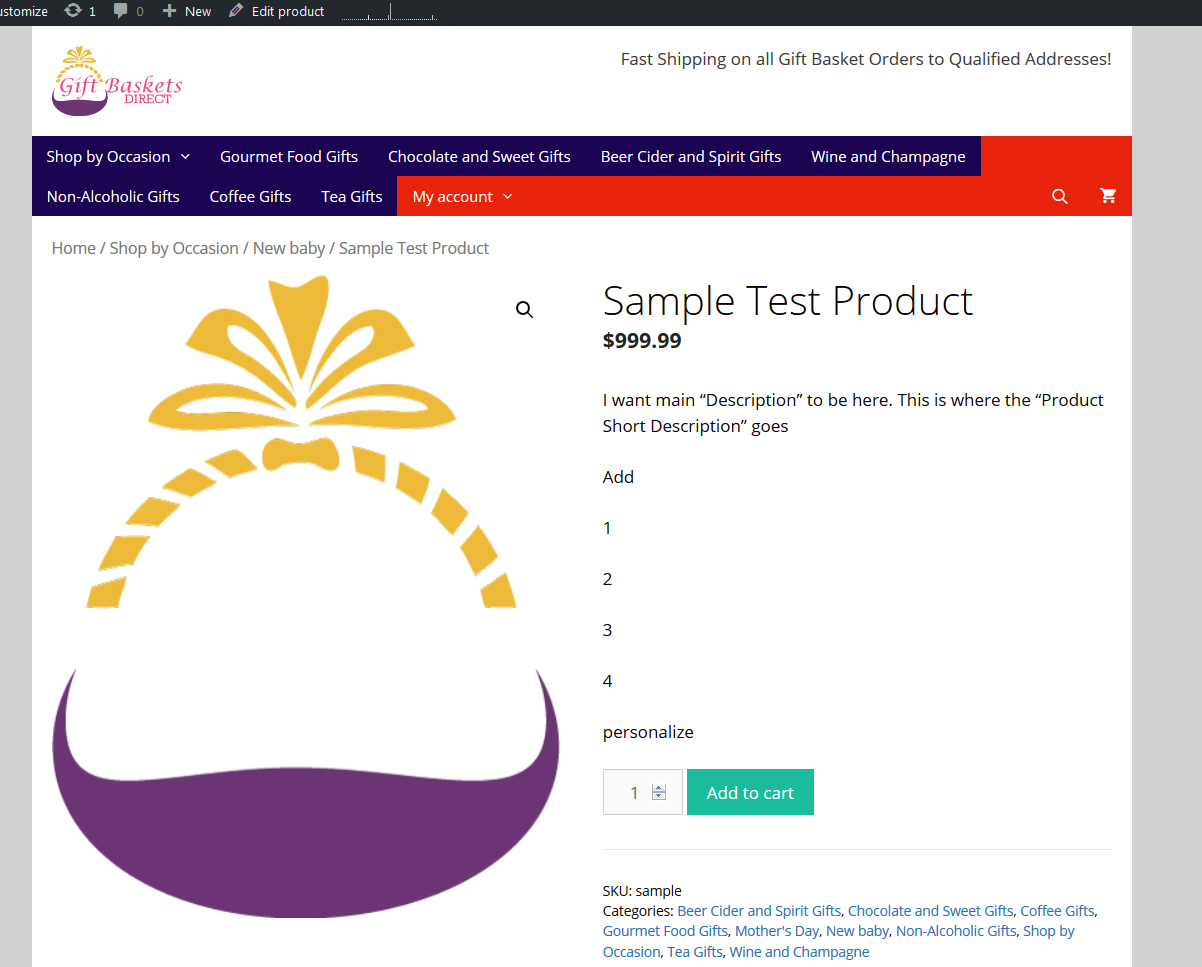
I want the main description to go where the Product Short Description goes as in the following image:
Perhaps this will help?: https://stackoverflow.com/a/51390314
ok. it took a while but the following was done:
I added a child theme. The best location for doing so was at:
https://docs.themeisle.com/article/14-how-to-create-a-child-theme?utm_medium=description&utm_source=youtube&utm_campaign=youtubevideos
I then added the code in the stackoverflow post above.
Now works. There will be some tweaking to be done but it seems to be working fine.
Awesome :)
For anyone else interested about child themes, this might help: https://docs.generatepress.com/article/using-child-theme/