Archived topic
I need to make my site 1024 px wide
15 replies · Started by Linda on February 24, 2022
I want my site to be a fixed width of 1024 pixels, including header, footer, and content. It’s a site using just pages with a navigation menu in the left sidebar.
Hi there,
you can set the Content Container width in Customizer > Layout > Container.
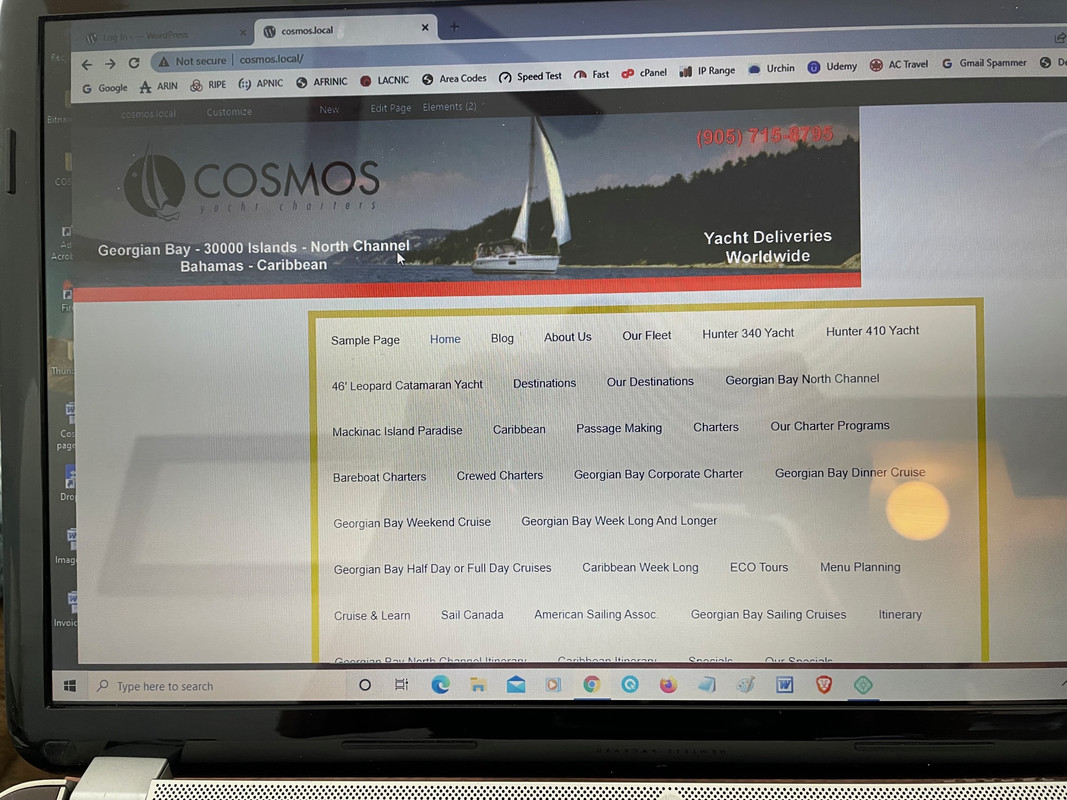
I did set the container to 1024 px but the header does not align with the container I have set in an image box above the header.
Can you share a link to the GeneratePress site ?
It’s a local site on my computer. I managed to get it to align by resizing the container to 865. Doesn’t make sense.
Can you share a screenshot of how you added the image ?
How do I do that. Do I send by email? I don’t see any way to upload the photo.
You can upload screenshot to here: https://postimages.org/
Then share the link with us.
Here's the link.
https://i.postimg.cc/RCnmDgfN/IMG-0353.jpg
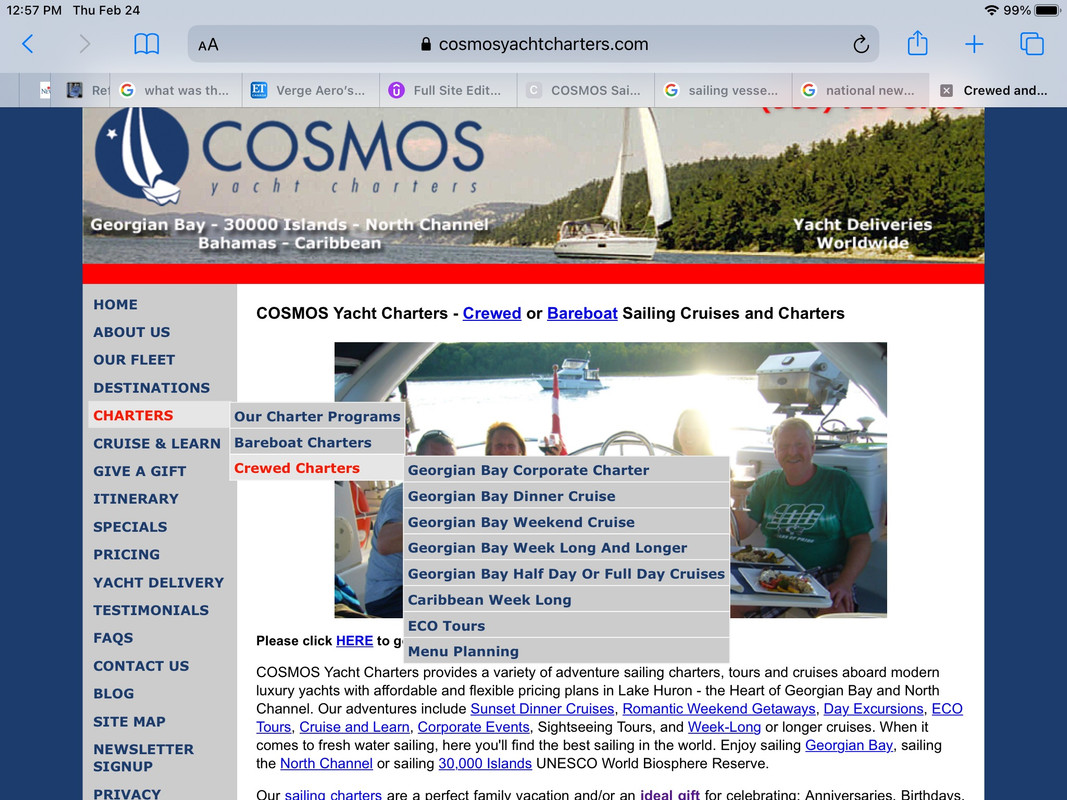
Have a look at https://CosmosYachtCharters.com to see the site I am trying to create in Wordpress.
How did you add the image? That doesn't look like the default header.
I created a block element and hooked it above the header and inserted the image. I don't want a header with links. I want a sidebar with links to the pages as this screenshot https://i.postimg.cc/sXmT6dct/Screenshot-2022-02-24-at-12-57-48-PM.jpg
I created a block element and hooked it above the header and inserted the image.
Do you mean there's only a image block in the block element?
If so, you should be able to set the image to align center within the image block's settings.
I will try that and let you know. Thanks.
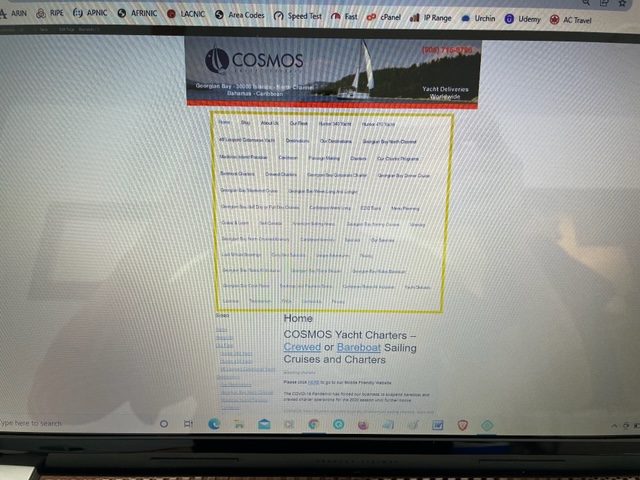
I centered the image as below
https://i.postimg.cc/gjcF0b4D/IMG-0356.jpg
The header is surrounded by a yellow border. I want to get rid of the Header entirely so that the image is the header.
The Content block below the header does not take up the 1024 pixels to be even with the image.