Archived topic
How to change the object-fit on WP-Show-Post items?
5 replies · Started by Sascha on April 7, 2022
Hi
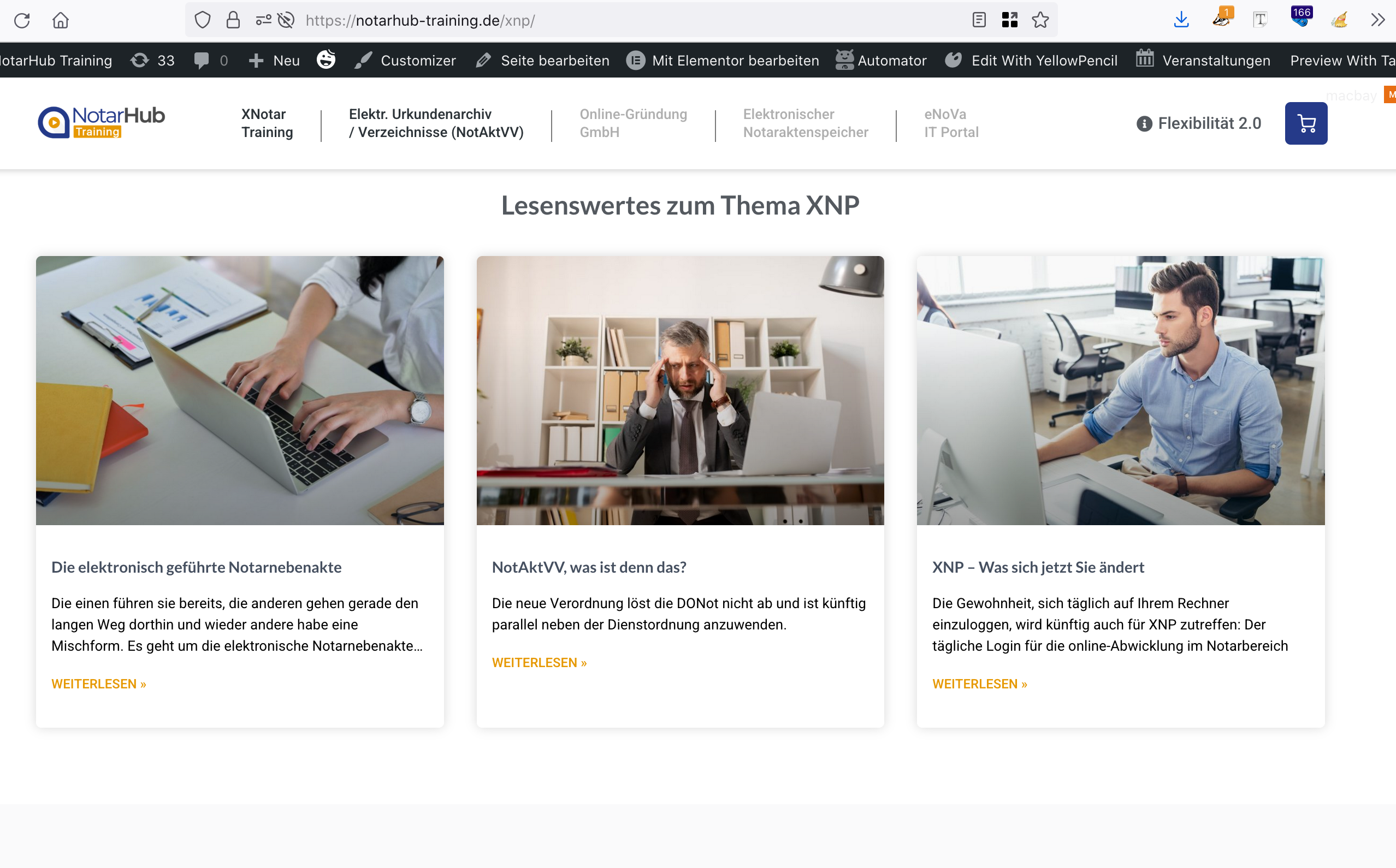
on our DEV-site -> this page the latest blog-posts should be displayed exactly the same way as on the ORIG-site -> that page (scroll down to "Lesenswertes zum Thema XNP").
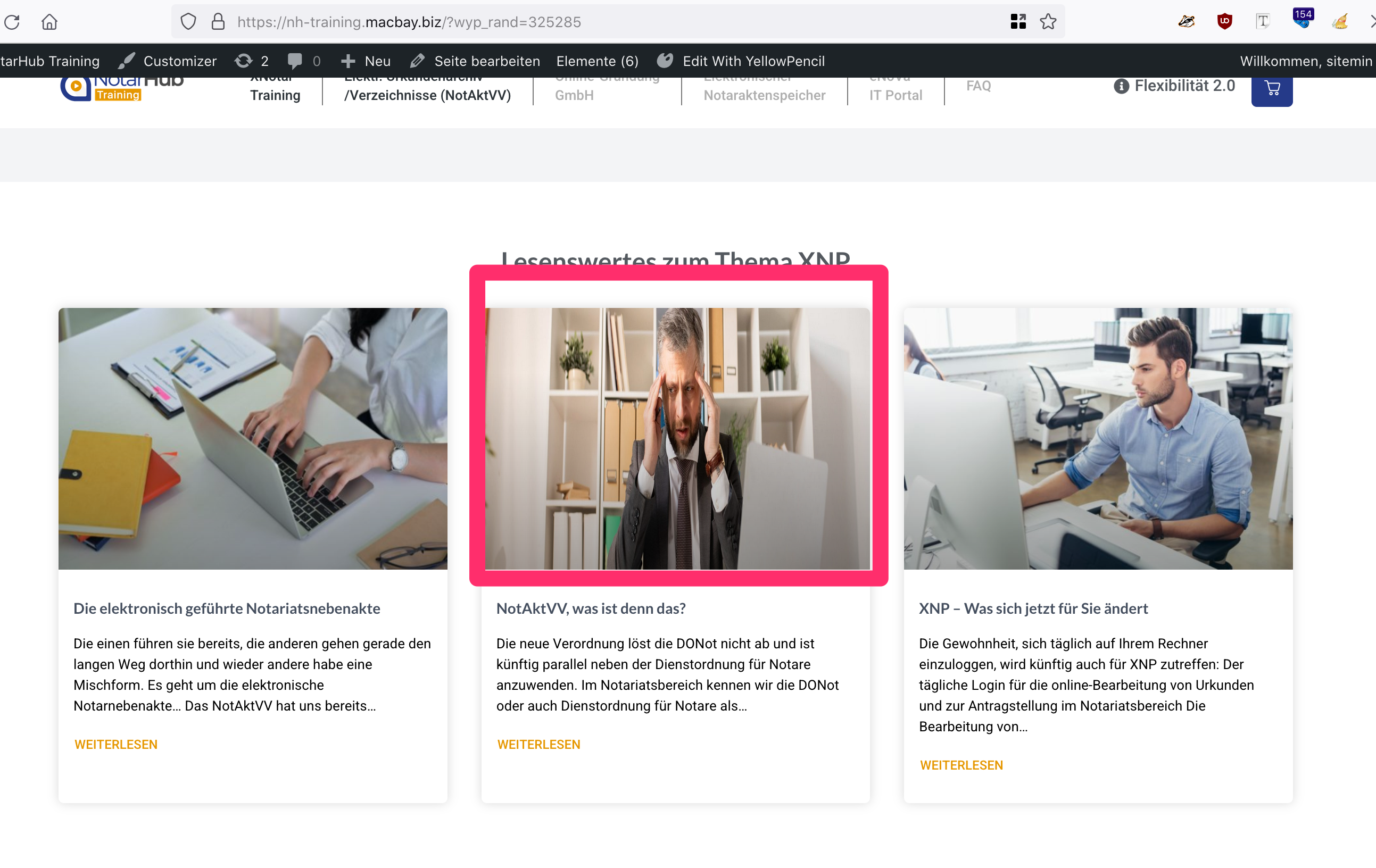
I use "WP Show Posts" plugin and realized, that I cannot display the full images. Instead, the images are cropped.
Can you please provide the CSS to display the images as seen on the original-page?
Thank you in advance and kind regards,
Sascha
Hi there,
both sites have images with different aspect ratios.
The Dev site the images are 16:9 whereas the ORIG site they about 4:3.
Not much that can be done there as there the DEV site images don't have the same vertical content as the ORIG site.
Got it, thanks.
As you can see on the first blogpost on ORIG-site, the featured image indeed has a different ratio than the one used in the "latest posts" section of the ORIG sites' startpage.
Since the ORIG-site is built with Elementor, the widget that displays the latest posts on startpage, uses a different version of the image.
Any idea about how to make the images on latest-posts section on the DEV-sites' startpage look the same as on the ORIG-sites' startpage? Maybe by replacing "WP Show Posts" with another solution?
Thank you in advance and kind regards,
Sascha
uses a different version of the image.
Where does this other image come from ? Is this a custom field or something
I have realized that the ORIG-Site uses 2 different images for the same guy:
Square version for the cards on Startpage.
Rectangle version for the post-page.
Now I consider adding a new custom-media-field to the default-post-type "2nd-featured-image", where I upload the square-version.
Would it be possible to make WP-Show-Posts display this 2nd-featured-image instead of the featured image?
Or should I rather add the square-version as the featured image and make the container in the GP-Element, that defines the blog-post-header, to use the custom-media-field?
Anyway, the best would be to tell WP-Show-Posts to now squeeze the rectangle featured image into the card (see on this screenshot), but to "crop" it in order to make it fit … Can you tell me how?
Thank you in advance and kind regards,
Sascha
This method would be a code free option and the simplest to do in my opinion:
Or should I rather add the square-version as the featured image and make the container in the GP-Element, that defines the blog-post-header, to use the custom-media-field?
Sorry - do you want to distort the image as in that screenshot ?