Archived topic
How to change the cart-icon? WooCommerce, GP, GB
7 replies · Started by Sascha on March 27, 2022
Hello,
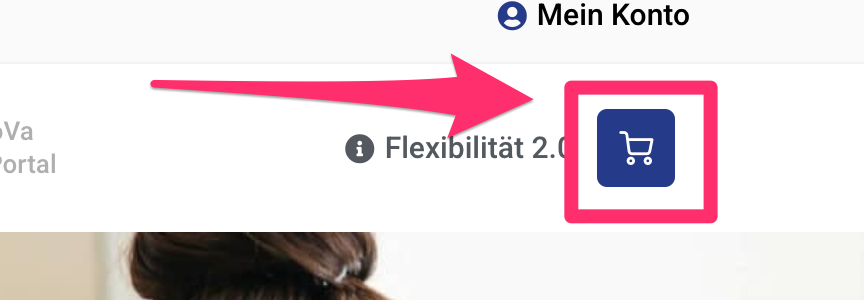
I need to replace the cart icon on this site with another, similar to this one:
http://media.macbay.net/_support/cart-icon-gp_27EE2F33.png
How to achieve this?
Thank you in advance and kind regards,
Sascha
Hi there,
see Elvins reply here:
https://generatepress.com/forums/topic/how-find-codes-of-svg-icons/#post-1796971
Hi,
I have applied the code from Elvis via Code Snippet and now the cart-icon has changed, but not the way it should look as seen here:
New icon with Elvis code:
http://media.macbay.net/_support/nh-cart-icon01_27F1B8F0.png
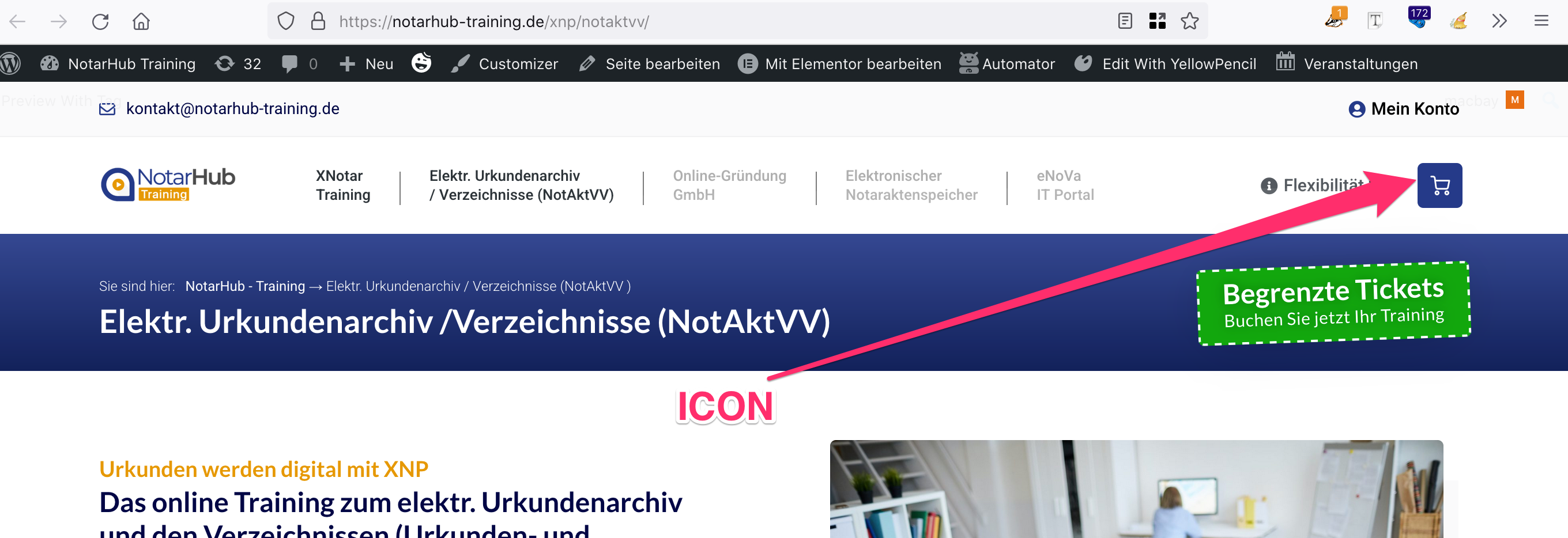
Required icon:
https://notarhub-training.de/xnp/
Any change to advise me how to replace the cart-icon accordingly?
Thank you in advance and kind regards,
Sascha
I assume you mean the blue radius corner box around the icon ?
Of so can you share a link to your new site where i can see the icon ?
Oh, I thought that's what I did already by providing the previous links. I will try again with other links:
Website that contains the correct cart-icon (built with Elementor by previous Dev):
https://notarhub-training.de/xnp/
Icon:
http://media.macbay.net/_support/nh-01_27F1ED80.png
Current Dev-Website (GP & GB) where I need to replicate the cart-icon:
https://nh-training.macbay.biz/
Thank you in advance and kind regards,
Sascha
OK - so don't change anything.
Just add this CSS:
.main-navigation .menu-bar-item .shopping-cart {
    background-color: #253A89;
    color: #fff;
    border-radius: 5px;
    font-size: 20px;
    padding: 6px;
    line-height: unset;
}Awesome, thanks!
You're welcome