
Archived topic
How to add Social Icons in Footer-Element?
1 reply · Started by Sascha on August 11, 2021
Viewing posts 1–2 of 2
I have placed social icons in footer-element via headline-blocks. But when I try to add a social-media-link, a text will be added instead of linking only the icon.
How can I add these icons without any text?
It should look like this: http://media.macbay.de/_support/hibadfgkjbdfg_26C3DF85.png
But currently looks like that: http://media.macbay.de/_support/sadfgusdgsdfsddf_26C3E01A.png
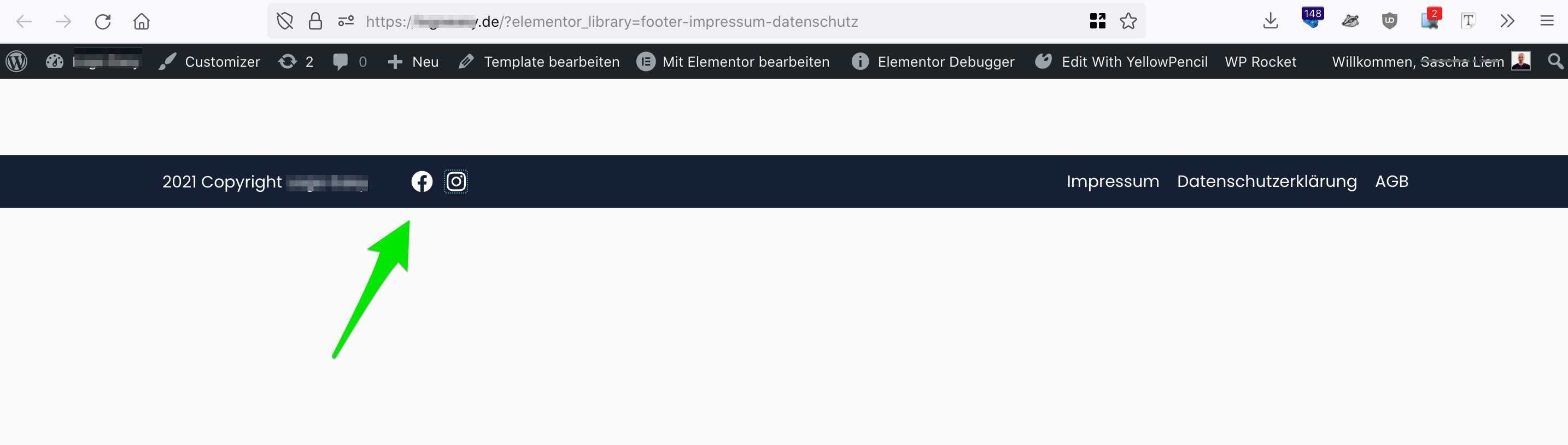
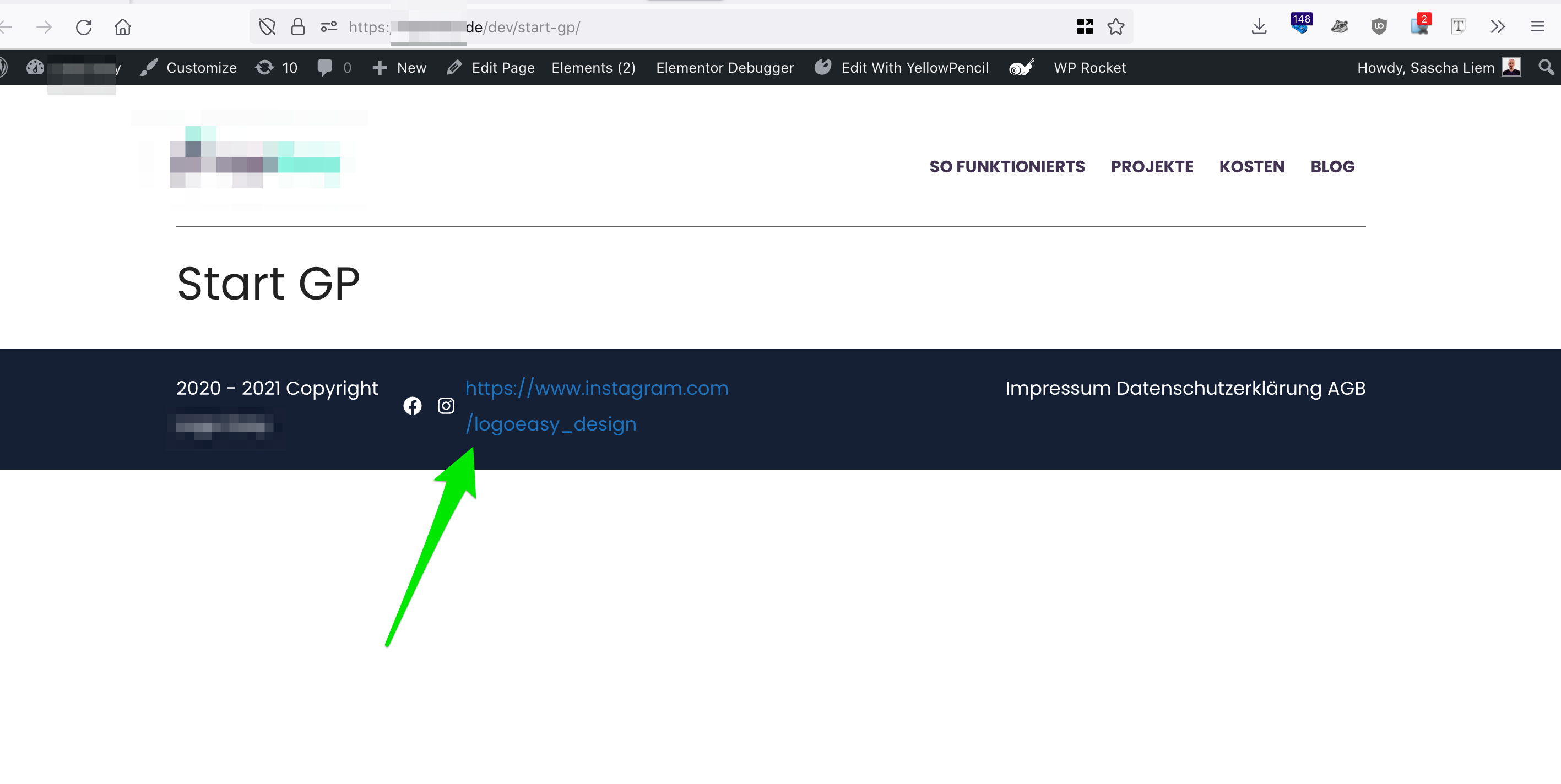
Any idea how to apply the social links to the icons in a better way?
Thank you in advance and kind regards,
Sascha
Hi there,
which block are you using to add the icons ? Is that a GenerateBlocks button ?
Can you share a link to where i can see this ?
This archived topic is closed to new replies.