
Archived topic
Headers and buttons in WP Show-posts
3 replies · Started by Marcus on March 27, 2019
Headers and buttons are not always getting the right colors when displayed. If I go incognito it works fine, is this some cache or cookie setting?
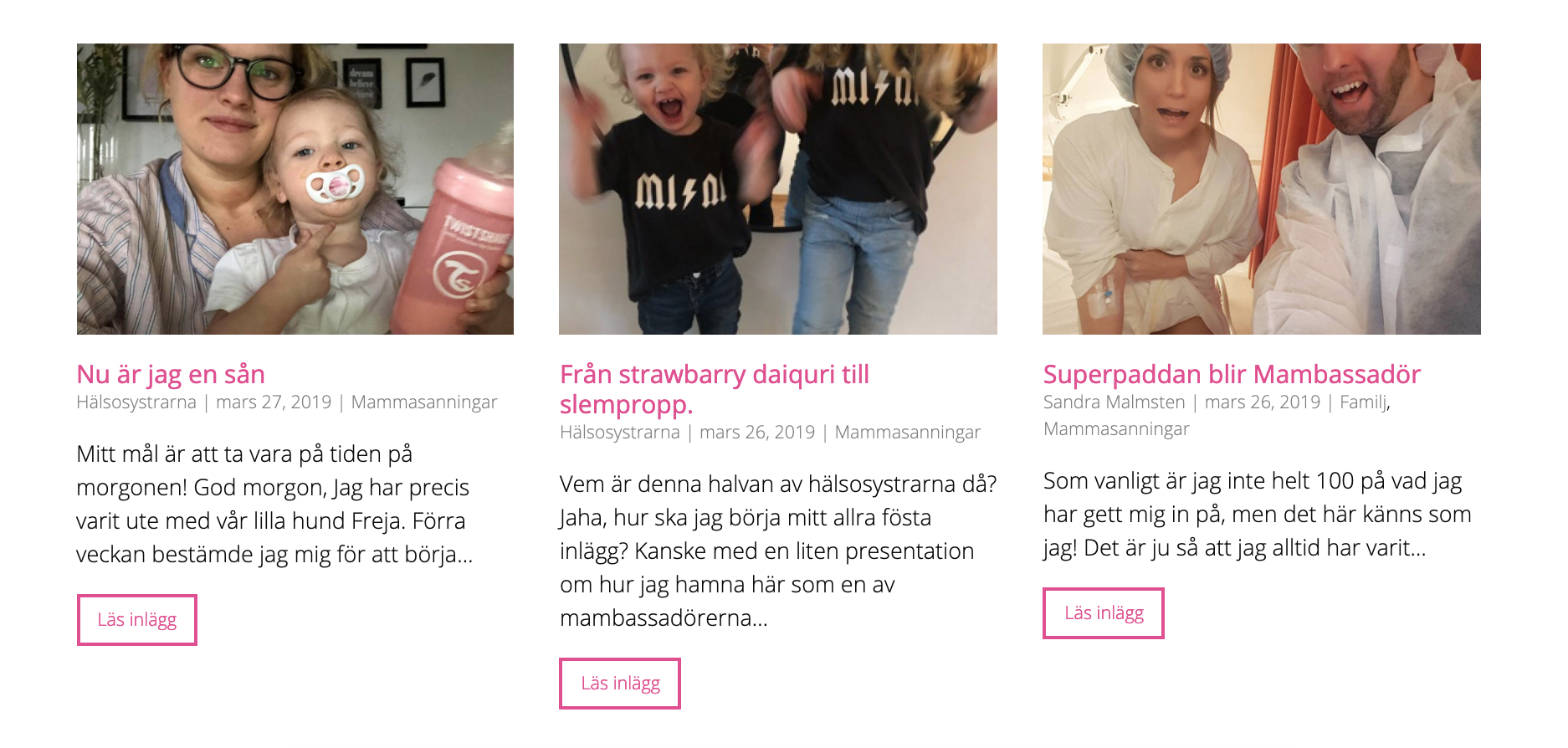
How I see it: https://snag.gy/AJDKOP.jpg

How I want it to be: https://snag.gy/2KlVER.jpg
Thanks,
Marcus
Hi there,
if Incognito is correct then it is most likely the browser cache, may require you to clear all the data relating to the site.
Other check is to see if it differs between logged in and logged out. If this is the case then try flushing all caches including those on the server.
Hi David,
It's the same when I logged out from WP and when I cleared all cache in the web browser.
How do I easiest clear cache on the server?
Do you recommend to use any Cache plug-in, like WP Super Cache?
All the best,
Marcus
The caching must be a local issue - as i am seeing the correct output.
You may want to flush the caches and data again and then dare i say it; restart your computer...
Server caches you would need to check with your host, most of them have a CPanel or similar interface that allows you to manage them. I generally like to keep my caches light, we offer some tips here: