Archived topic
getting this look for entry meta
5 replies · Started by Ben on September 1, 2020
Hi,
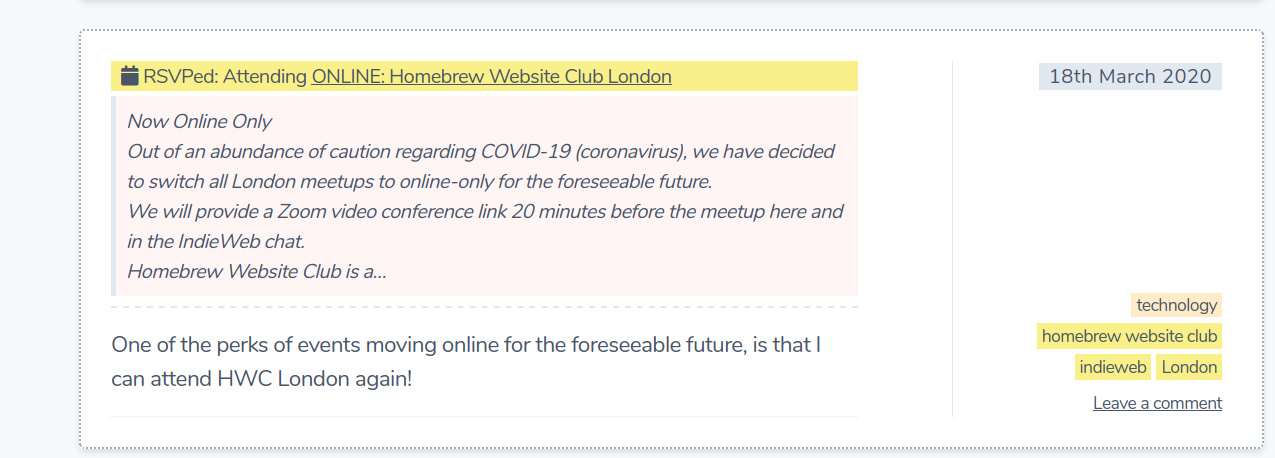
how can I get this look for the entry meta?:
https://lutim.nomagic.uk/XWPzklZe.png
I'd like the meta in it's own column on the right with the post contents on the left
Ben
Tricky one! We could try some CSS Grid..
First, we need to move the meta out of the entry-header element:
add_action( 'wp', function() {
    remove_action( 'generate_after_entry_title', 'generate_post_meta' );
    add_action( 'generate_before_content', 'generate_post_meta' );
}, 50 );
Then try this CSS:
.home .inside-article,
.archive .inside-article,
.single .inside-article {
    display: grid;
    grid-template-areas:
            "title meta"
            "content meta";
}

.home .entry-header,
.archive .entry-header,
.single .entry-header {
    grid-area: title;
}

.home .entry-meta,
.archive .entry-meta,
.single .entry-meta {
    grid-area: meta;
    margin-top: 0;
    padding-left: 20px;
    margin-left: 20px;
    border-left: 1px solid #ddd;
}

.home .entry-summary,
.archive .entry-summary,
.single .entry-content {
    grid-area: content;
}
Not sure if this is going to work at all, but it's worth a shot - it will definitely require some tweaking once implemented.
Tom
That works for 'post category' and 'post comment' meta. Would it be possible to move the 'post date' over to the right?
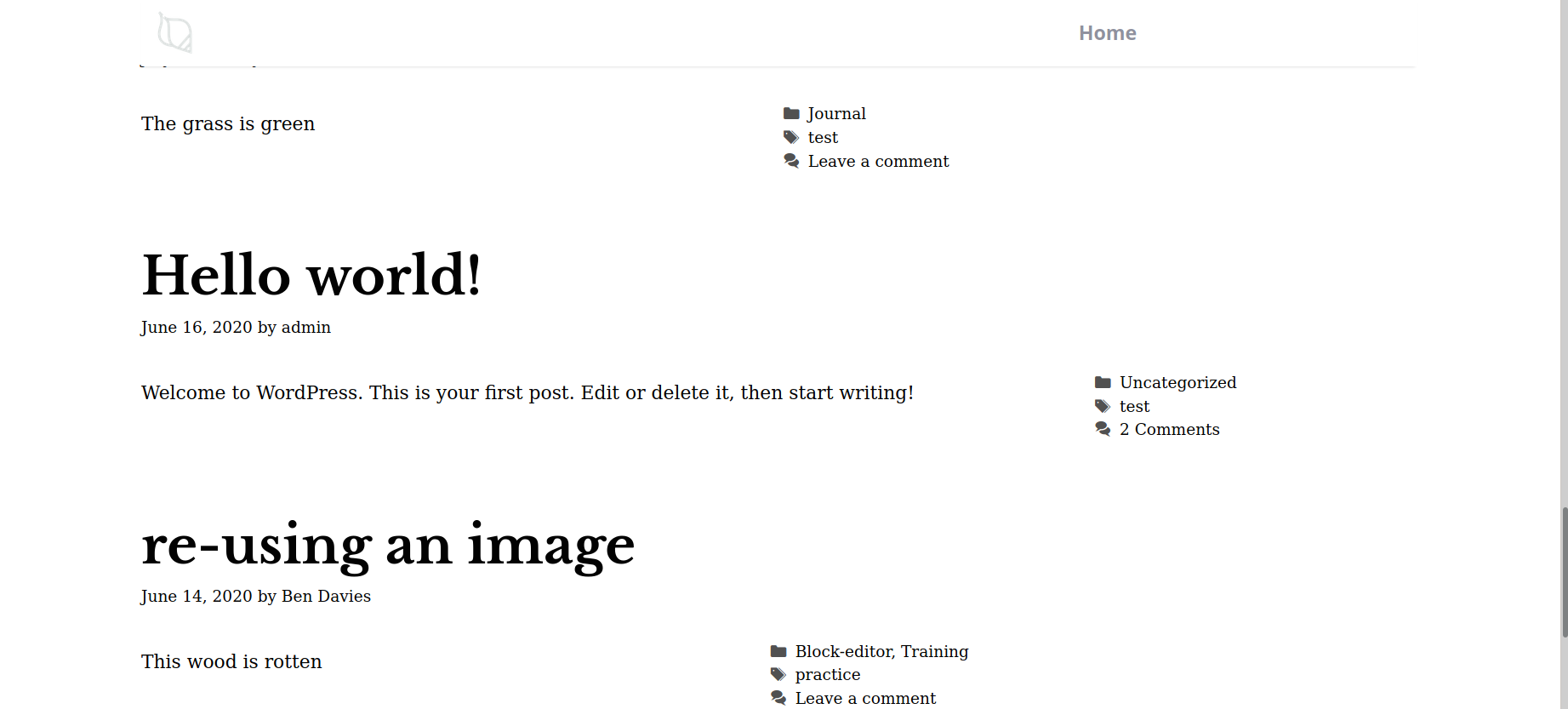
When I scroll down I see that the entry meta are not in line with each other.
https://lutim.nomagic.uk/xm7TMOHF.png
Would it be possible to have them all lined up as if they were in their own column?
How would I increase the padding between the post content and the entry meta? I couldn't find a way to do that in Customise: Layout.
Thanks for your help
Did you add the first function? I'm still seeing the post meta inside the entry header.
I just updated the CSS a bit - is that placed better?
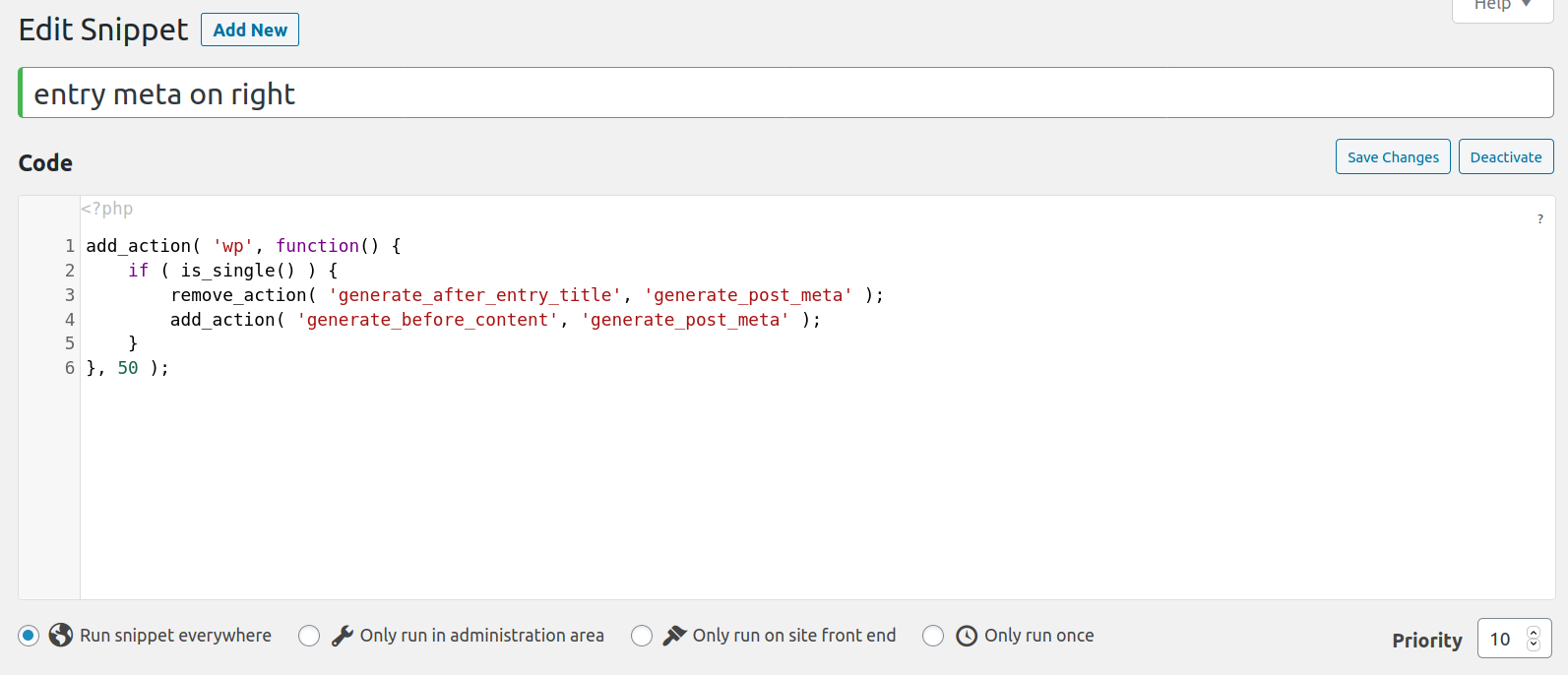
Yes, I did add the php function, in the Snippets plugin:
https://lutim.nomagic.uk/6oI4pzwj.png
And updated the CSS in Simple CSS. It doesn't appear to have had any effect. Have I added the function and css in the correct way?
I just edited the PHP a bit - can you try now?
Also edited the CSS a little to add padding and a border.