
Archived topic
Category/Term ACF custom fields
7 replies · Started by Salvador on November 15, 2021
Hello!
I know that there were several questions on these issues, i've tried to apply different solutions as well as i readed the documentation guides, but i can't solve my problem.
I want to apply a content template to the blog post loop. In this loop I have 3 elements: post title, post date... and an image (ACF) of the category.
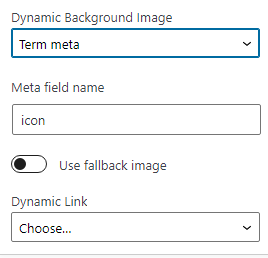
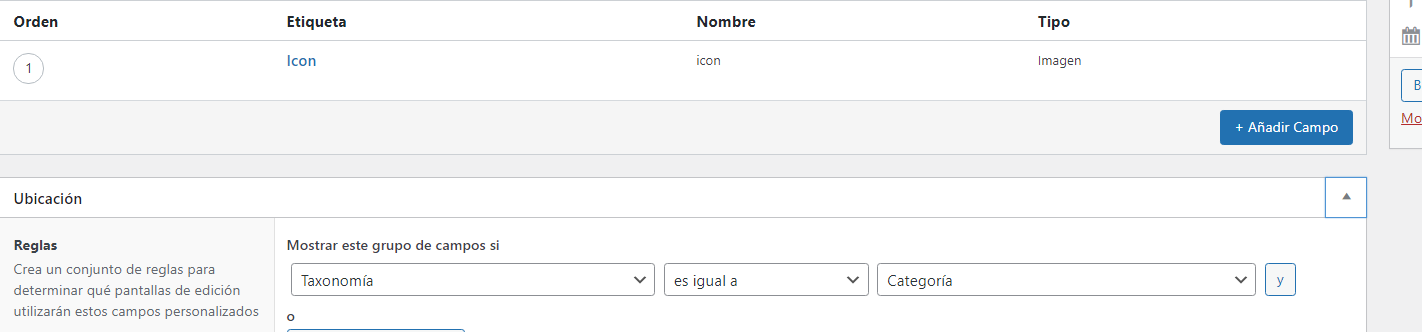
I have checked everything a thousand times: the name of the field is icon, in the database in termmeta it actually exists, the image is uploaded and can be seen by editing the category. I have tried to use term_icon, category_icon, icon ... in the dynamic background of the generateblock block ... but there is no way, the image does not appear.
Generateblock - Dynamic Background: https://i.gyazo.com/1ff1e1d64d1c03b1a9da7985cf6050fa.png
ACF field icon - category: https://i.gyazo.com/6376b6d58f002611fc2e0bee3cdb15a9.png
Category image uploaded: https://i.gyazo.com/9641ba4a622d8a02ca78d8751fc57a8a.png
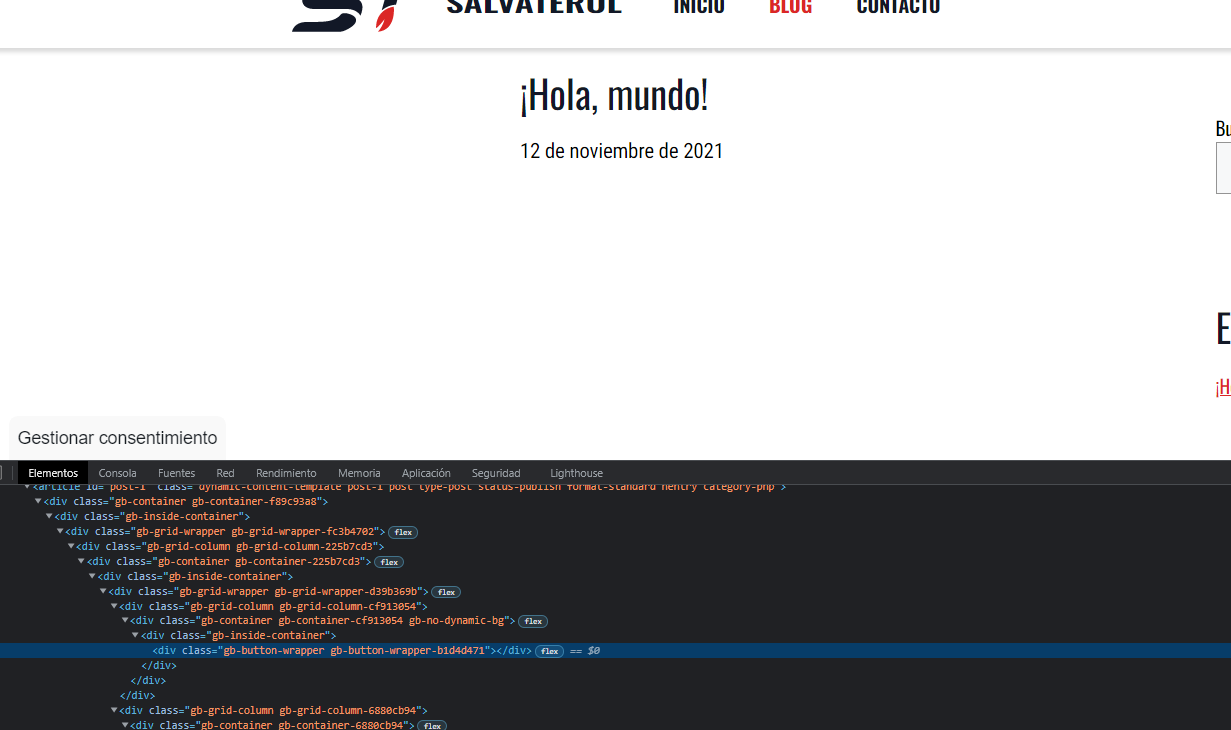
No image on the loop: https://i.gyazo.com/249354261c3bcdd9634b7ae925c5658e.png

What am i doing wrong? Do i need to implement separate code, or should do it from ACF blocks?
Hi Salvador,
It's possible that the image field value being returned is the issue.
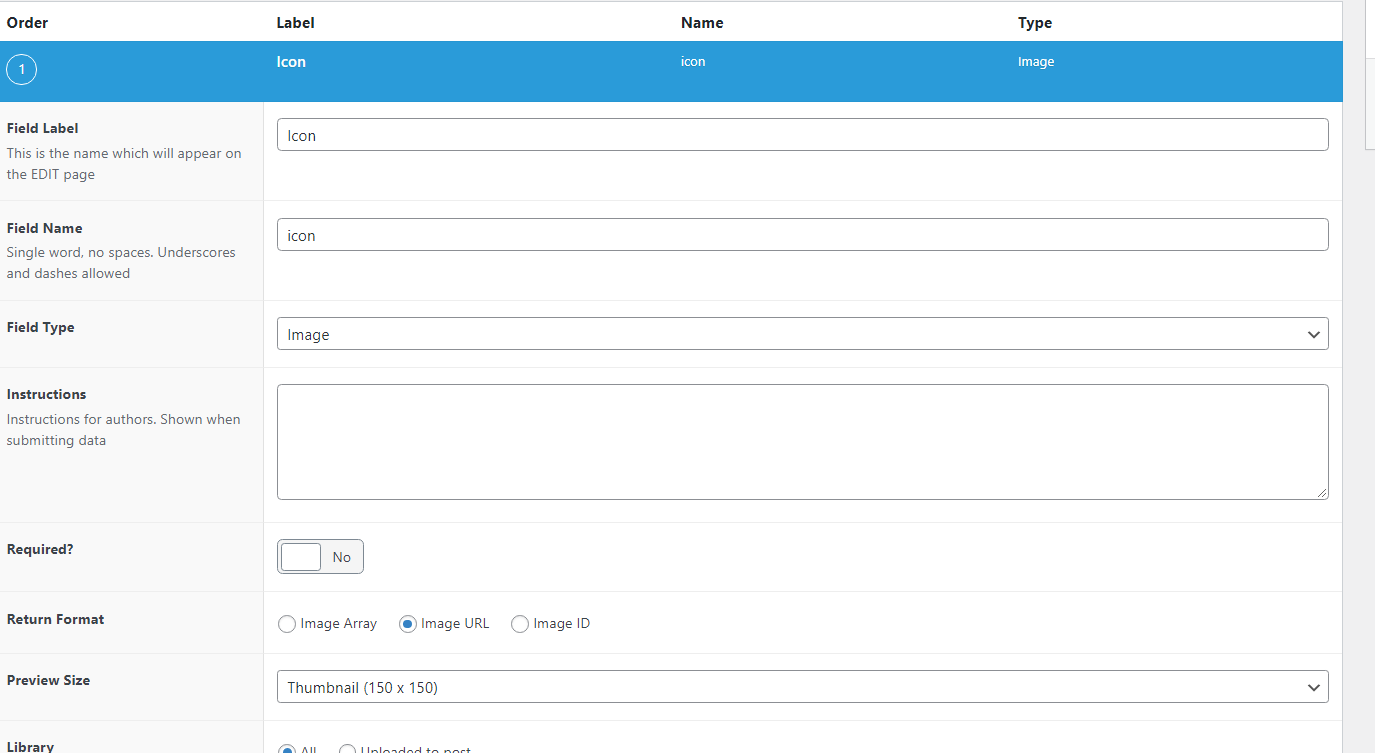
Can you go to the ACF field for the image and make sure the image Return Format is set to "URL"?
Make sure the slug being used on the Block element is correct as well.
Hi Elvin,
i share screenshots of what you ask me to check. Also from the termmeta table. Shouldn't there be a link to the image?
https://i.gyazo.com/b12550301be765aaa3f0236c449e2dc1.png - ACF
https://i.gyazo.com/8976b1486e12ed4255e78b4b9e3a901c.png - Content template (the image was fallback image, i think it is cached or searched and has stayed in the editor even though I removed it)
https://i.gyazo.com/671c8ac3a843a1ca323664b2760961e9.png - Database termmeta
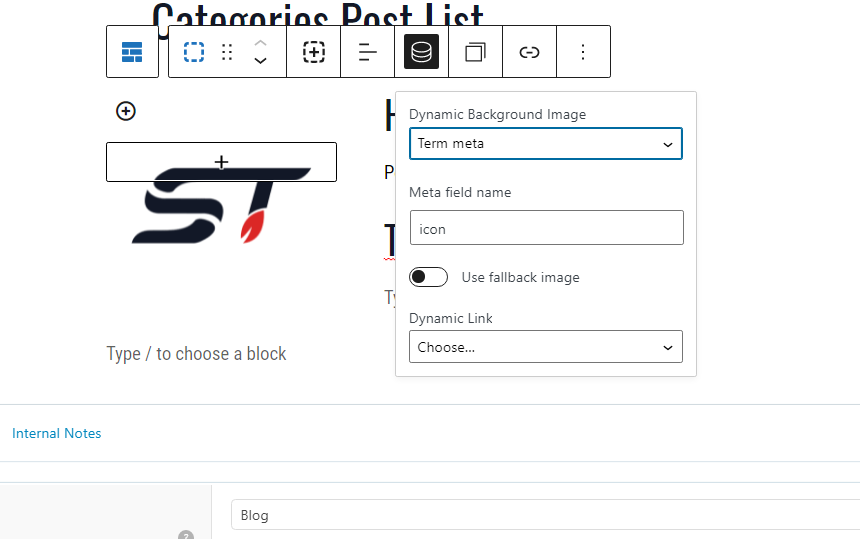
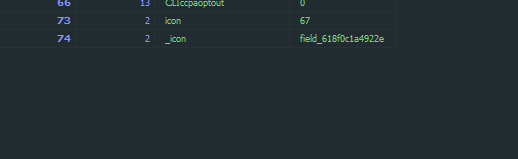
What i should do?
Hi there,
can you make sure there is a Background Image set on the GB Container Block.
Hey David,
I was wrong in my previous message, the logo image that actually appears is because it is the default image (i tried the fallback option, where the logo in addition to the editor also appears in the list of posts; being the "default image" to activate the dynamic option, i confused it).
In case there were any errors or strange things, I have deleted the block element and have recreated it, but I can't get it to work.
I share a temporary user privately in case you want to verify it.
I have seen and reviewed everything, but I do not understand why the image is not linked. (using, for example, featured image of the post if it works, it is only related to ACF)
I think the term meta won't work because it's dependent to the display rule location. It can only pull the term meta if the display rule location is the actual term archive.
If you don't mind a workaround, consider using a shortcode.
I've made one for you.
Place this code on a child theme's functions.php or a code snippets plugin -
add_shortcode('cat_icon',function($atts){
	$atts = shortcode_atts( array(
		'width' => '50',
		'height' => '50',
    ), $atts, 'cat_icon' );

	$srcset = wp_get_attachment_image_srcset( $img_id );

	$category_detail = get_the_category( get_the_ID() );
	$cat_id = $category_detail[0]->term_id;
	$cat_name = $category_detail[0]->name;
	$spec_id = 'category_'.$cat_id;
	$img_id = get_field('category_icon',$spec_id);
	$imgsrc = wp_get_attachment_image_src( $img_id );

	ob_start();
	echo wp_get_attachment_image($img_id,array($atts['width'], $atts['height']), true, array( "class" => "category-icon", "alt" => $cat_name.' icon', ));
	return ob_get_clean();
});
For this to work, make sure you set the slug of the ACF field for icon to category_icon and returned format is set to Image ID.
An example shortcode usage: [cat_icon width="69" width="69"]
Hi Elvin,
Thanks for your help.
I have tried your code, but it doesn't work for me... Let me explain, the taxonomy/category is collected correctly, the name is shown in the alt attribute, but the image... comes out default and not the one it should. If i return the field ($img_id in your code), it's the URL of the correct image so i don't understand what is happening with wp_get_attachment_image
https://i.gyazo.com/7da1cf2a4d5e1abd13dc65b46529cb31.png
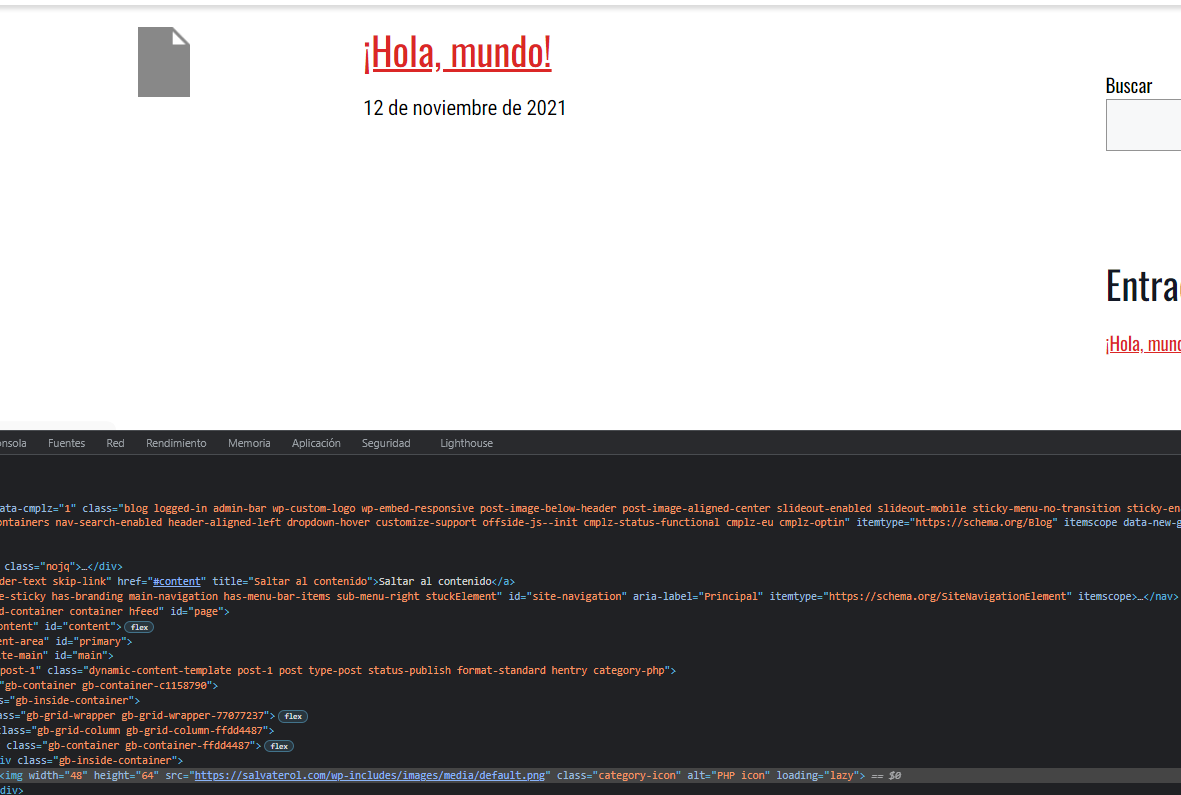
Btw, the $srcset and $imgsrc line is not necessary, correct?
Can you provide a temporary admin login - that previous token didn't provide me with the backend access