
Archived topic
Adjusting positioning of menu icons
3 replies · Started by Megan on September 17, 2021
Hi team
I've installed the Menu Image plugin on my site to have social media icons in my top (secondary) menu bar. It works perfectly, but the icons are positioned right at the very top of the top menu, without any padding, and out of alignment with the other main menu items. I udnerstand that this is a plugin issue and not a theme issue, but was wondering if you had any magic CSS code or snippet ideas that could potentially fix this and bring it into alignment with the text buttons?
Here is an image to see what I mean (icons in top left corner, wanting to bring them down to be in alignment with the text buttons): https://www.solofemaletravelers.club/wp-content/uploads/2021/09/Screenshot-2021-09-17-224548.jpg
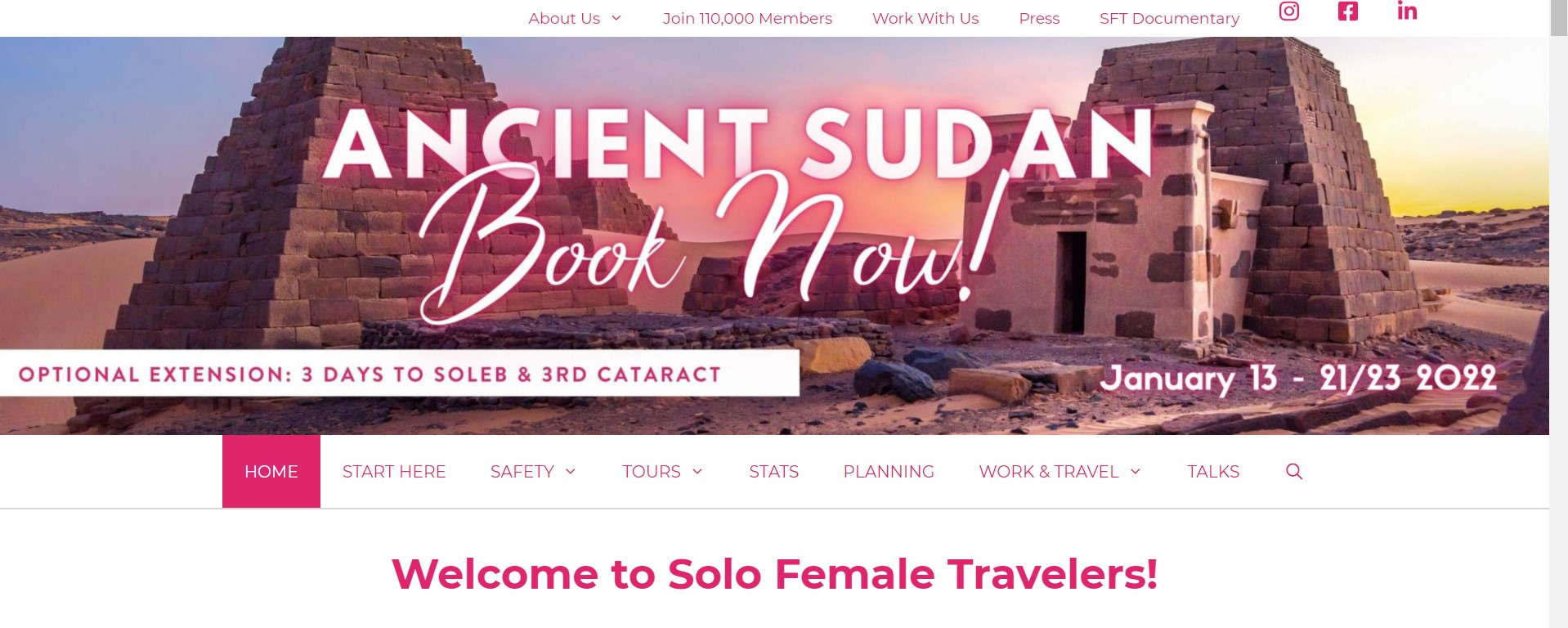
Aprpeciate any insight.
Thanks!
Hi Megan,
Give this CSS a try:
.secondary-nav-aligned-right.secondary-nav-above-header .secondary-navigation .sf-menu, .secondary-nav-aligned-right.secondary-nav-above-header .secondary-navigation .sf-menu>li a {
    display: inline-flex;
    align-items: center;
}
Let me know :)
Hi Ying, code worked a treat, thank you!! Have a great weekend :)
You are welcome :)
Happy weekend to you as well!