
Archived topic
Add section (container) to main page
5 replies · Started by Rust on October 7, 2019
Hi. I add new section/container at front page with ELEMENTS-ADDNEW-HOOK, but:
1. i cant change this containers color with CSS, because it change body color too
2. i cant make this container full width, because my sites container is 1300px
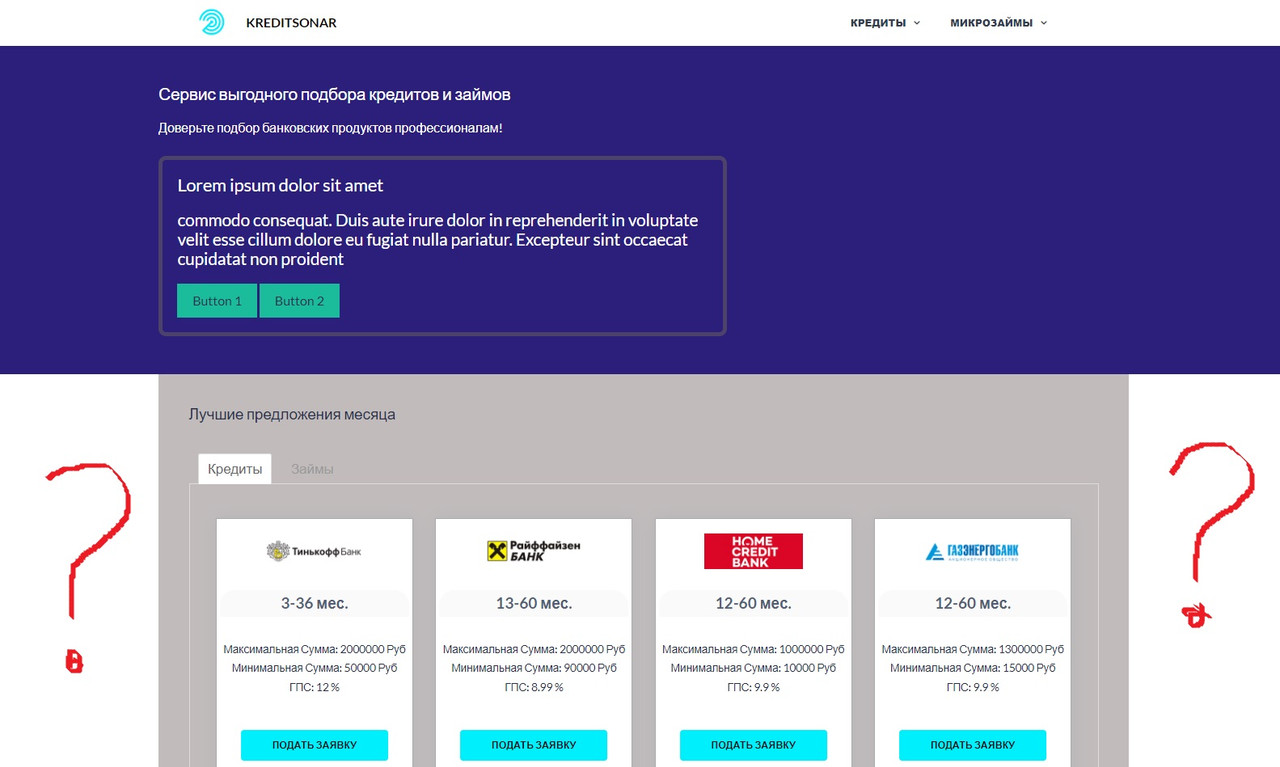
with Elements-Addnew-Header (page-hero header) no such problems, but it cannot be applied here...
Hi there,
As for now using a full-width section inside the content requires using our sections add-on:
https://docs.generatepress.com/article/sections-overview/
Let me know if this helps :)
but section not allowed at front page... i dont want to use static page at front page
Hi there,
how have you added the Responsive Tabs wrapper section to the page ? If it is via a Hook then you can use the after header or inside container hook for full width:
Yes, added with Hook, but i cant understand, where to add your hook. Now my hook looks like this:
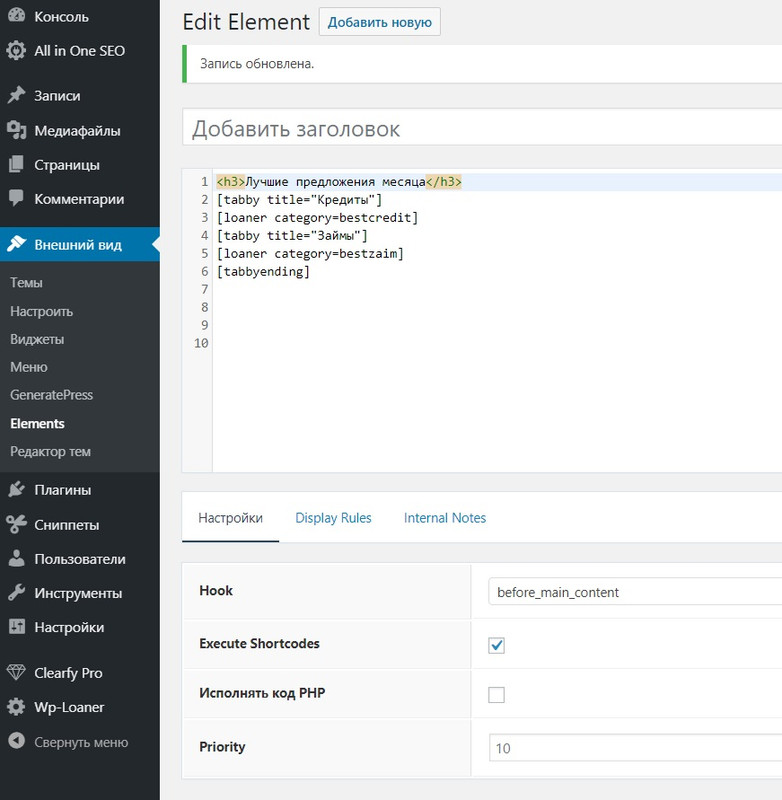
If you select the after_header hook it will fill the width of the screen. You would therfore need to add a wrap to your code: eg.
<div class="custom-container">
    <div class="grid-container">
        <!-- your code goes here -->
    </div>
</div>
You can then style the background using the custom-container CSS class