
Archived topic
Add icon to menu bar
3 replies · Started by Mirjam on July 31, 2018
Hello,
I'm trying to add an icon to my menu/navigation bar.
Here's what I've done:
- Upload + activate plugin Better Font Awesome
- Added 'add_action( 'wp_enqueue_scripts', 'tu_load_font_awesome' );
/**
* Enqueue Font Awesome.
*/
function tu_load_font_awesome() {
wp_enqueue_style( 'font-awesome', '//use.fontawesome.com/releases/v5.1.0/css/all.css', array(), '5.1.0' );
}'
to my child theme's Function.php
- Added '<i class="fas fa-shopping-cart"></i>' to the navigation label in Appearance > Menus
It returns a 'broken' icon image, https://snag.gy/bMlJ3U.jpg (between 'shop' and the Dutch flag).
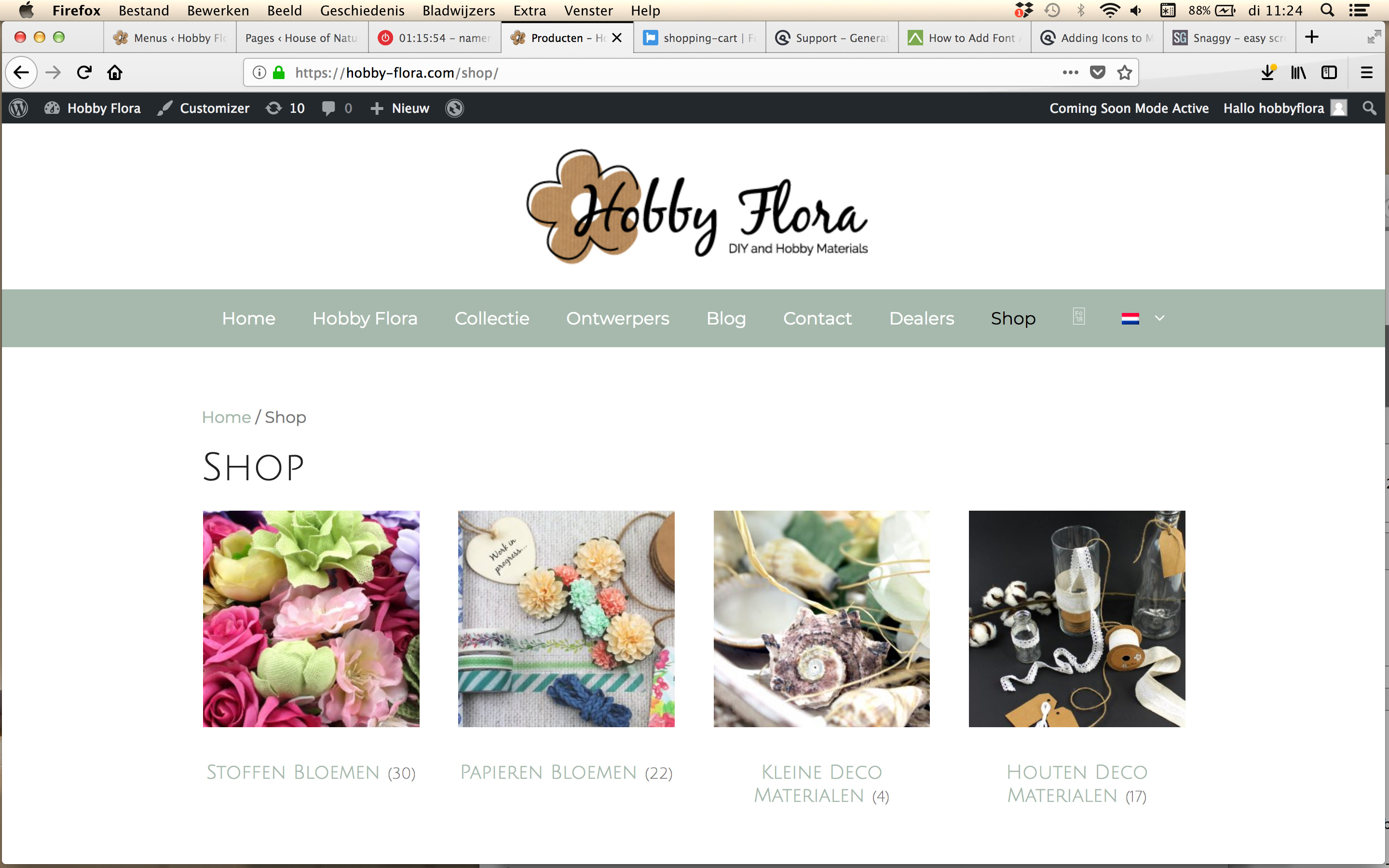
The website is currently in 'coming soon' mode and only visible to admins.
What am I overlooking here?
Many thanks!
Mirjam
Hi there,
you using a FA 5.0 icon, you need to choose icons from the 4.7 library which you can find here:
Great! Many thanks!
You're welcome :)